
Learn how BigCommerce support site keyword filters work, how to set them up, and how to measure them so ecommerce stores cut tickets and boost conversions.
BigCommerce Support Site Keyword Filters for Ecommerce Stores
Most BigCommerce merchants spend months tuning product search and almost no time on the search box inside their help center. That gap is expensive. When a shopper cannot find a shipping cutoff, a return window, or a sizing chart, the next action is usually an abandoned cart or a support ticket. Keyword filters turn a flat list of help articles into a guided answer layer that resolves questions in one or two clicks, and they are one of the few storefront changes that reduce cost and lift conversion at the same time.
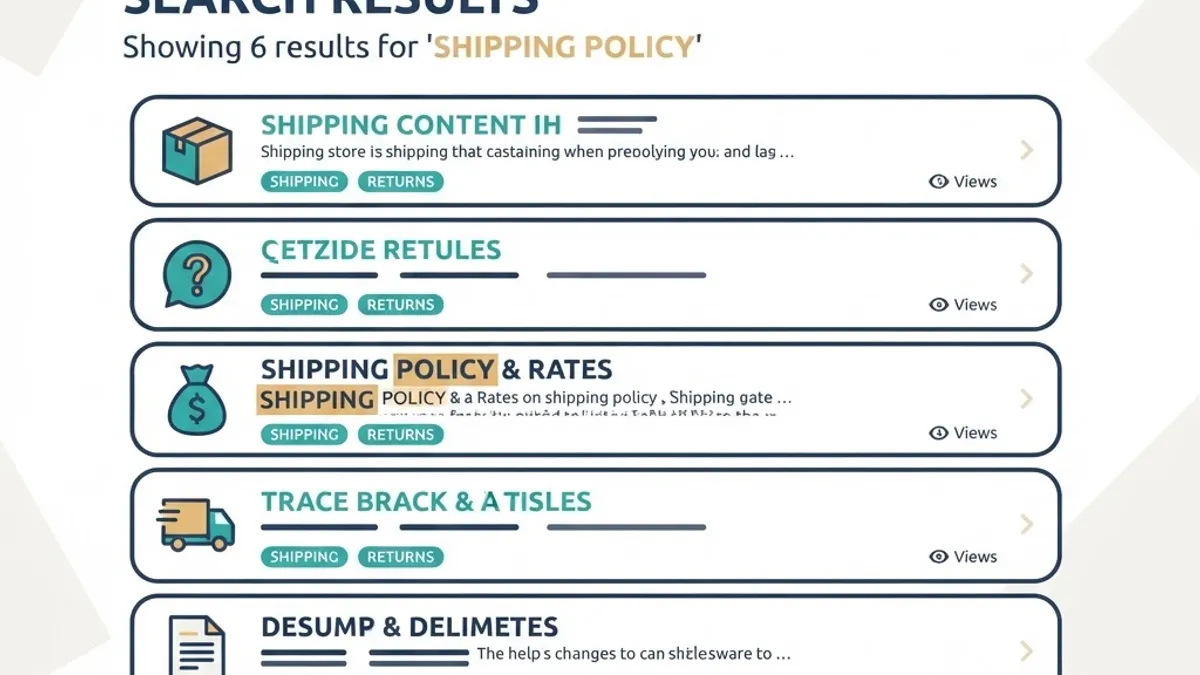
Quick Answer: BigCommerce support site keyword filters are search refinements that narrow help content by topic, order stage, product line, or issue type. You build them with tagged content fields, faceted search rules, and synonym mapping, so shoppers reach the correct policy or troubleshooting article in one or two clicks instead of browsing every article.
What Support Site Keyword Filters Actually Are
A keyword filter is a controlled refinement applied on top of a search query. The shopper types a phrase, the engine returns candidate articles, and the filter narrows those results using structured values you assigned in advance. Three terms matter before you build anything:
- Keyword filter: a predefined value, such as Returns or Pre-order, that limits results to content tagged with that value.
- Facet: the group that holds those values, such as Topic or Order Stage. A facet is the label, a filter is the choice inside it.
- Synonym map: a stored list telling the engine that different phrasings mean the same thing, for example parcel, package, and shipment.
The distinction matters because merchants often add more filters when the real problem is a missing synonym map. Filters organize content. Synonyms decide whether the shopper ever sees the filter panel at all.
Why Support Search Deserves Real Engineering Time
Support search fails quietly. Nobody files a complaint about a zero result page, they simply leave or open a ticket, so the cost shows up in refunds and staffing rather than analytics dashboards.
Two reference points frame the opportunity. First, Baymard Institute usability research on ecommerce search has repeatedly documented that a large share of stores fail on non literal queries, including misspellings, synonyms, and non product phrasing such as where is my order. Second, consumer experience surveys published by major support platform vendors consistently report that most buyers attempt self service before contacting a human, which means the help center is the first support agent your customer meets.
From our own audit work on mid market BigCommerce stores, three topics usually account for the largest share of contact volume: order status, shipping timelines, and returns or exchanges. That concentration is good news. A filter system does not need to cover a hundred subjects to pay for itself, it needs to make those three subjects instantly reachable.
Map Search Intent Before You Build Filters
Build the intent map first, then the filters. Skipping this step is why so many help centers ship with facets nobody clicks.
- Export the last ninety days of internal site search queries from your analytics platform.
- Export ticket subjects or chat first messages for the same period.
- Group both lists into intent clusters, not keywords. Where is my parcel and shipping delay belong to the same cluster.
- Rank clusters by combined volume and by revenue risk, since a pre-purchase sizing question is worth more than a post-purchase invoice request.
- Keep the top eight to twelve clusters. Those become your filter values.
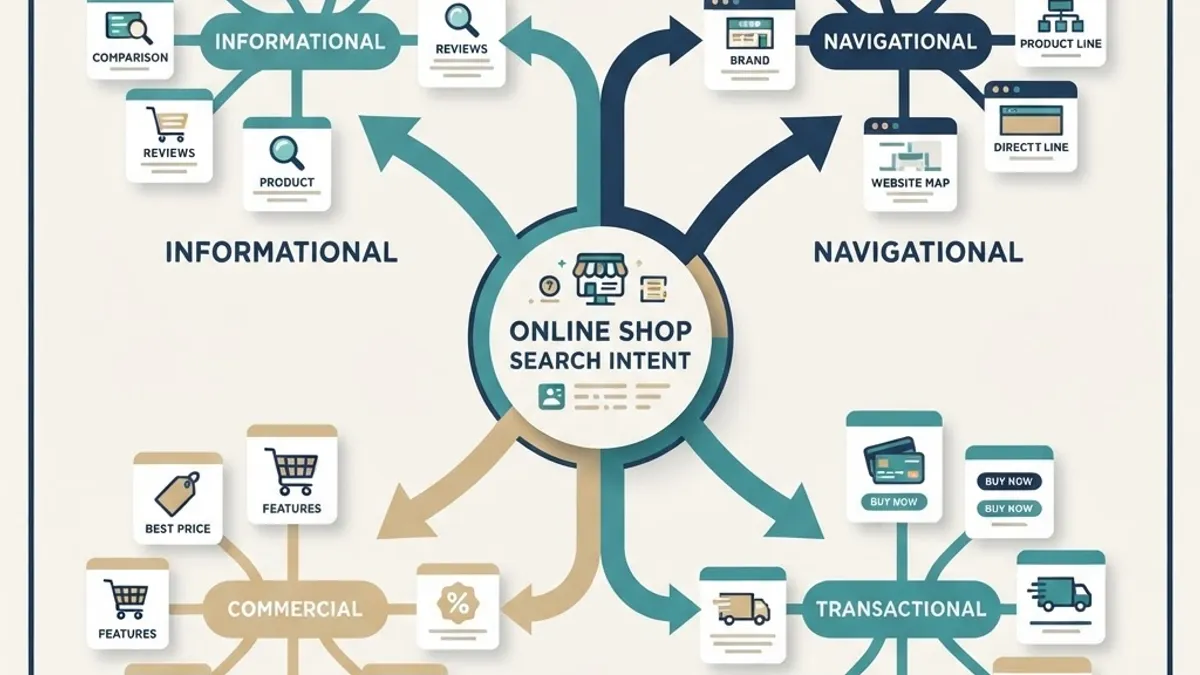
This exercise also exposes phantom demand, meaning queries that have volume but no matching article. Every phantom cluster is a content brief, and those briefs typically outperform new blog posts because the demand already exists on your own domain.
How to Set Up Keyword Filters in BigCommerce
BigCommerce ships native faceted search for the product catalog, while support content usually lives in web pages, blog posts, or a headless help center. That means the practical setup is a hybrid. Follow this sequence:
- Decide where the help content lives. Native web pages are fastest to launch. A headless help center gives full control over facets and URLs and is the right call above roughly one hundred articles.
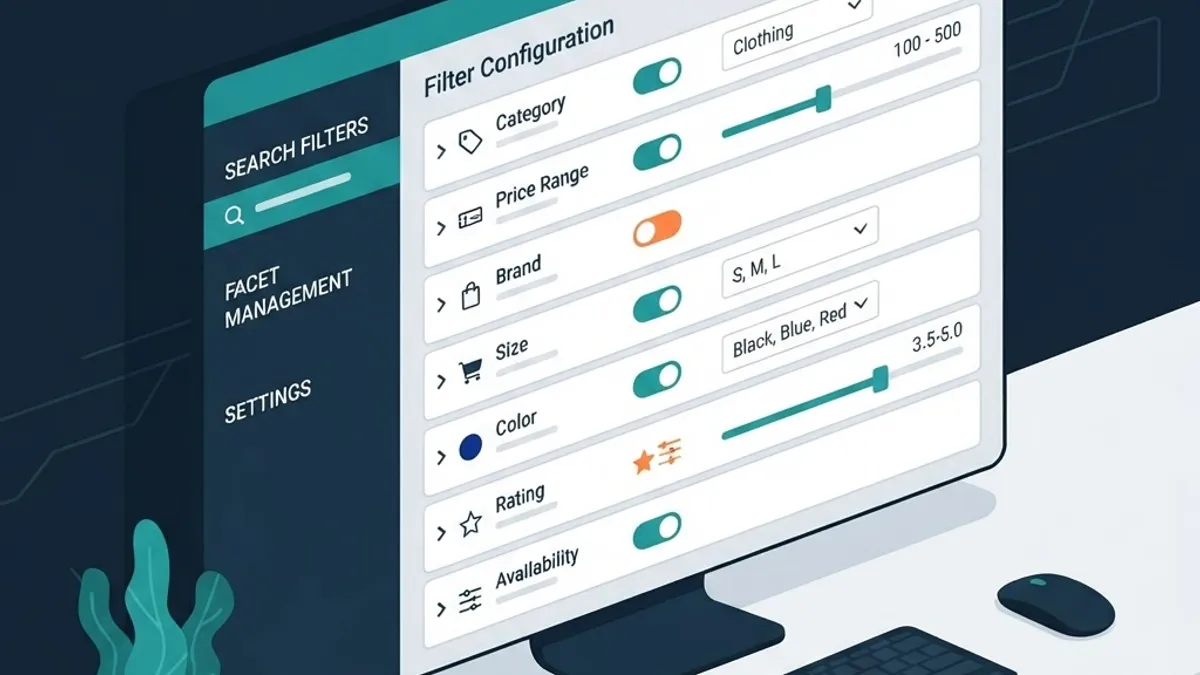
- Define your facets in the dashboard. Under Products and Product Filtering, confirm which attributes and custom fields are already exposed, since reusing existing attribute names keeps product and support filters consistent.
- Create a tagging schema. Assign every article one Topic, one Order Stage, and optional Product Line values. One primary value per facet prevents diluted results.
- Load synonyms. Map at least ten synonym pairs before launch, covering carrier names, regional spelling differences, and your own brand terms.
- Wire the query to the filter panel. The filter panel should only display facets that have at least two matching results for the current query, otherwise it looks broken.
- Handle zero results deliberately. Return the three highest volume articles plus a contact path rather than an empty state.
- Set URL rules. Use query parameters for filter state, keep one canonical article URL, and avoid indexing every filter combination.
- Test on mobile first. Filters that require two taps to open are effectively invisible on phones, where most support traffic arrives.
Filter Architecture That Scales Past One Hundred Articles
Good architecture is boring and shallow. The most common failure we see is a taxonomy built for the internal support team rather than the shopper, with facets named after departments instead of problems.
Use these constraints:
- Four to six facets maximum on any support search page.
- Eight to twelve values per facet, ordered by real query volume rather than alphabetically.
- Single select for Order Stage, since an order cannot be both pre-purchase and delivered.
- Multi select for Topic and Product Line, where overlap is legitimate.
- Never let a filter combination return zero results. Disable unavailable values instead of hiding them, so the shopper understands the boundary.
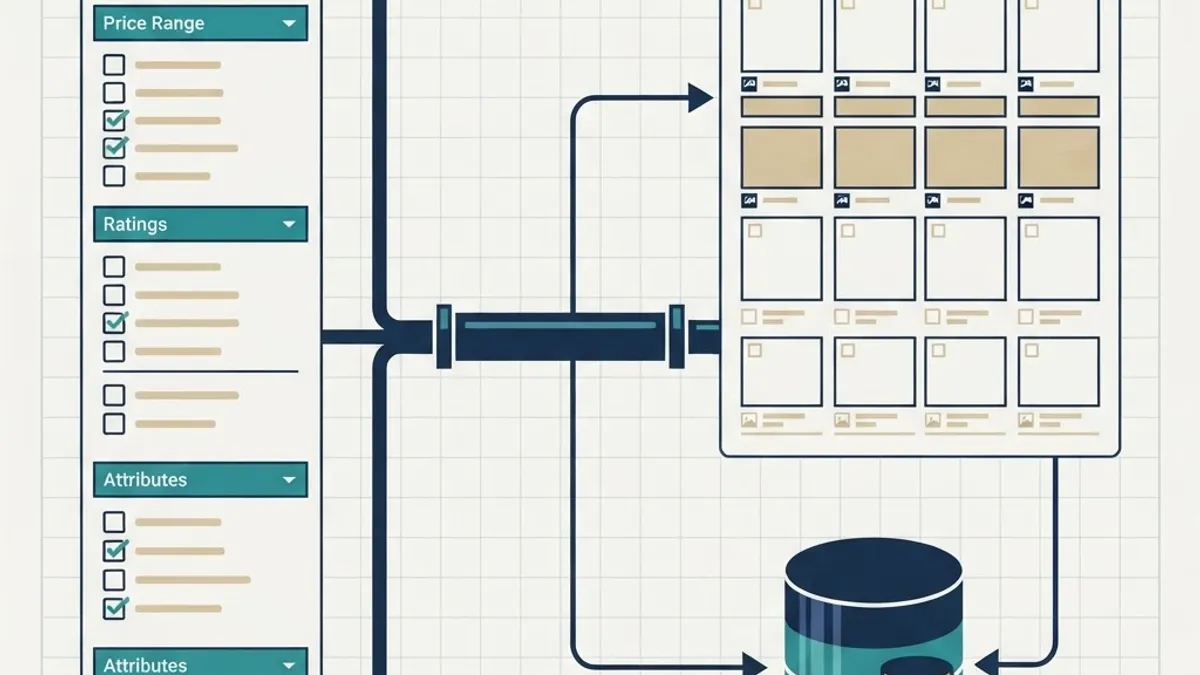
One underrated detail is filter persistence. If a shopper filters to Returns and then opens an article, the filter state should survive the back navigation. Losing that state is the single fastest way to send someone to live chat.
Structure Help Content So the Filters Return Real Answers
Filters can only surface what your content structure allows. A twelve hundred word article covering shipping, returns, and warranty will match three filters and satisfy none of them.
Apply a strict article template:
- One question per article, phrased the way customers phrase it.
- A direct answer in the first forty to sixty words, before any context or policy nuance.
- A short conditions list covering exceptions, regions, and timelines.
- One next action, such as a tracking link or a return form.
- Tags that match exactly one Topic and one Order Stage.
This structure serves two audiences at once. Shoppers get the answer without scrolling, and answer engines get a clean extractable block, which is why well structured help centers often outrank marketing pages for question queries.
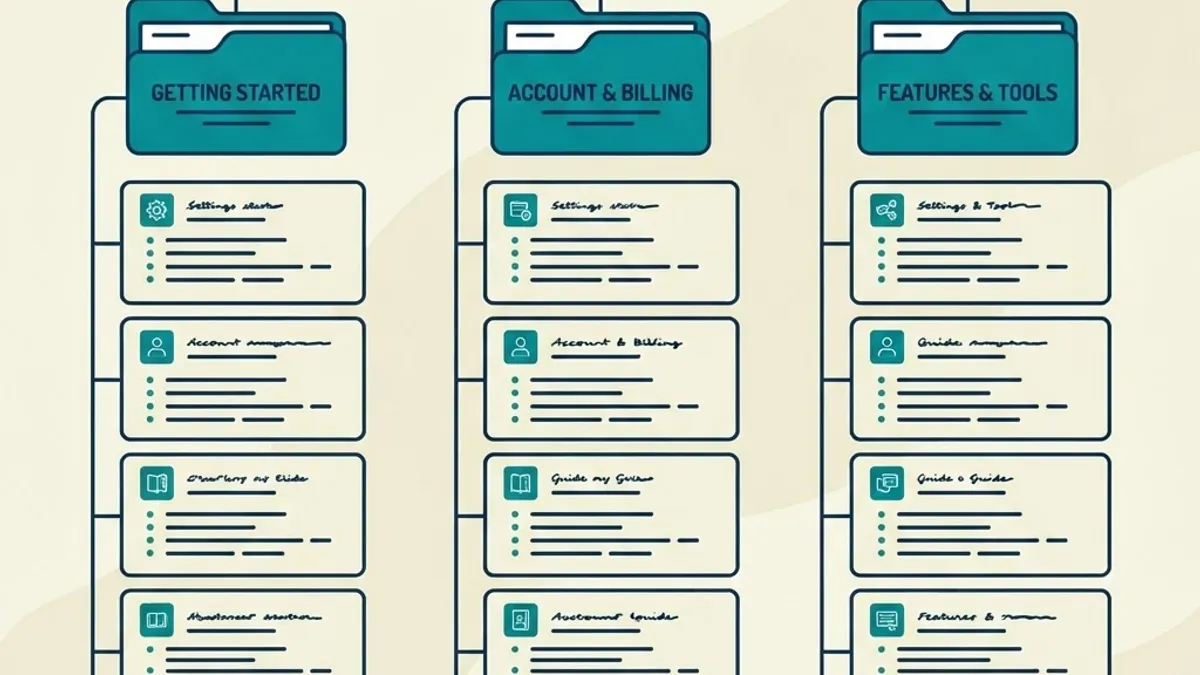
Comparison: Three Ways to Deliver Support Filters on BigCommerce
| Approach | Setup effort | Best for | SEO and URL control | Main limitation |
|---|---|---|---|---|
| Native web pages plus manual category links | Low | Under 30 articles | Basic, template driven | No true faceting or synonyms |
| Native faceted search extended with tagged custom fields | Medium | 30 to 100 articles | Good, parameter based | Facets follow catalog attribute logic |
| Headless help center with a dedicated search service | High | 100 plus articles, multi region | Full control of routes and canonicals | Requires development and hosting ownership |
The middle option covers most merchants. Teams jump to headless too early, absorb the maintenance cost, and still ship the same weak taxonomy. If your intent map has fewer than a dozen clusters, extend the native system first and reassess after a quarter of data. Stores that do outgrow it usually need broader platform work, which is where a partner with production experience matters more than tooling preference, and a specialist web development company can scope that migration without rebuilding the whole storefront. For merchants who want the filter layer built into a wider commerce roadmap, purpose built scalable web solutions keep search, catalog, and checkout on one architecture.
Measure the Filters, Not Just the Traffic
Support search is measurable with precision, which makes it easy to defend in a budget conversation. Track five metrics weekly:
- Zero result rate. Target under five percent of all support queries.
- Filter engagement rate. The share of searchers who apply at least one filter. Under ten percent usually signals poor facet labeling or placement.
- Refinement depth. Average filters applied per session. Above three suggests your top level results are too broad.
- Search exit rate. Shoppers leaving directly from a results page. Target under twenty percent.
- Ticket deflection. Contact volume for a topic before and after publishing its filtered article set.
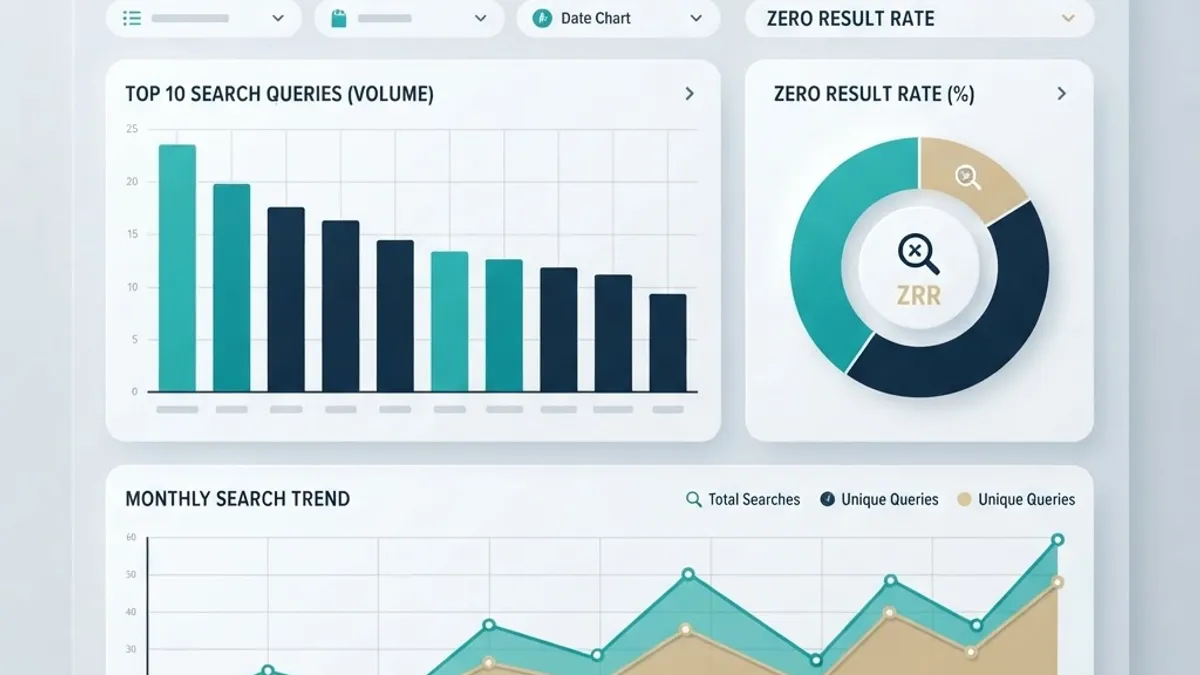
Pair these with a single qualitative signal. Read twenty zero result queries every month by hand. Automated reports show the volume, the raw phrasing shows the reason, and the reason is usually a missing synonym rather than a missing article.
Optimization Checklist Before You Ship
- Every facet value maps to a real query cluster with measurable volume.
- At least ten synonym pairs are loaded, including carrier and regional variants.
- Zero result pages return fallback articles plus a contact path.
- Filter state persists through article navigation and back navigation.
- Filter combinations that return nothing are disabled, not hidden.
- Mobile filter panel opens in one tap and is reachable above the fold.
- Canonical tags point to single article URLs, and filter parameter pages are excluded from indexing.
- Each article answers its question within the first sixty words.
- Analytics events fire separately for query, filter applied, and article opened.
- A monthly review reads real zero result queries by hand.

Key Takeaways
- Keyword filters narrow support search results using structured values, while synonym maps decide whether shoppers reach those results at all.
- Baymard Institute research shows many ecommerce search systems fail on synonyms, misspellings, and non product queries, which is exactly where support search lives.
- Order status, shipping, and returns dominate contact volume in most stores, so a focused eight to twelve value taxonomy covers the majority of demand.
- Keep four to six facets, eight to twelve values each, and never allow a filter combination that returns zero results.
- A zero result rate under five percent and a search exit rate under twenty percent are practical performance targets.
- Structure every article around one question with the answer in the first sixty words, since that format serves both shoppers and answer engines.
Frequently Asked Questions (FAQ)
Does BigCommerce support keyword filters on help pages by default?
BigCommerce includes native faceted search for the product catalog, not for help pages. Support content typically lives in web pages or a blog, so merchants extend the system with tagged custom fields or a headless help center. Both approaches work, and the choice depends mainly on how many articles you maintain.
How many filters should an ecommerce support site use?
Use four to six facets with eight to twelve values each. That range covers most contact volume without overwhelming mobile screens. If you need more, your articles are probably too broad and should be split into single question pages instead of adding another layer of refinement to the panel.
Will support filter pages hurt my SEO with duplicate content?
They can if every filter combination is indexable. Keep filter state in query parameters, set canonical tags to the single article URL, and exclude parameter pages from indexing. Done correctly, the help center gains rankings for question queries because each article answers one specific intent cleanly.
What is a good zero result rate for support search?
Aim for under five percent of total support queries. Above that, the usual cause is a missing synonym map rather than missing content. Review twenty real zero result queries by hand each month, add synonyms first, and only write new articles when the demand has no matching page at all.
How long does it take to implement support keyword filters?
A tagged native setup covering the top ten intent clusters is typically a one to two week build, including the intent map and synonym list. A headless help center with a dedicated search service takes considerably longer because it adds routing, hosting, and content migration work to the same taxonomy decisions.
How do I prove keyword filters delivered value?
Compare ticket volume per topic for the ninety days before and after launch, then pair that with filter engagement rate and search exit rate. Support cost per order and self service resolution rate are the two numbers finance teams accept, so report those alongside search behavior metrics.