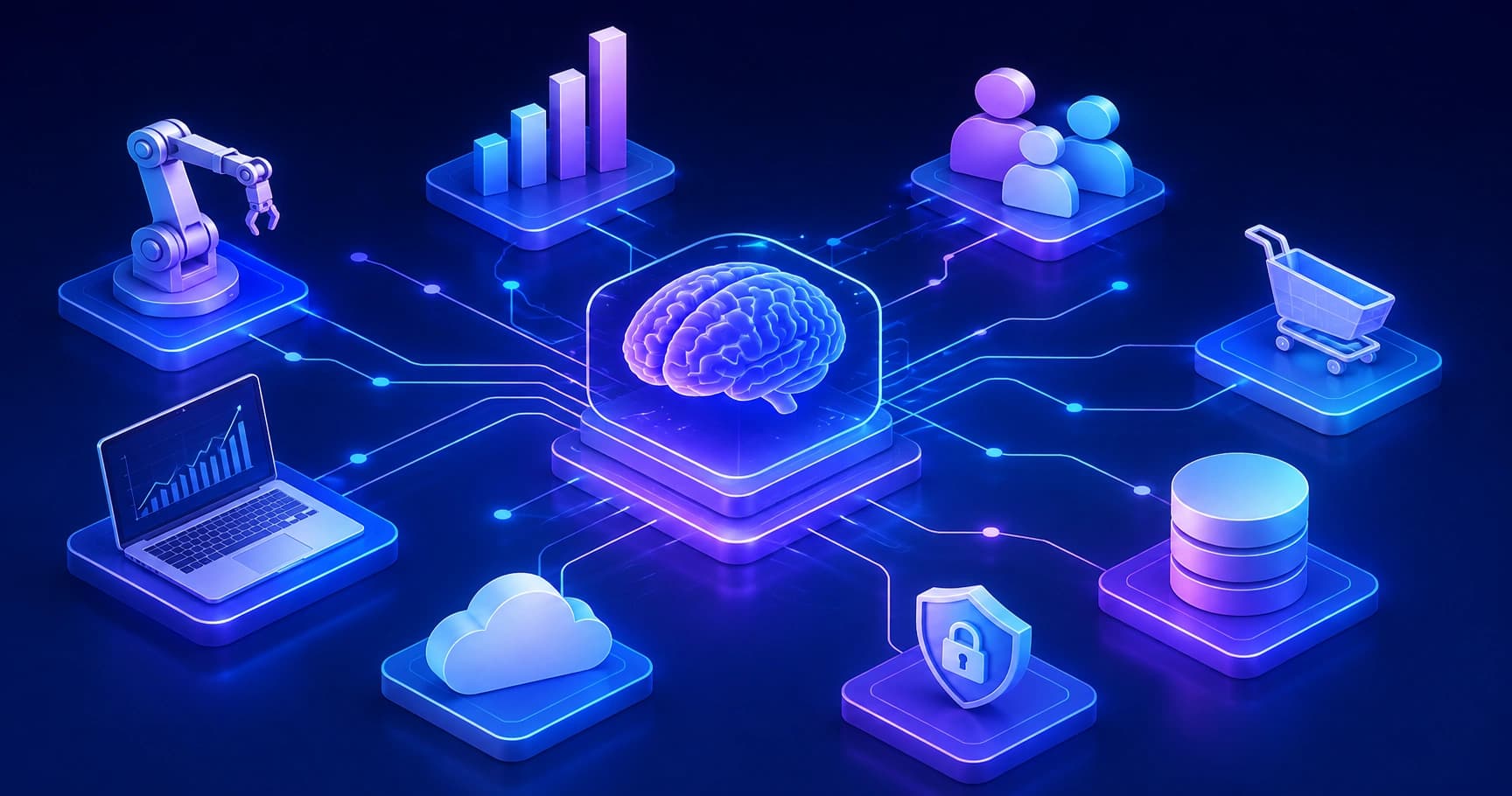
AI integration means embedding AI models directly into your existing business systems and workflows. This guide explains how it works, what it costs, and how to implement it in 2026.
What Is AI Integration and Why Every Business Needs It in 2026
AI integration is the difference between owning a tool and running a system. Most companies bought AI subscriptions between 2023 and 2025, then discovered that a chatbot sitting in a browser tab does not reduce headcount cost, shorten a sales cycle, or close month-end faster. Integration is the engineering work that connects a model to your actual data, your actual software, and your actual approval chains, so the output lands inside a workflow instead of a clipboard.
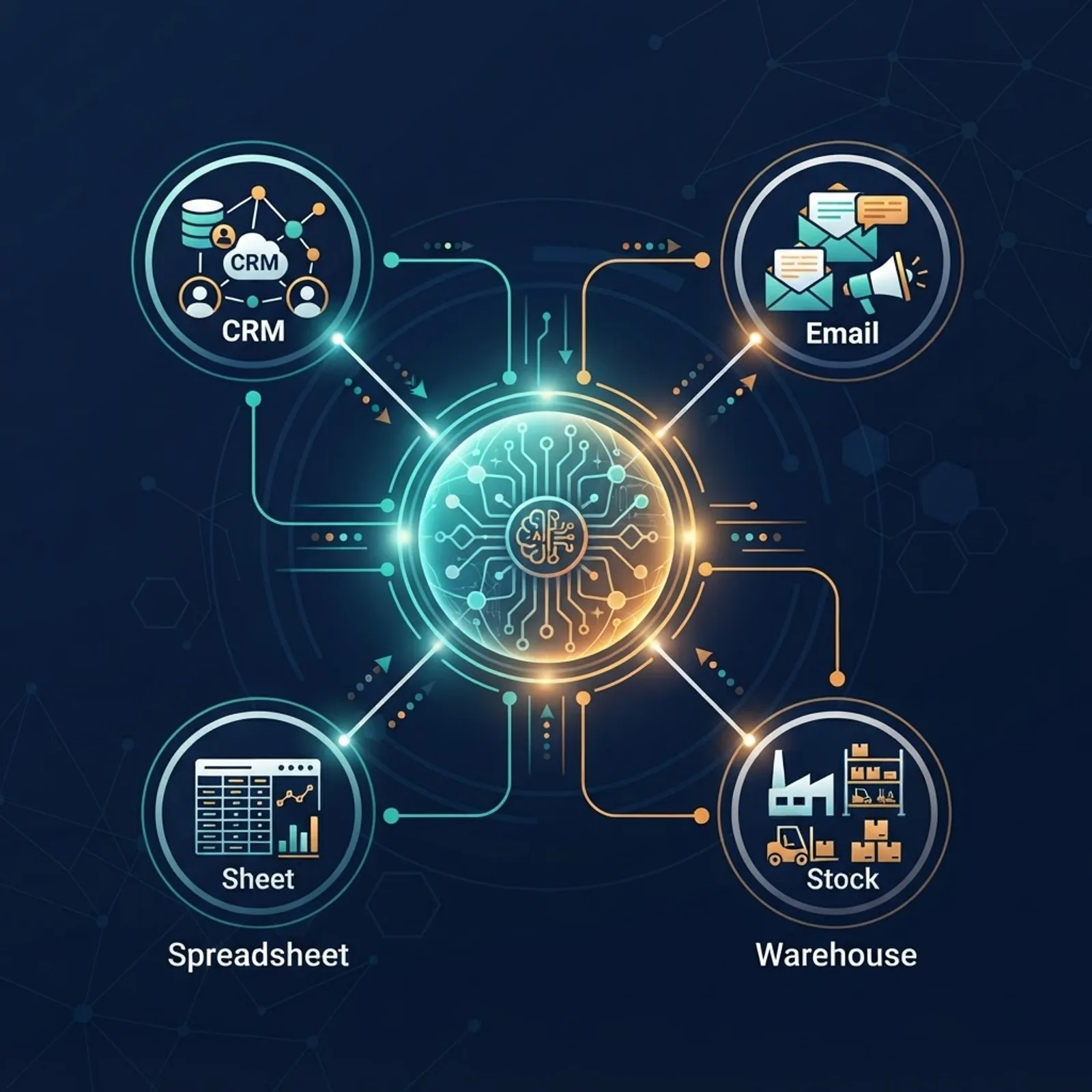
Quick Answer: AI integration is the process of embedding AI models directly into a company's existing software, data sources, and workflows so they act automatically inside business processes. Businesses need it in 2026 because standalone AI tools create manual copy-paste work, while integrated AI reduces cycle time, cuts operational cost, and produces auditable, measurable results.
What AI Integration Actually Means
AI integration is the connection layer between a model and the systems where work happens. A model on its own is a function: text or data goes in, a prediction comes out. Integration gives that function three things it does not have by default: access to your proprietary data, permission to act inside your tools, and a place to log what it did.
Use these definitions consistently, because vendors blur them:
- AI adoption means people in your company use an AI product. Usage is the metric.
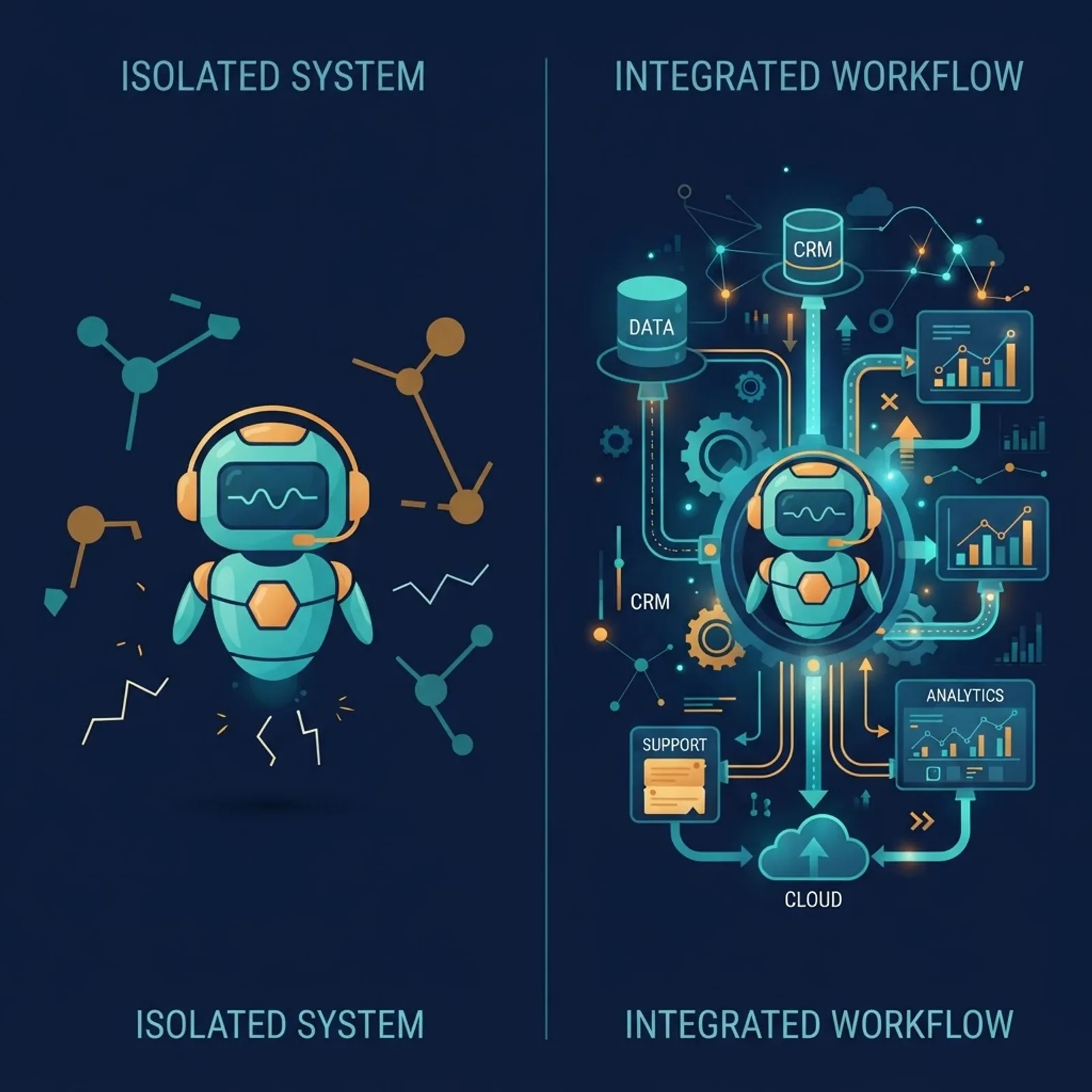
- AI integration means AI runs inside a process without a human moving data between screens. Cycle time is the metric.
- AI automation means an integrated AI system triggers and completes a defined task end to end, with escalation rules for exceptions.
A support team pasting tickets into a chat window has adopted AI. A support team whose helpdesk automatically drafts a reply using the customer's order history, past tickets, and refund policy, then routes anything above a confidence threshold to a human, has integrated AI. The second team measures resolution time. The first measures nothing.
Why 2026 Is the Year the Gap Becomes Expensive
Three conditions converged that did not exist during the first AI wave.
Inference cost collapsed. Between 2022 and 2025, the cost per million tokens for capable general-purpose models fell by more than 95 percent across major providers, and Stanford's AI Index reported inference cost for GPT-3.5-level performance dropping over 280-fold in roughly eighteen months. The economics that made integration hard to justify in 2023 no longer hold. A workflow that cost dollars per run now costs fractions of a cent.
The measurement window closed. McKinsey's global AI surveys have consistently found that while the large majority of organizations report using AI in at least one function, only a small minority attribute material earnings impact to it. That gap is almost entirely an integration gap, not a model-quality gap. Boards that accepted "we are experimenting" in 2024 now ask which process got faster and by how much.
Tooling standardized. Function calling, structured output schemas, retrieval pipelines, and vector storage are now stable, documented primitives rather than research patterns. The work is ordinary software engineering, which means it can be scoped, estimated, and tested like any other project.
The Four Layers of a Real Integration
Every durable AI integration has the same four layers. Skipping one is the most common reason pilots die before production.
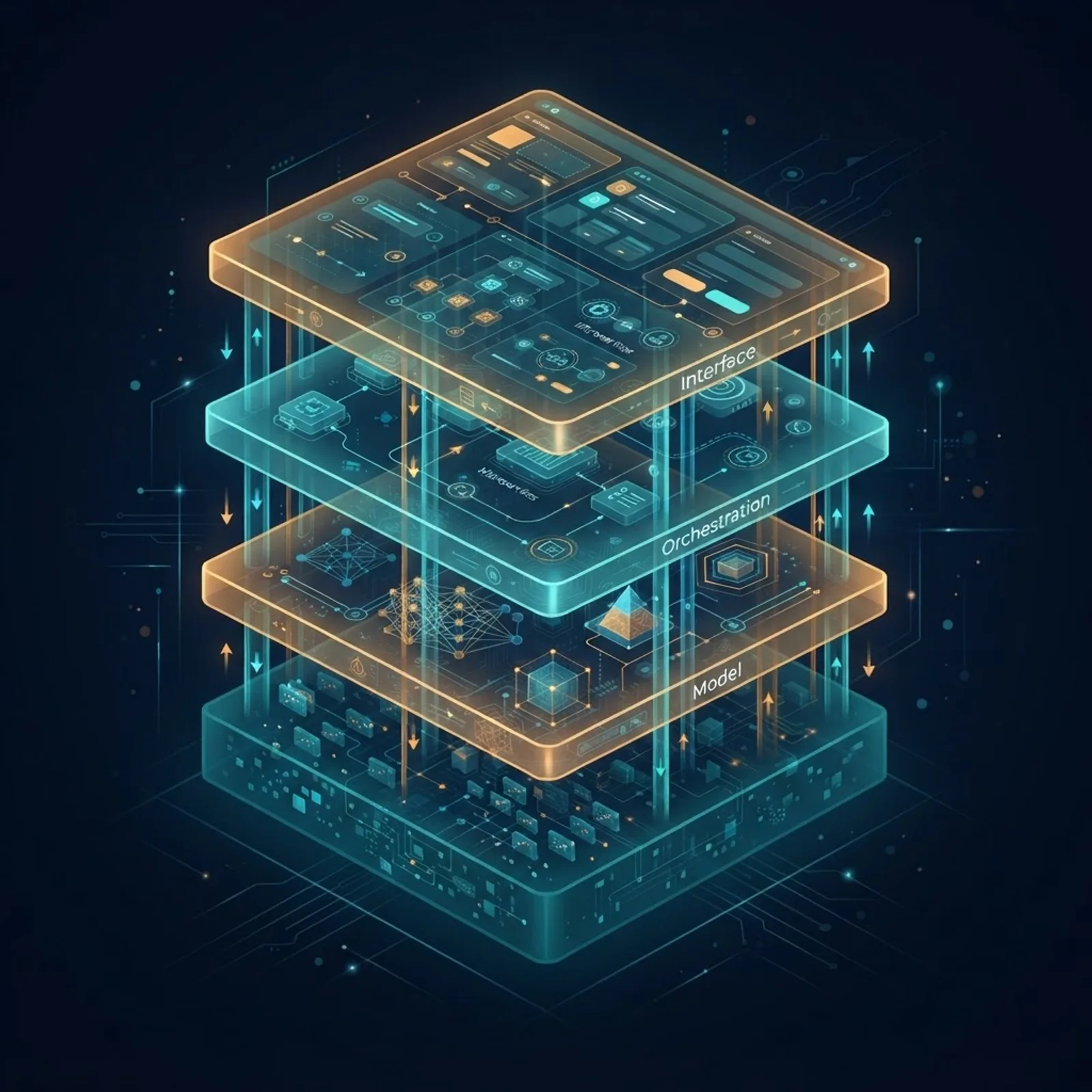
1. The Data Layer
This is where projects fail. The model needs your specific facts: current pricing, shipping policy, product specs, contract terms, historical tickets. That means identifying authoritative sources, cleaning them, chunking documents sensibly, and building a retrieval path so the model reads the right ten paragraphs instead of guessing. If two systems disagree about a customer's plan tier, decide which one wins before you write any prompt.
2. The Model Layer
Choose per task, not per company. Classification and extraction run reliably on small, fast, cheap models. Multi-step reasoning, code generation, and long-document synthesis need a frontier model. Running everything through your most expensive option is the single most common cost mistake in production AI, and routing by task type typically cuts spend by half or more with no quality loss on the simple paths.
3. The Orchestration Layer
This is the business logic: what triggers the AI, what tools it may call, what happens on low confidence, what requires human approval, how failures retry, and what gets logged. Orchestration is where compliance lives. An AI action that cannot be traced back to an input, a version, and a timestamp is an audit liability.
4. The Interface Layer
The output must appear where the employee or customer already works: inside the CRM record, the helpdesk reply box, the invoice queue, the Slack channel. Every new dashboard you ask staff to open reduces adoption. Teams building this well tend to lean on an experienced partner rather than a first-time in-house attempt, which is why an AI-augmented development team usually ships an integration faster than a general IT department learning the stack mid-project.
Standalone AI Tools vs Integrated AI Systems
| Factor | Standalone AI Tool | Integrated AI System |
|---|---|---|
| Data access | Only what a user pastes in | Live company data via retrieval and APIs |
| Human effort per task | Copy in, copy out, verify | Review exceptions only |
| Consistency | Varies by prompt and person | Same logic every run |
| Auditability | None by default | Full input, output, and version logs |
| Measurable ROI | Hard to attribute | Tied to cycle time and cost per task |
| Setup effort | Minutes | Weeks of engineering |
| Scales with volume | No, scales with headcount | Yes, scales with compute |
The honest read of this table: standalone tools are correct for individual knowledge work with low volume and high variety. Integration wins the moment a task is repetitive, high volume, and tied to a system of record.
Where Integration Pays Off First, by Function
Prioritize by volume multiplied by rule clarity. High-volume tasks with clear rules pay back in weeks. Low-volume judgment calls rarely justify the build.
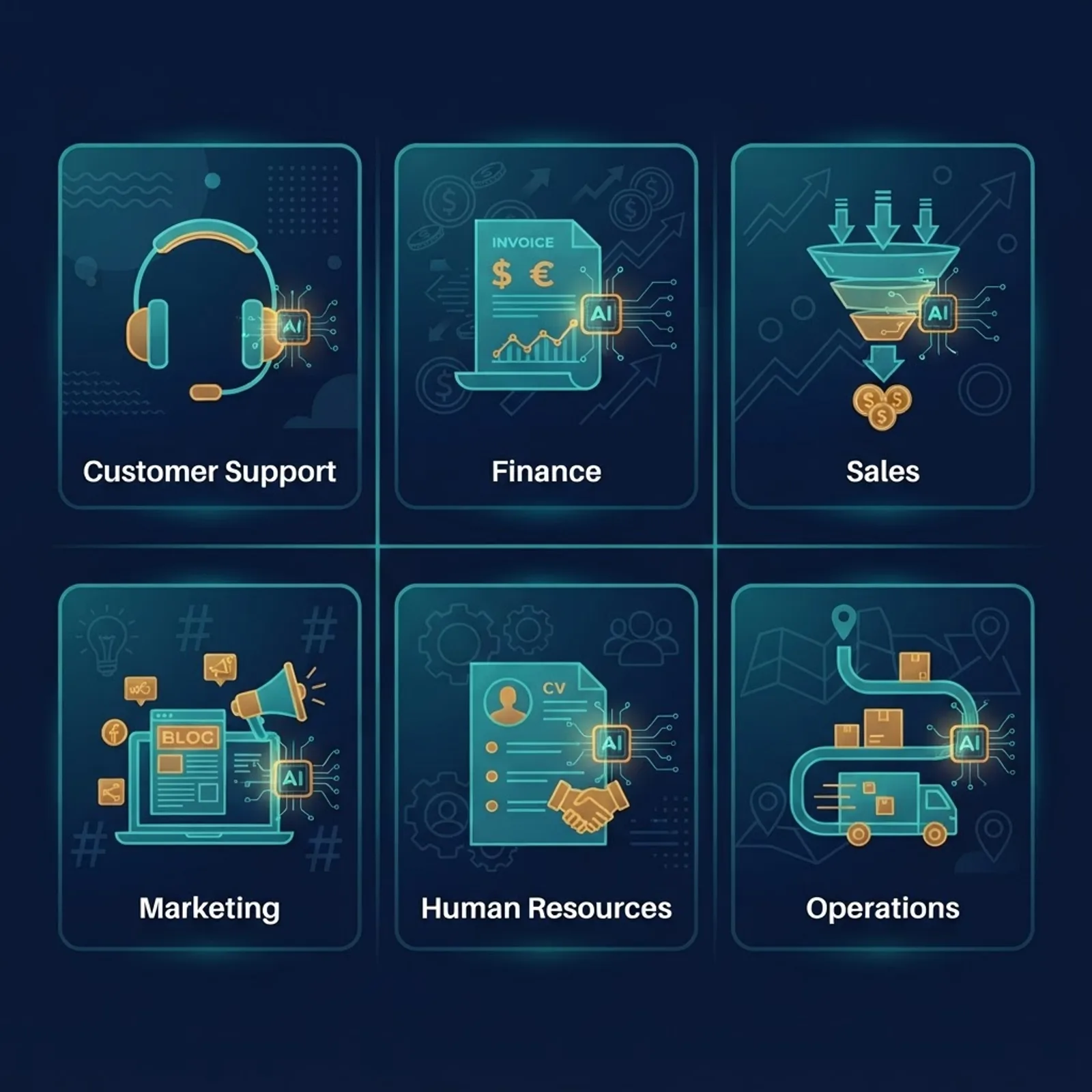
- Customer support. Ticket classification, response drafting grounded in policy documents, and automatic tagging. Typical result is a meaningful drop in first-response time because drafting, not thinking, was the bottleneck.
- Finance and accounts payable. Invoice field extraction, purchase-order matching, and exception flagging. Structured extraction from documents is one of the highest-accuracy, lowest-risk AI tasks available.
- Sales operations. Call transcript summaries written straight into the CRM, lead scoring on real product-usage signals, and automatic follow-up drafting. The value is CRM data that is finally complete.
- Marketing and content. Brief generation from performance data, bulk metadata and product description creation, and internal-guideline-aware editing rather than generic output.
- Human resources. Resume screening against explicit written criteria with a mandatory human decision step, plus policy question answering from the actual employee handbook.
- Operations and logistics. Demand forecasting, anomaly detection in shipment data, and supplier communication triage.
One pattern repeats across all six: AI does the preparation, humans make the decision. Integrations designed that way survive. Integrations that try to remove the human entirely get switched off after the first bad outcome.
How to Implement AI Integration Without Wasting a Quarter

- Audit processes, not tools. List your ten highest-volume repetitive tasks and record how long each takes and how often it happens. This document is your ROI baseline. Without it you cannot prove improvement later.
- Pick one process with a number attached. "Reduce invoice processing from eleven minutes to three" is a project. "Add AI to finance" is a budget line with no exit criteria.
- Fix the data source first. Consolidate the authoritative version of the documents or records the AI will read. Expect this to consume roughly forty percent of the timeline, and plan for it honestly.
- Build the narrowest possible version. One workflow, one data source, one output location, with a human approving every action in week one.
- Instrument before launch. Log every input, output, model version, latency, cost, and human override. Override rate is your single best quality signal.
- Loosen the leash gradually. Move from human-approves-all to human-approves-exceptions only after override rates stay low over a few hundred real runs.
- Then replicate the pattern. The second integration costs far less than the first because the data, logging, and permission scaffolding already exist. Specialist providers of AI automation services build this scaffolding once and reuse it across departments, which is where compounding returns come from.
Measuring Whether It Worked
Track four numbers and ignore the rest.
- Cycle time per task, measured before and after, on the same task definition.
- Cost per completed task, including inference spend, so unit economics stay visible.
- Human override rate, which measures trustworthiness far better than any benchmark.
- Coverage, the share of eligible cases the system actually handles end to end.
If cycle time drops but override rate climbs, you have moved work rather than removed it. That distinction is invisible in vendor case studies and obvious in your own logs.
The Risks Nobody Puts in the Sales Deck

Permission leakage. If your AI assistant reads every document in shared storage, it will eventually surface salary data or an unsigned contract to someone who should not see it. Enforce the requesting user's existing permissions at retrieval time, not at the prompt.
Silent quality drift. Providers update models. A prompt tuned for one version can degrade on the next. Pin versions where possible and keep a fixed evaluation set of real historical cases you re-run before any upgrade.
Confident wrong answers. Grounding output in retrieved source documents and requiring citations reduces fabrication substantially, but never to zero. Any output touching money, law, health, or safety needs a human signature.
Automating a broken process. AI applied to a bad workflow produces bad results faster. Fix the process design first, then automate it.
Key Takeaways
- AI integration embeds models into existing systems and workflows; AI adoption merely means employees use AI products.
- Inference costs for capable models fell by well over 90 percent between 2022 and 2025, removing the main historical objection to building integrations.
- Surveys consistently show most organizations use AI somewhere while only a minority report material earnings impact, and that gap is an integration gap.
- Every working integration has four layers: data, model, orchestration, and interface. The data layer consumes the largest share of effort.
- Route simple tasks to small models and complex reasoning to frontier models to cut inference spend without losing quality.
- Human override rate is the most reliable production quality metric available to a business.
- The highest-return first projects are high-volume, rule-clear tasks: support triage, invoice extraction, and CRM enrichment.
Frequently Asked Questions (FAQ)
What is AI integration in simple terms?
AI integration means connecting an AI model directly to the software and data your business already uses, so it works inside your processes automatically. Instead of an employee copying information into a chatbot, the AI reads your systems, produces output where work happens, and logs every action.
How is AI integration different from just using ChatGPT at work?
Using a chat tool is manual and person-dependent, with no access to your live company data and no record of what happened. Integration connects the model to your databases and apps, applies the same logic every time, enforces permissions, and produces auditable logs you can measure and improve.
How long does AI integration take for a small business?
A single focused workflow typically takes four to eight weeks, and roughly forty percent of that goes to preparing and consolidating data rather than to model work. Subsequent integrations move much faster because the data pipelines, logging, and permission controls already exist from the first build.
Do I need my own AI model to integrate AI into my business?
No. The overwhelming majority of business integrations use existing commercial or open models through an API, and the competitive advantage comes from your proprietary data and workflow design. Training a custom model is only worth considering for highly specialized domains with large, clean, labeled datasets.
What is the biggest reason AI integration projects fail?
Poor data readiness, followed closely by vague success criteria. If source documents are scattered, contradictory, or outdated, the model produces unreliable output regardless of quality. Projects also stall when nobody defined a measurable target, so no one can tell whether the deployed system actually improved anything.
Is AI integration worth it if my team is only five people?
Often yes, because small teams have the least slack for repetitive work. Focus on a single high-frequency task such as invoice extraction or support triage, keep a human approving output, and measure hours recovered per week. Skip integration entirely for low-volume, high-judgment tasks.