Custom desktop app development explained: frameworks, costs, offline-first design, security, and a step-by-step process to ship fast, secure native software.
Custom Desktop App Development
Most teams open a browser tab by default, then discover six months later that their workflow needs direct file system access, sub-50ms interaction latency, or the ability to keep operating when the warehouse Wi-Fi drops out. That is the moment custom desktop app development stops looking like legacy thinking and starts looking like the correct engineering decision. Having shipped internal tools for logistics, clinical, and manufacturing teams, we have seen the same pattern repeatedly: the heavier the data and the stricter the uptime requirement, the stronger the case for a native installed application. This guide covers when a desktop build is justified, which frameworks hold up in production, realistic budgets, and the architecture decisions that determine whether your app survives its third year.
Quick Answer: Custom desktop app development is the process of building tailored software that installs and runs natively on Windows, macOS, or Linux. It suits workflows needing offline reliability, heavy local processing, hardware or file system access, and strict data control. Typical projects run 12 to 30 weeks and cost 25,000 to 150,000 USD.
What Is Custom Desktop App Development?
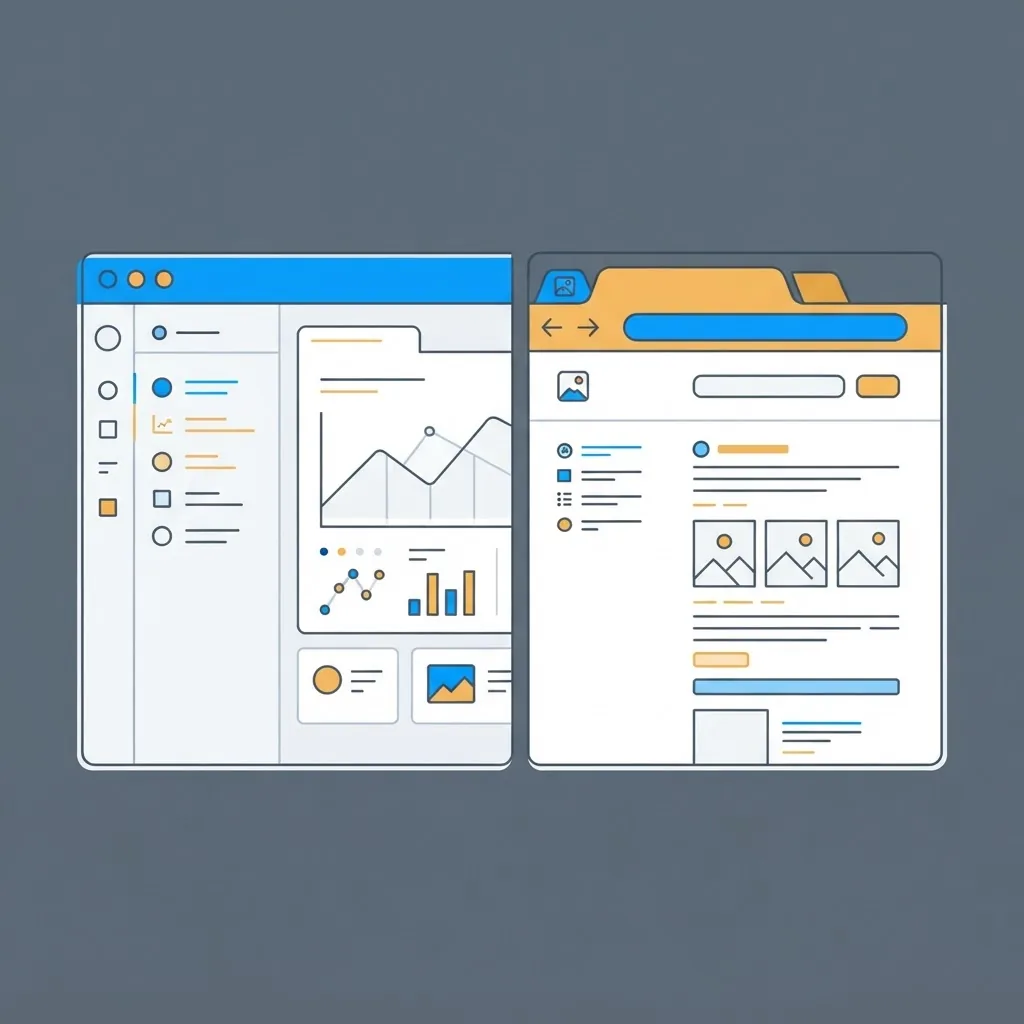
Custom desktop app development means designing and engineering an application that is installed on an operating system rather than accessed through a browser, and built for one organisation's specific workflow instead of a generic market. The application owns its own process, memory, window, and file access, and it can talk directly to local hardware, USB peripherals, printers, cameras, GPUs, and databases stored on the machine.
The word custom is the important half. Off-the-shelf desktop software forces your team to bend around someone else's assumptions. A custom build inverts that: the data model, keyboard shortcuts, permissions, and reporting all mirror how your people actually work, which is why adoption rates are usually far higher than with licensed alternatives.
Why Businesses Still Choose Desktop Apps
Desktop software never went away, it simply stopped being the loudest category. According to StatCounter, Windows still accounts for roughly 71 percent of global desktop and laptop operating system usage, with macOS near 16 percent, which means a Windows-first build still reaches the majority of business users on day one. The Stack Overflow Developer Survey has also consistently shown Windows as the most common primary development environment, so the tooling and hiring pool remain deep.
Four reasons drive most of the desktop projects we take on:
- Offline reliability. Field engineers, clinics, ships, factories, and rural sites cannot depend on connectivity. An installed app with a local database keeps working and syncs later.
- Performance on large local data. Video editing, CAD, 3D, log analysis, and multi-gigabyte spreadsheets run far faster against local disk and native memory than through a browser sandbox.
- Hardware and OS integration. Barcode scanners, label printers, signature pads, serial devices, and secure card readers are dramatically simpler to control from a native process.
- Data residency and control. When regulation or client contracts require that data never leave a device or a private network, desktop deployment is the cleanest technical answer.
Desktop App vs Web App vs Hybrid
The honest comparison matters more than advocacy. Pick the row that describes your constraint, not the column you already prefer.
| Factor | Custom Desktop App | Web App | Hybrid (Desktop Shell + Web Core) |
|---|---|---|---|
| Works fully offline | Yes | No | Partial |
| Local hardware access | Yes | Limited | Yes |
| Instant updates for all users | No | Yes | Yes |
| Heavy local file processing | Yes | Weak | Yes |
| Install and distribution effort | High | None | Medium |
| Per-platform testing cost | High | Low | Medium |
| Best for | Field, industrial, regulated, power-user tools | Collaboration, dashboards, SaaS | Teams needing one codebase plus offline mode |
If more than two of the desktop rows are non-negotiable for your workflow, build native. If only one is, a progressive web app with local caching is usually the cheaper correct answer, and teams at ZoneTechify will say so before quoting a desktop project.
Choosing the Right Framework
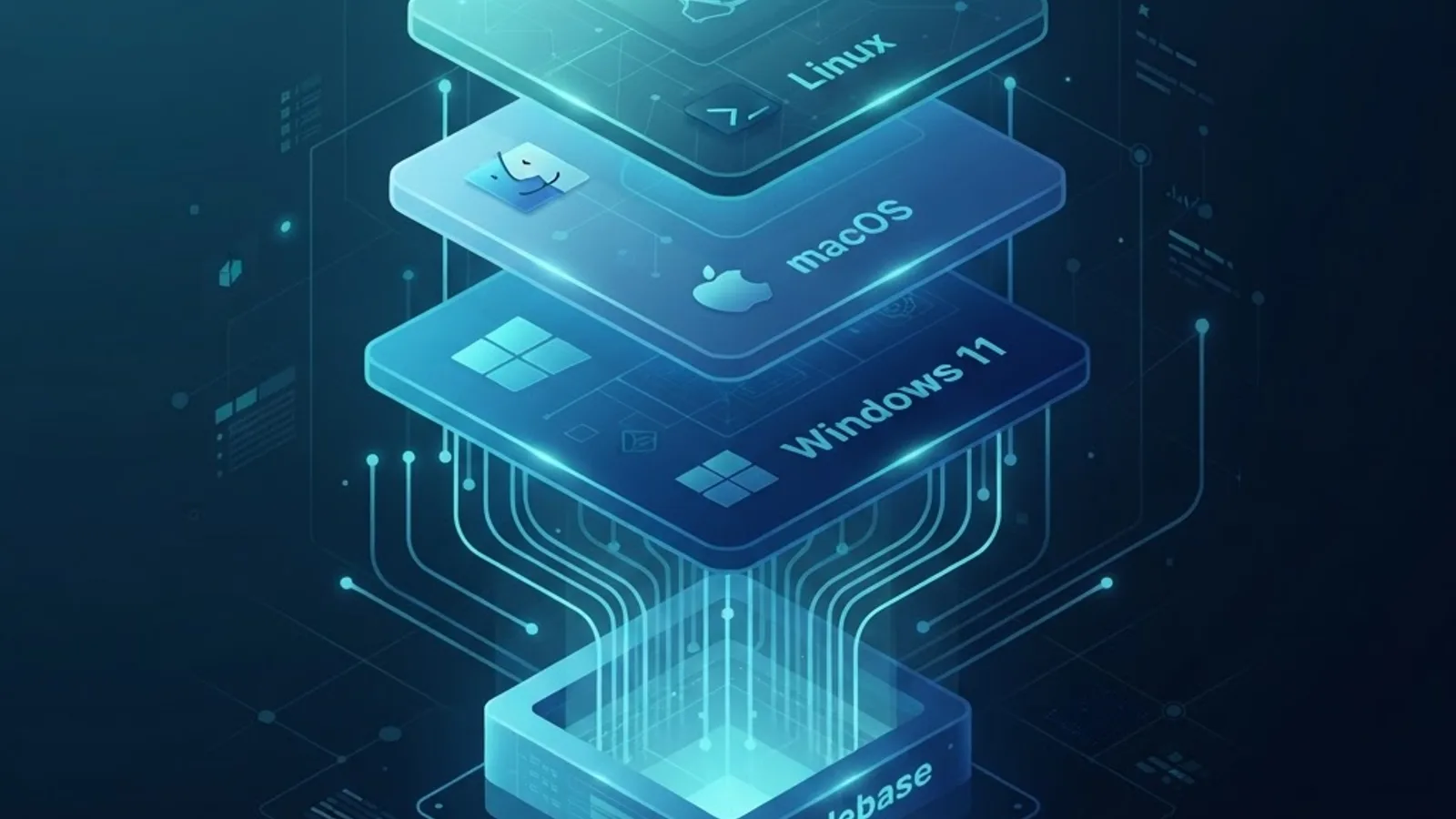
Framework choice sets your performance ceiling and your maintenance bill for years, so decide it against real constraints: install size, memory budget, team skills, and how deep you need to go into OS APIs.
| Framework | Language | Typical Installer Size | Strongest Fit |
|---|---|---|---|
| Electron | JavaScript, TypeScript | 60 to 120 MB | Web teams shipping cross-platform fast |
| Tauri | Rust plus web frontend | 3 to 15 MB | Lean, security-sensitive cross-platform apps |
| .NET with WPF or WinUI | C# | 10 to 60 MB | Windows-first enterprise and line-of-business tools |
| Qt | C++, Python | 20 to 80 MB | Industrial, embedded, and instrumentation software |
| Swift with SwiftUI | Swift | 5 to 40 MB | macOS-only apps needing full platform polish |
| Flutter Desktop | Dart | 20 to 60 MB | Shared design language across mobile and desktop |
Tauri ships far smaller binaries than Electron because it uses the operating system's own webview instead of bundling a full Chromium runtime, which also reduces the update surface you must patch. Electron still wins when you need one predictable rendering engine across every machine, which matters for pixel-exact reporting and printing. For Windows-heavy enterprises with existing C# services, .NET remains the lowest-friction path because authentication, Active Directory, and reporting libraries are already solved.
The Development Process, Step by Step
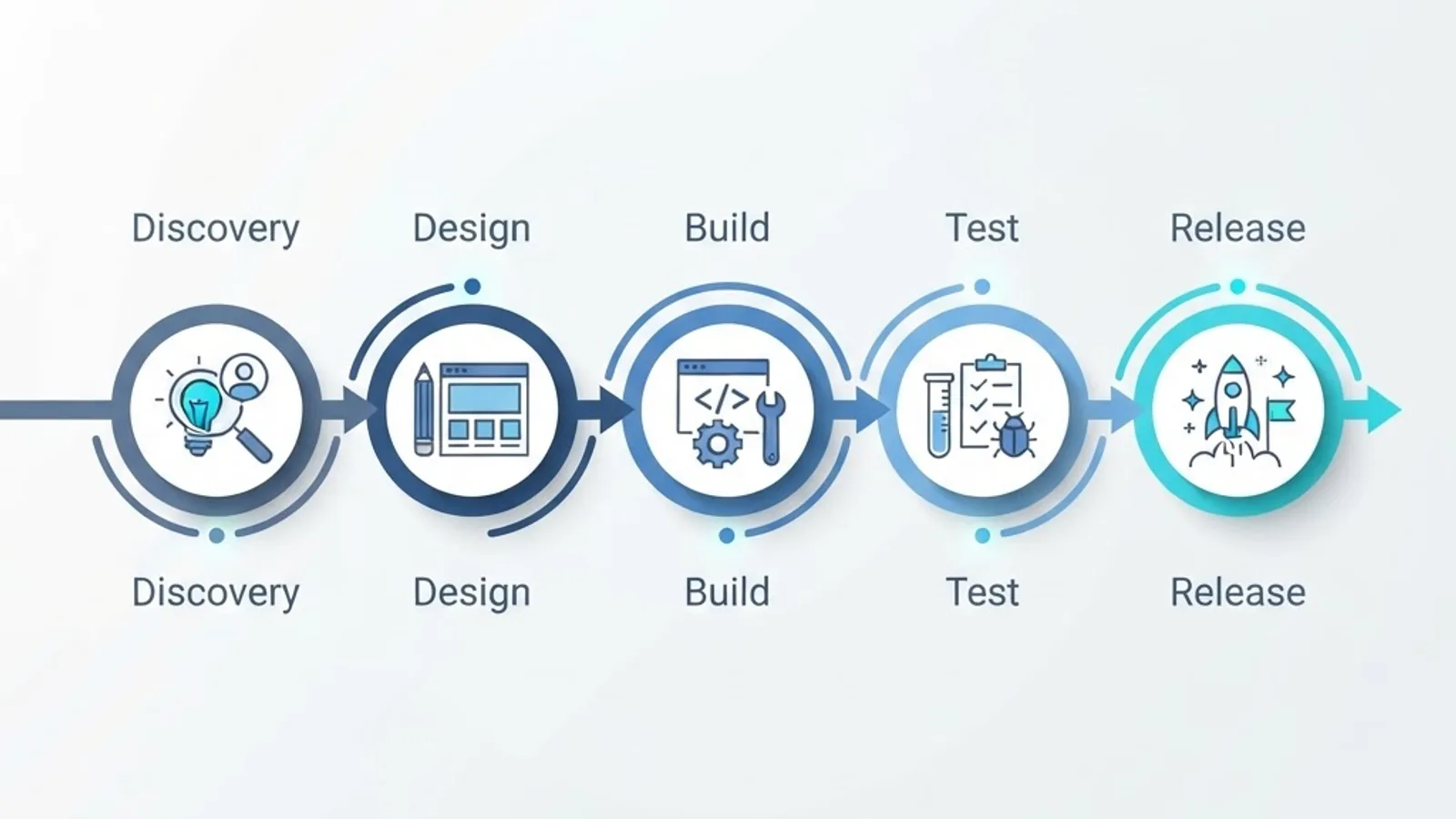
A disciplined process is what separates a desktop app that gets used from one that gets uninstalled. This is the sequence we run on client engagements.
- Workflow discovery, 1 to 2 weeks. Sit with the actual users and time their current task. Record every keystroke, spreadsheet, and workaround. The measured baseline becomes your success metric, for example reducing an eleven-minute inspection report to under three minutes.
- Technical constraint mapping, 3 to 5 days. Document target OS versions, minimum RAM, peripherals, network reliability, and compliance rules before writing code. Choosing a framework before this step is the most expensive mistake in desktop work.
- Architecture and data model, 1 to 2 weeks. Decide local storage engine, sync strategy, conflict resolution, and update channel now, not later.
- Interface design for power users, 2 to 3 weeks. Desktop users expect keyboard shortcuts, multi-window support, dense tables, right-click context menus, and drag and drop. Copying a mobile-style layout onto a 27-inch monitor wastes the screen and slows experts down.
- Iterative build in two-week increments. Ship a runnable installer to a small pilot group from the first increment so feedback arrives while changes are still cheap.
- Cross-platform and hardware testing. Test on the oldest machine in the estate, not the newest. Include printer, scanner, and locked-down-permissions scenarios.
- Signing, packaging, and rollout. Prepare code signing, silent enterprise install, and staged auto-updates before launch day.
What Custom Desktop App Development Costs
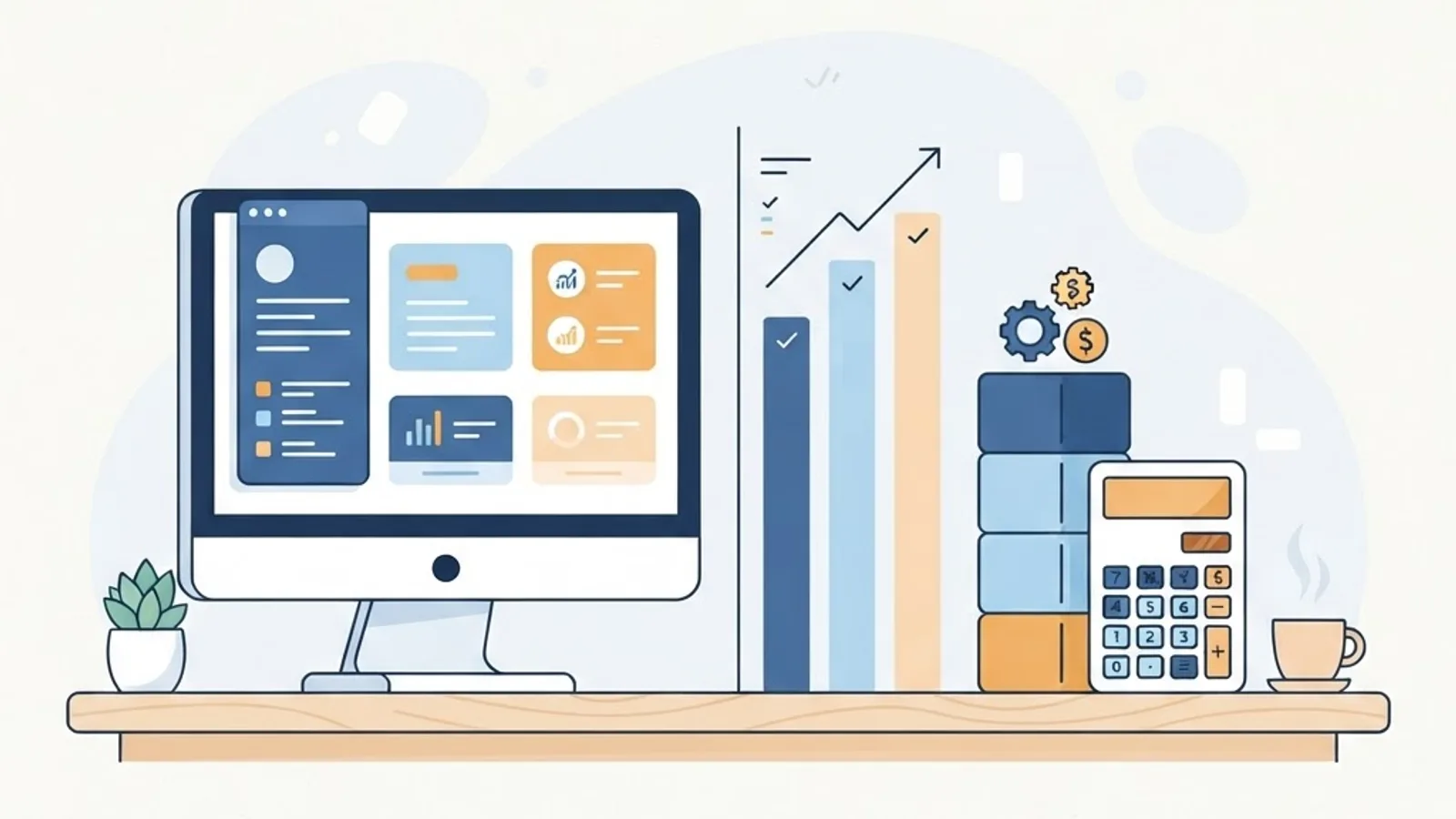
Budgets vary with platform count and hardware complexity, but useful ranges do exist. A single-platform internal tool with 5 to 8 core screens and one integration typically lands between 25,000 and 45,000 USD. A cross-platform application with offline sync, role-based permissions, and peripheral support generally runs 60,000 to 120,000 USD. Regulated or hardware-heavy systems with audit trails and certification requirements exceed 150,000 USD.
Three cost drivers matter more than feature count:
- Number of target platforms. Each additional operating system adds roughly 25 to 40 percent to testing and packaging effort, not to feature work.
- Offline sync complexity. Conflict resolution is genuinely hard engineering and is routinely underestimated by half.
- Ongoing maintenance. Budget 15 to 20 percent of the build cost annually for OS updates, certificate renewals, and dependency patching. Skipping this is why so many internal tools break after a major Windows or macOS release.
Offline-First Architecture and Data Sync
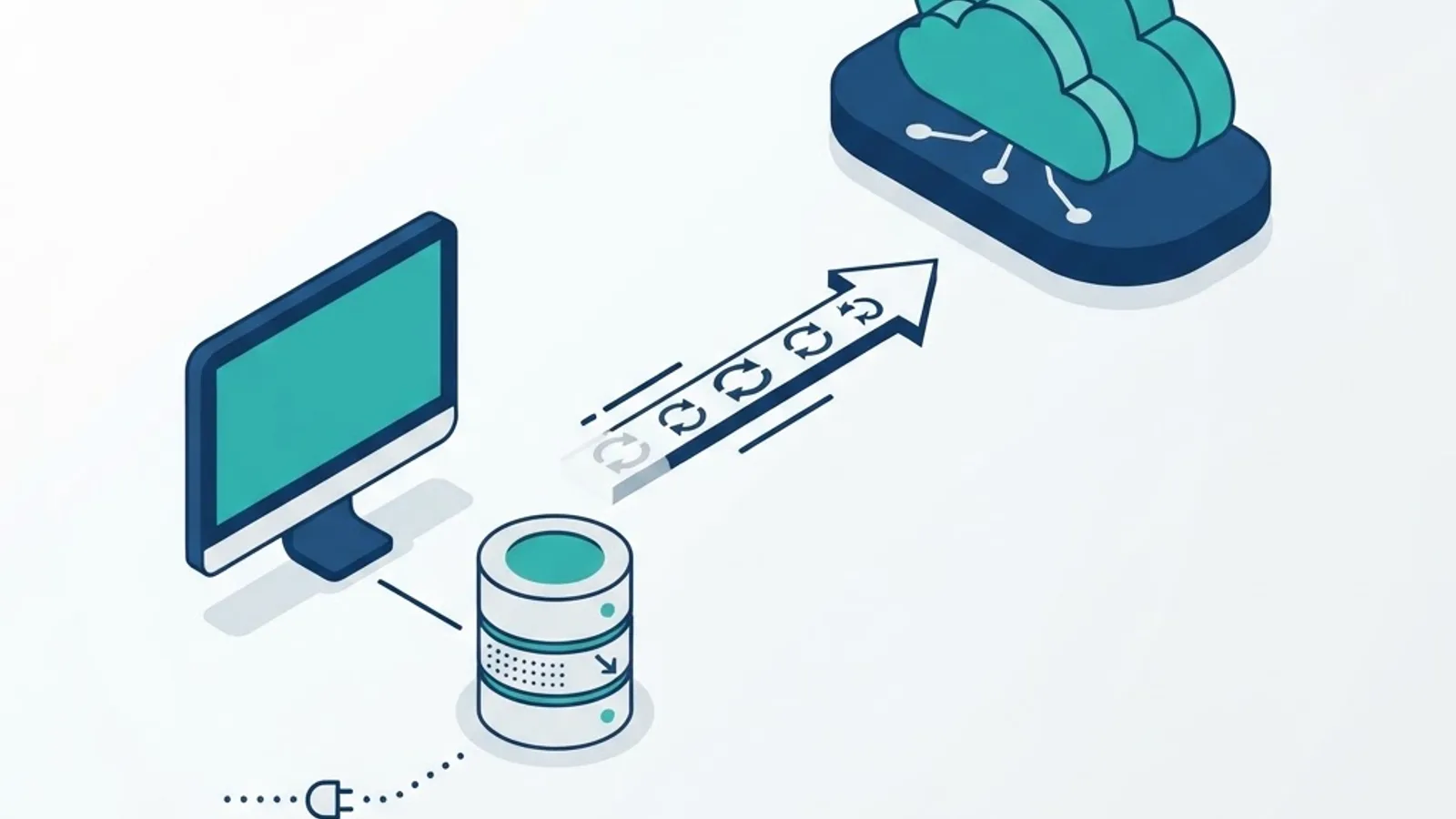
Offline-first means the local database is the source of truth for the user session, and the server is treated as an eventual destination rather than a live dependency. In practice that requires an embedded store such as SQLite, an outbound change queue, unique identifiers generated on the client so records never collide, and an explicit conflict policy.
Decide the conflict rule with the business, not the engineers. Last-write-wins is acceptable for status flags but dangerous for financial totals, where field-level merging or a manual review queue is safer. Also design the visible sync state: users trust an application far more when it clearly shows what is pending, what has synced, and when it last reached the server. Teams building this alongside a cloud backend often pair the desktop client with a hosted API layer, which is exactly the kind of scope covered by custom web application development work.
Security, Code Signing, and Distribution
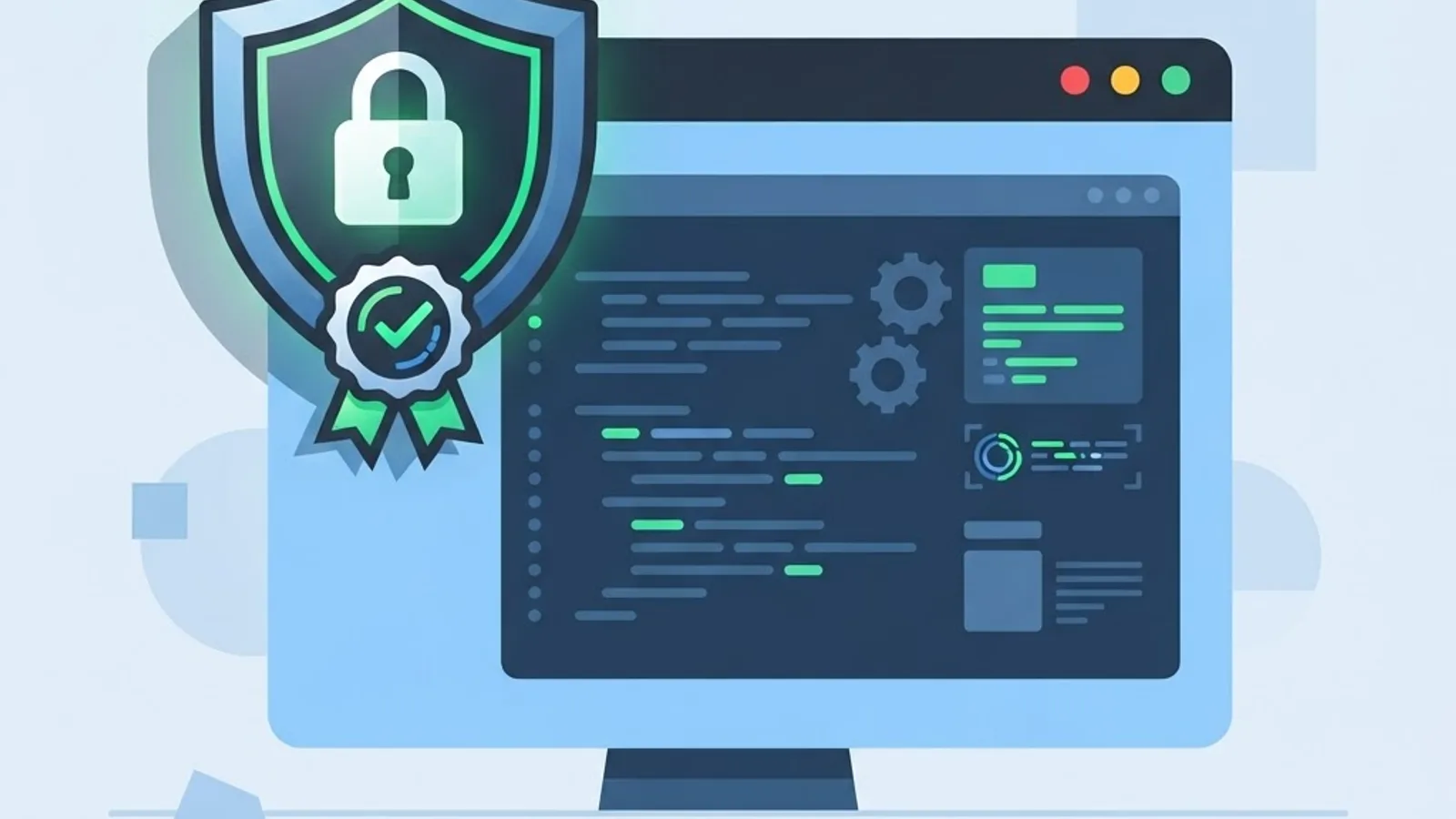
Installed software carries obligations a web app does not. Apple requires applications distributed outside the App Store to be notarised, and unsigned Windows executables trigger SmartScreen warnings that destroy user confidence during rollout. Get certificates in place early because issuance and organisational validation can take weeks.
The non-negotiable checklist:
- Sign and notarise every release build for each platform.
- Encrypt local databases at rest and store credentials in the OS keychain or credential manager, never in plain configuration files.
- Serve auto-updates over HTTPS with signature verification so an update channel cannot become an attack channel.
- Restrict the app to the minimum file system and network permissions it needs.
- Keep a documented rollback path so a bad release can be reversed within hours.
Mistakes That Sink Desktop Projects
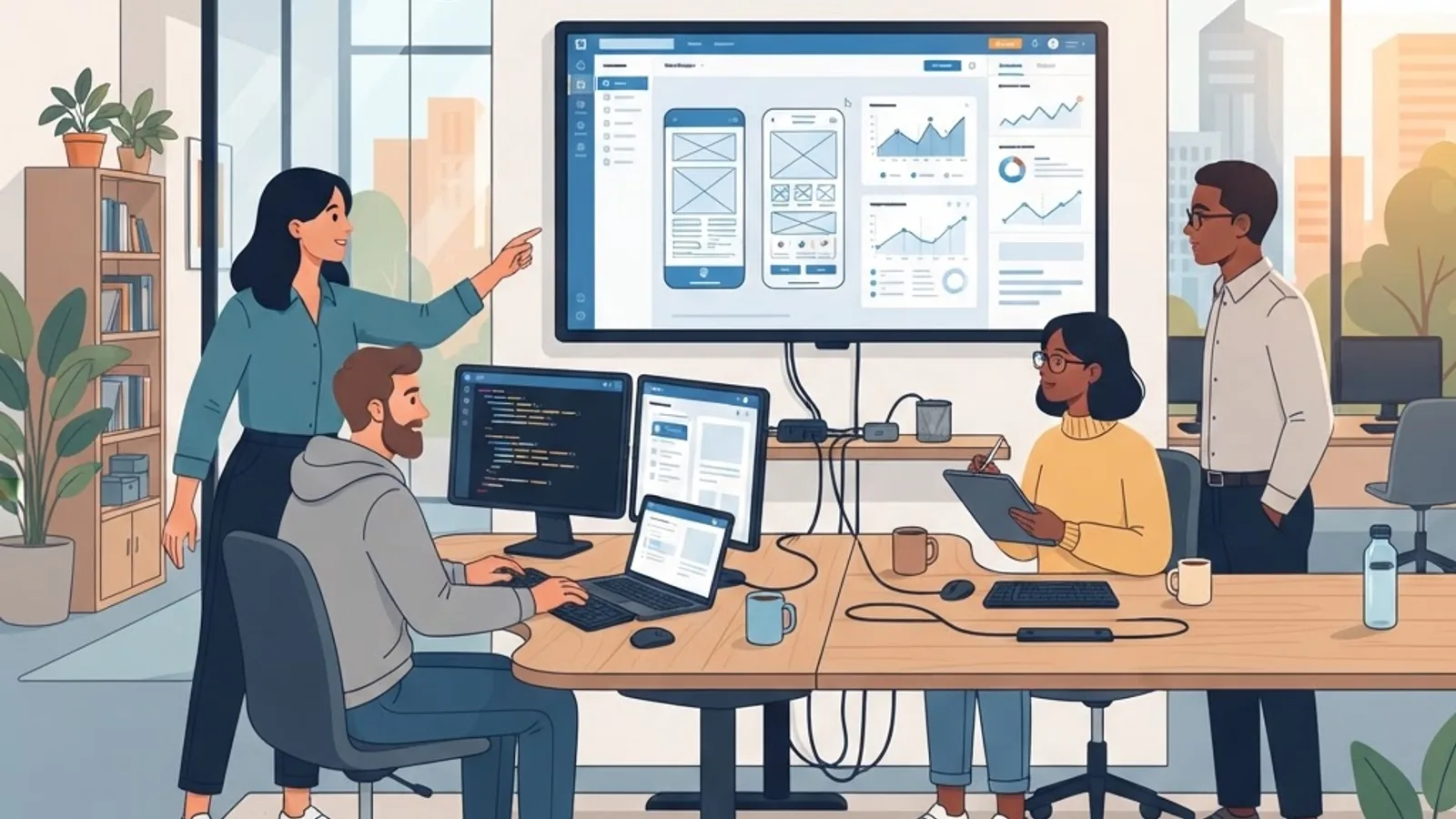
The recurring failures are rarely technical exotica. Teams port a mobile layout to a large monitor and ignore keyboard workflows. They defer the auto-update mechanism, then cannot patch a critical bug across 400 machines. They test only on modern developer hardware and ship an app that stalls on the eight-year-old machines in production. And they treat launch as the finish line rather than the start of a maintenance commitment. Auditing these risks before the build starts is standard practice for engineering teams like WebPeak, and it costs a fraction of fixing them post-release.
Key Takeaways
- Custom desktop apps are justified by offline reliability, local performance, hardware access, and data control, not by preference.
- StatCounter data puts Windows near 71 percent of desktop OS usage, making Windows-first a defensible launch strategy.
- Tauri produces installers in the 3 to 15 MB range versus 60 to 120 MB for Electron, because it reuses the system webview.
- Each extra target platform adds roughly 25 to 40 percent to testing and packaging effort.
- Reserve 15 to 20 percent of build cost per year for maintenance, certificates, and OS compatibility.
- Code signing and notarisation must be arranged before launch, not during it.
Frequently Asked Questions (FAQ)
How long does it take to build a custom desktop app?
Most custom desktop applications take 12 to 30 weeks from discovery to first production release. A single-platform internal tool can ship in 10 to 14 weeks, while cross-platform apps with offline sync, hardware integration, and compliance requirements commonly need 24 weeks or more, including packaging and pilot testing.
Is Electron or Tauri better for desktop apps?
Choose Tauri when install size, memory footprint, and security surface matter most, since it uses the system webview and ships much smaller binaries. Choose Electron when you need one identical rendering engine on every machine for consistent printing, reporting, and complex media, and your team already works in JavaScript.
Can a desktop app work completely offline?
Yes. An offline-first desktop app stores data in a local database such as SQLite, queues every change, and syncs when connectivity returns. The critical design decision is conflict resolution: agree upfront whether the latest edit wins, whether fields merge individually, or whether humans review clashes manually.
How much does custom desktop app development cost?
Expect 25,000 to 45,000 USD for a focused single-platform tool, 60,000 to 120,000 USD for cross-platform apps with offline sync and permissions, and above 150,000 USD for regulated or hardware-intensive systems. Platform count, sync complexity, and integrations affect the price far more than screen count.
Do I need a desktop app if I already have a web app?
Only if your users hit real limits: no connectivity, large local files, peripheral hardware, or strict data residency rules. If the gap is smaller, a progressive web app with local caching and installability usually solves it at a fraction of desktop build and maintenance cost.
How are desktop app updates delivered to users?
Through a signed auto-update channel served over HTTPS, where the app checks a release feed, verifies the signature, downloads in the background, and applies the update on restart. Enterprises often prefer staged rollouts plus silent MSI or PKG deployment through their device management system.
Final Thoughts
Custom desktop app development is not nostalgia, it is a targeted answer to constraints that browsers still handle poorly. Decide it on evidence: measure the current workflow, list the hard constraints, then choose the framework that fits those constraints rather than the one that is trending. Get signing, updates, and maintenance budgeted before the first sprint, and the application will still be earning its keep years after launch.