
A practical breakdown of real web based application examples, from Gmail and Google Docs to Figma and Shopify, with the architecture, types, and build decisions behind them.
Example of Web Based Application
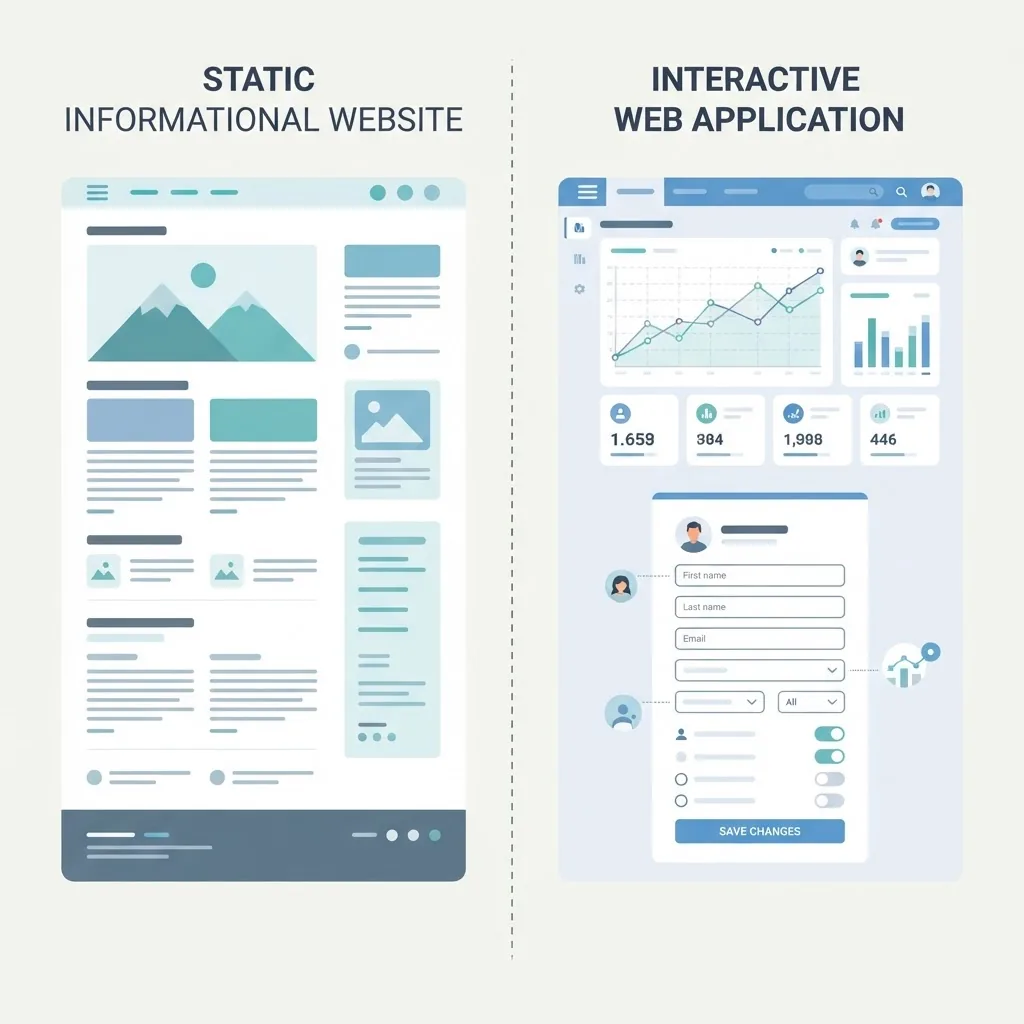
If you opened Gmail this morning, checked a bank balance in your browser, or edited a shared spreadsheet with a colleague, you already used a web based application. The term sounds technical, but the examples are things most people touch dozens of times a day. What separates a web based application from an ordinary website is not how it looks — it is what happens when you click. A website hands you information. A web based application takes your input, processes it on a server, stores the result in a database, and hands back something new.
This guide walks through concrete examples of web based applications, explains the categories they fall into, and shows the architecture underneath. It is written from the perspective of teams who build and maintain these systems, so the emphasis is on the decisions that actually matter when you plan one.
Quick Answer: A web based application is software that runs in a browser instead of being installed on a device. Common examples include Gmail, Google Docs, Canva, Trello, Shopify, Netflix, and online banking portals. Each accepts user input, processes it on a server, and stores data in a database.
What Counts as a Web Based Application?
A web based application is any program delivered over a network and executed inside a web browser, requiring no local installation. The defining test is interactivity plus persistence: the software must accept user input and store or change data as a result.
Under that definition, a restaurant's menu page is a website. The same restaurant's online ordering system — where you build a cart, pay, and receive an order number — is a web based application. The distinction is not cosmetic. It changes hosting requirements, security exposure, testing effort, and long-term maintenance cost.
The model is dominant for a reason: browsers are the one runtime that exists on essentially every device. StatCounter data consistently shows Chrome alone holding roughly 65 percent of global browser market share, which means a single well-built web application reaches the majority of users without any platform-specific work.
Ten Real Examples of Web Based Applications
Here are widely used applications, each illustrating a different technical pattern:
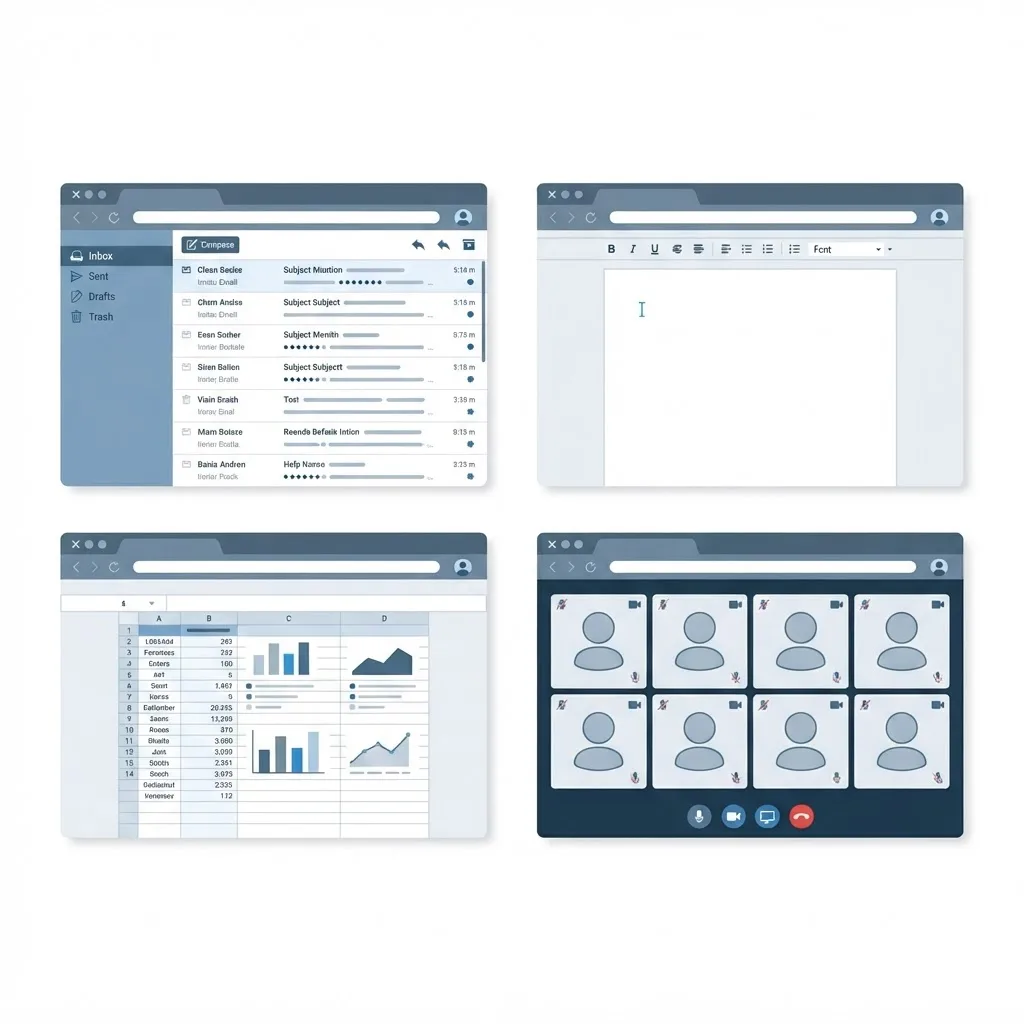
- Gmail — a webmail client that syncs millions of messages, applies search indexing, and pushes real-time updates without a page refresh.
- Google Docs — collaborative document editing with operational-transform conflict resolution so multiple cursors can edit the same paragraph.
- Canva — browser-based graphic design running heavy canvas rendering client-side while assets and projects live in the cloud.
- Trello — a project board built on drag-and-drop state updates that persist instantly to a server.
- Shopify admin — a multi-tenant commerce platform where each merchant sees isolated data from a shared codebase.
- Salesforce — a CRM demonstrating role-based permissions and configurable data models per organization.
- Netflix — adaptive video streaming that adjusts bitrate to available bandwidth in the browser.
- Online banking portals — the highest-security category, combining multi-factor authentication, session timeouts, and audit logging.
- Figma — real-time multiplayer design running through WebAssembly and WebGL for near-native performance.
- Slack web client — persistent WebSocket messaging with presence indicators and searchable history.
Notice the range. "Web based application" covers everything from a five-field internal form to a real-time design tool. That is why generic advice about building one is usually useless — the category is too broad. Teams at ZoneTechify typically start by identifying which of these patterns a project actually resembles before choosing a stack.
The Most Common Business Example: A SaaS Dashboard
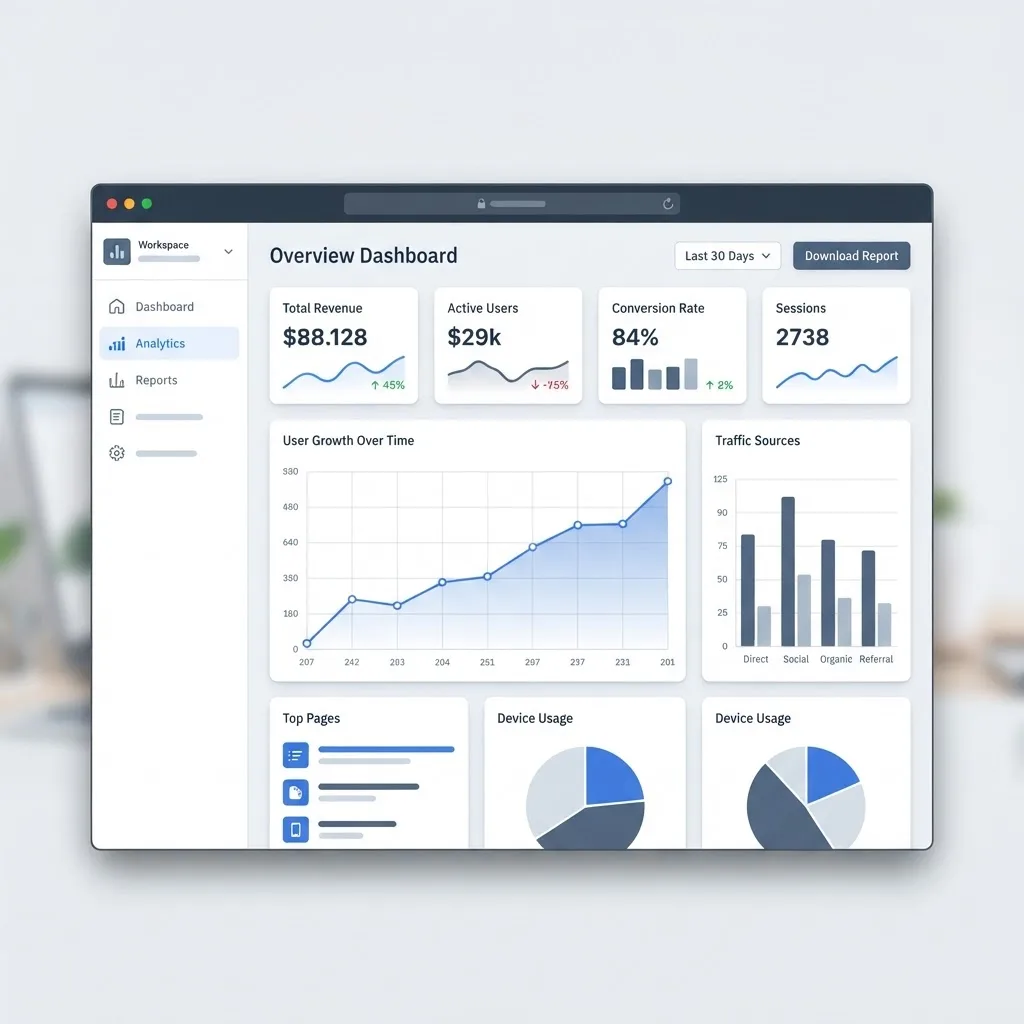
If you strip the ten examples above down to what most companies actually commission, you get a dashboard: login, a sidebar, a handful of charts, filtered tables, exports, and user management. Stripe's payment dashboard, HubSpot's CRM views, and Google Analytics all follow this shape. It is the highest-value pattern in business software because it replaces spreadsheets shared over email with a single source of truth that updates for everyone at once.
The Main Types, With Examples of Each
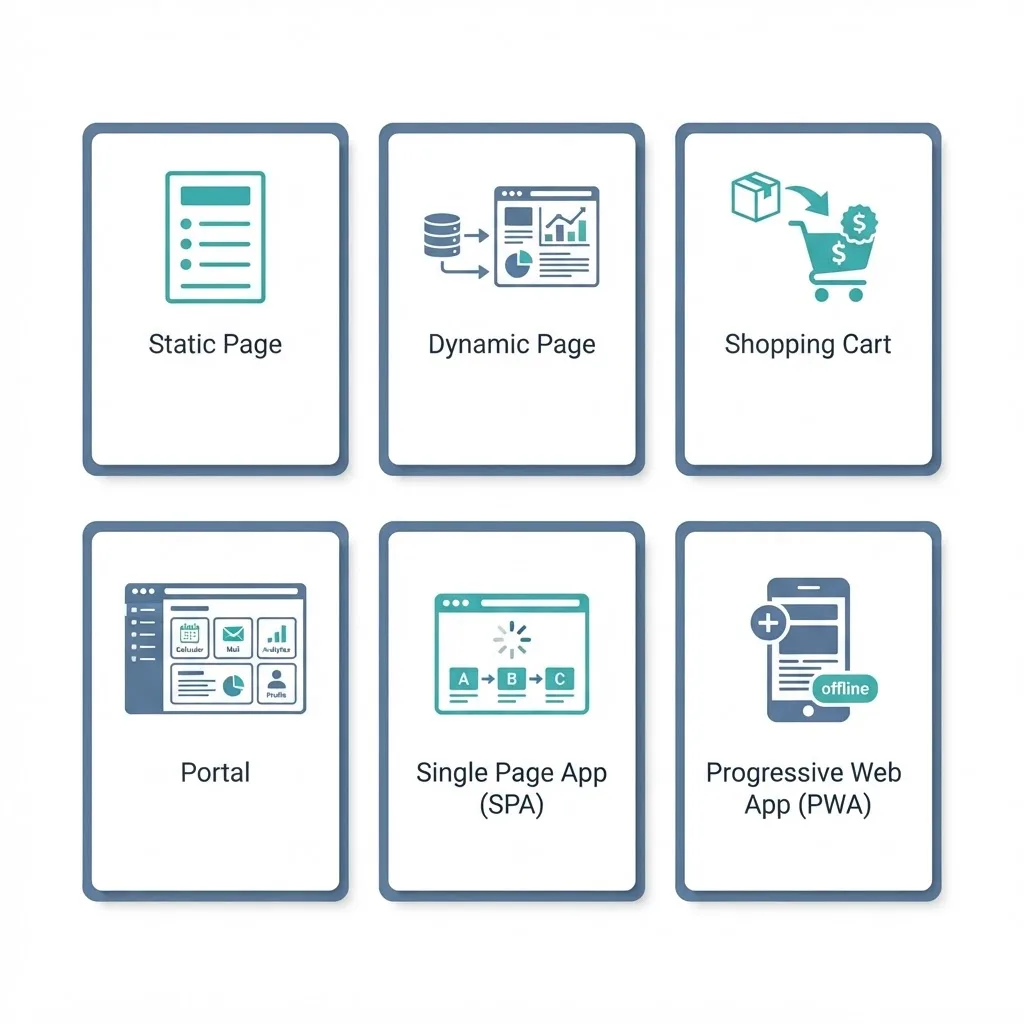
Static Web Applications
Content is prebuilt and served as-is. A documentation site or a marketing brochure page fits here. Fast and cheap to host, but user input is limited to a contact form.
Dynamic Web Applications
Pages are generated per request based on the user and the database. WordPress dashboards, forums, and job boards are dynamic applications. Content changes without a developer touching code.
Single Page Applications (SPAs)
The browser loads one HTML shell and then swaps content via JavaScript. Gmail and Trello are SPAs. Navigation feels instant because only data moves across the wire, not full pages.
Multi-Page Applications
Each action triggers a full server-rendered page load. Large e-commerce catalogues and government portals often use this pattern for SEO reliability and simpler state handling.
Progressive Web Applications (PWAs)
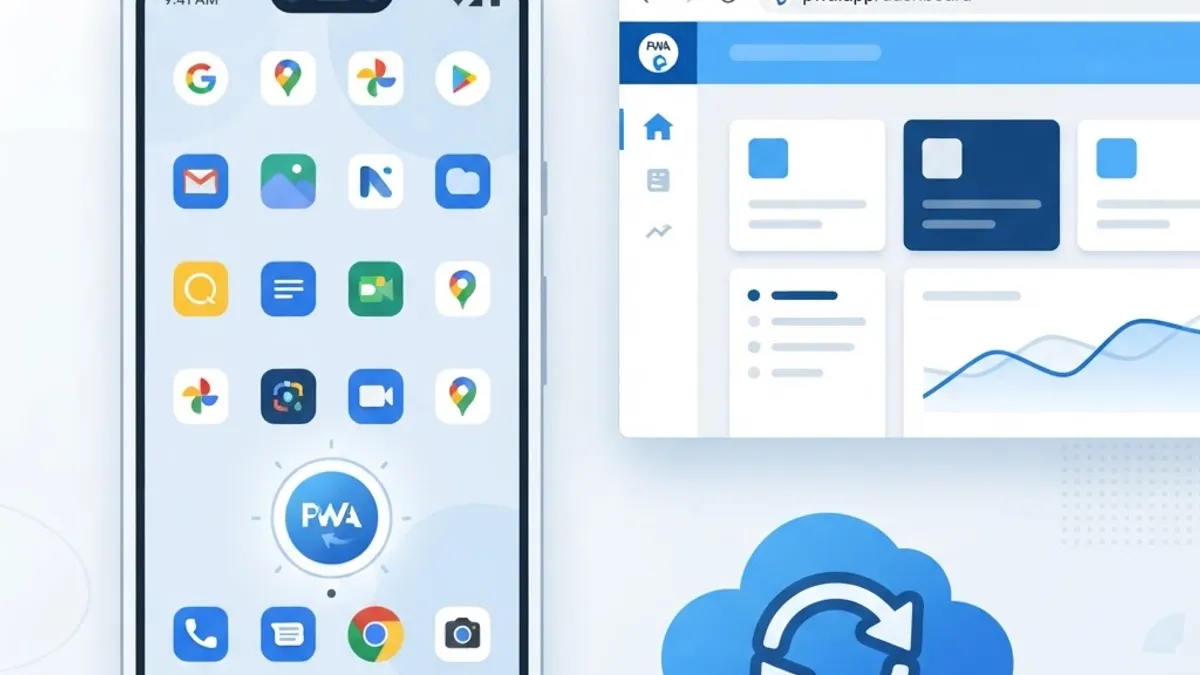
A PWA is a web application that uses service workers and a manifest file to become installable and work offline. Starbucks, Uber, and Pinterest all run PWAs. Pinterest publicly reported that its PWA rebuild increased core engagement by 60 percent and ad revenue per user significantly — one of the most cited results in the field.
Portal Applications
A gated environment where different user roles see different content — student portals, patient records systems, supplier dashboards. Permission logic, not the interface, is the hard part.
Web Application vs Website vs Native App
| Factor | Website | Web Based Application | Native Mobile App |
|---|---|---|---|
| Primary purpose | Deliver information | Perform tasks and store data | Perform tasks with device access |
| Installation needed | No | No | Yes, via app store |
| Works across devices | Yes | Yes | No, per platform build |
| Offline capability | Limited | Possible with a PWA | Full |
| Update process | Publish once | Deploy once, all users updated | Store review per release |
| Access to camera, GPS | Minimal | Partial via browser APIs | Complete |
| Typical build cost | Lowest | Moderate | Highest |
| Best example | A company blog | Google Docs | A fitness tracker app |
The practical takeaway: choose a web based application when your users need the same data from multiple devices and you want one codebase to maintain. Choose native when you need deep hardware access, background processing, or guaranteed offline use.
What Sits Underneath a Web Based Application
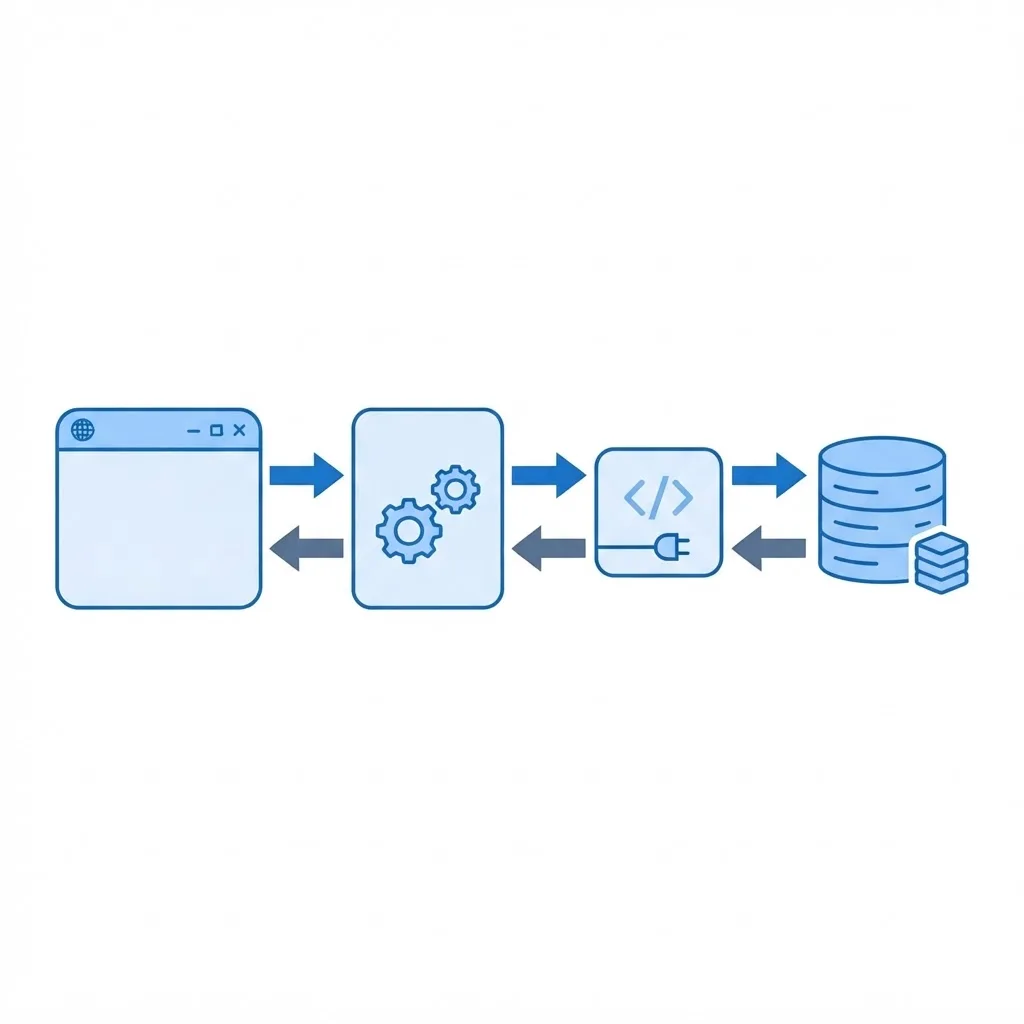
Every example above shares the same three-layer shape.
The client layer is what renders in the browser — HTML, CSS, and JavaScript, usually organised with a framework such as React, Vue, or Svelte. It handles presentation and immediate feedback, and it should never be trusted for validation, because anything running in a browser can be modified by the user.
The application layer is server-side logic: authentication, business rules, payment processing, permission checks. This is where Node.js, Python, PHP, Java, or Go typically live. Every rule that protects money or private data must be enforced here, even if the same rule is duplicated in the interface for convenience.
The data layer stores state. Relational databases like PostgreSQL fit structured, related records — orders, invoices, user accounts. Document databases suit flexible or nested data. Most real systems also add a cache such as Redis for sessions and hot queries.
Between the layers sits an API, most often REST or GraphQL, which is what allows the same backend to serve a browser, a mobile app, and a partner integration without rewriting logic three times.
How to Plan Your Own Web Based Application
A repeatable sequence that avoids the most common and expensive mistakes:
- Write the core job in one sentence. "Let clinic staff book and reschedule appointments" is a specification. "Build a healthcare platform" is not.
- List the user roles first. Roles drive your permission model, and retrofitting permissions later is one of the costliest rewrites in software.
- Sketch the data model before the screens. If you cannot draw the tables and their relationships, the interface will keep changing.
- Pick the pattern, then the stack. Decide SPA versus server-rendered based on whether SEO or interaction density matters more.
- Ship the narrowest useful version. One complete workflow in production teaches you more than ten half-built ones in staging.
- Instrument from day one. Error tracking, structured logs, and basic analytics cost hours to add and save weeks of guesswork.
- Plan for maintenance. Dependencies age, certificates expire, and browser APIs change. Budget for it, or your application quietly degrades.
Teams that need this executed rather than planned often bring in specialists for custom web application development, while performance and search visibility audits are covered by tools and teams like WebPeak.

Mistakes We See Most Often
Client-side-only validation. If your discount logic lives only in JavaScript, a user can change the price. Validate on the server, always.
Ignoring load time. Google research found that as page load time goes from one second to three seconds, the probability of a bounce increases by 32 percent. For applications where the first screen requires a database round trip, this is a revenue issue, not a polish issue.
No pagination strategy. A list view that queries every record works fine with 200 rows and collapses at 200,000.
Treating security as a launch task. Password hashing, HTTPS everywhere, parameterised queries, rate limiting, and least-privilege database users are architecture decisions, not final checks.
Skipping mobile testing. Most web application traffic now arrives on phones. A dashboard that only works at 1440px wide is a broken product for the majority of its users.
Key Takeaways
- A web based application runs in a browser with no installation and processes user input on a server.
- Clear examples include Gmail, Google Docs, Canva, Trello, Shopify, Figma, Netflix, and online banking portals.
- The six main types are static, dynamic, single page, multi-page, progressive, and portal applications.
- Pinterest reported a 60 percent engagement increase after rebuilding as a progressive web app.
- Google research shows bounce probability rises 32 percent when load time goes from one to three seconds.
- Every web application has three layers — client, application, and data — connected by an API.
- All security-critical validation must run server-side, because browser code can be modified by users.
Frequently Asked Questions (FAQ)
What is an example of a web based application?
Gmail is the clearest example. It runs entirely in a browser, requires no installation, stores your messages on remote servers, and updates in real time. Other everyday examples include Google Docs, Canva, Trello, Shopify's admin panel, Netflix, and any online banking portal you log into.
Is Facebook a web based application?
Yes. Facebook accessed through a browser is a web based application because it authenticates users, processes posts and comments on servers, and stores everything in databases. The mobile version installed from an app store is a native application, even though both share the same backend systems.
What is the difference between a web based application and a website?
A website mainly delivers information you read, such as a blog or brochure page. A web based application accepts input and changes stored data — you log in, submit forms, and see personalised results. The practical test is whether the software does work for you or simply displays content.
Do web based applications work without internet?
Most require a connection, but progressive web applications can work offline using service workers that cache files and queue actions locally. Google Docs offline mode is a good example: you keep editing without a connection, and changes sync automatically once the browser reconnects.
How long does it take to build a web based application?
A focused internal tool with one workflow and a few user roles typically takes four to eight weeks. A multi-role platform with payments, integrations, and reporting usually runs three to six months. Scope, not technology choice, drives the timeline more than anything else.
Which programming languages are used for web based applications?
Browsers run JavaScript or TypeScript, usually with React, Vue, or Svelte. Server logic commonly uses Node.js, Python, PHP, Java, Go, or C#. Data lives in PostgreSQL, MySQL, or MongoDB. The right combination depends on your team's existing expertise more than on benchmarks.
Final Thoughts
The best example of a web based application is whichever one solves a real problem for the people using it. Gmail and Figma are impressive, but a five-screen scheduling tool that saves a clinic two hours a day is the same category of software and often the better investment. Start with the job to be done, get the data model and permissions right, ship something narrow, and let real usage tell you what to build next.