Learn how to audit website internal links step by step to fix broken links, find orphaned pages, and improve your SEO with a stronger site structure.
How to Audit Website Internal Links
Internal links are the connective tissue of your website. They guide users from one page to another, distribute authority across your content, and tell search engines how your site is structured. Yet most website owners rarely audit them — and that neglect quietly drains SEO performance over time.
Whether you run a small business site or a large ecommerce store, knowing how to audit website internal links is a fundamental SEO skill. This guide walks you through the entire process: what to look for, which tools to use, how to fix what's broken, and how to build a stronger linking structure going forward.

Why Internal Link Audits Matter for SEO
Before diving into the "how," let's be clear about the "why." Internal links serve three critical functions:
1. Crawlability: Search engine bots follow internal links to discover pages on your site. If a page has no internal links pointing to it, it may never get indexed — no matter how good the content is.
2. Link Equity Distribution: When a high-authority page links to other pages, it passes some of that authority (often called PageRank) along. A well-structured internal linking strategy ensures your important pages receive a share of that equity.
3. User Experience: Clear internal links reduce bounce rates, increase time on site, and guide visitors toward conversion pages. That behavioral data matters to Google.
An internal link audit reveals gaps, orphaned pages, broken links, over-linked pages, and missed opportunities — all of which affect how well your site performs in search.
Step 1: Crawl Your Website
The first step in any internal link audit is a full website crawl. This creates a map of every link on every page, so you can see the full picture.
Tools to use:
- Screaming Frog SEO Spider (free up to 500 URLs, paid for larger sites)
- Ahrefs Site Audit
- Semrush Site Audit
- Sitebulb
Run a crawl of your entire domain. Make sure the tool is set to follow internal links and not block any pages via robots.txt (unless you intentionally want to exclude them). Export the results into a spreadsheet for analysis.
Once the crawl is complete, you'll have data on every URL, its inbound internal links, outbound links, status codes, anchor texts, and crawl depth.
Step 2: Identify Orphaned Pages
An orphaned page is a page that exists on your site but has zero internal links pointing to it. Search engines can only find it if it's in your sitemap — and even then, it won't accumulate any link equity.
To find orphaned pages:
- Export your sitemap URLs
- Compare them against the list of pages found during your crawl
- Any URL in the sitemap but not discovered via crawl (or with zero internal links) is potentially orphaned
Prioritize fixing orphaned pages that have existing traffic, backlinks, or conversion value. Add contextual internal links from relevant blog posts, category pages, or your navigation to bring them back into the fold.
Step 3: Find and Fix Broken Internal Links
Broken internal links — links that point to pages returning a 404 error — damage both user experience and SEO. They waste crawl budget and leave users stranded.
During your crawl, filter results by Response Code: 4xx. This will show you all broken destination URLs along with the source pages containing those links.
How to fix them:
- Update the link to point to the correct page if it has moved
- Redirect the broken URL (301 redirect) to a relevant live page
- Remove the link if no suitable replacement exists
Do not leave 404s unresolved. Even one or two broken links on a high-traffic page can quietly hurt your rankings and user trust.
Step 4: Audit Anchor Text Quality
Anchor text — the clickable words in a hyperlink — sends a relevance signal to search engines. Generic anchor text like "click here" or "read more" wastes that signal entirely.
During your audit, review the anchor text used across your internal links. Look for:
- Generic anchors: Replace with descriptive, keyword-relevant text
- Keyword-stuffed anchors: Vary your phrasing naturally to avoid over-optimization
- Mismatched anchors: The anchor text should accurately describe the destination page
For example, if you're linking to a page about on-page SEO techniques, the anchor "on-page SEO tips" is far more useful than "this article" for both users and crawlers.
If you're working with a professional team on your SEO strategy, services like SEO by ZoneTechify include thorough internal linking optimization as part of a complete technical SEO audit.
Step 5: Check Crawl Depth of Important Pages
Crawl depth refers to how many clicks it takes to reach a page from your homepage. The deeper a page is buried, the less link equity it receives, and the less frequently it gets crawled.
Best practice:
- Key landing pages: 1–2 clicks from homepage
- Blog posts and supporting content: 3 clicks or fewer
- Any important page beyond 4 clicks needs restructuring
Your crawl tool will show the crawl depth for every URL. If high-value pages are buried deep in your site, add links to them from your homepage, top navigation, or high-traffic blog posts to bring them closer to the surface.
Step 6: Evaluate Link Distribution Across Pages
Some pages accumulate too many internal links while others receive almost none. This uneven distribution leaves SEO potential on the table.
Signs of imbalance:
- Your homepage links to 200+ pages (diluting equity across too many destinations)
- Product or service pages receive fewer than 3 internal links
- Old blog posts link to nothing newer than two years ago
Use your crawl data to sort pages by number of inbound internal links. Find your most underlinked but valuable pages and create a plan to add 3–5 quality contextual links to each from relevant, existing content.
At ZoneTechify, we often find that redistributing internal links on existing content alone can produce measurable ranking improvements within weeks — no new content needed.
Step 7: Check for Redirect Chains and Loops
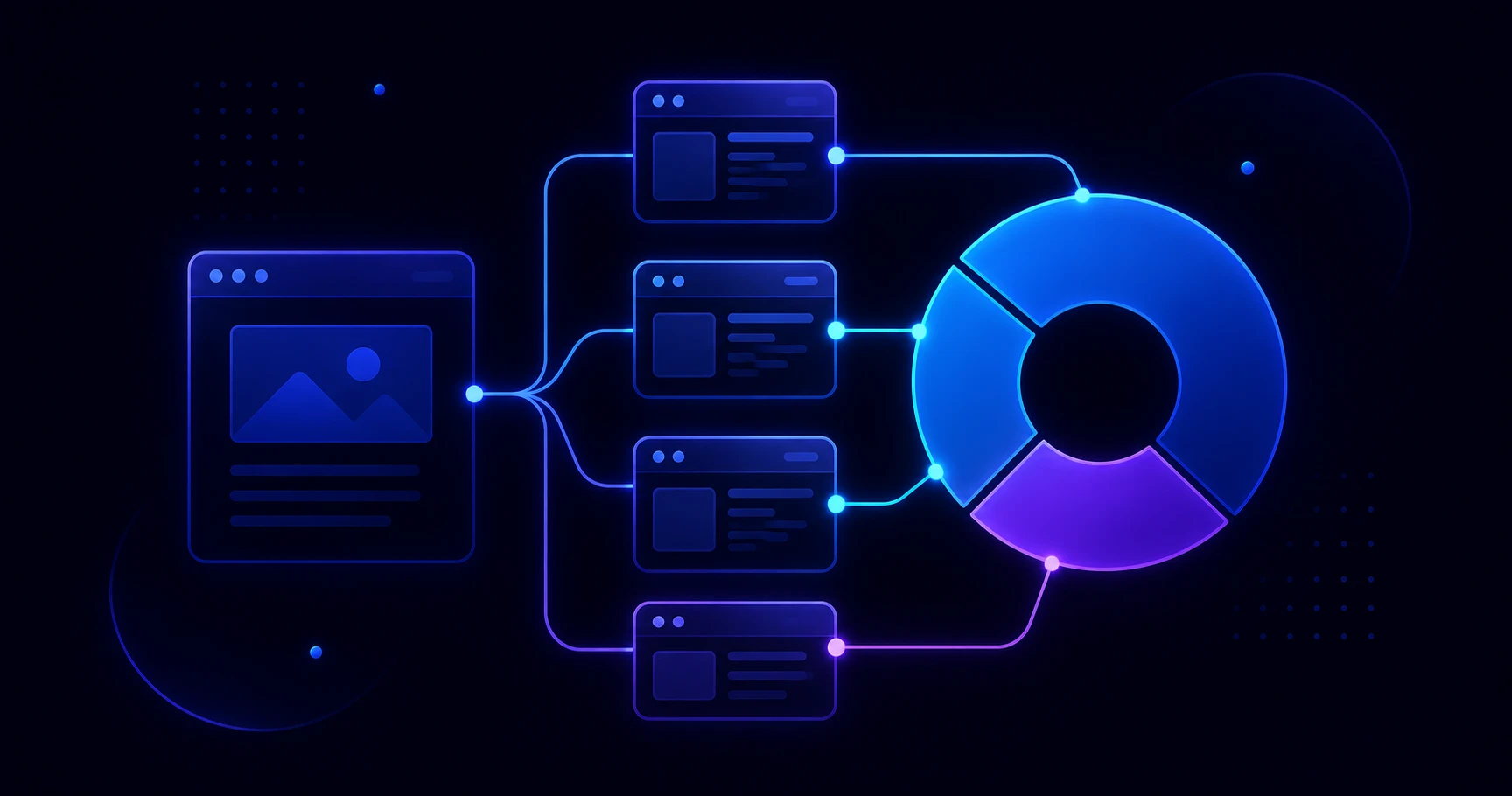
A redirect chain occurs when Page A redirects to Page B, which redirects to Page C. Every hop in the chain dilutes link equity. A redirect loop (A → B → A) causes crawl errors and can make pages inaccessible.
Your crawl tool will flag these automatically. Resolve them by:
- Pointing all redirects directly to the final destination URL
- Updating any internal links that still point to old, redirected URLs
- Eliminating circular redirects entirely
This is especially common after site migrations, URL restructures, or CMS platform switches.
Step 8: Create an Ongoing Internal Link Audit Schedule
A one-time audit is valuable. A recurring audit is transformative. As your site grows, new content gets published, and old pages get updated, your internal link structure needs regular attention.
Recommended schedule:
- Monthly: Quick crawl to catch new broken links or orphaned posts
- Quarterly: Full anchor text and crawl depth review
- Annually: Complete structural review including redirect chains and navigation audit
Build this into your content workflow. Every time a new blog post goes live, link to at least 2–3 existing pages — and go back to update 2–3 older posts to link to the new one.
Common Internal Link Audit Mistakes to Avoid
Even experienced SEOs make these errors during audits:
- Auditing only the homepage: Internal links exist across your entire site — audit all of it
- Ignoring nofollow tags on internal links: Internal nofollow links pass no equity; use them sparingly
- Over-linking from a single page: Too many outbound links on one page dilutes each link's value
- Fixing broken links without setting redirects: Always redirect removed pages to prevent future issues
- Neglecting footer and navigation links: These appear sitewide and have outsized impact on crawlability
Final Thoughts
An internal link audit is one of the highest-ROI SEO tasks you can perform. It costs nothing but time, doesn't require creating new content, and directly improves both user experience and how search engines understand your site.
The process breaks down into eight clear steps: crawl your site, identify orphaned pages, fix broken links, audit anchor text, check crawl depth, review link distribution, resolve redirect chains, and build an ongoing schedule.
If you'd like expert help executing a complete technical audit — including internal links, site architecture, and on-page optimization — ZoneTechify offers professional SEO services tailored to businesses of all sizes. A cleaner link structure means better rankings, better crawlability, and a better experience for every visitor who lands on your site.
Start your audit today — your rankings will thank you.