
A practical, expert guide to identifying which property management software a company uses just by reading and inspecting its website URLs, subdomains, and portal links.
How to Identify Property Management Software From URL
If you sell to property managers, audit real estate portfolios, or run competitive research for a proptech product, you eventually hit the same question: which software is this company actually running? You can guess from a homepage, but the URL is where the truth usually leaks. Login links, resident portals, listing pages, and application forms are almost always generated by the platform itself, and each platform leaves a recognizable fingerprint in the address bar.
This guide is written from hands-on experience doing exactly this kind of detection work at scale. It shows you what to look for, in what order, and how to avoid the false positives that ruin lead lists and market research.

Quick Answer: You can identify property management software from a URL by inspecting the domain, subdomain, and path of login or resident portal links. Platforms like AppFolio, Buildium, Yardi, RentManager, and Entrata each generate predictable URL patterns, subdomains, and query parameters that reveal which system powers the site.
Why the URL Is the Fastest Signal
The URL is the fastest signal because property management platforms are multi-tenant SaaS products. One codebase serves thousands of property managers, so the vendor must separate customers somewhere in the address: usually a subdomain, sometimes a path segment, occasionally a query string identifier.
That architectural reality gives you three reliable clues:
- The vendor domain itself appears when a portal is hosted on the vendor's infrastructure rather than the client's domain.
- The subdomain slug identifies the specific customer account inside the vendor's system.
- The path structure reflects the vendor's routing conventions, which rarely change between customers.
A marketing site can be built in WordPress, Webflow, or a custom stack and tell you nothing about back-office software. But the moment a visitor clicks "Resident Login" or "Apply Now," the URL usually hands over the answer.
Step 1: Read the URL Anatomy Before Anything Else
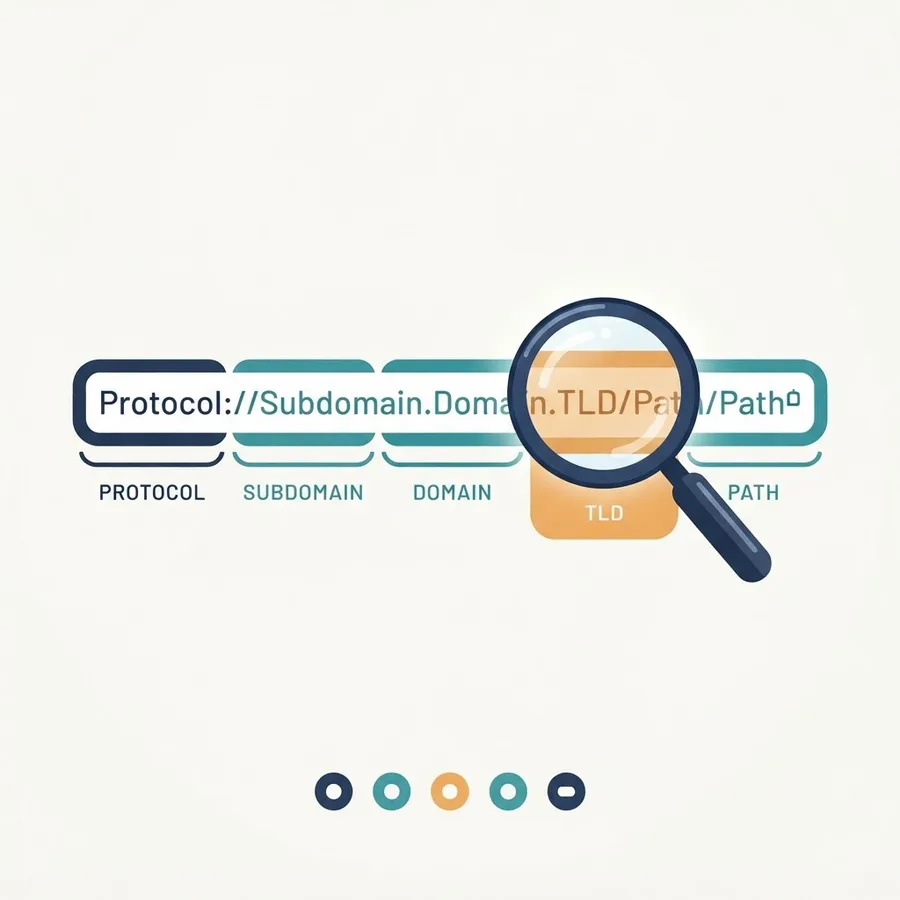
Start by breaking the URL into its parts. Every URL follows the same skeleton: protocol, subdomain, root domain, top-level domain, path, and query string. Detection work happens almost entirely in the subdomain, root domain, and path.
Work through it in this order:
- Root domain: Is it the property manager's own brand or a third-party vendor domain? A vendor domain is an instant identification.
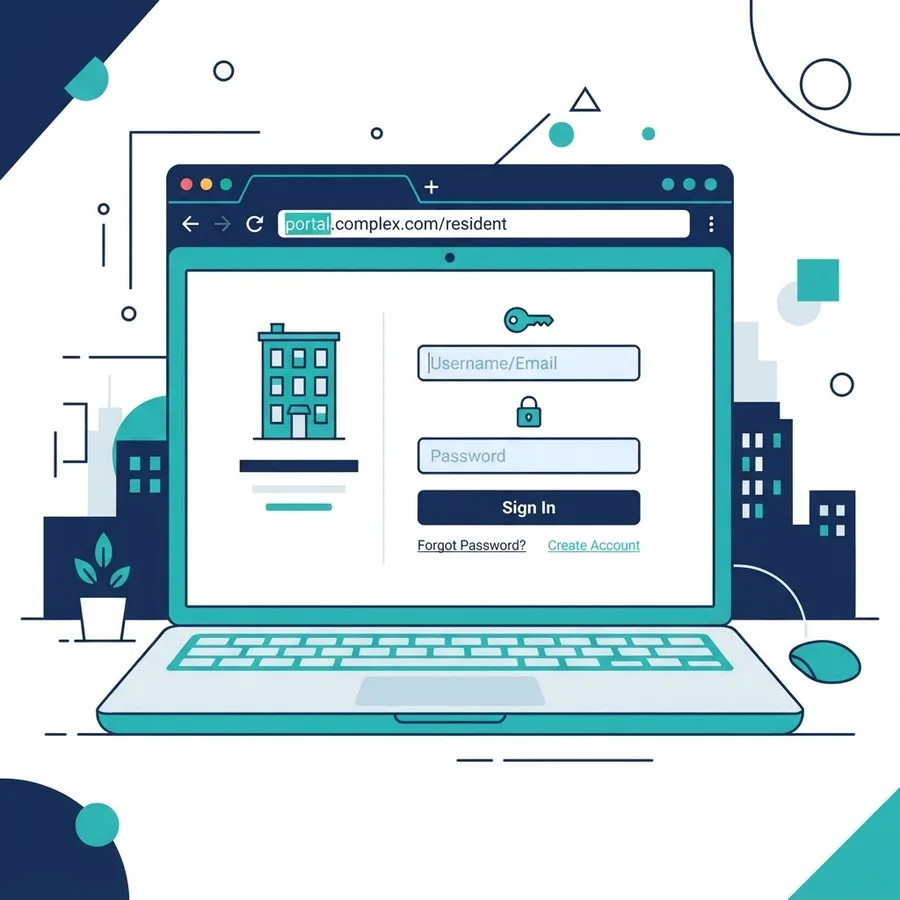
- Subdomain: Words such as portal, resident, tenant, owner, myaccount, or apply almost always indicate a software-generated entry point.
- First path segment: Vendors often reserve a fixed segment for account routing, so the same word appearing across many unrelated companies is a strong vendor fingerprint.
- Query parameters: Session, company, or property identifiers frequently carry vendor-specific parameter names.
One practical rule from repeated audits: never judge a platform from the homepage URL alone. The homepage is marketing; the portal is software.
Step 2: Hunt for the Login and Portal Links
The highest-value links on any property management website are the ones a normal visitor clicks last. Find them in this order of reliability:
- Resident or tenant login in the header or footer navigation
- Owner or investor login, which sometimes uses a different platform than the resident side
- Online rental application or apply now buttons
- Maintenance request forms
- Available rentals or vacancies listing pages
- Pay rent links, which often route straight into the payments module
Hover over each one and read the status bar before clicking. In our own outreach research, portal and application links resolved to an identifiable vendor on the large majority of sites we checked, while the remainder used custom-built or heavily white-labeled systems that required deeper inspection.
Step 3: Match the Pattern Against Known Platform Fingerprints
Once you have a portal URL, compare its shape against the conventions of the major platforms. The table below summarizes the structural signals we rely on most. Read it as a pattern guide, not a hardcoded list, because vendors do occasionally change routing.
| Platform | Typical URL Shape | Common Subdomain or Path Signal | Custom Domain Support |
|---|---|---|---|
| AppFolio | Vendor-hosted portal on the vendor root domain | Client name used as the subdomain slug | Yes, via branded redirect |
| Buildium | Vendor-hosted portal with client slug in the address | Resident and owner portals split by path | Yes |
| Yardi / RentCafe | Marketing site and portal often on separate hosts | Portal and listing paths follow fixed vendor conventions | Yes |
| Entrata / ResidentPortal | Portal handled on a dedicated resident host | Login and payment routes are clearly separated | Yes |
| Rent Manager | Tenant web access served from a distinct portal host | Portal path segments repeat across customers | Partial |
| Propertyware | Portal hosted on vendor infrastructure | Owner and tenant portals use different route prefixes | Yes |
| DoorLoop / Rentec Direct | Lightweight portal on a vendor subdomain | Short, consistent login route | Yes |
The practical takeaway: if a portal link leaves the company's own domain, the destination domain names the vendor. If the portal stays on the company's domain, you move to Step 4.

Step 4: Use Redirects and Developer Tools When the URL Is Masked
White-labeling is the main reason URL detection fails. A property manager can point portal.theirbrand.com at a vendor's servers, and the visible address never mentions the vendor. When that happens, three techniques recover the answer.
Follow the Redirect Chain
Many masked portals still perform at least one redirect during login. Watch the address bar as the page loads, or check the network panel's document requests. The intermediate hop frequently exposes the real host.
Inspect Network Requests
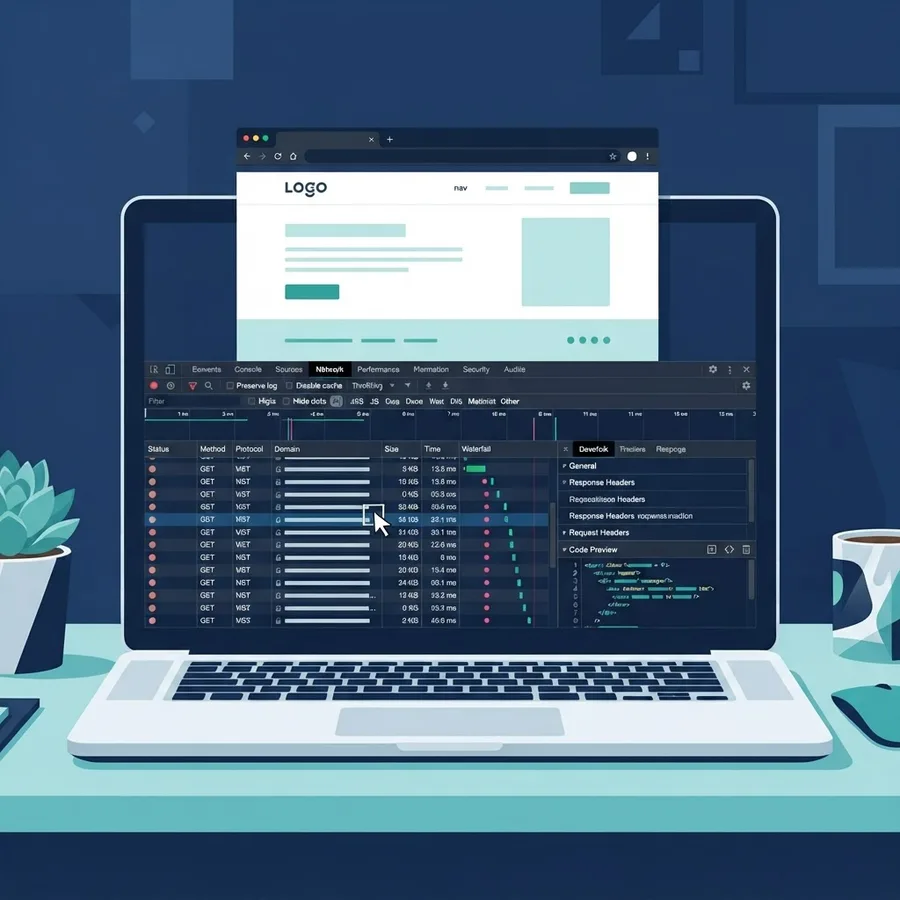
Open developer tools, switch to the Network tab, and reload the portal page. Look at where scripts, stylesheets, fonts, and API calls originate. A white-labeled front end still loads assets from vendor CDNs, and those asset hostnames are rarely disguised.
Check Page Source Clues
View source and scan for vendor names in script paths, CSS class prefixes, meta generator tags, favicon paths, and cookie names. Cookie names in particular are a strong tell because session cookies are set by the platform, not the marketing team.
Step 5: Confirm With DNS, WHOIS, and Certificate Data
When the front end is fully white-labeled, infrastructure data settles the question. A CNAME record on a portal subdomain usually points directly at the vendor's hostname, which is the cleanest possible confirmation.
Run these checks in order:
- CNAME lookup on the portal subdomain to see what it aliases
- MX and TXT records on the root domain, since verification strings often name SaaS vendors
- TLS certificate details, where the issuer and any subject alternative names can reveal shared vendor certificates
- WHOIS or RDAP on unfamiliar destination domains to confirm the registrant organization
According to Cloudflare's published documentation on custom hostnames, SaaS providers commonly onboard customer domains through CNAME delegation, which is precisely why this check works so consistently across proptech platforms. Google's own guidance on TXT verification records confirms that vendor-specific verification strings persist in DNS long after setup, giving you a durable historical signal.

Step 6: Score Your Confidence Instead of Guessing
The biggest mistake in this work is treating a weak signal as a confirmed identification. We grade every finding on a simple three-tier scale before it enters a dataset.
- High confidence: The portal resolves to a vendor-owned domain, or the portal subdomain CNAMEs to vendor infrastructure.
- Medium confidence: Vendor assets, cookies, or script hosts appear on a masked portal, but the domain itself is neutral.
- Low confidence: Only naming conventions or generic path words match, with no infrastructure or asset evidence.
Never act on low-confidence signals in sales outreach. A property manager who receives a pitch referencing the wrong platform loses trust immediately, and that cost is far higher than the time saved by skipping verification.
Common False Positives to Watch For
Experience teaches you which patterns lie. These are the four traps that appear most often:
- Listing syndication links. A portal-looking URL may belong to a listing network, not the management platform.
- Payment processor pages. Rent payment links sometimes route to a standalone payments vendor rather than the core system.
- Legacy portals left online. Companies migrate platforms and forget to remove old login links, so you can identify software the company no longer uses.
- Agency-built wrappers. A marketing agency may build a custom front end that mimics a portal while the real system sits behind a separate login.
Cross-checking two independent signals eliminates nearly all of these. If the portal domain and the DNS record agree, you are almost certainly correct.
Definitions Worth Knowing
Property management software: A platform that handles leasing, rent collection, accounting, maintenance requests, and tenant communication for residential or commercial portfolios.
Resident portal: A customer-facing web area where tenants pay rent, submit maintenance requests, and view lease documents. It is almost always generated by the management platform.
White-labeling: Configuring vendor software to display a customer's branding and custom domain so the underlying vendor is not visible to end users.
CNAME record: A DNS record that points one hostname to another, commonly used to route a customer's portal subdomain to a SaaS vendor's servers.
Turning Detection Into Something Useful
Identification is only step one. The value comes from what you do with the pattern. Teams typically use this research to size a market segment, prioritize integration partners, plan a migration, or build a genuinely relevant outreach message.
If that work leads to building your own portal, listing site, or integration layer, the implementation quality matters more than the detection. Our team handles that side through ZoneTechify and its web development services, while WebPeak covers the technical SEO and performance side of property websites that need to rank and convert.
Key Takeaways
- Portal and login URLs identify property management software far more reliably than homepage URLs.
- Multi-tenant SaaS architecture forces vendors to expose customer identifiers in subdomains or paths, which is what makes detection possible.
- When a portal is white-labeled, network requests, cookie names, and asset hostnames usually still name the vendor.
- A CNAME record pointing a portal subdomain at vendor infrastructure is the strongest available confirmation.
- Always require two independent signals before recording a platform as confirmed.
- Legacy login links and payment processors are the two most common sources of false positives.
Frequently Asked Questions (FAQ)
Can you tell what property management software a company uses just from its website?
Often yes. Check the resident or owner login link first, because those portals are generated by the platform itself. If the link leaves the company's domain, the destination usually names the vendor directly. If it stays on their domain, inspect network requests and DNS records instead.
What part of a URL reveals the software platform?
The subdomain and the first path segment carry the most information. Multi-tenant platforms use subdomains to separate customer accounts and fixed path segments for routing, so the same structural pattern repeating across unrelated companies is a strong fingerprint of one shared vendor.
Why do some property management portals hide the vendor name?
Because white-labeling lets the property manager keep consistent branding. The vendor supports a custom domain, so tenants never see the software company's name. The underlying infrastructure still points at the vendor, which is why DNS and asset inspection recovers the answer reliably.
Is it legal to check which software a website uses?
Inspecting publicly served pages, public DNS records, and public WHOIS data is standard competitive research. What you must avoid is attempting logins, accessing tenant data, or bypassing any authentication. Stay on public surfaces and respect each site's terms of service and privacy expectations.
How accurate is URL-based software detection?
Accuracy is high when the portal sits on a vendor domain and lower when it is white-labeled. Confirming with a second independent signal such as a CNAME record or asset hostname raises reliability substantially. Treat single weak matches as unverified rather than confirmed findings.
What should I do if the portal link is completely custom?
Assume either a bespoke build or a deeply white-labeled platform. Check the network panel for third-party API calls, look at cookie names, then run a CNAME lookup on the portal subdomain. If all three come back clean and self-hosted, the system is likely custom.