A practical guide to progressive app development: how progressive web apps work, what they cost, when to choose them over native, and how to build one that performs.
Progressive App Development
Progressive app development is the practice of building applications that run in a browser but behave like installed software: they load instantly, work offline, send push notifications, and sit on the user's home screen without an app store download. After shipping progressive web apps for e-commerce, logistics, and SaaS clients, the pattern we see repeatedly is this: teams do not fail at progressive app development because the technology is hard. They fail because they treat it as a checkbox instead of an architecture decision.
This guide covers what progressive app development actually requires in 2026, where it beats native development, where it does not, and the specific technical decisions that separate a fast progressive app from a slow website with an install button.
Quick Answer: Progressive app development means building web applications that behave like native apps using service workers, a web app manifest, and HTTPS. The result installs to a device home screen, works offline, loads in under two seconds, and runs from one codebase across Android, iOS, and desktop.
What Is a Progressive App?
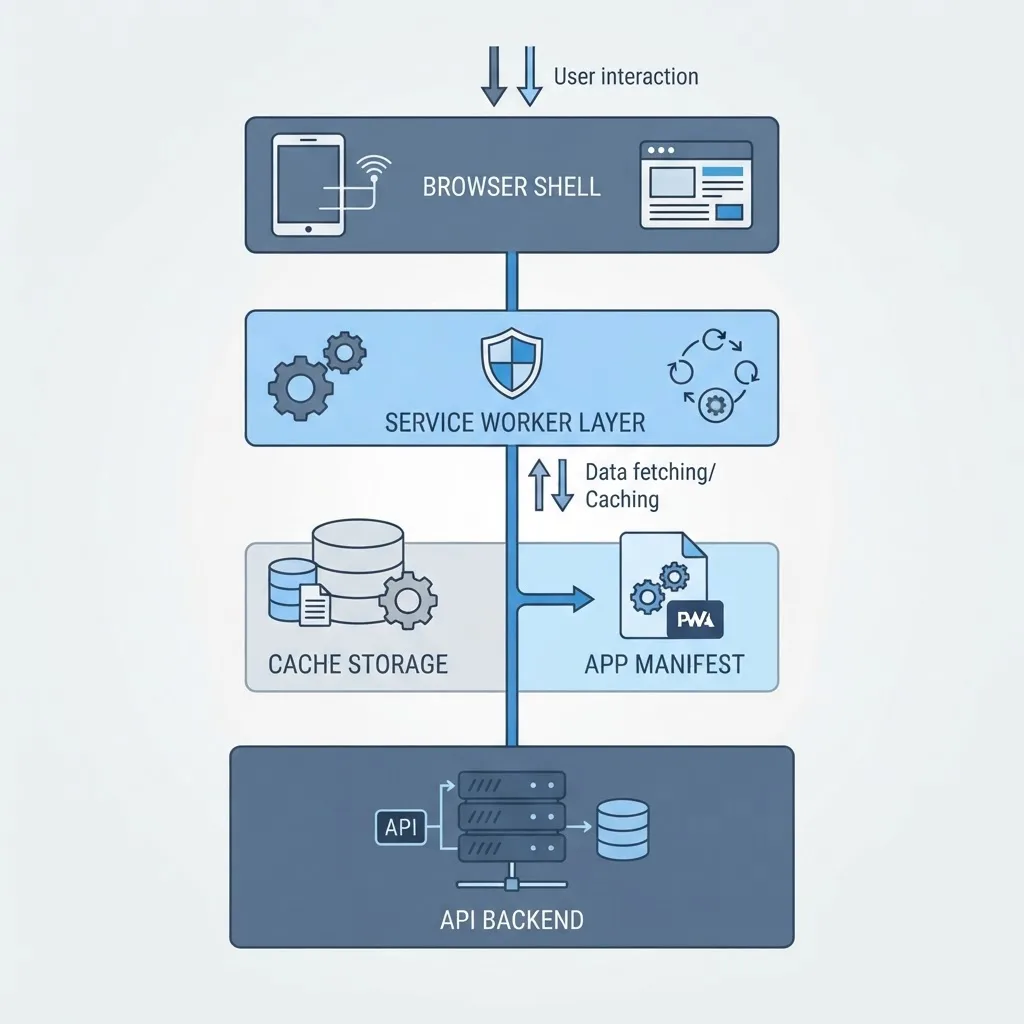
A progressive app (commonly called a progressive web app, or PWA) is a web application that meets three technical requirements: it is served over HTTPS, it registers a service worker to control network requests and caching, and it ships a web app manifest that defines how it installs and launches. Meet those three and browsers treat your site as installable software rather than a page.
The word "progressive" refers to progressive enhancement. The app works as a normal website in any browser, then layers on capabilities where the browser supports them. A user on an outdated browser still gets full content. A user on Chrome on Android gets offline access, background sync, and a home-screen icon.
This matters commercially. Google reports that 53% of mobile users abandon a site that takes longer than three seconds to load, and Google's own Core Web Vitals research found that sites meeting all three vitals thresholds see roughly 24% fewer abandonments during page load. Progressive app development attacks exactly that problem by serving the interface shell from a local cache instead of the network.
The Three Non-Negotiable Building Blocks
- HTTPS — service workers only run on secure origins, so TLS is a hard prerequisite, not an option.
- Service worker — a background JavaScript file that intercepts network requests, serves cached responses, and enables offline behavior.
- Web app manifest — a JSON file declaring the app name, icons, theme color, start URL, and display mode so the app opens standalone without browser chrome.
How Progressive App Architecture Actually Works
A progressive app splits into two layers: the app shell (the layout, navigation, and styling that rarely change) and the content (data that changes constantly). The shell is cached aggressively on first visit. On every subsequent visit, it renders from disk in milliseconds while fresh data streams in behind it.
This is the single most important architectural insight in progressive app development, and most teams skip it. They cache everything or nothing. Splitting the shell from the content is what makes the second visit feel instant.
Choosing the Right Caching Strategy per Route
Different parts of an app need different caching rules. Applying one blanket strategy is the most common cause of users seeing stale prices, old inventory, or a broken checkout.
- Cache-first — for fonts, icons, CSS, and JS bundles with hashed filenames. These never change without a new URL.
- Network-first — for prices, order status, inventory, and dashboards. Correctness beats speed here.
- Stale-while-revalidate — for product listings, article feeds, and avatars. Show the cached version instantly, fetch a fresh copy in the background.
- Network-only — for authentication, payments, and anything that mutates data. Never cache these.
Write these rules down per route before you write a line of service worker code. Retrofitting caching strategy onto a live app is significantly harder than designing it up front.
Progressive App vs Native App: An Honest Comparison
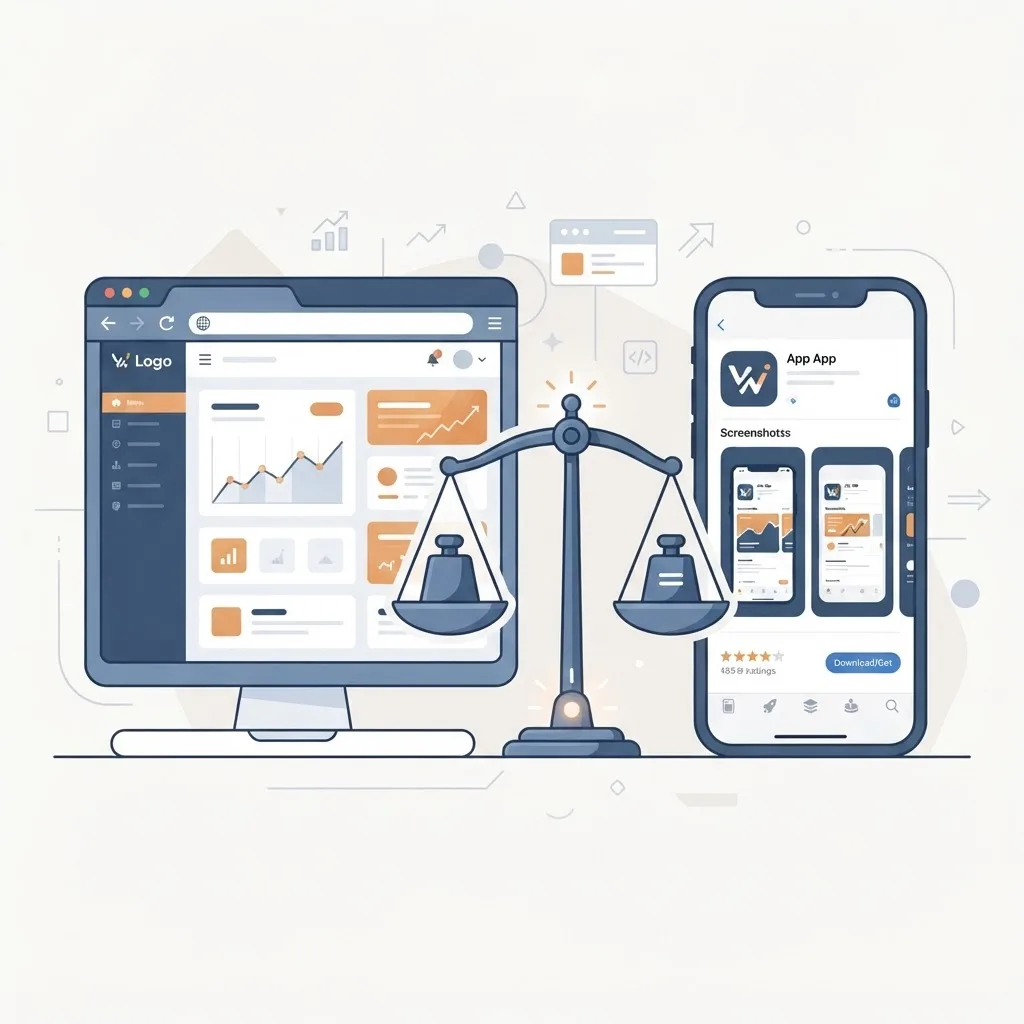
Progressive app development is not universally better than native development. It wins on distribution, cost, and iteration speed. It loses on deep hardware access and, on iOS specifically, on platform support.
| Factor | Progressive App | Native App |
|---|---|---|
| Codebases needed | One | Two or more (iOS, Android) |
| App store approval | Not required | Required, with review delays |
| Install friction | One tap, no store | Store search, download, install |
| Offline support | Yes, via service worker | Yes, native |
| Push notifications | Yes on Android and desktop; iOS needs home-screen install | Yes, full support |
| Bluetooth, NFC, deep sensors | Limited | Full access |
| Discoverable in search engines | Yes, indexable | No, only store listings |
| Typical update cycle | Instant on next load | Days, plus user update lag |
| Relative build cost | Lower | Higher |
When to Choose Progressive App Development
Choose a progressive app when your product is content-driven, transaction-driven, or dashboard-driven — commerce, booking systems, internal tools, media, SaaS interfaces, and marketplaces. In these categories the browser gives you everything you need, and search discoverability is a real advantage a native app cannot match.
When Native Still Wins
Choose native when you need continuous background location tracking, tight Bluetooth or NFC integration, heavy on-device processing, hardware-accelerated AR, or when app store presence itself is your primary acquisition channel. Fitness trackers, AR tools, and hardware companions belong in native.
The Practical Tech Stack for Progressive App Development
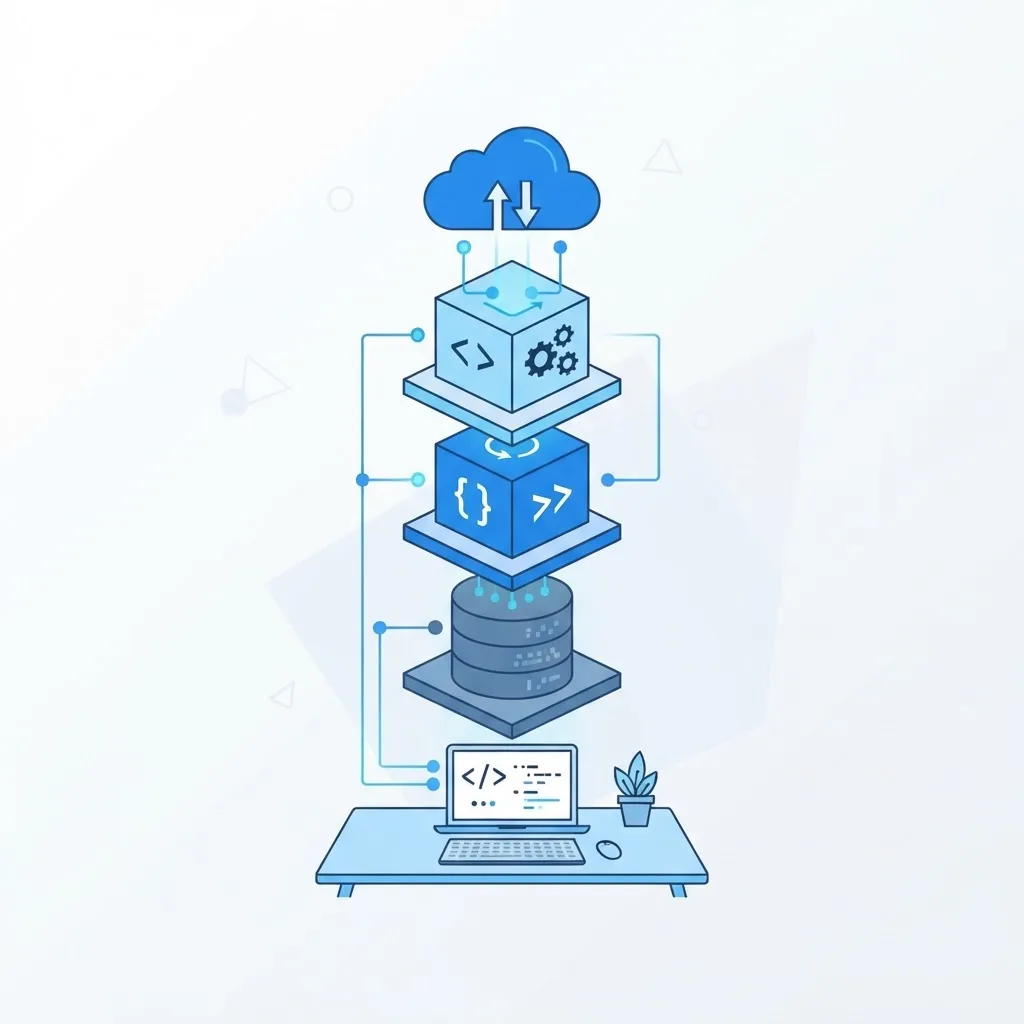
Progressive app development does not require exotic tooling. A modern framework with server rendering plus a service worker library covers the vast majority of production cases.
- Framework — Next.js, Nuxt, SvelteKit, or Angular. Server rendering matters because it gives fast first paint and clean indexable HTML.
- Service worker tooling — Workbox, or a framework PWA plugin. Hand-writing service workers invites subtle cache-invalidation bugs.
- Local storage layer — IndexedDB for structured offline data, Cache Storage for assets. Avoid localStorage for anything meaningful; it is synchronous and blocks the main thread.
- Sync layer — the Background Sync API to queue writes made while offline and replay them once connectivity returns.
- Hosting with a CDN and HTTPS by default — edge delivery compounds the speed gains from caching.
Teams that need this built end-to-end often bring in a specialist partner. Our team documents its approach to custom web application development at ZoneTechify, and you can review broader engineering capability at zonetechify.com or webpeak.org.
Making a Progressive App Installable
Installability is where most progressive apps quietly underperform. The browser will not show an install prompt unless your manifest is complete and correct. Get these details right:
- Provide 192x192 and 512x512 PNG icons, plus a maskable icon variant so Android does not crop your logo awkwardly.
- Set the display mode to standalone so the app opens without a browser address bar.
- Set a start URL that resolves correctly and is tracked separately in analytics so you can measure installed-app usage.
- Define a theme color and background color to prevent a white flash on launch.
- Capture the browser install-prompt event and show your own install button at a moment of intent — after a successful action, not on first page load.
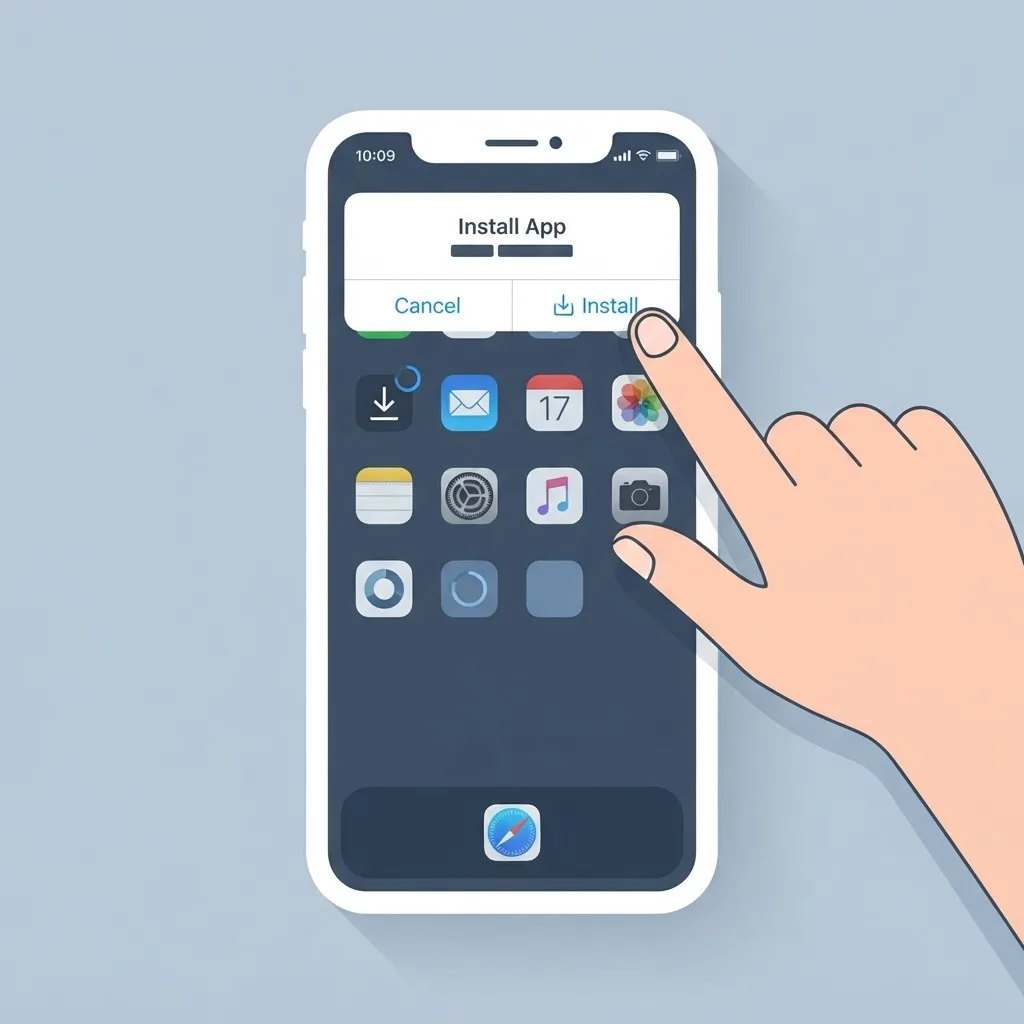
On iOS, installation happens through Share then Add to Home Screen. Web push on iOS only works once the app has been installed that way, so if notifications are core to your product, plan an explicit iOS install-education step into the user flow.
Performance Targets Worth Holding Yourself To
Progressive app development is measured, not asserted. Set numeric targets before development starts and enforce them in continuous integration.
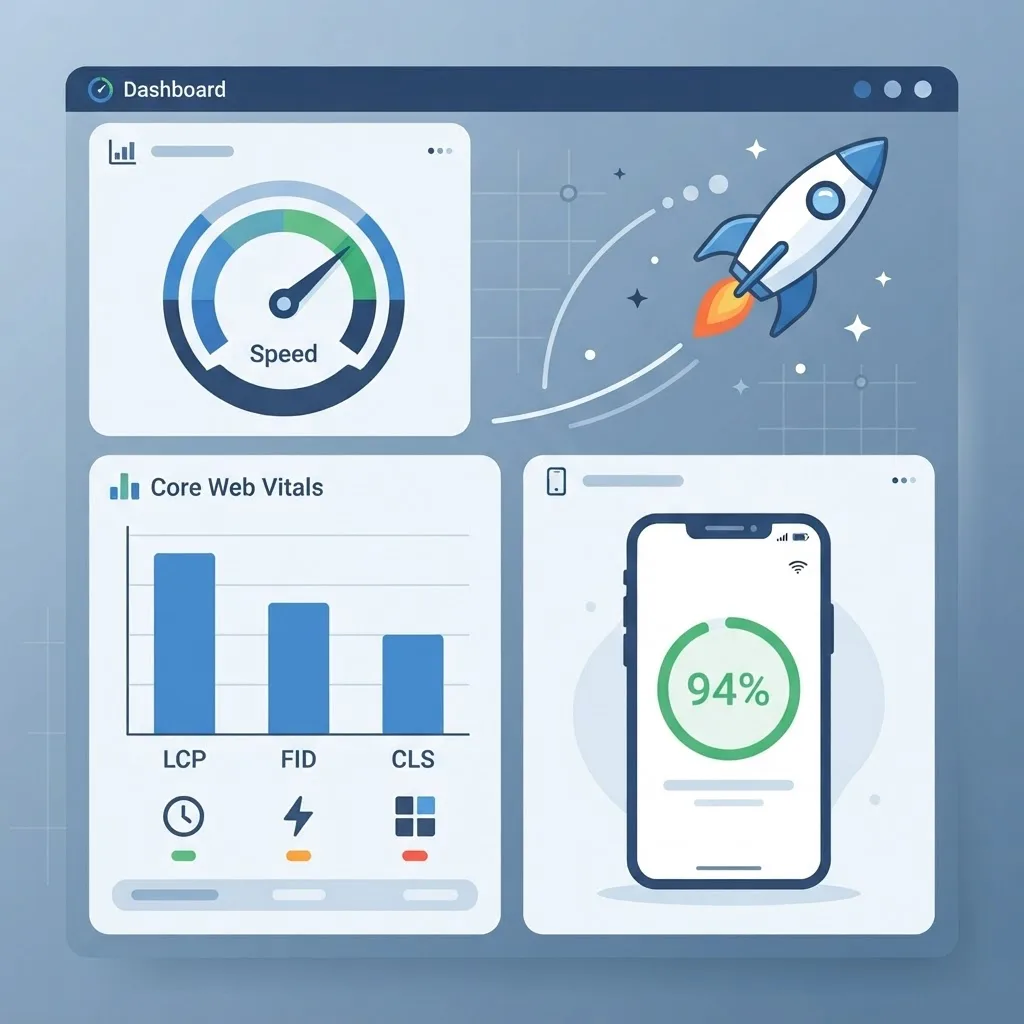
- Largest Contentful Paint under 2.5 seconds on a mid-tier Android device over 4G.
- Interaction to Next Paint under 200 milliseconds.
- Cumulative Layout Shift under 0.1 — reserve dimensions for every image and ad slot.
- First-load JavaScript under 200KB compressed. Route-level code splitting is the fastest way to get there.
- Repeat-visit shell render under 1 second, served from cache.
Test on real hardware, not just a throttled desktop profile. A four-year-old Android phone parses JavaScript several times slower than a developer laptop, and that gap is where most progressive apps break their own promises.
A Pre-Launch Checklist That Catches Real Bugs
Run this before every release. Each item maps to a failure we have seen in production.
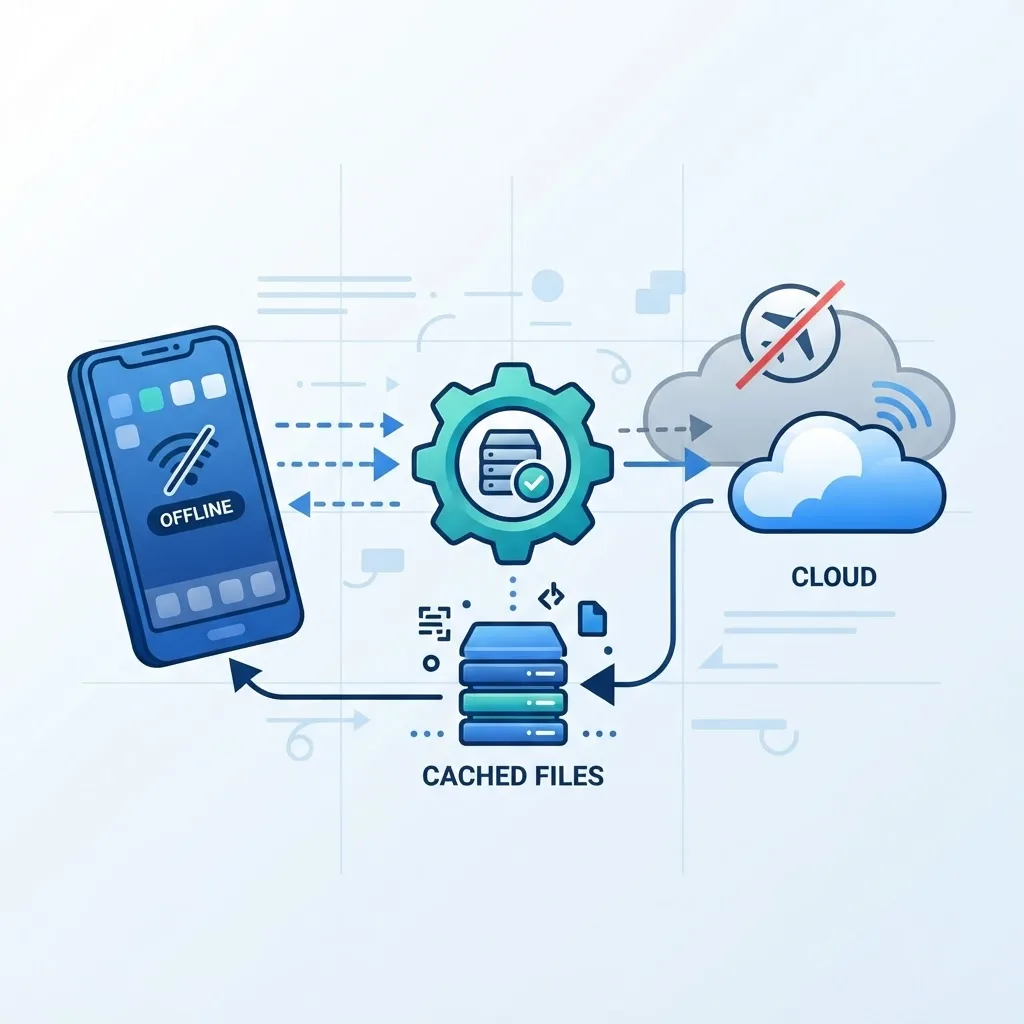
- Load the app, enable airplane mode, then navigate three routes. Anything that shows a browser error page is not cached correctly.
- Deploy a new build while the old one is open in a tab. Confirm the user gets the new version on next load rather than being stuck on stale cached assets.
- Submit a form offline, restore connectivity, and confirm the queued write actually lands.
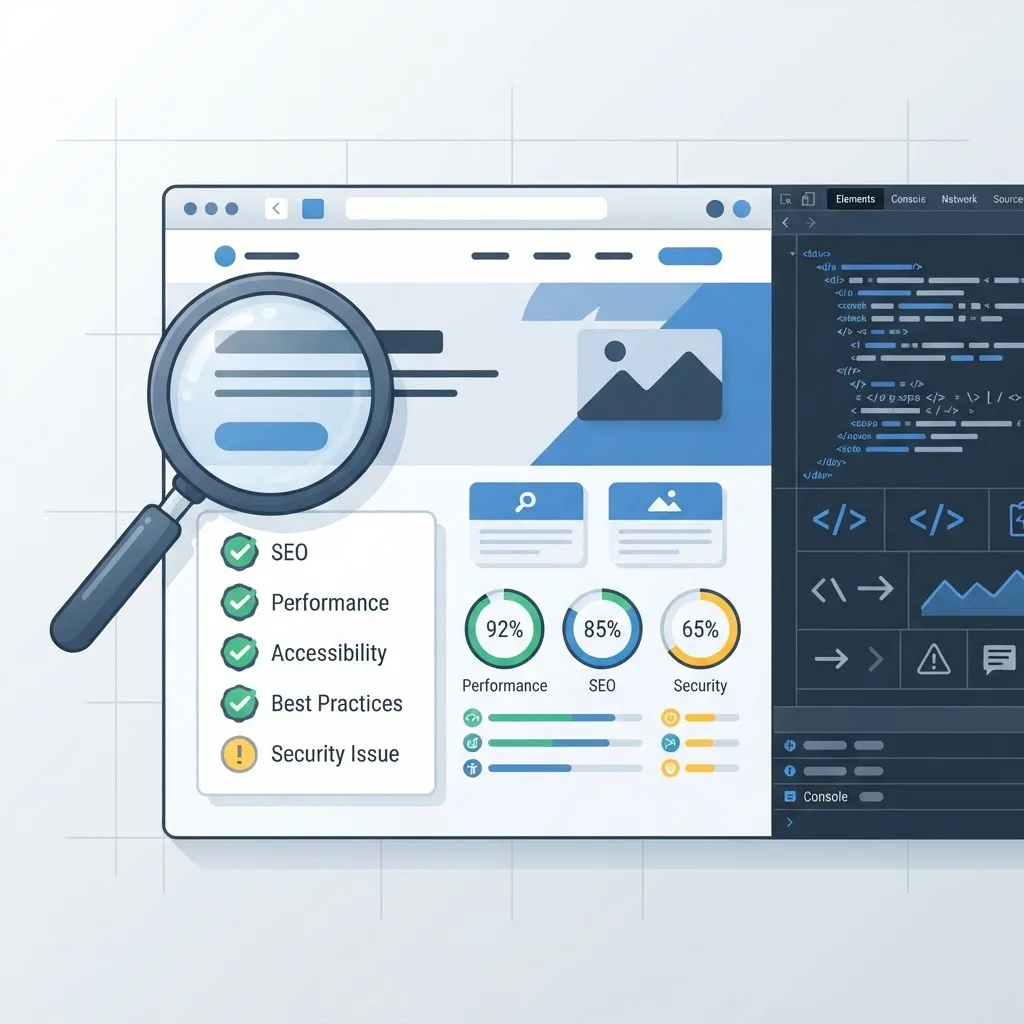
- Audit with Lighthouse in a clean profile and check the installability section specifically, not just the performance score.
- Confirm every route returns real server-rendered HTML so search engines index content rather than an empty shell.
- Verify the install flow on Android Chrome and the Add to Home Screen flow on iOS Safari separately.
The Mistake That Costs Teams the Most
The most expensive mistake in progressive app development is shipping the service worker last. When caching is bolted on at the end, the app was already built assuming the network is always available, so every data-fetching component needs rewriting to tolerate offline states, and cache invalidation becomes guesswork.
Decide your caching strategy during architecture, not during QA. Write the offline behavior of each screen into the specification alongside the visual design. That single sequencing change is worth more than any optimization library.
Key Takeaways
- Progressive app development requires exactly three things: HTTPS, a service worker, and a web app manifest.
- Google reports 53% of mobile users abandon sites taking over three seconds to load, and sites meeting Core Web Vitals thresholds see roughly 24% fewer load abandonments.
- Separate the cached app shell from live content; this is what makes repeat visits feel instant.
- Apply caching strategy per route: cache-first for static assets, network-first for prices and dashboards, network-only for payments and auth.
- Progressive apps win on cost, distribution, search discoverability, and instant updates; native wins on deep hardware access and background location.
- Hold the app to measurable targets: LCP under 2.5s, INP under 200ms, CLS under 0.1, first-load JS under 200KB.
- Plan caching during architecture, never after the app is built.
Frequently Asked Questions (FAQ)
What is progressive app development in simple terms?
Progressive app development means building a website that behaves like an installed app. It uses a service worker for offline access and a manifest for home-screen installation. Users get app-like speed and reliability from a single codebase, without downloading anything from an app store.
Do progressive web apps work on iPhone?
Yes. Progressive web apps run on iOS Safari and can be installed through Share then Add to Home Screen. Service workers, offline caching, and standalone display all work. Web push notifications require the user to install the app to the home screen first, so plan for that extra step.
Is a progressive app cheaper than building native apps?
Usually yes, because you maintain one codebase instead of separate iOS and Android builds. You also skip app store review cycles and ship updates instantly. Costs converge only when your product needs deep hardware features that force you into native development anyway.
Are progressive web apps good for SEO?
Yes, provided each route returns server-rendered HTML with real content. Progressive apps are indexable pages, unlike native apps, and their speed advantages support Core Web Vitals. Client-only rendering is the main risk, so verify search engines see full content, not an empty shell.
How long does it take to build a progressive app?
A focused progressive app with offline support and installability typically takes six to twelve weeks with an experienced team. Adding a service worker to an existing well-built site can take one to two weeks. Complex offline data syncing extends the timeline significantly.
Can a progressive app be listed in app stores?
Yes. Google Play accepts progressive web apps packaged as Trusted Web Activities, and Microsoft Store accepts them directly. Apple's App Store requires a native wrapper and reviews such submissions strictly, so store presence on iOS needs extra planning and effort.