A practical, experience-based breakdown of the best AI tools for writing Python in 2026, including how they compare on accuracy, debugging, refactoring, and cost.
What Is the Best AI for Coding Python
Python is the language most AI coding tools are best at, and that is not an accident. Python dominates public code repositories, has consistent formatting conventions enforced by tools like Black and Ruff, and relies on a small set of extremely well-documented libraries. That combination gives large language models exactly what they need: enormous training volume plus predictable structure. The practical result is that almost every serious AI coding assistant performs better on Python than on C++, Rust, or legacy Java.
But "performs better" does not mean "all the same." After using these tools daily across Django APIs, FastAPI microservices, pandas data pipelines, and automated scraping jobs, the differences show up fast — and they show up in specific places: multi-file reasoning, dependency awareness, test generation, and how gracefully the tool fails when it does not know something.
Quick Answer: For most Python developers, Claude (via Claude Code or Cursor) is currently the best AI for coding Python because of its multi-file reasoning and refactoring accuracy. GitHub Copilot is best for fast inline autocomplete inside existing repositories, while ChatGPT with code execution is best for data analysis and one-off scripts.
Why Python Is the Easiest Language for AI to Write
There is a measurable reason Python results feel stronger. According to GitHub's Octoverse report, Python overtook JavaScript as the most-used language on GitHub in 2024, driven largely by data science and machine learning work. More Python in training data means fewer hallucinated APIs and more idiomatic output.
Stack Overflow's Developer Survey has also reported that roughly 76% of developers are using or planning to use AI tools in their development process, yet trust in the accuracy of those tools remains far lower than adoption. That gap — high usage, moderate trust — is the single most important context for choosing a tool. You are not looking for the AI that writes the most code. You are looking for the one whose mistakes are cheapest to catch.
Definition: AI Coding Assistant
An AI coding assistant is a tool built on a large language model that reads your code context — open files, project structure, sometimes terminal output — and generates, edits, explains, or debugs code inside your development workflow. It differs from a general chatbot because it has structured access to your repository rather than only the text you paste.
Definition: Agentic Coding Tool
An agentic coding tool goes further: it can plan a change, edit multiple files, run commands or tests, read the failures, and iterate without a human prompt at each step. For Python this matters enormously, because Python errors are runtime errors — an agent that can actually execute pytest finds bugs a pure autocomplete tool never sees.
The Best AI Tools for Python, Ranked by Real Use Case
1. Claude (Claude Code, or Claude Models Inside Cursor) — Best Overall for Python
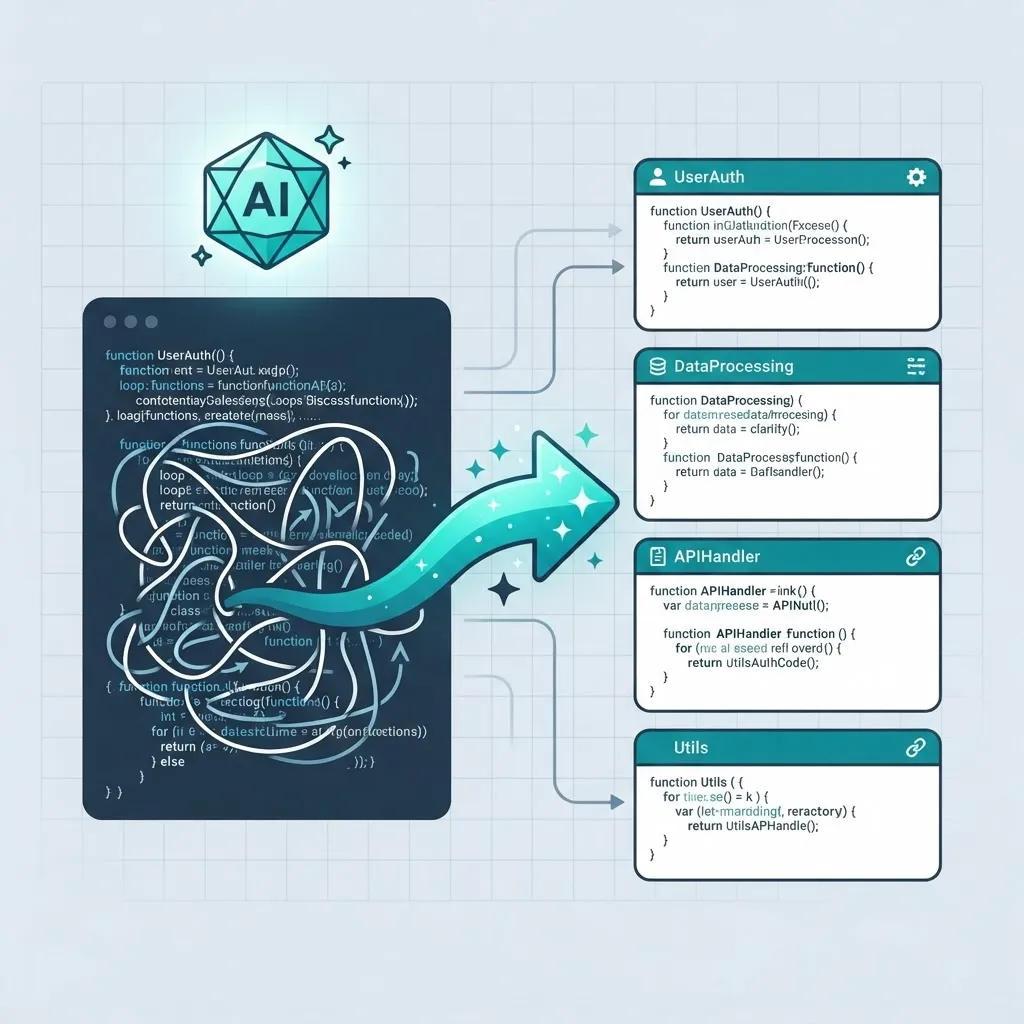
Claude's strongest advantage in Python work is holding a whole module in mind while changing it. When you ask it to convert a synchronous requests-based client into an httpx async client, it usually updates the call sites, the exception handling, and the tests together — instead of producing one beautiful function that breaks four callers.
Where it earns its place in production work:
- Refactoring across multiple files without losing type hints or docstrings
- Writing
pytestsuites that include realistic edge cases, not just happy paths - Explaining unfamiliar legacy Python (old Django views,
setup.pybuilds) accurately - Following explicit project rules, such as "never use bare except" or "use Pydantic v2 syntax"
Its weakness: it will confidently keep going on a large task when a short clarifying question would have been better. Give it precise constraints up front.
2. GitHub Copilot — Best for Inline Speed Inside an Existing Codebase
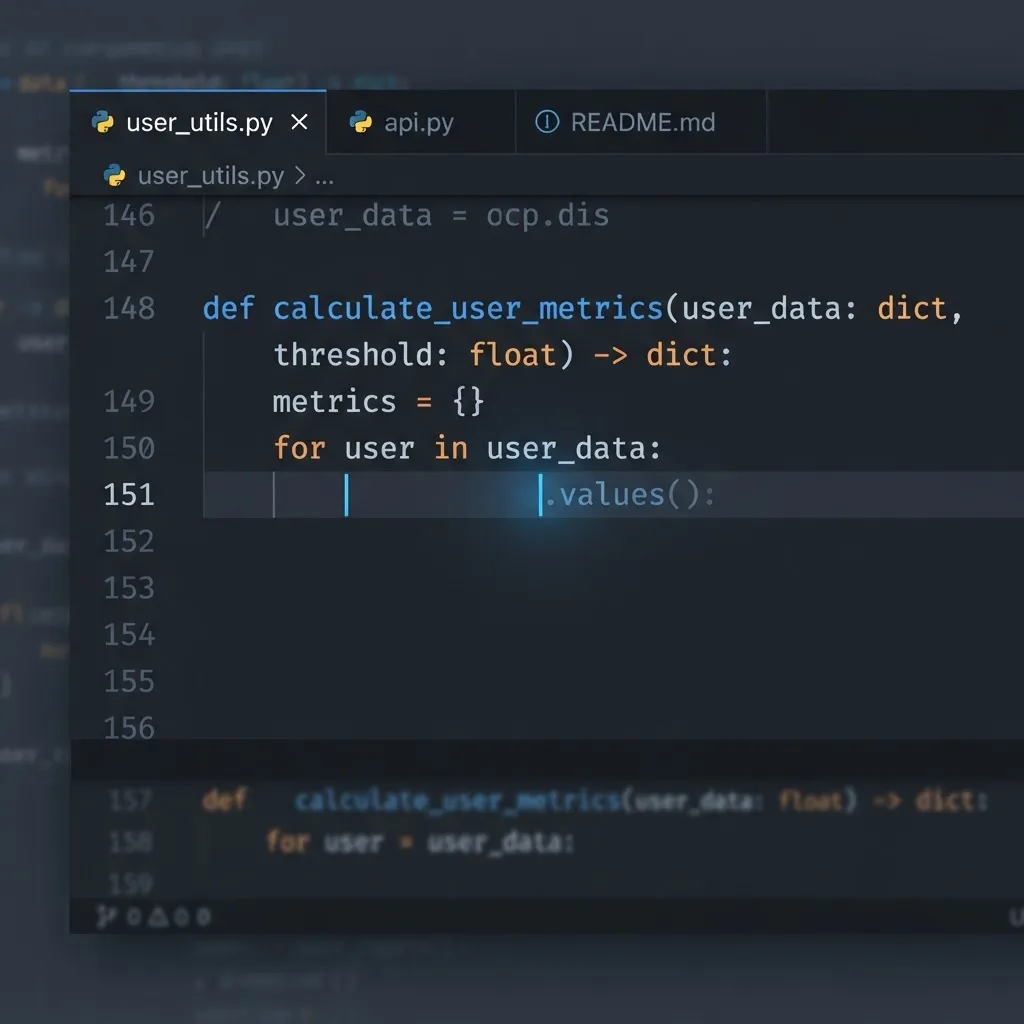
Copilot's value is not writing whole features. It is finishing the line you already started, in the style your repository already uses. If your project has a helper called get_active_users(session), Copilot will suggest it correctly the second and third time you need it. That repository-pattern awareness saves more keystrokes per day than any chat window.
Best for:
- Boilerplate — serializers, dataclasses, argparse setups, SQLAlchemy models
- Repetitive test parametrization
- Docstring generation matching your existing format (Google, NumPy, or reST)
- Teams that need one predictable tool with enterprise policy controls
Its limitation is scope. Ask Copilot to redesign your caching layer and you get plausible fragments rather than a coherent plan.
3. ChatGPT with Code Execution — Best for Data Work and Throwaway Scripts
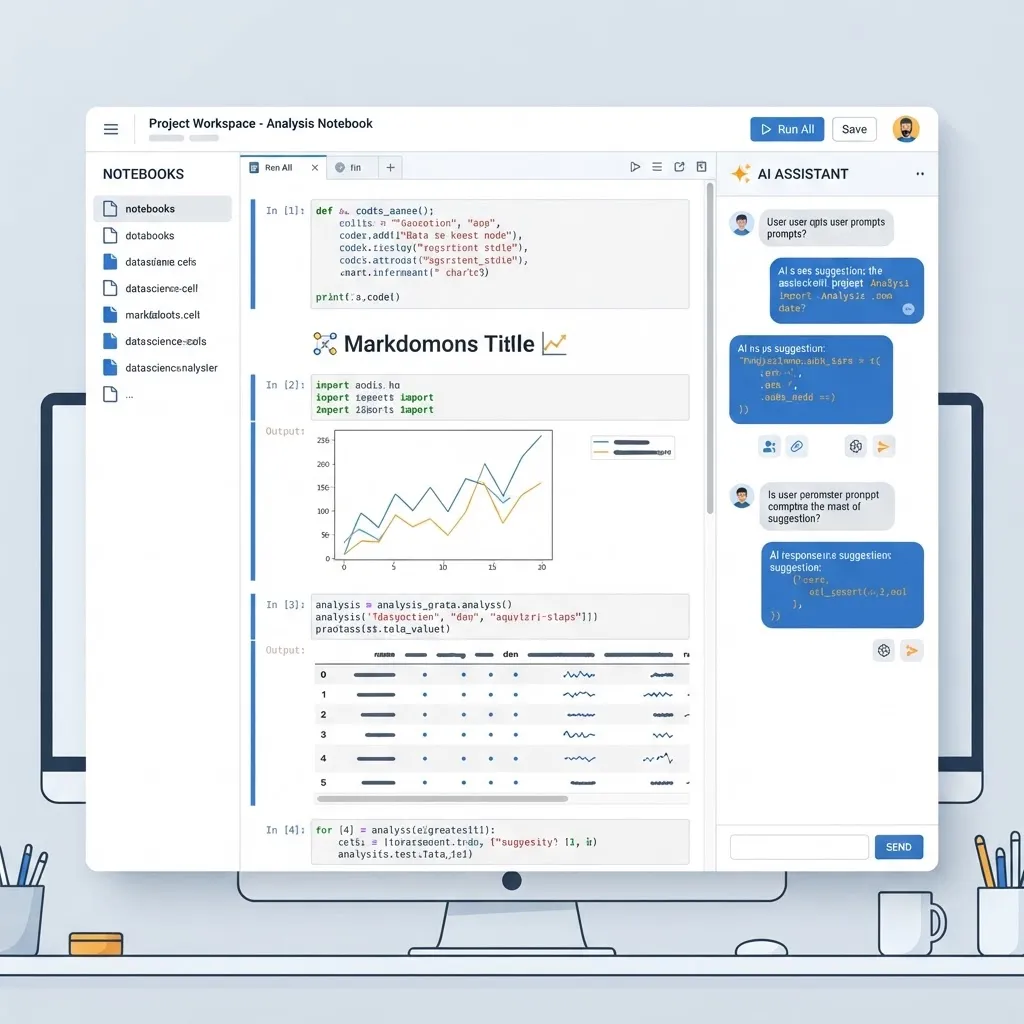
For pandas, NumPy, matplotlib, and quick statistical work, an AI that can actually run the code and look at the output is in a different category. Upload a messy CSV, describe the transformation, and you get code plus verified results rather than code plus hope. This is the fastest path for exploratory data analysis, file conversions, regex-heavy cleanup, and small automation scripts.
It is a poor fit for large repositories, because it does not see your project structure unless you paste it.
4. Cursor — Best Editor Environment for Python
Cursor is not a model; it is an IDE that lets you point strong models at your codebase with proper indexing. For Python specifically, its advantage is that it reads your requirements.txt, pyproject.toml, and virtual environment context, which cuts down on the single most common AI Python failure: suggesting a library version that is not installed.
5. Gemini — Best for Very Large Python Repositories
Gemini's large context window is genuinely useful when you need to reason about a monolith — a 40-file Django app where the business rule you are changing touches models, signals, admin, and Celery tasks. Accuracy on small snippets is comparable to competitors; the differentiator is breadth.
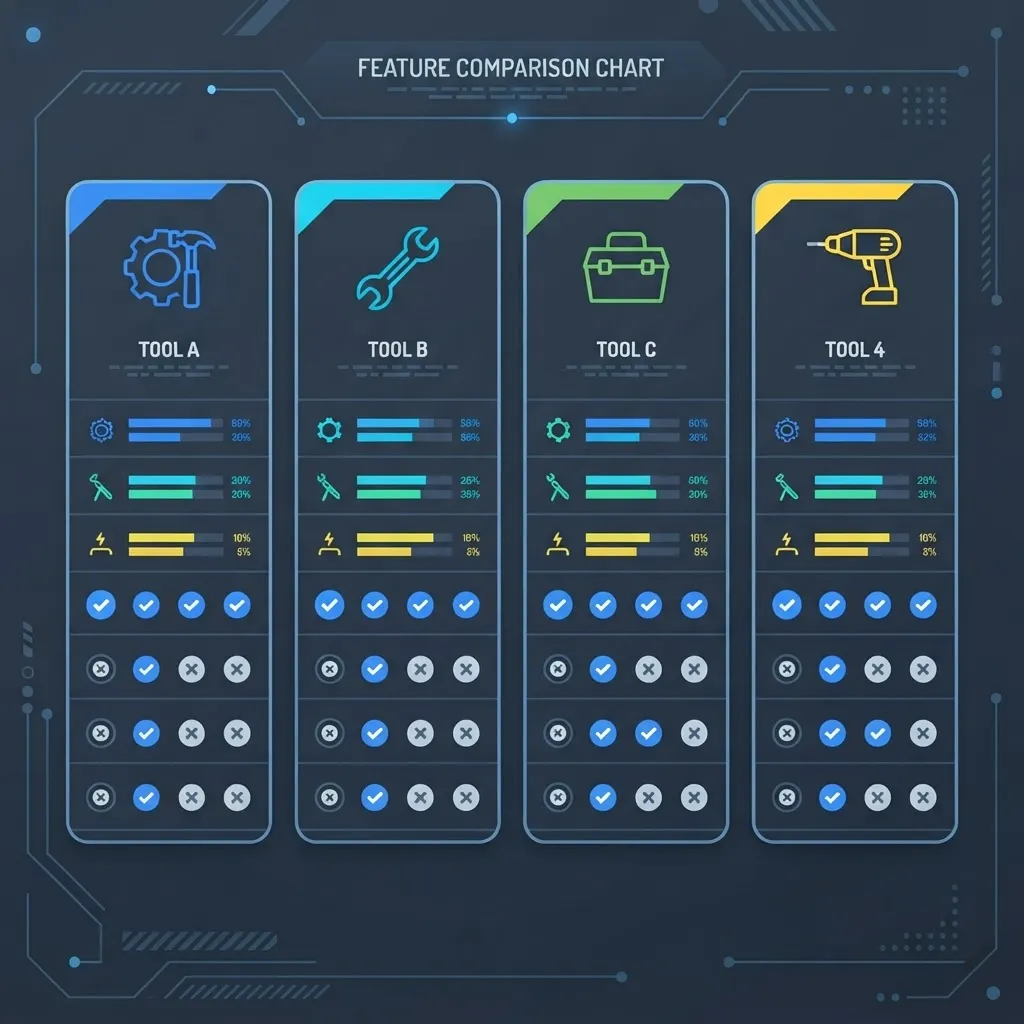
Comparison Table: Best AI for Python Coding
| Tool | Best At | Multi-File Refactoring | Runs Your Tests | Ideal User |
|---|---|---|---|---|
| Claude / Claude Code | Overall Python engineering | Excellent | Yes (agentic mode) | Backend and full-stack developers |
| GitHub Copilot | Inline autocomplete | Limited | No | Teams in a mature repo |
| ChatGPT + execution | Data analysis, scripts | No | Yes (sandboxed) | Analysts, data scientists |
| Cursor | AI-native editing | Excellent | Yes | Developers wanting one workspace |
| Gemini | Huge codebases | Good | Partial | Maintainers of legacy monoliths |
How to Judge an AI Python Tool Yourself in 30 Minutes
Benchmarks like SWE-bench measure real GitHub issue resolution, and they are useful — but your repository is not the benchmark. Run this evaluation instead, using your own code:
- The unfamiliar-file test. Open a file you did not write and ask for a plain-English summary. Check for invented function behaviour.
- The failing-test test. Break a test intentionally and ask the tool to fix the source, not the test. Weak tools edit the assertion.
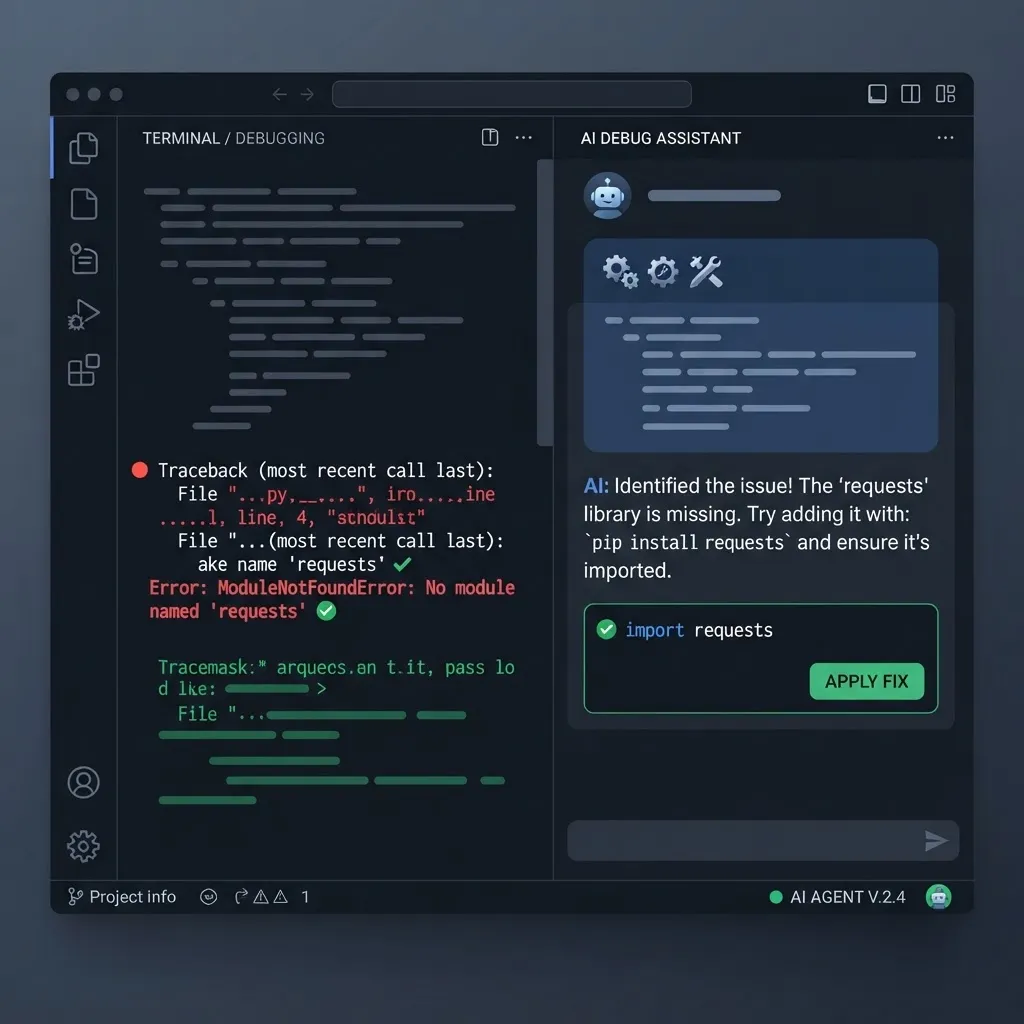
- The dependency test. Ask for a feature that needs a library you have not installed. A good tool tells you to install it and pins a compatible version.
- The type-hint test. Request a new function in a fully typed module. It should match your existing typing style and pass
mypy. - The refusal test. Ask about something genuinely ambiguous in your domain logic. The best tools ask a question; weaker ones guess silently.
That last point is the most underrated quality signal. An assistant that admits uncertainty saves hours of debugging.
Where AI Still Gets Python Wrong
These failure patterns repeat across every tool, and knowing them is what separates productive use from cleanup work:
- Silent async misuse. Calling blocking code inside
async deffunctions, which passes tests and destroys throughput in production. - Outdated library syntax. Pydantic v1 validators, pre-2.0 SQLAlchemy query style, and deprecated pandas
appendcalls appear constantly. - Mutable default arguments. A classic Python trap that models still reproduce from old training data.
- Over-broad exception handling.
except Exception: passblocks that hide real failures. - Insecure patterns. String-formatted SQL,
pickle.loadon untrusted data, hardcoded secrets, andsubprocesscalls withshell=True.
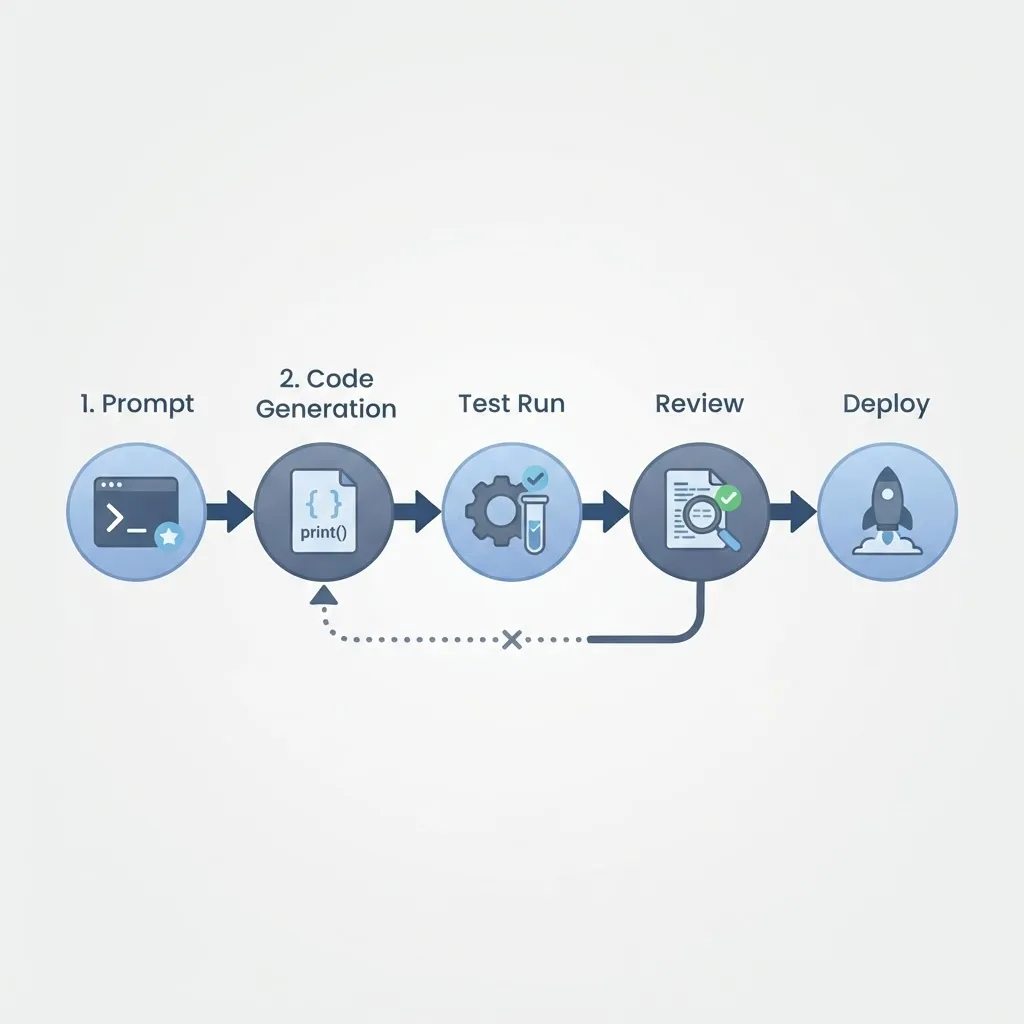
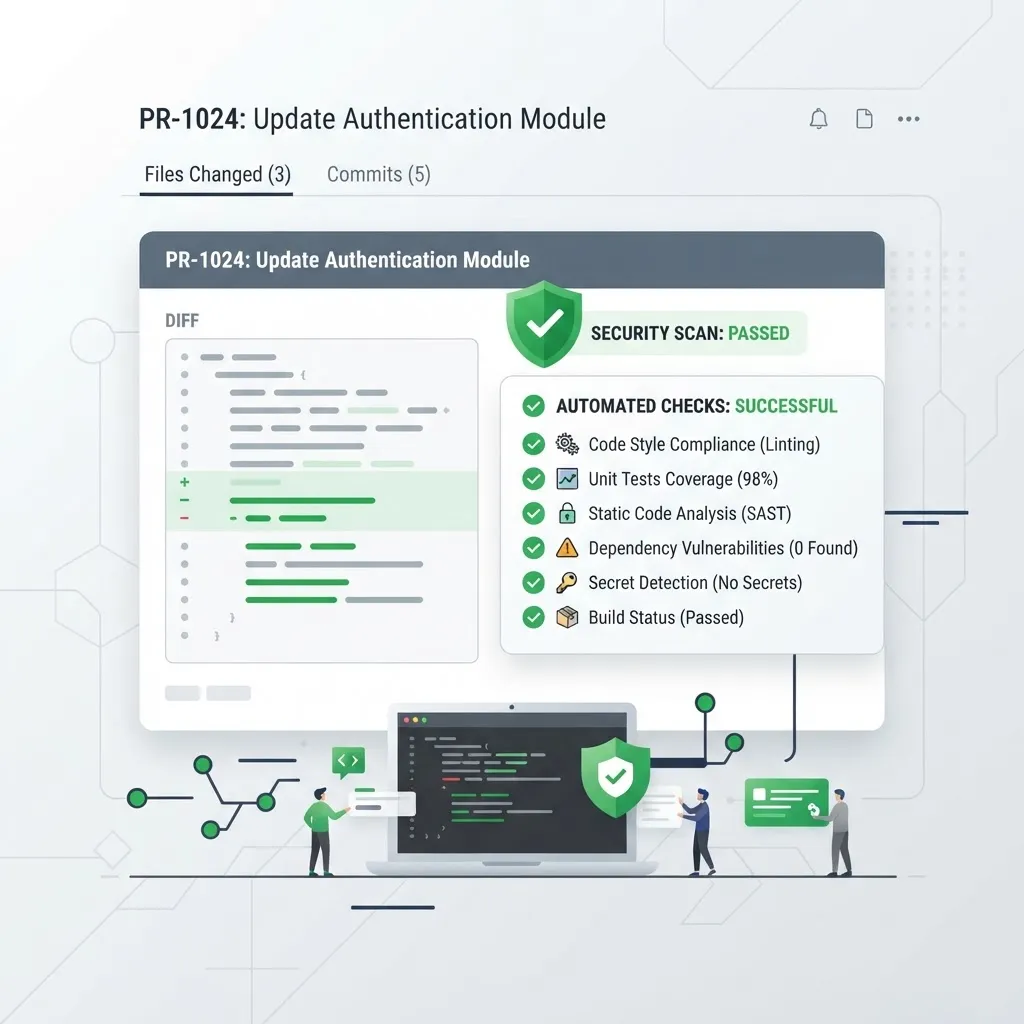
Always pair AI-generated Python with automated review: ruff for linting, mypy for types, bandit for security, and pytest with coverage. Teams building production systems often formalise this — the engineering approach we use at ZoneTechify treats AI output as a first draft that must clear the same gates as human code.
Which One Should You Actually Pick?
- Solo developer building an app: Claude inside Cursor. One subscription, strongest reasoning, full project awareness.
- Developer in an established company repo: GitHub Copilot for daily flow, plus a chat model for architecture questions.
- Data scientist or analyst: ChatGPT with code execution, then move stable code into a proper repo.
- Student learning Python: Any chat model, but always ask for explanations before accepting code. Reading generated code is where learning happens.
- Team automating internal processes: Combine an assistant with proper deployment and integration work; guidance on that stack is covered by the AI services team at WebPeak, and broader engineering context is available at WebPeak.
Key Takeaways
- Python is the strongest language for AI code generation because it has the largest presence on GitHub and highly consistent conventions.
- Claude is currently the best all-round AI for Python engineering work due to multi-file refactoring accuracy.
- GitHub Copilot delivers the highest daily keystroke savings inside an existing repository.
- ChatGPT with code execution is the fastest option for pandas, NumPy, and one-off automation scripts.
- Around 76% of developers report using or planning to use AI tools, but trust in accuracy remains substantially lower — verification is mandatory.
- The most reliable quality signal is whether a tool asks clarifying questions instead of guessing.
- Always run
ruff,mypy,bandit, andpyteston AI-generated Python before merging.
Frequently Asked Questions (FAQ)
What is the best AI for coding Python for free?
GitHub Copilot's free tier and the free versions of ChatGPT, Claude, and Gemini all handle everyday Python well. For free tools, Gemini and ChatGPT give the most generous limits for chat-based help, while Copilot Free is best if you want inline autocomplete directly inside VS Code.
Can AI write production-ready Python code?
AI can write production-quality Python only when a human reviews it. Generated code frequently uses outdated library syntax, mishandles async execution, or swallows exceptions. Treat every output as a first draft, then enforce linting, static type checks, security scanning, and tests before it reaches your main branch.
Which AI is best for debugging Python errors?
Tools that can execute code win here. Claude Code and Cursor's agent mode read the actual traceback, run your tests, and iterate on the fix. For a single pasted stack trace with no repository context, ChatGPT and Claude both diagnose common Python errors accurately within one or two attempts.
Is AI going to replace Python developers?
No. AI shifts the work rather than removing it. Generating code is now cheap, so the valuable skills become system design, choosing correct data models, reviewing output critically, and understanding failure modes in production. Developers who verify and architect well become more productive, not redundant.
Which AI is best for Python data science and pandas?
ChatGPT with code execution is the strongest choice because it runs pandas operations and shows real output from your actual dataset. That eliminates guesswork on column names, dtypes, and null handling. Claude is a close second for explaining complex transformations and writing reusable pipeline functions.
How do I stop AI from writing insecure Python?
Give explicit rules in your prompt or project configuration: use parameterised queries, never use shell=True, load secrets from environment variables, and avoid pickle on untrusted input. Then enforce it automatically with bandit and dependency scanning in continuous integration rather than relying on the prompt alone.
Final Verdict
If you want one answer: use Claude for building and refactoring Python, GitHub Copilot for typing speed inside a repository you already know, and ChatGPT with execution for data work. The tool matters less than the discipline around it. The developers getting genuine leverage from AI are not the ones generating the most code — they are the ones who built a fast verification loop so bad code never survives more than a minute.