A practical 2026 technical SEO checklist covering Core Web Vitals thresholds, crawl budget control, indexing fixes, structured data, and monitoring workflows that actually move rankings.
Technical SEO Checklist for 2026: Improve Core Web Vitals, Crawlability, and Search Rankings
Technical SEO in 2026 is no longer about chasing a perfect score in a testing tool. It is about proving to search engines and AI answer engines that your pages load fast on real devices, can be crawled without waste, and can be understood without guesswork. After auditing hundreds of sites, one pattern repeats: teams publish excellent content on infrastructure that quietly blocks it from ranking.
This checklist is built from field experience, not theory. Each section gives you a specific action, the threshold to hit, and how to verify it.

Quick Answer: A 2026 technical SEO checklist means passing Core Web Vitals on real user data (LCP under 2.5s, INP under 200ms, CLS under 0.1), keeping crawl paths clean with correct robots rules and sitemaps, fixing indexing and canonical conflicts, shipping valid structured data, and monitoring regressions continuously rather than auditing once per year.
What Technical SEO Actually Means in 2026
Technical SEO is the practice of making a website easy for search engines to crawl, render, index, and interpret, while delivering a fast and stable experience to real users. It sits underneath content and links: if the technical layer fails, the other two cannot compensate.
Three shifts define the 2026 landscape:
- Interaction to Next Paint (INP) replaced First Input Delay as Google's official responsiveness metric in March 2024, and it is stricter because it measures every interaction on the page, not just the first one.
- Rendering matters more than markup. JavaScript-heavy sites are indexed, but delayed rendering costs discovery speed on large sites.
- AI answer engines read your structure. Clear headings, definitions, and schema increase the chance your page is cited in generated answers, not just ranked in blue links.
According to Google, 53% of mobile visits are abandoned if a page takes longer than three seconds to load, which is why performance is treated as a user-experience signal rather than a vanity metric. Google has also stated that Core Web Vitals are part of its page experience signals, and that they act as a tiebreaker when content relevance is comparable.
Part 1: Core Web Vitals Checklist
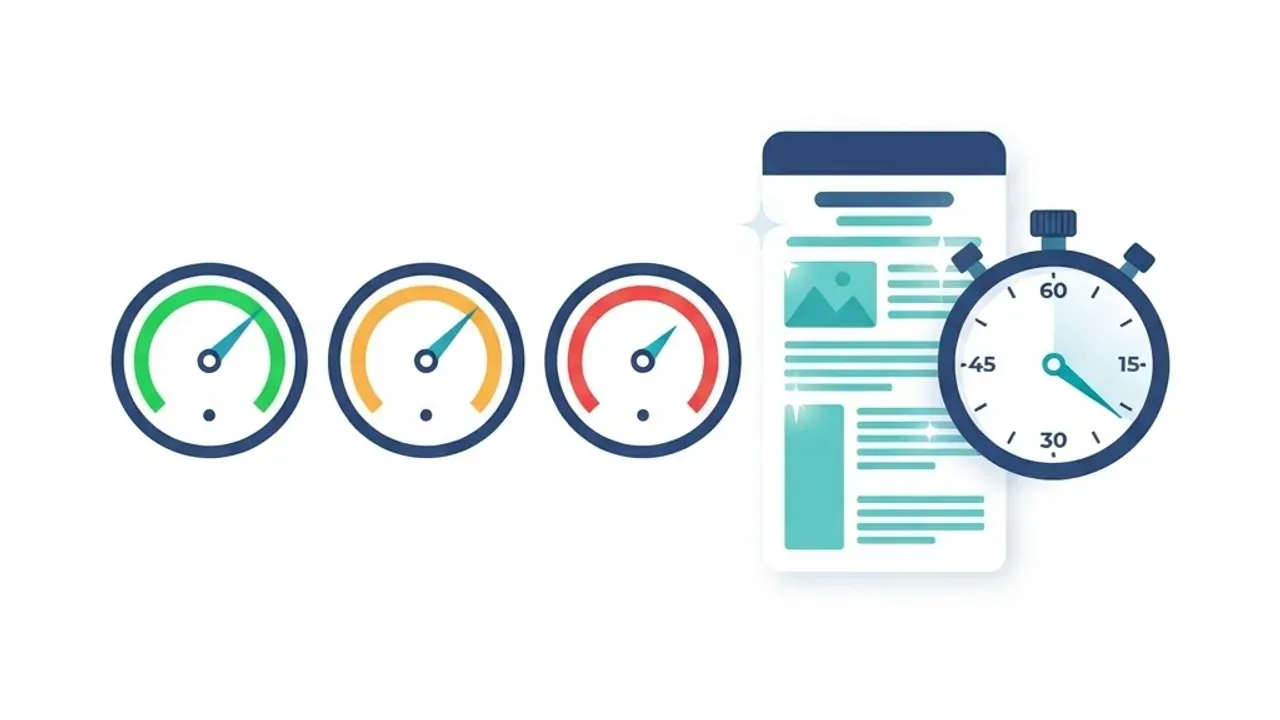
Core Web Vitals are the three field metrics Google uses to measure loading, responsiveness, and visual stability. The pass threshold is the 75th percentile of real user visits, measured separately for mobile and desktop.
The 2026 Thresholds You Must Hit
| Metric | What It Measures | Good | Needs Work | Poor |
|---|---|---|---|---|
| LCP | Time until largest visible element renders | Under 2.5s | 2.5s to 4.0s | Over 4.0s |
| INP | Responsiveness across all interactions | Under 200ms | 200ms to 500ms | Over 500ms |
| CLS | Unexpected layout movement | Under 0.1 | 0.1 to 0.25 | Over 0.25 |
| TTFB | Server response time (diagnostic) | Under 800ms | 800ms to 1.8s | Over 1.8s |
Fixing LCP: Focus on the First Image and the Server
In most audits, the LCP element is a hero image or a headline blocked by fonts. Work through this order:
- Serve the hero image in WebP or AVIF, sized to its rendered dimensions, and never lazy-load it.
- Add a high fetch priority attribute to the LCP image and preload the font file it depends on.
- Cut TTFB with edge caching or static rendering. A slow origin caps your LCP no matter how small the image is.
- Remove render-blocking CSS above 14KB of critical styles and defer the rest.
A practical benchmark from real projects: converting uncompressed PNG heroes to WebP and removing lazy-loading on the first viewport image typically cuts mobile LCP by 0.8 to 1.5 seconds on its own.
Fixing INP: Break Up Long Tasks
INP failures are almost always JavaScript execution problems, not network problems.
- Split bundles by route so a product page does not download checkout logic.
- Yield to the main thread inside heavy loops instead of blocking it.
- Replace scroll and input listeners that trigger layout reads with passive, debounced handlers.
- Audit third-party tags. Chat widgets, heatmaps, and duplicate analytics scripts are the most common INP offenders and the easiest to remove.
Fixing CLS: Reserve Space Before Content Arrives
- Set explicit width and height (or aspect ratio) on every image, video, and iframe.
- Reserve fixed containers for ads, banners, and cookie notices.
- Use a font display swap strategy with a matched fallback metric to avoid text reflow.
- Never inject content above existing content after load.
Part 2: Crawlability and Indexing Checklist
Crawlability is a search engine's ability to reach and fetch your URLs. Indexability is its ability to store them. A page can be crawlable and still be excluded, which is why these must be checked separately.

Crawl Control Essentials
- Validate robots.txt line by line. One misplaced disallow rule in a staging deploy can remove a site from search within days. Confirm that CSS and JS files are crawlable, since blocking them breaks rendering.
- Keep XML sitemaps clean. Include only canonical, indexable, 200-status URLs. Remove redirects, noindex pages, and parameter duplicates. Split sitemaps above 50,000 URLs.
- Fix redirect chains. Every hop wastes crawl budget and dilutes signals. Point old URLs directly at the final destination.
- Return correct status codes. Soft 404s that respond with 200 confuse indexing pipelines more than honest 404s do.
- Control faceted navigation. Filter and sort parameters generate near-infinite URL combinations. Block, canonicalise, or noindex them deliberately.
Indexing Checks That Catch Real Problems
- Compare submitted sitemap URLs against indexed URLs in Google Search Console; a gap above 15% signals a systemic issue such as thin duplicates or canonical conflicts.
- Confirm each page has exactly one self-referencing canonical tag, and that canonical targets return 200.
- Never combine a noindex directive with a canonical pointing elsewhere; the conflicting signals are resolved unpredictably.
- Inspect the rendered HTML, not the source. If primary content only appears after client-side hydration, move it to server rendering.
- Verify hreflang pairs return reciprocal tags for multilingual sites, and use an x-default value for the fallback.
Teams that need help implementing these fixes at the code level often work with a development partner such as ZoneTechify, while performance and search strategy resources are available at WebPeak.
Part 3: Site Architecture and Internal Linking
Site architecture determines how quickly authority and crawlers flow to your important pages. The rule that consistently holds: every commercially important page should be reachable within three clicks from the homepage.
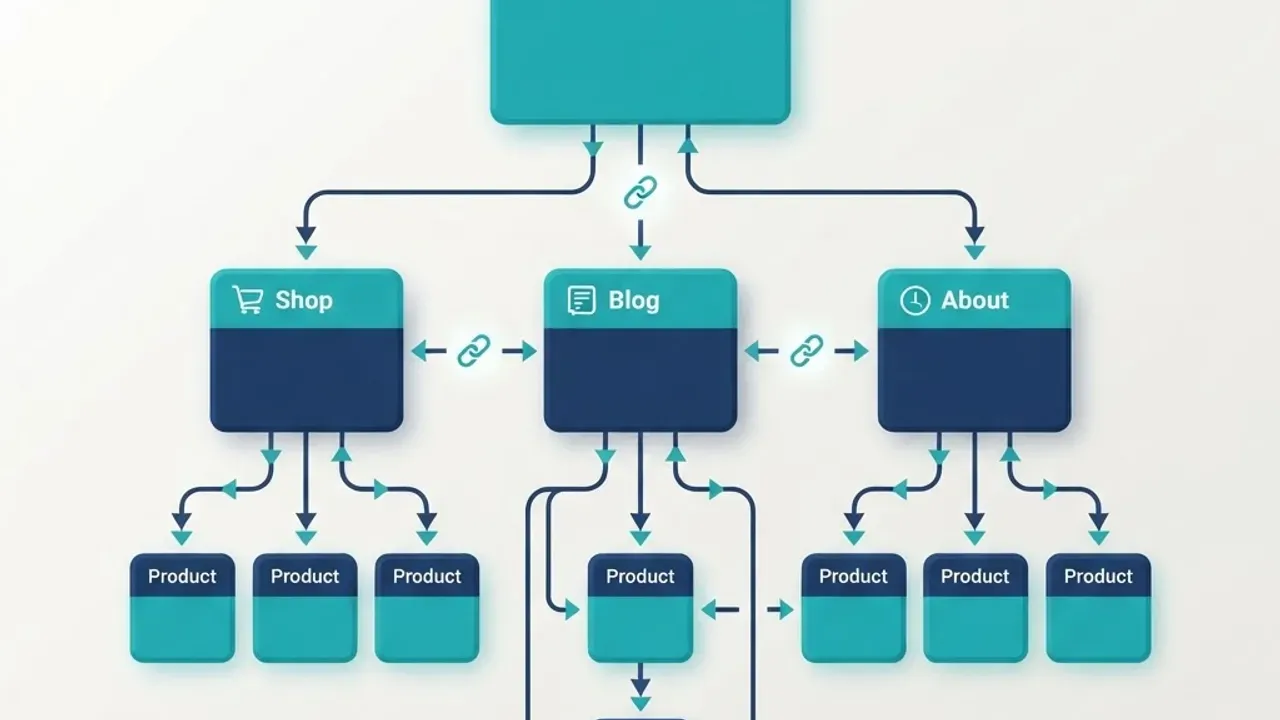
- Group related content into topic clusters with a pillar page linking to each supporting article, and each supporting article linking back.
- Use descriptive anchor text that matches the target page intent, not generic phrases.
- Audit orphan pages monthly. Pages with zero internal links are crawled rarely and rank poorly.
- Keep URLs short, lowercase, hyphenated, and stable. Changing URL structure without redirects is one of the fastest ways to lose traffic.
- Add breadcrumbs with matching BreadcrumbList schema so hierarchy is machine-readable.
An original observation from client work: sites that consolidate three or four thin, overlapping pages into a single comprehensive URL usually see faster indexing of new content, because crawl budget stops being spent re-fetching duplicates. Structural fixes like these are typically part of a broader digital marketing programme rather than an isolated task.
Part 4: Mobile-First and Rendering Checklist
Google indexes the mobile version of your site by default. If content, links, or structured data exist only on desktop, they effectively do not exist.

- Ensure mobile and desktop serve identical primary content, headings, and schema.
- Test tap target size and spacing; cramped navigation increases INP through mis-taps and re-taps.
- Avoid intrusive interstitials that cover content on load.
- Confirm the viewport meta tag is present and that horizontal scrolling never occurs at 360px width.
- For JavaScript frameworks, prefer server-side rendering or static generation for indexable routes, and reserve client rendering for interactive, non-indexable widgets.
Part 5: Structured Data and Machine Readability
Structured data is standardised markup, usually JSON-LD, that explicitly tells engines what an entity is. It does not directly boost rankings, but it enables rich results and makes your content easier for AI systems to quote accurately.
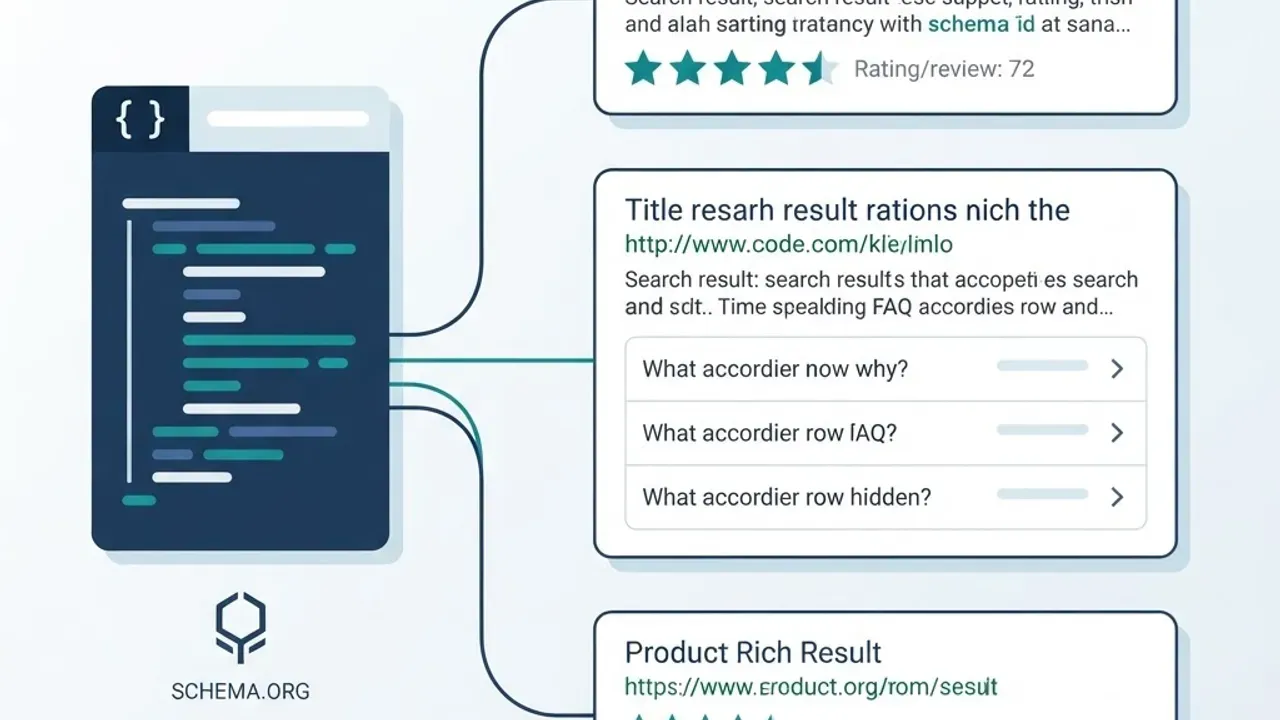
Prioritise these schema types:
- Organization and WebSite on the homepage, including logo and sameAs profiles.
- Article or BlogPosting with author, datePublished, and dateModified for editorial content.
- Product with price, availability, and review data for ecommerce.
- FAQPage for genuine question-and-answer sections.
- BreadcrumbList for hierarchy.
Rules that prevent penalties: mark up only content visible on the page, keep schema values identical to on-page text, and validate with Google's Rich Results Test after every template change. Invalid schema is ignored; deceptive schema can trigger manual action.
Part 6: Security, Hygiene, and Monitoring
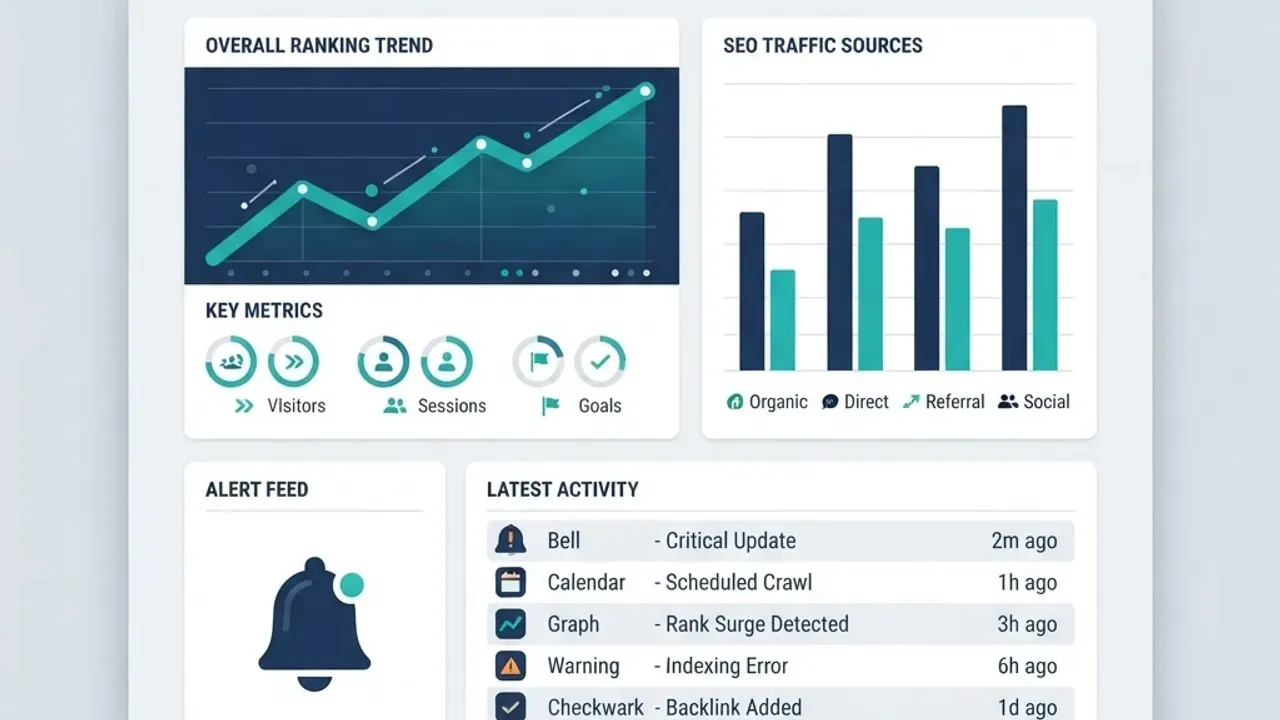
Technical SEO decays. Deployments introduce regressions, and a checklist completed once loses value within a quarter.
- Enforce HTTPS site-wide with HSTS, and redirect all HTTP and non-preferred hostname variants to one canonical origin.
- Review server log files quarterly to see which URLs bots actually request versus which ones matter to your business.
- Set up alerting on Core Web Vitals field data so a regression is caught in days, not at the next audit.
- Add performance budgets to your build pipeline: fail the deploy if the JavaScript bundle grows beyond an agreed threshold.
- Re-crawl the full site monthly with a crawler and diff the results against the previous run.
Priority Order: What to Fix First
When resources are limited, sequence work by impact:
- Indexing blockers such as robots rules, noindex tags, and canonical conflicts, because a blocked page earns nothing.
- LCP and TTFB on templates that drive revenue.
- Internal linking to orphaned or deep money pages.
- INP on interactive pages such as search, filters, and checkout.
- CLS and structured data refinements.
Key Takeaways
- Core Web Vitals pass thresholds are LCP under 2.5s, INP under 200ms, and CLS under 0.1, measured at the 75th percentile of real users.
- INP replaced First Input Delay in March 2024 and measures every interaction, making third-party script bloat a direct ranking risk.
- According to Google, 53% of mobile visits are abandoned after three seconds of load time, tying performance directly to revenue.
- Crawlability and indexability are separate problems; verify both, because a crawlable page can still be excluded.
- A gap larger than 15% between sitemap URLs and indexed URLs usually signals duplicate content or canonical conflicts.
- Mobile-first indexing means content missing from mobile is invisible to search.
- Structured data does not raise rankings directly but improves rich result eligibility and AI citation accuracy.
- Continuous monitoring with performance budgets prevents the regressions that annual audits miss.
Frequently Asked Questions (FAQ)
What is the most important technical SEO factor in 2026?
Indexability comes first. If search engines cannot crawl, render, and index a page, no amount of speed or content quality helps. Once indexing is clean, Largest Contentful Paint on your revenue-driving templates delivers the next biggest measurable gain in rankings and conversions.
How do I check my Core Web Vitals scores?
Use the Core Web Vitals report in Google Search Console for real user field data, which is what Google actually evaluates. Then use PageSpeed Insights or Chrome DevTools Lighthouse for lab diagnostics that explain why a metric fails. Always trust field data over lab scores when they disagree.
Does Core Web Vitals directly affect Google rankings?
Yes, but modestly. Google confirms Core Web Vitals are part of page experience signals and act as a differentiator between pages of similar relevance. They rarely outrank strong content, yet they strongly affect bounce rate and conversions, which compound into better overall search performance.
How often should I run a technical SEO audit?
Run a full crawl-based audit quarterly, and monitor continuously in between. Check Search Console coverage and Core Web Vitals reports weekly, and re-test any template immediately after a deployment. Most damaging technical issues appear right after code releases, migrations, or theme updates.
Can I fix technical SEO without a developer?
Partly. Sitemaps, robots rules, metadata, image compression, and schema plugins are manageable on platforms like WordPress or Shopify. Deeper work such as bundle splitting, server rendering, caching strategy, and INP optimisation requires developer access, since those fixes live in application and infrastructure code.
What is a good crawl budget strategy for large sites?
Reduce waste before requesting more crawling. Remove duplicate parameter URLs, fix redirect chains, return proper 404s, and keep sitemaps limited to canonical indexable pages. On sites above 100,000 URLs, log file analysis shows exactly where bots spend time so you can redirect that attention to pages that earn revenue.
Final Word
Technical SEO rewards discipline over novelty. The sites that win in 2026 are not the ones chasing every algorithm rumour; they are the ones with fast templates, clean crawl paths, unambiguous markup, and alerting that catches regressions the same week they ship. Work through this checklist in priority order, verify each fix with field data, and re-check after every release.