
A practical, security-first guide to AI APK download in 2026 — how APK files work, where to get them safely, how to verify signatures, and when to avoid sideloading entirely.
AI APK Download
Searches for "AI APK download" have exploded because millions of people want ChatGPT-style assistants, image generators, and voice tools on Android without paying subscription fees or waiting for regional rollouts. The problem is that most of the top results are not official app pages at all. They are mirror sites hosting repackaged files, and a meaningful share of them ship modified code. This guide is written from the perspective of engineers who audit mobile builds for clients: what an AI APK actually is, how to tell a clean file from a tampered one, and what you give up when you sideload instead of installing from an official store.
Quick Answer: An AI APK download means installing an AI app's Android package file directly instead of using an app store. It is technically legal in most regions, but risky: unofficial mirrors often repackage APKs with adware or credential-stealing code. Only sideload from the developer's own site, verify the signature, and never enter real logins in a modded build.

What Is an AI APK, Exactly?
An APK (Android Package Kit) is the archive format Android uses to distribute and install apps — the equivalent of a .exe on Windows or a .dmg on macOS. It bundles compiled code, resources, the manifest that declares permissions, and a cryptographic signature that ties the build to its developer.
An AI APK is simply an APK whose app delivers AI features: a chat assistant, an image generator, a transcription tool, a translator, or a writing helper. There is nothing special about the file format. What differs is where the intelligence runs:
- Cloud-based AI apps are thin clients. The APK is small (often 20–80 MB) and every prompt travels to a server. This is how most assistant apps work.
- On-device AI apps ship model weights inside the package or download them on first launch, so the APK or its data payload can exceed 1–4 GB.
That distinction matters for security. A cloud-based AI APK sends your prompts, and sometimes your account tokens, to whatever server the code points at. If someone has repackaged the app, they can change that server address without you noticing a single visual difference in the interface.
Why People Search for AI APK Downloads
From support tickets and client questions, four motivations come up repeatedly:
- Regional unavailability. Some AI apps launch in a handful of countries first, so the store listing simply does not appear for other users.
- Older or incompatible devices. A store may block installs on devices below a minimum Android version even when the app would run acceptably.
- Wanting paid features free. This is the driver behind "mod" builds and by far the most dangerous motivation.
- Version rollback. A new release breaks a workflow, and the user wants the previous build back — a legitimate reason store listings rarely support.
Only reasons one, two, and four have safe paths. Reason three almost never does, and it is worth understanding why in concrete terms rather than as a vague warning. Our breakdown of modified AI application builds walks through what actually gets changed inside those packages.
The Real Security Risk, With Numbers
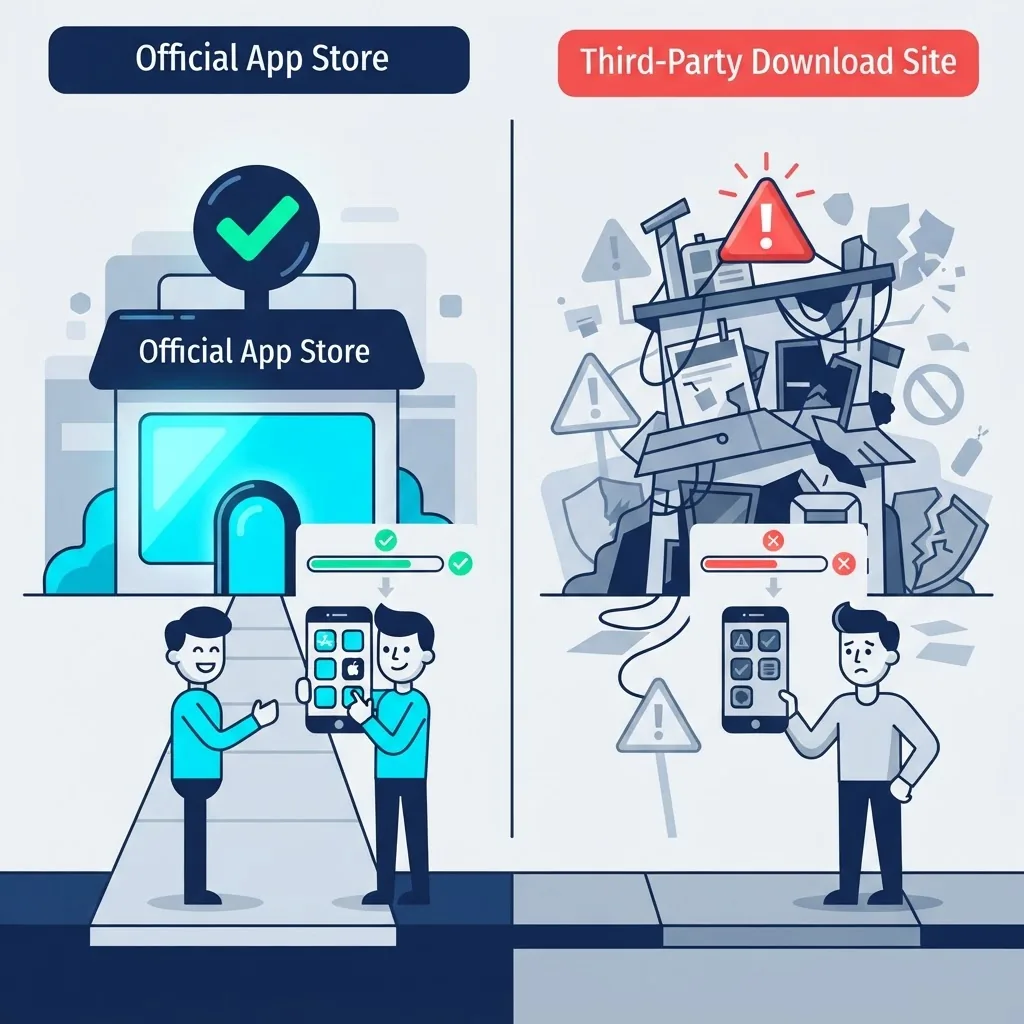
Android's own data is blunt about this. According to Google's 2023 Android Security Paper, apps installed from outside Google Play were significantly more likely to contain potentially harmful applications than apps installed through Play — Google Play Protect scans over 200 billion apps daily specifically because sideloaded distribution is the primary malware vector on the platform.
Google also reported that in 2024 it blocked over 2.36 million policy-violating apps from being published to Play and banned more than 158,000 developer accounts that attempted to publish harmful apps. Those are the ones caught by a reviewed store. Mirror sites hosting APKs run no equivalent review at all.
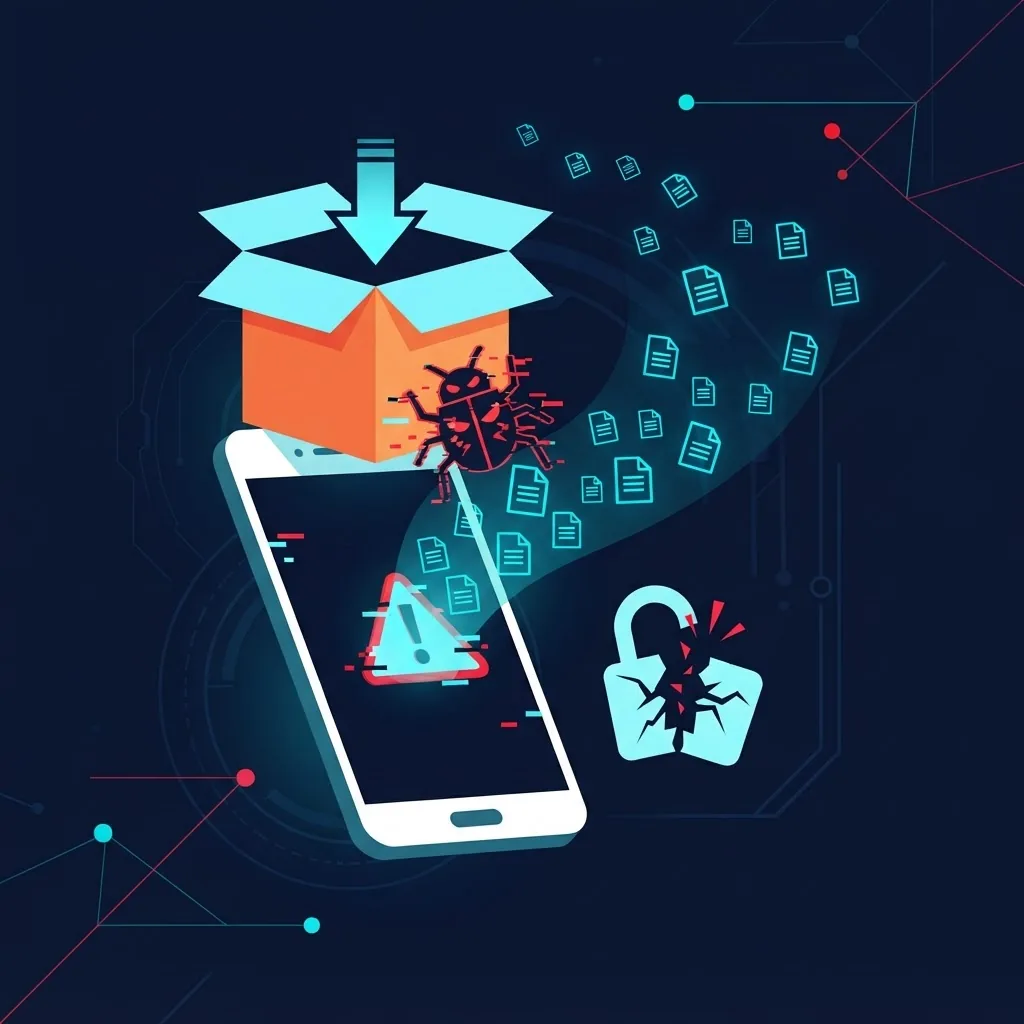
The practical attack on a repackaged AI app usually looks like this:
- The attacker decompiles a legitimate APK.
- They inject a small library — often an ad SDK or an analytics-looking module.
- They re-sign the package with their own key (they must, because the original signature breaks the moment code changes).
- They upload it as "Premium Unlocked" or "Pro Mod."
Because AI assistant apps are one of the few app categories where users routinely type genuinely sensitive text — business plans, medical questions, contract language, source code — a compromised AI client is a higher-value target than a compromised game.
Official Store vs Developer APK vs Modded APK
| Factor | Official Store | Developer's Own APK | Third-Party Modded APK |
|---|---|---|---|
| Code review before publish | Yes | No, but signed by developer | No |
| Signature matches developer key | Yes | Yes | No, re-signed by uploader |
| Automatic security updates | Yes | Manual only | No |
| Play Protect scanning | Yes | Partial on install | Often flagged or evaded |
| Safe for real account login | Yes | Yes | No |
| Refunds and account support | Yes | Limited | None |
| Terms of service compliant | Yes | Yes | No, usually a violation |
The middle column is the one most people overlook. Many reputable AI companies publish a direct APK on their own domain for exactly the regional and compatibility reasons above. That file is signed with the same key as the store build, which makes it a legitimate option — not a compromise.
How to Download an AI APK Safely: Step by Step
If you have a genuine reason to sideload, treat it as a controlled operation rather than a casual tap.
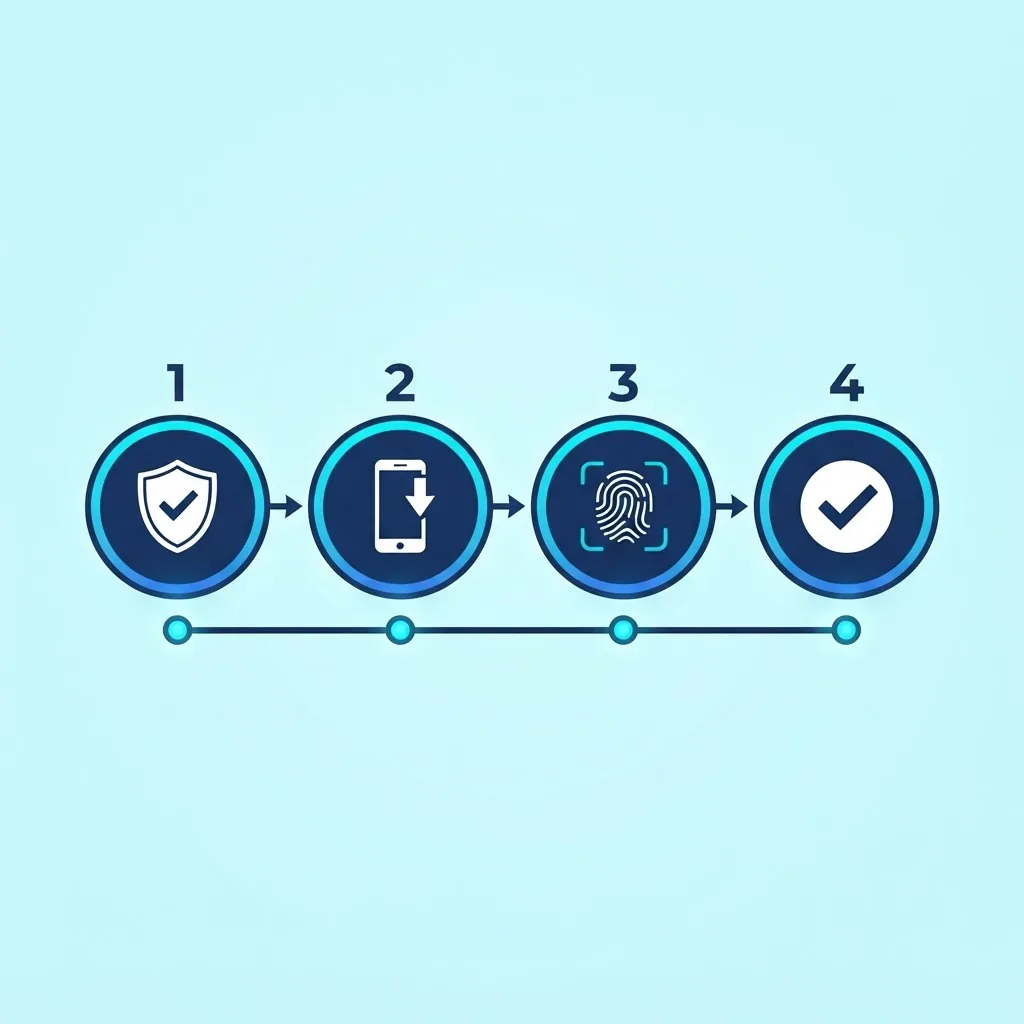
1. Start at the developer's real domain
Find the company through its official website, its verified social account, or its store listing — never through a search result titled "Download AI Pro APK Free." Confirm the domain matches the one referenced in the store listing.
2. Check the signature, not just the file name
After downloading, verify the package signature before install. On a computer with Android build tools:
- Run
apksigner verify --print-certs app.apkand compare the SHA-256 certificate digest against the digest of a known-good build from the same developer. - If the digests differ, the file has been re-signed by someone else. Delete it.
On-device signature checker apps can show the same certificate hash if you do not have a computer available.
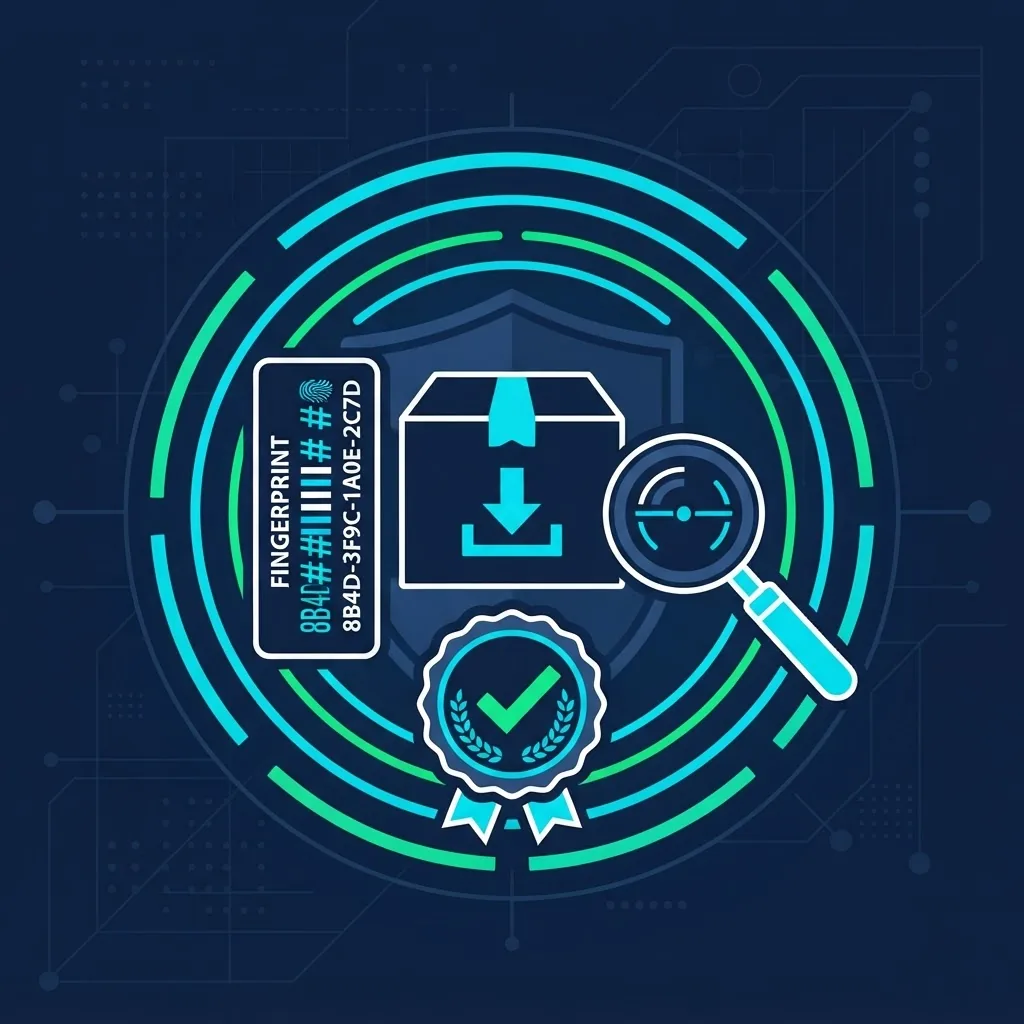
3. Scan the file before installing
Upload the APK to a multi-engine scanner. A single detection can be a false positive; five or more independent engines flagging the same file is not.
4. Grant install permission narrowly
Android scopes "install unknown apps" per source app. Enable it only for the browser or file manager you are actively using, install, then immediately turn it back off. This prevents a later drive-by download from installing silently.
5. Audit permissions on first launch
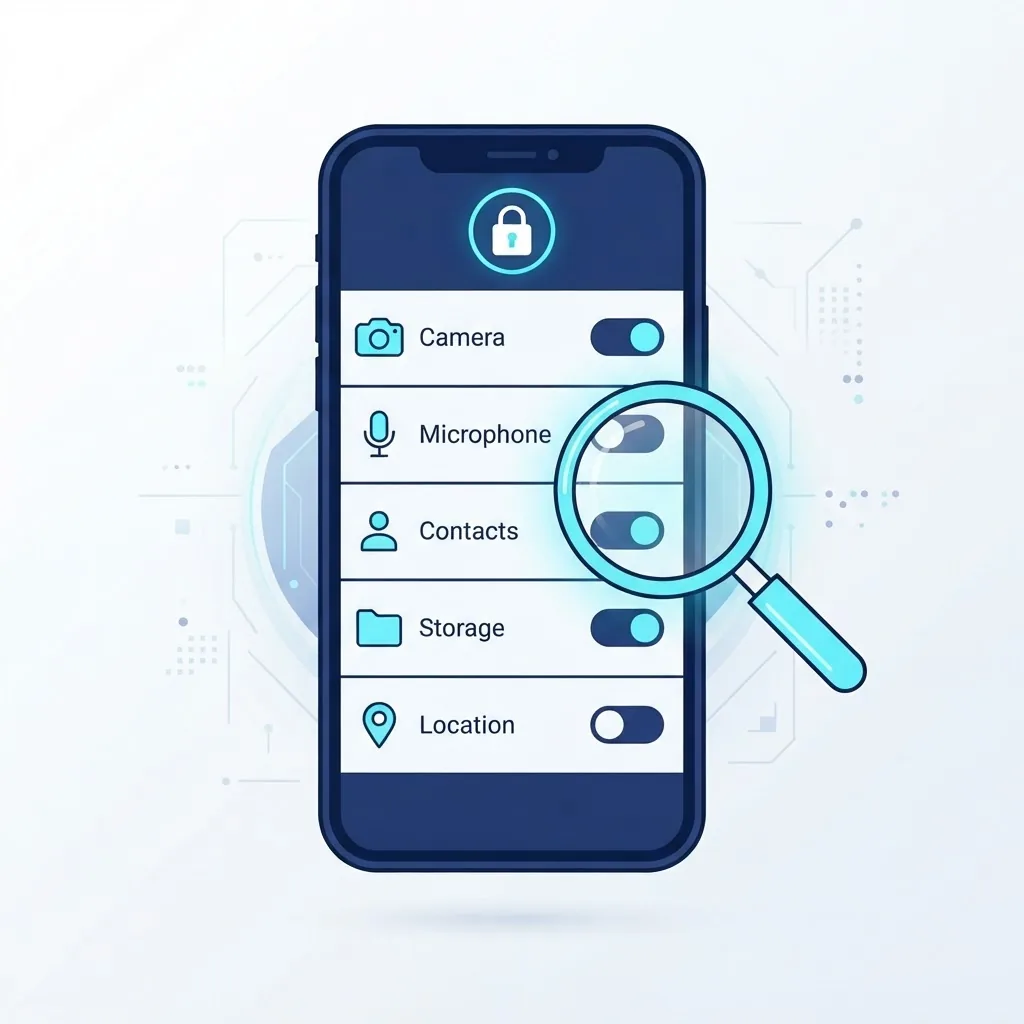
A cloud-based AI chat app needs network access, and optionally microphone, camera, and storage if it handles voice or images. It does not need SMS access, call logs, contacts, or accessibility service permissions. An AI app requesting accessibility service access is the single strongest red flag — that permission allows reading everything on screen, including banking apps.
6. Use a throwaway account first
Sign in with an email that is not linked to payment methods or your primary identity. Watch network behavior and battery use for a day before trusting the app with anything real.
The Hidden Costs Nobody Lists
Beyond malware, sideloaded AI apps carry three practical penalties that show up weeks later.
Update decay. AI apps iterate fast because the underlying models change. A sideloaded build has no update channel, so within a few months it may be calling deprecated API endpoints and failing silently. You then repeat the whole risky download process.
Account termination. Using a modified client to bypass paid limits violates the terms of service of essentially every major AI provider. Providers detect unofficial clients through request fingerprinting. A banned account can take years of chat history with it.
Battery and thermal drain. Injected ad and tracking libraries in repackaged builds poll in the background. On-device AI features already stress CPU and memory; adding uncontrolled background work is why users often report a modded AI app "killing" their battery.
Better Alternatives to Sideloading
In most cases the goal — free AI access on a phone — is achievable without touching an APK file:
- Use the mobile web app. Nearly every major AI assistant runs fully in a mobile browser and can be added to your home screen as a PWA. Same features, zero install risk, automatic updates.
- Use official free tiers. Free tiers on mainstream assistants now cover the daily needs of most casual users, which removes the entire incentive for a "premium unlocked" build.
- Check regional store workarounds. If an app is unavailable in your country, the developer's own site often provides a supported direct download.
- Look for open-source clients. Open-source AI front-ends published on public repositories let you inspect the code and build from source, which is meaningfully safer than an anonymous binary.
If you are building or shipping an AI product rather than just installing one, the distribution decision deserves the same scrutiny. Teams at ZoneTechify and WebPeak routinely handle signing keys, release channels, and permission hygiene as part of AI development work — because a poorly signed release is what makes clone APKs possible in the first place.
Key Takeaways
- An APK is Android's standard install package; an "AI APK" is only special in what the app does, not in how the file works.
- Google Play Protect scans more than 200 billion apps daily, and Google blocked over 2.36 million policy-violating apps in 2024 — protection that third-party mirror sites do not replicate.
- Any modified APK must be re-signed with a different key, so a mismatched certificate hash is proof of tampering.
- Accessibility service permission requests from an AI app are the highest-severity red flag, because that permission can read all on-screen content.
- Mobile web apps and official free tiers deliver the same AI capability with no sideloading risk and automatic updates.
Frequently Asked Questions (FAQ)
Is downloading an AI APK safe?
It depends entirely on the source. An APK downloaded from the developer's own website and matching their signing certificate is safe. An APK from a random mirror advertising premium features unlocked is not, because the code was modified and re-signed by an unknown party.
Is it illegal to download an AI APK?
Sideloading an app is legal in most countries, and Android officially supports it. However, installing a modified build that bypasses paid features violates the provider's terms of service and may infringe copyright. The legal exposure is usually contractual rather than criminal, but account bans are common.
How do I know if an APK file has been modified?
Compare the package's signing certificate against a known-good build using apksigner verify --print-certs. Any code change forces the attacker to re-sign, so a different SHA-256 certificate digest means the file is not the original developer's build. Delete it immediately.
Can an AI APK steal my chat conversations?
Yes, if it is a repackaged build. Because the modified client controls where prompts are sent, an attacker can route your conversations through their own server before forwarding them. This is why you should never enter real credentials or sensitive information into an unofficial AI client.
What is the safest way to use AI apps for free on Android?
Use the official mobile web version added to your home screen, or the developer's official free tier. Both give you current model access, automatic updates, and no install risk. Open-source AI clients from public repositories are the next best option since the code is inspectable.
Why does my sideloaded AI app drain the battery so fast?
Repackaged builds frequently contain injected ad and tracking libraries that run background network polling. Combined with the CPU load of AI features, this produces noticeably faster drain and heat than the official build. Reinstalling the official version usually resolves it.