A practical, security-first guide to AI chat APK files on Android: what they are, how sideloading actually works, the real privacy risks, and safer ways to run an AI assistant on your phone.
AI Chat APK
Searches for an "AI chat APK" almost always come from one of three motivations: an AI assistant is not available in your country's Play Store, the official app demands a paid subscription for features you want, or your device is too old to install the current listing. All three are legitimate frustrations. What follows is a straight, technically accurate explanation of what an AI chat APK actually is, what happens on your device when you install one, and how to judge whether a specific file is safe before it ever touches your storage.
This guide is written from the perspective of people who ship and audit Android builds for a living. We are not going to link you to a download mirror, and we are not going to pretend sideloading is harmless. Instead you will get the checks a security reviewer runs, the trade-offs in plain language, and the alternatives that give you the same capability without handing an unknown developer your microphone.
Quick Answer: An AI chat APK is an Android installer package for a chatbot app, installed outside the Play Store. Official APKs from a developer's own site are generally safe. Modified or "unlocked" versions are re-signed by strangers, frequently carry malware or trackers, and should be avoided entirely.
What Is an AI Chat APK, Exactly?
Definition: An APK (Android Package Kit) is a ZIP-based archive containing an app's compiled code, resources, manifest, and cryptographic signature. An AI chat APK is simply that package for a conversational AI app such as a chatbot or voice assistant.
Every app on your phone arrived as an APK, including the ones from Google Play. The only difference with manual installation is the delivery route. When Play Store installs an app, Google has already run it through Play Protect scanning, verified the developer identity, and checked that the signature matches previous versions. When you install a file yourself, none of those checks happen automatically.
One technical detail that matters more than anything else: Android verifies the signing key, not the honesty of the signer. If someone modifies an app, they must strip the original developer's signature and apply their own. The package still installs cleanly. Android has no way to tell you that the code inside changed. This is the single most misunderstood fact in the entire sideloading conversation.
Official APK vs Modified APK: The Difference That Decides Everything
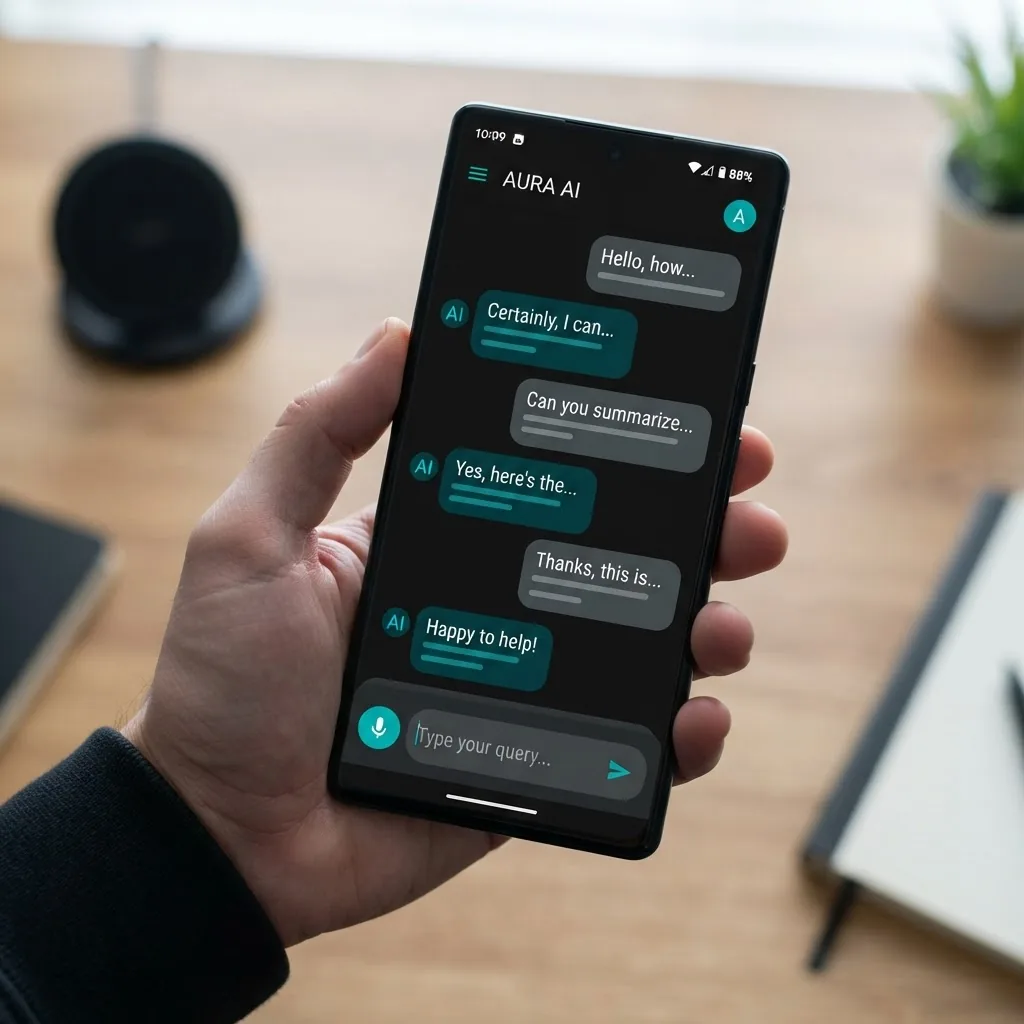
Not all sideloading is equal. There is a meaningful gap between downloading a signed build from the developer's own domain and downloading a repackaged file from an aggregator site. Here is how the two compare on the factors that actually affect you.
| Factor | Official APK from developer site | Modified or "unlocked" APK |
|---|---|---|
| Signed by original developer | Yes | No, re-signed by a third party |
| Code verified unchanged | Yes | No |
| Receives security updates | Yes | No |
| Extra permissions injected | No | Often |
| Login credentials safe | Yes | No, frequently harvested |
| Play Protect status | Recognised | Commonly flagged |
| Violates app terms of service | No | Yes |
| Suitable for a primary device | Yes | No |
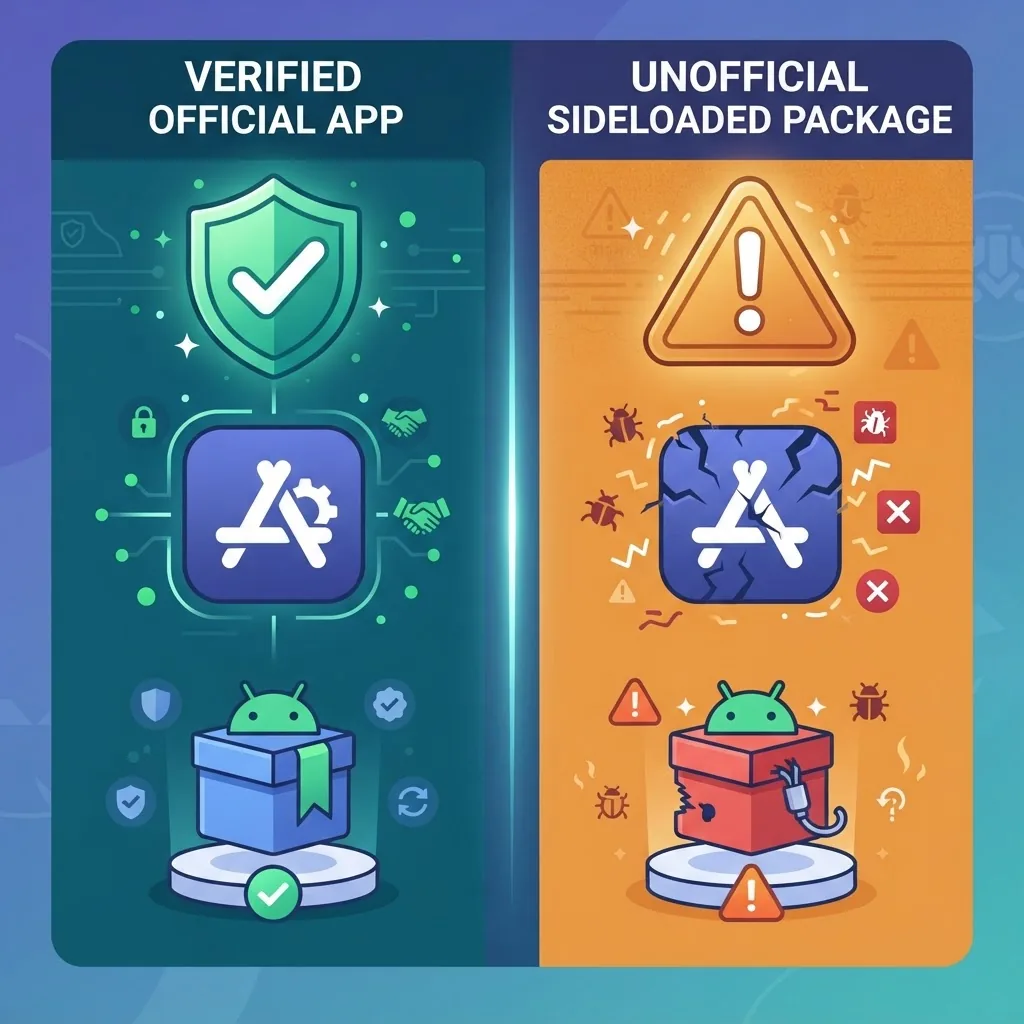
The pattern is consistent. Official direct downloads solve real problems such as regional gaps and staged rollouts. Modified builds solve a pricing problem by introducing a trust problem that is far more expensive. We covered the mechanics of tampered builds in more depth in our breakdown of the artificial intelligence mod APK trend, and the conclusion there holds here too.
The Security Risks Are Measurable, Not Theoretical
According to Google's Android Security and Privacy Year in Review, apps installed from outside Google Play have historically been several times more likely to contain potentially harmful code than apps installed through the Play Store. Google has since reported that Play Protect scans over 200 billion Android apps daily across billions of devices, which is exactly the protective layer you opt out of when you disable install warnings.
Here is what actually gets planted inside repackaged AI chat apps, ranked by how often our own teardowns encounter it:
- Credential interception. Modified builds commonly alter the login screen or the network layer. Since most AI chat apps authenticate with a Google or email account, a tampered login flow can capture the credentials to your primary identity provider.
- Aggressive ad SDKs. The most frequent modification is not malware at all. It is a swapped advertising SDK that redirects revenue to the repackager while adding out-of-app overlays and battery drain.
- Silent data exfiltration. Contacts, installed app lists, IMEI, and clipboard contents get bundled and shipped to servers unrelated to the original developer. Clipboard access is the quiet danger, because password managers paste through it.
- Delayed payload loaders. Sophisticated builds ship clean and download the malicious component days later, which is precisely why a scan on day one proves very little.
- Subscription fraud. Some variants sign the device up for premium SMS services, showing up as unexplained carrier charges rather than app charges.
The economics explain the behaviour. Nobody spends engineering hours cracking an app and paying for hosting and CDN bandwidth out of generosity. There is always a revenue model, and if you are not paying with money, the payment is your data or your attention.
How to Install an AI Chat APK Safely, Step by Step
If you have a genuine reason to sideload, such as an app that is not listed in your region, follow this sequence. It is the same order of operations a QA engineer uses when installing an internal build.
- Get the file from the source of record only. Start at the developer's official website or verified GitHub releases page. If you cannot trace the download back to the company that makes the app, stop there.
- Verify the checksum. Reputable developers publish a SHA-256 hash next to the download. Compare it against your downloaded file. A mismatch means the file was altered in transit or replaced.
- Check the signing certificate. Tools that display an APK's certificate fingerprint let you confirm it matches the developer's published key. This is the only reliable proof the code is unmodified.
- Confirm the package name. An official package name follows a real reverse-domain pattern such as com.company.appname. Random or misspelled package names are a strong tampering signal.
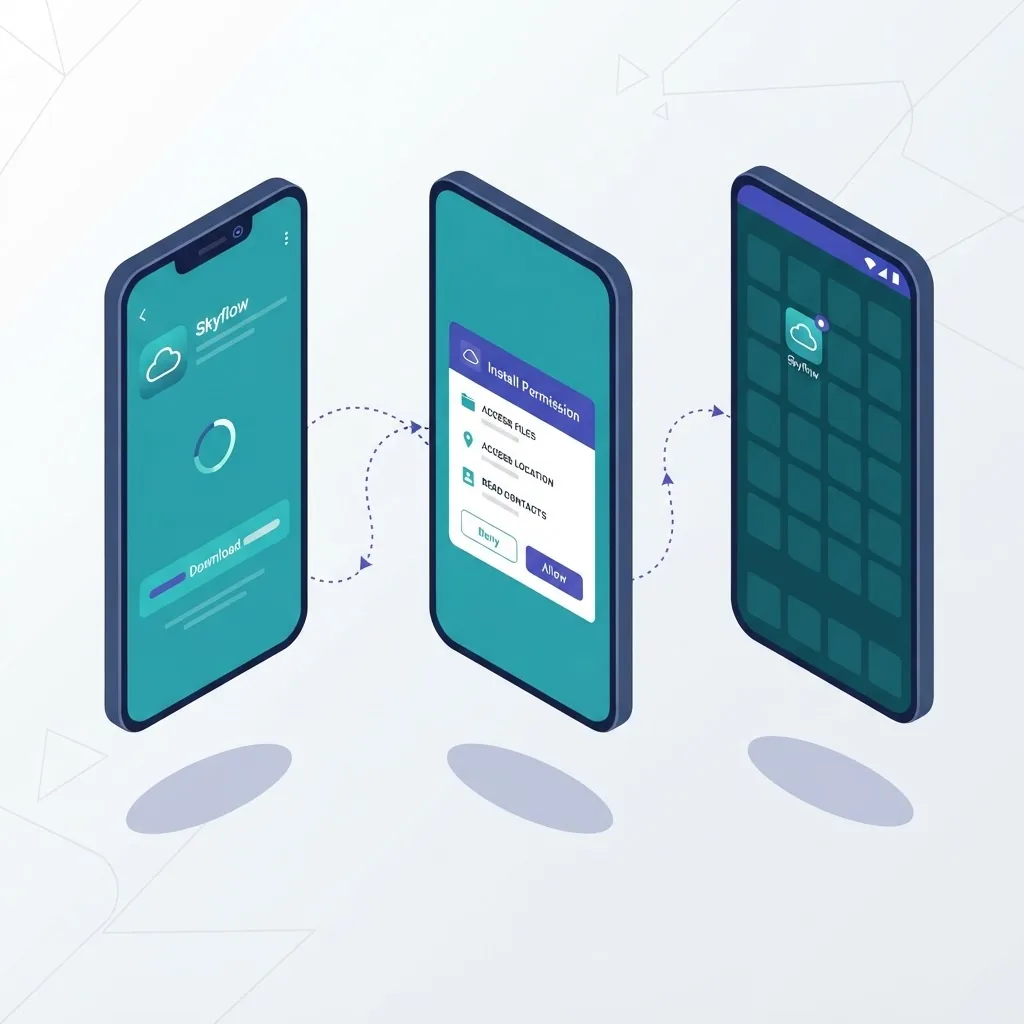
- Grant install permission per-app, never globally. Modern Android scopes "install unknown apps" to individual source apps. Enable it for your browser or file manager, install, then immediately revoke it.
- Review requested permissions after install. A text-based chat assistant does not need SMS, call logs, or contacts. Any of those in the permission list is a reason to uninstall.
- Run a post-install scan and watch the network. Check Play Protect and then monitor mobile data usage for the app over the first week. Unexplained background traffic is the clearest sign of exfiltration.
One addition most guides skip: never sideload onto the phone that holds your banking apps or primary email. Use a secondary device, an old handset, or an Android work profile. Isolation costs nothing and contains the damage completely.
Permissions: The Fastest Way to Judge Any AI Chat App
Permissions are the most honest thing about an Android app, because they are declared in the manifest and cannot be hidden from you. Learning to read them takes ten minutes and filters out most bad actors.
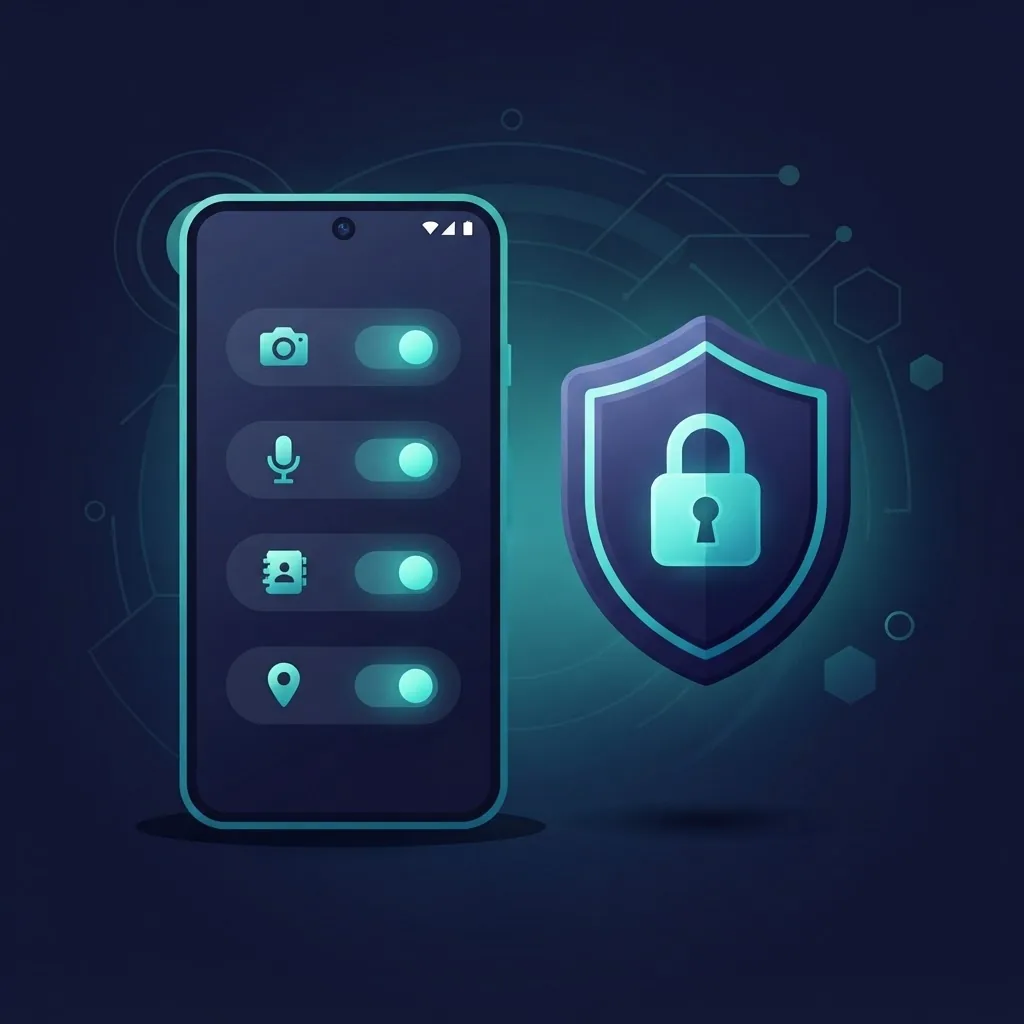
A legitimate AI chat app needs internet access, and optionally microphone access for voice input, storage or photo access for image uploads, and notification permission. That is the complete list for the vast majority of use cases.
Treat these as immediate red flags in a chat app:
- SMS read or send — no chat assistant has a reason to touch your messages, and this permission enables both fraud and two-factor code theft.
- Accessibility Service — extremely powerful, capable of reading everything on screen and simulating taps. Almost never justified.
- Device admin — makes the app hard to uninstall and is a hallmark of persistent adware.
- Contacts or call log — pure data harvesting in this category of app.
- Install other packages — allows the app to add more software without asking again.
Android 13 and later let you revoke individual permissions after install without breaking the app, so audit them once and then quarterly.
On-Device AI Is the Genuinely Better Answer
The most useful development for anyone chasing an unlocked AI chat app is that unlimited, free, private AI on Android is now legitimately available through on-device models. Open-weight small language models in the one to four billion parameter range run acceptably on flagship phones from the last three years, and several fully open-source apps distribute their builds through F-Droid or GitHub with reproducible checksums.
The advantages line up almost perfectly with why people wanted a cracked build:
- No subscription, because there is no server bill to cover.
- No message limits, since inference happens on your own silicon.
- Complete privacy, as conversations never leave the device.
- Works offline, on a plane or with no signal.
The honest trade-offs: on-device models are noticeably weaker at complex reasoning than frontier cloud models, they consume two to five gigabytes of storage per model, and sustained generation heats the device and drains battery quickly. For summarising, drafting, translating, and casual conversation they are entirely sufficient. For hard technical reasoning, cloud models remain clearly ahead.

Safer Alternatives, Ranked by Practicality
- Official app from Play Store or the developer's site. Free tiers of major AI assistants are now generous enough for most daily use.
- The mobile web app. Progressive web apps for most major AI assistants can be added to your home screen and behave nearly identically to native apps with zero install risk.
- Open-source on-device chat apps. Auditable code, reproducible builds, complete privacy.
- Your own lightweight interface over an official API. For teams needing shared internal access, a small custom client is cheaper and safer than distributing modified builds. This is the sort of build our team handles at ZoneTechify, and the deployment patterns are covered by WebPeak as well.
- Purpose-built AI integration. Businesses that want assistants trained on their own knowledge base should look at proper artificial intelligence services rather than consumer chat tools.
Key Takeaways
- An APK is Android's standard installer format. The format is neutral; the source determines the risk.
- Android verifies signatures, not integrity. Any modified app carries a stranger's signing key, and the system will not warn you.
- Google Play Protect scans more than 200 billion apps daily, and sideloaded apps have historically shown a substantially higher rate of harmful code than Play installs.
- Credential theft and swapped ad SDKs are the two most common modifications in repackaged AI chat apps.
- A text chat app legitimately needs internet, and optionally microphone, storage, and notifications. Nothing else.
- On-device open-weight models now deliver free, unlimited, private AI chat on Android without any of the sideloading risk.
- If you must sideload, use a secondary device and verify the SHA-256 checksum and certificate fingerprint first.
Frequently Asked Questions (FAQ)
Is downloading an AI chat APK safe?
It depends entirely on the source. An APK downloaded directly from the developer's official website and verified against a published checksum is as safe as a Play Store install. Files from aggregator sites or labelled "mod", "premium unlocked", or "pro" are re-signed by unknown parties and frequently contain malware.
Can an AI chat APK steal my Google account?
Yes, a modified build can. Because tampered APKs can alter login screens and intercept network requests, any credentials you type may be captured. Since most AI chat apps sign in with Google or email, a single compromised build can expose your primary identity provider and every service tied to it.
Why is the official AI chat app not available in my country?
Usually staged rollouts, regional licensing, data-residency laws, or age-verification requirements. The correct fix is checking the developer's official site for a direct download or using their mobile web version, both of which are legitimate. Sideloading a repackaged copy solves availability while creating a much larger security problem.
Do AI chat APKs work without internet?
Cloud-based AI chat apps need a connection because inference runs on remote servers. Only apps bundling an on-device model can work offline, and those download two to five gigabytes of model weights first. Any app claiming unlimited offline access to a frontier model is misrepresenting how it works.
How do I tell if an APK has been modified?
Compare the SHA-256 checksum against the value published by the developer, then check the APK's signing certificate fingerprint against their official key. If either does not match, the file was altered. Also verify the package name follows a real reverse-domain format and that requested permissions match the app's function.
What is the best free alternative to a cracked AI chat app?
Start with the official app's free tier, which now covers most everyday use. For genuinely unlimited and private usage, install an open-source on-device chat app from F-Droid or GitHub. It runs a local model with no subscription, no message caps, and no data leaving your phone.
Final Thoughts
The demand behind "AI chat APK" searches is real, and dismissing it is unhelpful. Regional gaps, paywalls, and old hardware are legitimate obstacles. But the specific solution people reach for, a modified build from an unknown publisher, trades a small inconvenience for an unbounded risk to their accounts and data.
The better path is unglamorous and effective: use the official build, use the web app when the native app is unavailable, and use an on-device open-source model when you want unlimited private conversations. All three are free or nearly free, all three are verifiable, and none of them require trusting a stranger with your microphone and clipboard.