Learn how to build, download, and use an artificial intelligence lesson plan PDF that saves teachers time while keeping content accurate, ethical, and classroom-ready.
Artificial Intelligence Lesson Plan PDF
An artificial intelligence lesson plan PDF is quickly becoming one of the most requested teaching resources, and for good reason. Educators want a printable, structured document that teaches AI concepts clearly while saving hours of preparation time. Whether you teach elementary coding clubs or high school computer science, the right PDF gives you objectives, activities, and assessments you can use the same day. This guide explains exactly what these documents contain, how to create one with AI tools, and how to verify it is accurate before you stand in front of a classroom.
Quick Answer: An artificial intelligence lesson plan PDF is a downloadable, printable teaching document that outlines AI learning objectives, classroom activities, materials, and assessments. Teachers can create one using AI tools in minutes, then edit and export it as a PDF for ready-to-use, standards-aligned instruction across any grade level.

What Is an Artificial Intelligence Lesson Plan PDF?
An artificial intelligence lesson plan PDF is a fixed-format teaching document that organizes a complete lesson about AI, or a lesson built with the help of AI tools, into a printable file. The term covers two related ideas. First, it can mean a lesson that teaches students about artificial intelligence, such as how machine learning works or how chatbots respond. Second, it can mean any lesson plan generated or assisted by an AI writing tool and then exported to PDF.
The PDF format matters because it preserves layout across devices and printers, making it easy to share with co-teachers, administrators, or substitutes. A well-built file is more than a worksheet, it is a roadmap that connects learning goals to measurable outcomes.
Why Teachers Are Switching to AI Lesson Plans
Teachers are adopting AI lesson planning because it directly attacks their biggest pain point: time. According to a 2024 RAND Corporation survey of U.S. educators, roughly one in four K-12 teachers reported using AI tools for tasks like lesson planning and material creation. That adoption is rising fast as tools become easier to use.
The time savings are significant. Studies on teacher workload consistently show educators spend seven or more hours each week on planning and preparation outside instructional time. AI can compress the first draft of a lesson from an hour to a few minutes, leaving teachers free to focus on the human work that actually moves students: feedback, mentoring, and differentiation.
There is also a quality benefit. AI can instantly suggest differentiated activities for multiple reading levels, generate discussion questions, and align content to standards, giving teachers a stronger starting point than a blank page. If you want professional help building branded educational content, the team at ZoneTechify offers dedicated AI services for exactly this kind of workflow.
What a Strong AI Lesson Plan PDF Includes
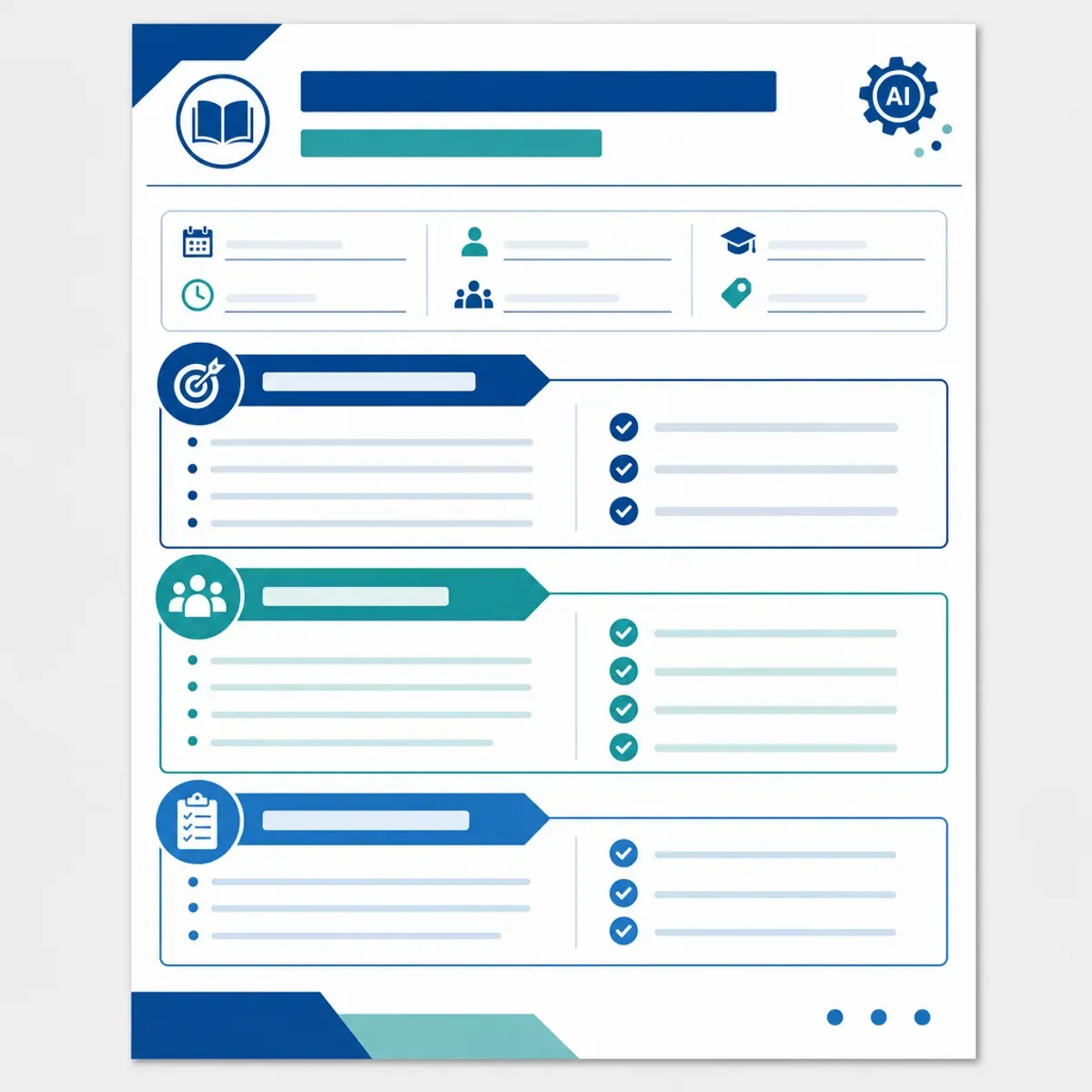
A high-quality artificial intelligence lesson plan PDF follows a predictable structure so any educator can pick it up and teach from it. The strongest templates include the following components:
- Lesson title and grade level so the audience is clear at a glance.
- Learning objectives written as measurable outcomes (for example, "students can define machine learning in their own words").
- Standards alignment to curriculum frameworks such as CSTA, ISTE, or local requirements.
- Materials and tools including any devices, logins, or printouts needed.
- Step-by-step activities with estimated timings for each segment.
- Assessment and exit tickets to confirm learning happened.
- Differentiation notes for advanced learners and students who need support.
When a PDF contains all seven elements, it stops being a rough outline and becomes a genuinely usable instructional tool. Definitions matter here: a learning objective is a specific, observable thing a student can do after the lesson, not a vague topic to "cover."
How to Create an AI Lesson Plan PDF in 6 Steps
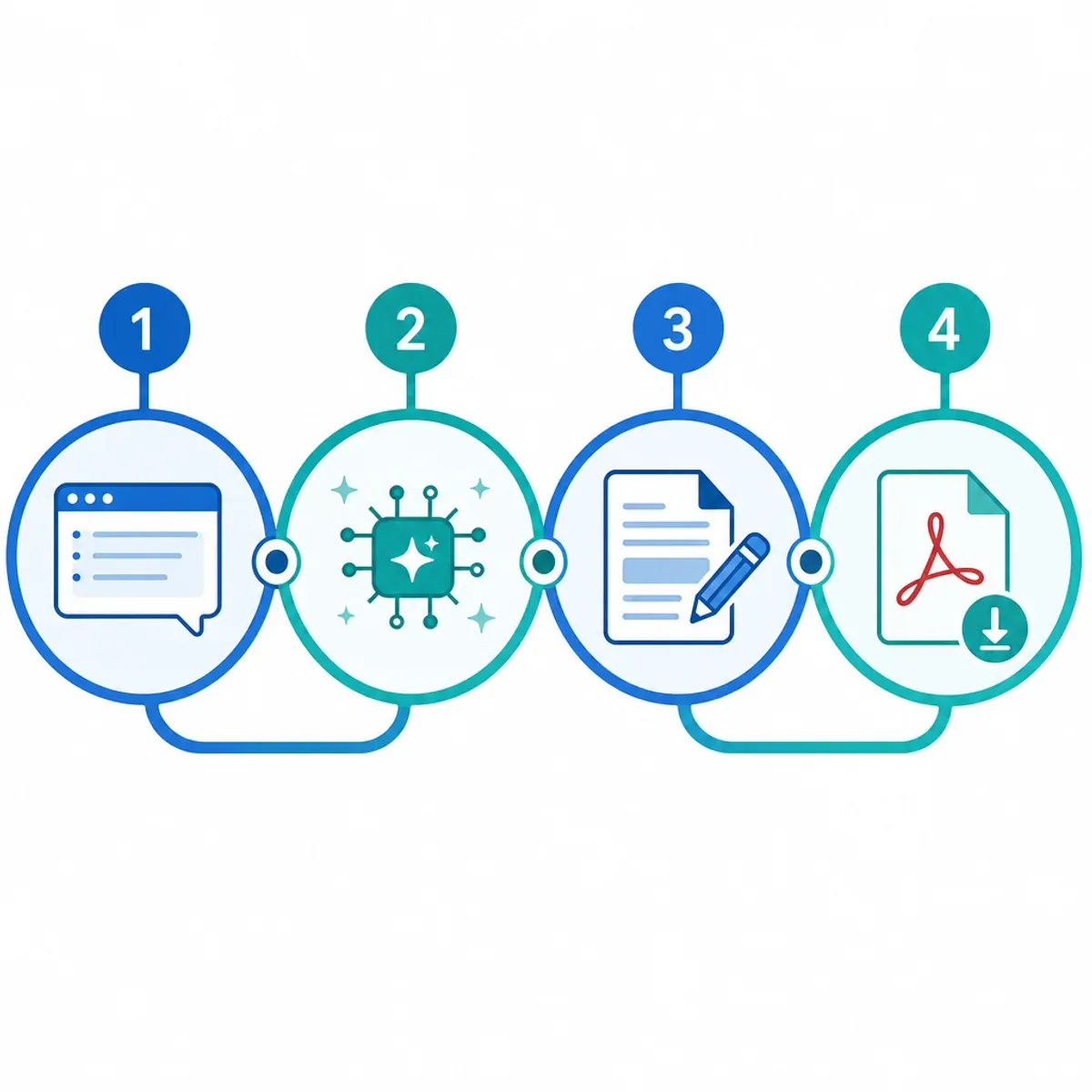
Creating your own artificial intelligence lesson plan PDF is straightforward when you follow a repeatable process. Here is the workflow that consistently produces classroom-ready files:
- Define the goal. Decide the grade level, topic, and one clear objective before opening any tool.
- Write a detailed prompt. Tell the AI the subject, duration, standards, and student level. Specific prompts produce specific, usable output.
- Generate the draft. Use an AI assistant to produce objectives, activities, and assessments in one pass.
- Edit for accuracy. Verify every fact, especially technical AI explanations, and adjust the tone for your students.
- Format the document. Add headings, timings, and your school branding so it reads as a professional plan.
- Export to PDF. Save or print as a PDF so the layout stays fixed and shareable.
The edit step in number four is the most important. AI can occasionally produce confident but incorrect explanations, so your subject-matter expertise is what turns a draft into a trustworthy resource.
AI Lesson Planning vs Traditional Lesson Planning
Understanding the trade-offs helps you decide when to lean on AI and when to rely on traditional methods. The table below compares the two approaches across the factors teachers care about most.
| Factor | AI Lesson Planning | Traditional Planning |
|---|---|---|
| Time to first draft | Minutes | Hours |
| Differentiation options | Generated instantly | Manual, time-intensive |
| Accuracy guarantee | Needs human review | Relies on teacher knowledge |
| Personalization to class | Requires editing | Built in from the start |
| Cost | Often free or low-cost | Free but labor-heavy |
| Standards alignment | Fast with good prompts | Reliable but slower |
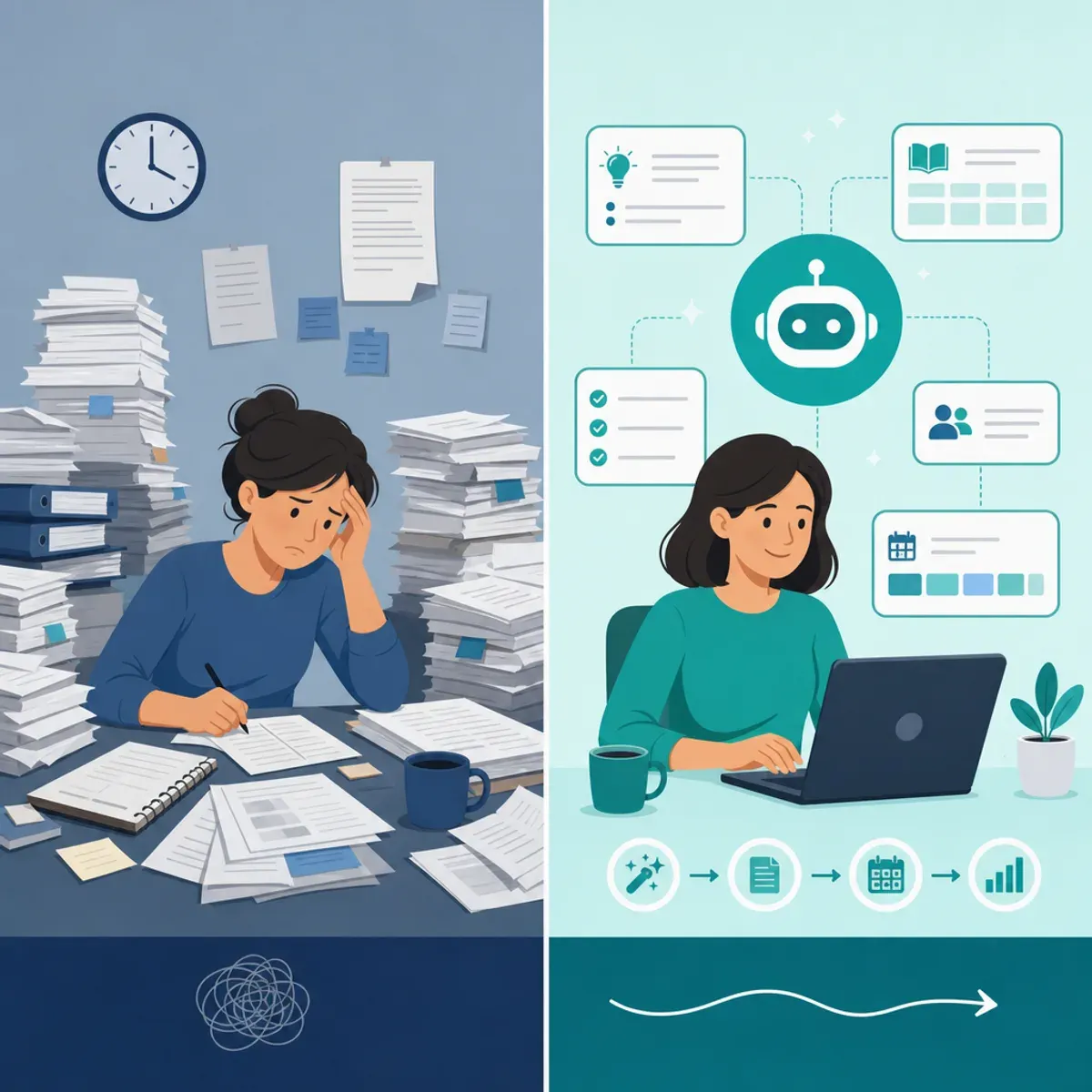
The takeaway is clear: AI wins on speed and idea generation, while human teachers remain essential for accuracy, classroom context, and emotional intelligence. The best results come from combining both.
AI Lesson Plans by Grade Level
An effective artificial intelligence lesson plan PDF looks very different depending on the age of your students. Matching complexity to grade level keeps lessons engaging and appropriate.
- Elementary (K-5): Focus on unplugged activities and simple ideas, such as how voice assistants "listen" or how computers sort pictures. Hands-on sorting games work well.
- Middle school (6-8): Introduce concepts like training data, pattern recognition, and bias using relatable examples like recommendation feeds.
- High school (9-12): Cover machine learning workflows, ethics, and even light coding with accessible tools. Project-based assessments deepen understanding.
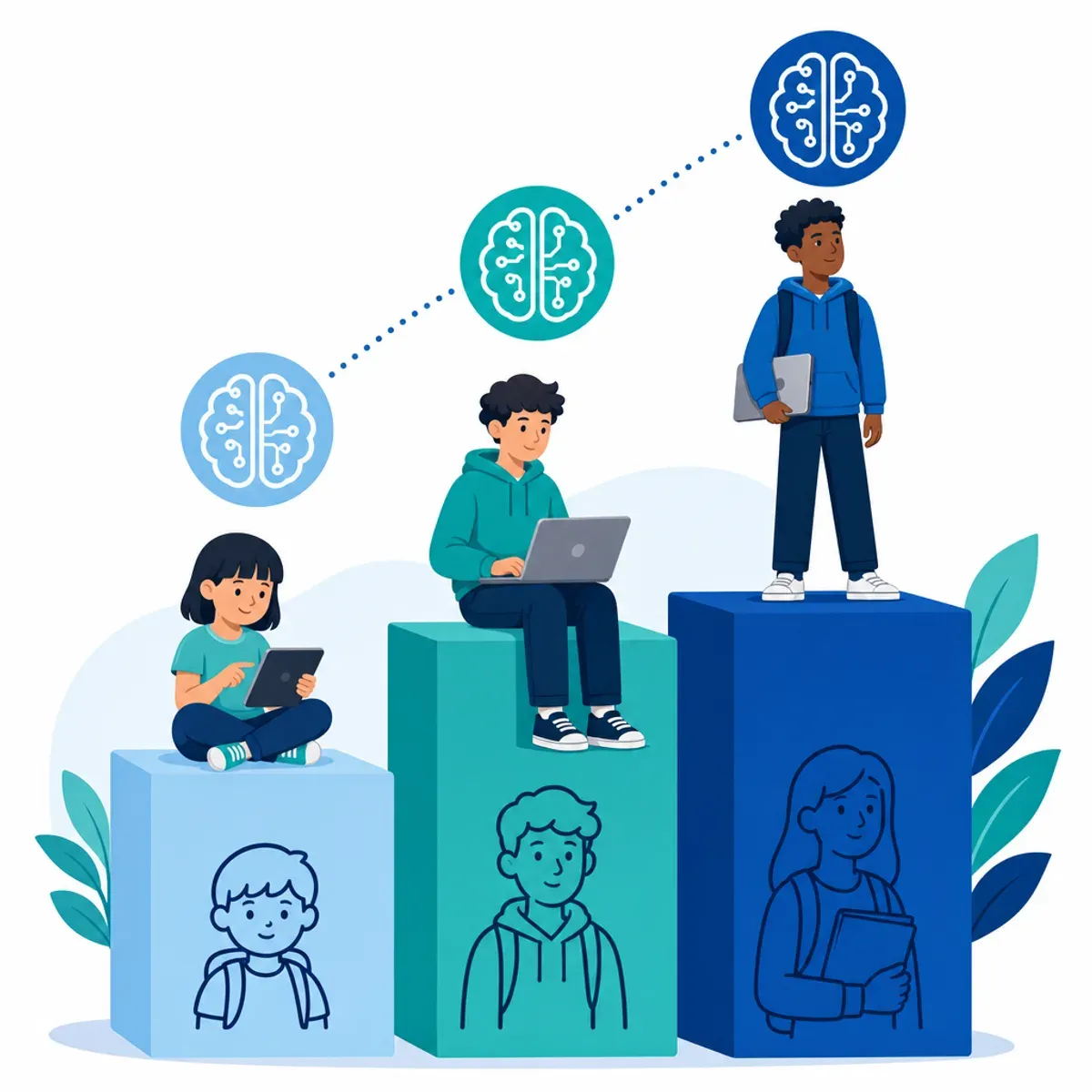
Scaffolding this way ensures students build a coherent understanding of AI year over year instead of repeating the same surface-level content.
Benefits and Limitations You Should Know
The benefits of an AI lesson plan PDF are substantial: faster preparation, instant differentiation, consistent formatting, and easy sharing with colleagues. Teachers report that AI is especially helpful for generating fresh activity ideas when they feel stuck.

However, limitations are real. AI can generate outdated facts, miss your specific classroom culture, and produce generic activities that need tailoring. It cannot read the room, sense a struggling student, or adapt in real time. Treat the PDF as a strong first draft, not a finished script. For organizations building larger educational platforms or AI-driven tools, WebPeak provides specialized development support to scale these workflows responsibly.
Responsible and Ethical Use of AI in Lesson Planning
Using AI responsibly protects both you and your students. Always review generated content for accuracy and bias before teaching it, and never paste sensitive student data into public AI tools. Transparency also builds trust: tell colleagues and administrators when AI assisted your planning.

Model good behavior for students too. When you teach about AI, show them how to question outputs, check sources, and recognize that these tools reflect the data they were trained on. This turns your lesson plan into a lesson on digital citizenship as well as technology.
Key Takeaways
- An artificial intelligence lesson plan PDF is a printable, structured teaching document covering objectives, activities, materials, and assessments.
- A 2024 RAND survey found about one in four U.S. K-12 teachers already use AI tools for planning tasks.
- Teachers spend seven or more hours weekly on prep, and AI can cut first-draft time from hours to minutes.
- Strong PDFs include seven core parts, with measurable learning objectives at the center.
- AI excels at speed and ideas, but human review is essential for accuracy, ethics, and classroom fit.
Frequently Asked Questions (FAQ)
What is an artificial intelligence lesson plan PDF?
It is a downloadable, printable document that organizes an AI-related lesson, or an AI-generated lesson, into a fixed format. It typically includes objectives, materials, timed activities, and assessments, making it easy for teachers to print, share, and teach from immediately across any grade level.
Are AI-generated lesson plans accurate?
AI lesson plans are usually a strong starting point but are not guaranteed to be accurate. AI can occasionally produce outdated or incorrect details, so teachers must review every fact, especially technical explanations, before using the plan. Human expertise turns a quick draft into a trustworthy classroom resource.
How do I make a lesson plan PDF using AI for free?
Write a detailed prompt describing the grade level, topic, duration, and standards, then ask a free AI assistant to generate objectives and activities. Edit the draft for accuracy, format it with clear headings, and use your browser or word processor to export the file as a PDF.
What should an AI lesson plan include?
A complete AI lesson plan should include a title and grade level, measurable learning objectives, standards alignment, required materials, step-by-step timed activities, an assessment or exit ticket, and differentiation notes. Including all of these elements ensures the plan is genuinely usable rather than just a rough outline.
Is it okay for teachers to use AI for lesson planning?
Yes, using AI for lesson planning is widely accepted and growing fast. The key is responsible use: review content for accuracy and bias, avoid entering sensitive student data, and be transparent with administrators. AI handles the first draft, while teachers provide the judgment, context, and human connection.
An artificial intelligence lesson plan PDF is a practical, time-saving tool when you pair AI speed with your own expertise. Start with a clear objective, verify the output, and export a clean file your whole team can use.