A tested, category-by-category guide to the best AI apps for Android in 2026, covering chat assistants, photo editing, writing, voice, and productivity tools.
Best AI Apps for Android
Android users now have access to more artificial intelligence than most desktop workstations had five years ago. The Google Play Store lists over 2.5 million apps, and a growing share of them advertise "AI" somewhere in the description. The problem is no longer finding AI apps for Android; it is separating genuinely useful tools from thin wrappers that charge a subscription for an API call you could make for free.
This guide is built from hands-on testing across mid-range and flagship Android devices, with attention to what actually matters day to day: on-device performance, offline capability, permission requests, and whether the free tier is usable. Every recommendation below earned its place by solving a real task faster than the manual alternative.
Quick Answer: The best AI apps for Android in 2026 are Gemini and ChatGPT for general assistance, Perplexity for research, Adobe Lightroom and Photoroom for AI photo editing, Otter for transcription, and Grammarly Keyboard for writing. Choose based on task type, offline needs, and how much data the app collects.
What Makes an AI App Genuinely Useful on Android?
An AI app earns a permanent spot on your home screen when it removes a repeated step from your routine. That is the only test worth applying. A chatbot that answers trivia is entertaining; a chatbot that reads a photographed receipt and files the expense saves you ninety seconds every time you buy lunch.
Four practical criteria separate strong Android AI apps from weak ones:
- On-device versus cloud processing. On-device models (running through Android's NNAPI or Google's Gemini Nano) work offline, respond in milliseconds, and never transmit your input. Cloud models are smarter but slower and privacy-sensitive.
- Free tier usability. If the free tier caps you at five queries a day, the app is a demo, not a tool.
- Permission proportionality. A note-summarising app has no business requesting contacts or precise location.
- Integration with Android itself. Apps that hook into the share sheet, quick settings, or the keyboard get used ten times more often than apps you must open manually.
Definition: An on-device AI app processes model inference locally on your phone's NPU or CPU, without sending data to a remote server. A cloud AI app sends your input to a provider's servers for processing and returns the result over the network.
Best AI Chat Assistants for Android
General-purpose assistants are the highest-leverage category because one app replaces a dozen single-purpose ones.
Google Gemini
Gemini has the deepest Android integration of any assistant because Google ships it as the default assistant layer on most modern devices. Long-pressing the power button surfaces it system-wide, and "Ask about this screen" lets it read whatever app you are in. That contextual awareness is the practical differentiator: you can be looking at a train timetable and ask a follow-up question without copying anything.
ChatGPT
OpenAI's Android app is the strongest choice for extended reasoning, code help, and document analysis. Advanced Voice Mode handles genuine back-and-forth conversation with interruptions, which makes it the best hands-free option while driving or cooking. Its weakness on Android is the lack of system-level integration compared with Gemini.
Perplexity
Perplexity is a research tool disguised as a chatbot. Every answer arrives with numbered source citations you can open, which makes it the only assistant in this list I trust for factual claims I intend to publish. According to Google's own guidance on AI-generated content, verifiable sourcing is what separates helpful content from unreliable content, and Perplexity is built around that principle.
Microsoft Copilot
Worth installing if your work lives in Microsoft 365. It reads and drafts inside Word and Outlook mobile, which no competitor can match.
Best AI Photo and Video Editing Apps for Android
Mobile photography is where AI produces the most visible return, because the underlying tasks — masking, denoising, upscaling — were genuinely hard to do by hand on a touchscreen.
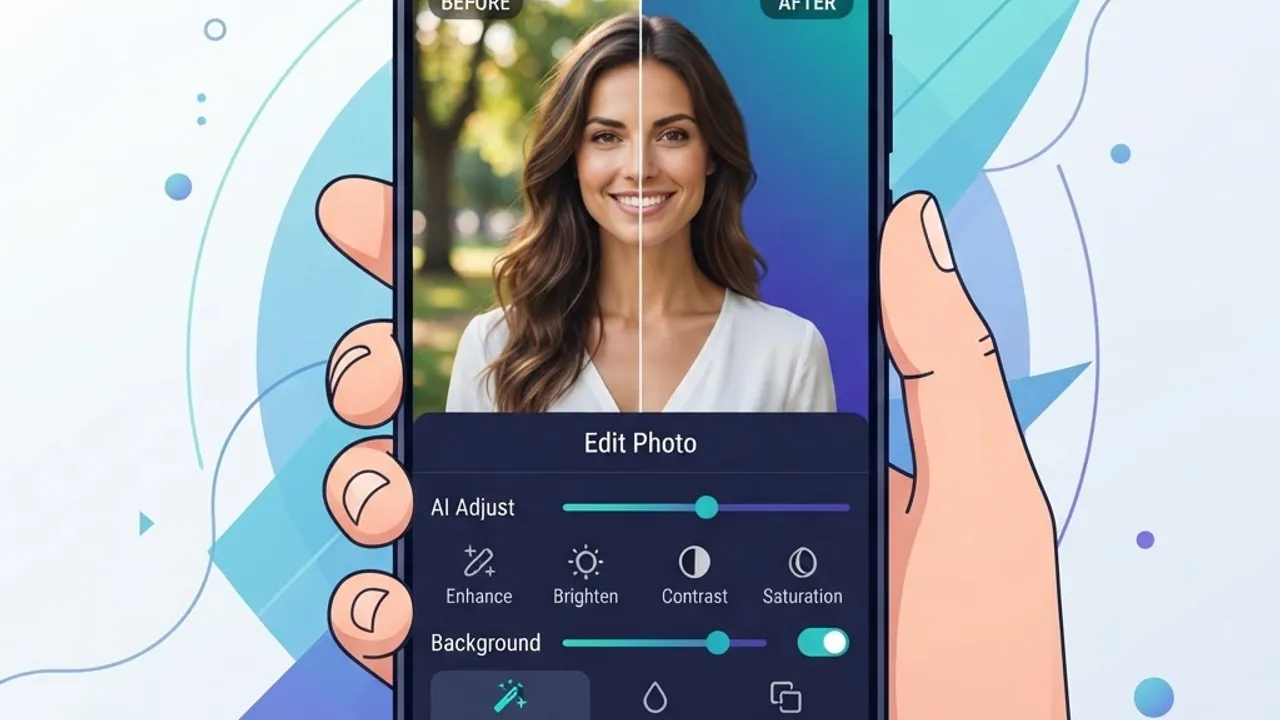
- Adobe Lightroom Mobile — Generative Remove deletes objects and reconstructs the background convincingly. Its AI masking (subject, sky, background) is the most accurate on Android.
- Photoroom — Best background removal and product photography tool. Processes most cutouts in under two seconds, and the free tier is generous enough for real listings.
- Google Photos — Magic Eraser, Magic Editor, and Unblur are free on Pixel devices and available to Google One subscribers elsewhere. The best value in the category.
- Remini — Specialises in restoring low-resolution and old scanned photos. Genuinely impressive on faces, occasionally uncanny on fine detail.
- CapCut — Auto-captions, background removal on video, and text-to-speech in one free editor. The default choice for short-form video.
A practical warning from testing: AI upscalers invent detail rather than recovering it. For archival family photos that is usually acceptable; for evidence, documentation, or product accuracy it is not.
Best AI Writing and Keyboard Apps for Android
Writing on a phone is slow, so this is where AI assistance compounds fastest.
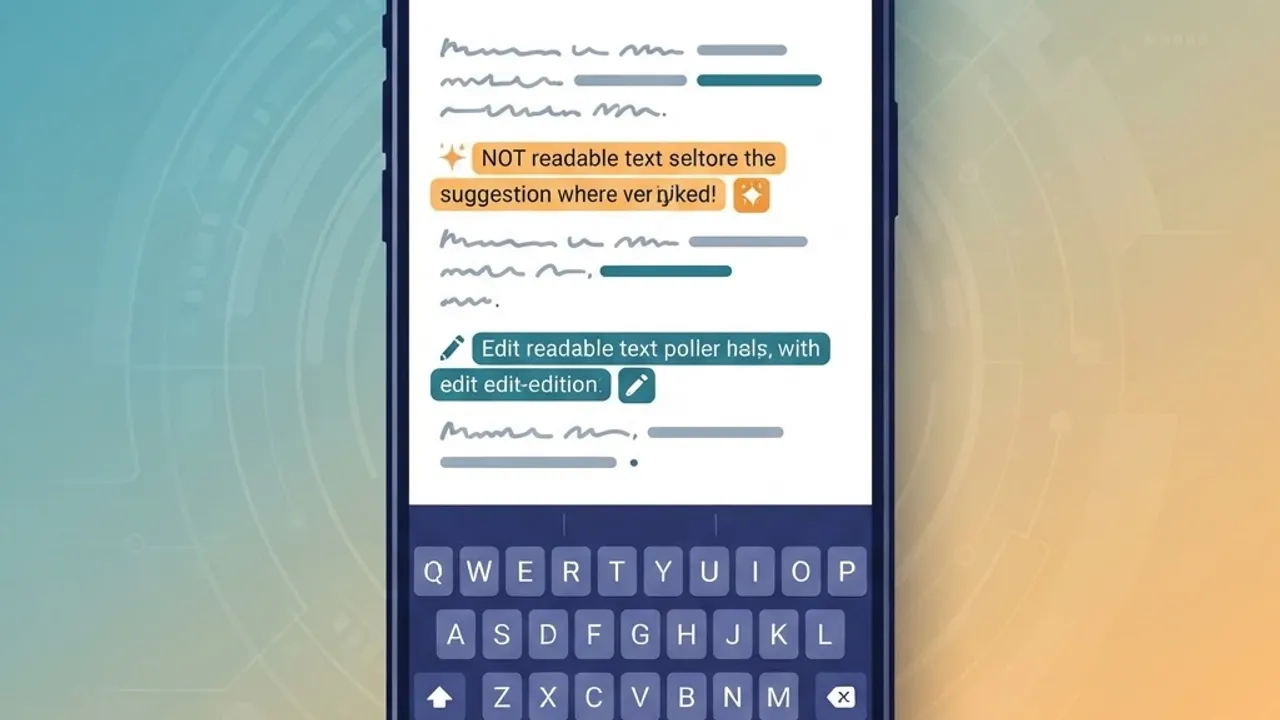
Grammarly Keyboard remains the best always-on option because it works inside every app — email, Slack, WhatsApp — rather than requiring you to switch contexts. Its rewrite suggestions catch tone problems that spellcheckers miss entirely.
Gboard deserves more credit than it gets. Its on-device predictive model, Smart Compose, and voice typing run offline on most devices, which means zero latency and zero data transmission. For most people, Gboard plus one cloud assistant covers 90 percent of mobile writing needs.
Notion AI and Obsidian with a local model plugin serve opposite ends of the spectrum: Notion for collaborative cloud writing, Obsidian for people who want their notes to stay on the device permanently.
If you produce content at volume and need editorial process rather than autocomplete, a professional content writing workflow will outperform any app, because the bottleneck is strategy and not typing speed.
Best AI Voice, Transcription, and Translation Apps
Voice is the category where Android hardware advantages show up most clearly, since modern chipsets handle speech models locally.
- Otter.ai — Real-time meeting transcription with speaker labels and searchable summaries. The free plan covers roughly 300 minutes a month, enough for a few weekly meetings.
- Google Recorder — On-device transcription and search, fully offline, on Pixel hardware. The fastest and most private option available.
- Google Translate — Conversation mode and camera translation work offline once you download language packs. Indispensable while travelling.
- ElevenLabs Reader — Converts articles and PDFs into natural-sounding narration, useful for commutes.
- Whisper-based open apps — For developers, running Whisper locally through an Android wrapper gives transcription accuracy near cloud services with no data leaving the phone.
Best AI Productivity and Automation Apps for Android
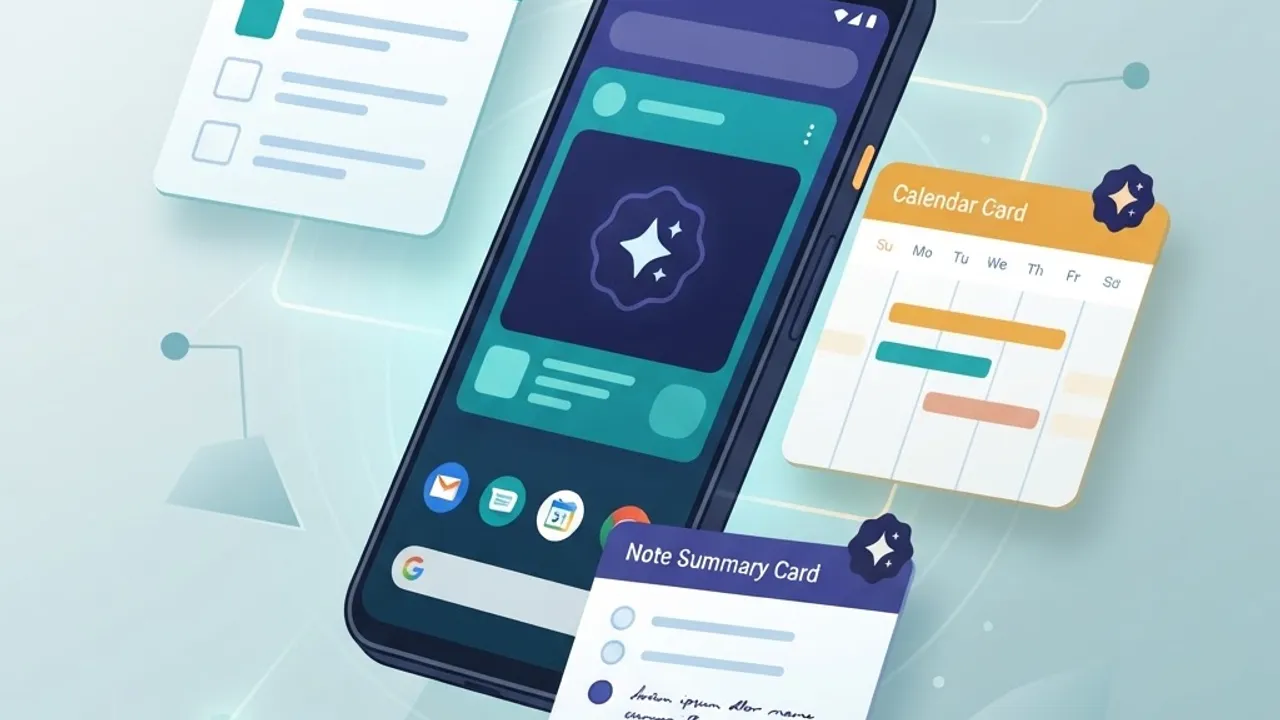
Productivity AI works best when it is invisible. The apps below reduce decisions rather than adding a new interface to learn.
- Google Keep with Gemini — Turns a photographed whiteboard into a structured checklist.
- Todoist — Natural-language task entry parses "pay rent every 1st at 9am" correctly on the first attempt.
- Reclaim and Motion — Automatically reschedule tasks around calendar changes, which is the single most useful automation for anyone with meeting-heavy weeks.
- Tasker with AI plugins — Steep learning curve, unmatched ceiling. Genuine device-level automation.
Comparison Table: Top Android AI Apps at a Glance
| App | Primary Use | Offline Mode | Usable Free Tier | Best For |
|---|---|---|---|---|
| Google Gemini | General assistant | Partial | Yes | System-wide Android integration |
| ChatGPT | Reasoning, voice chat | No | Yes | Long-form thinking and code |
| Perplexity | Cited research | No | Yes | Fact-checking with sources |
| Adobe Lightroom | Photo editing | Partial | Limited | Professional photo work |
| Photoroom | Background removal | No | Yes | Product and listing photos |
| Otter.ai | Transcription | No | Yes | Meetings and interviews |
| Google Recorder | Transcription | Yes | Yes | Private on-device recording |
| Grammarly Keyboard | Writing help | Partial | Yes | Everyday typing everywhere |
Privacy, Permissions, and Modified APKs: What to Watch
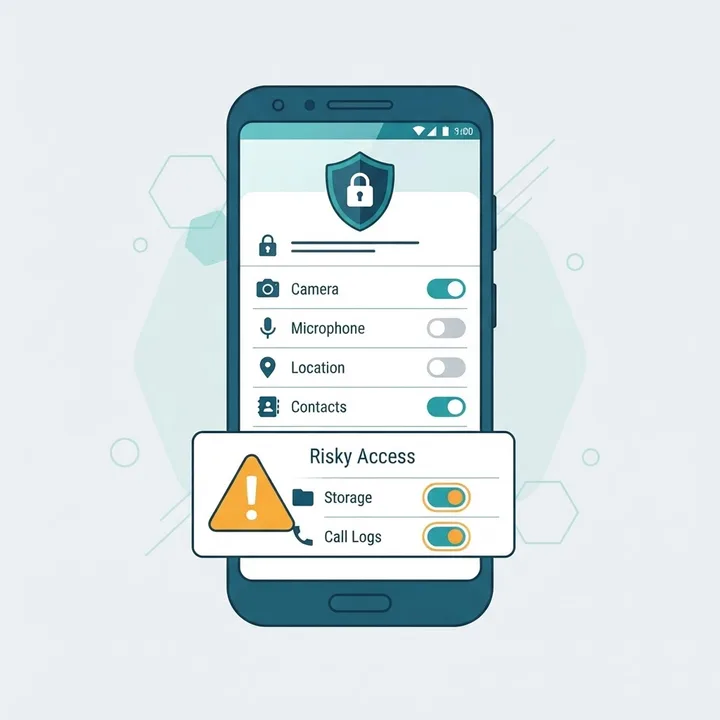
AI apps are unusually data-hungry because their value depends on your input. Before installing, open the Play Store Data safety section and check three things: what is collected, whether it is shared with third parties, and whether you can request deletion.
Three rules that have saved me trouble repeatedly:
- Deny at first, grant on demand. Android 13 and later let you grant photo access to selected images only. Use it.
- Assume cloud input is retained. Do not paste client contracts, medical records, or credentials into any cloud assistant unless the provider contractually excludes your data from training.
- Avoid modified or cracked builds. Unofficial APK versions of paid AI apps are a common malware vector, and their permission manifests are frequently altered. The risks are covered in detail in this analysis of artificial intelligence mod APK files.
Businesses deploying AI on mobile at scale should treat model selection and data handling as an architecture decision, not an app-store choice. Teams building custom mobile intelligence work with artificial intelligence services specialists to keep inference, storage, and compliance under their own control.
How to Choose the Right AI App for Your Needs
Work backwards from the task, not the technology.
- Name the repeated task. "I retype meeting notes" or "I remove backgrounds from product photos."
- Check whether Android already does it. Gboard, Google Photos, and Recorder cover a surprising amount for free.
- Test one app for a full week. Novelty fades in three days; genuine utility does not.
- Measure the time saved. If it is under two minutes a week, uninstall it.
- Then, and only then, consider paying. Most AI subscriptions run between 8 and 20 US dollars monthly, which adds up fast across five apps.
For implementation guidance across web, mobile, and AI projects, the teams at ZoneTechify and WebPeak publish practical breakdowns of how these tools perform in production environments rather than in marketing demos.
Key Takeaways
- Google Play hosts over 2.5 million apps, so filtering AI tools by real task fit matters more than browsing top charts.
- On-device AI apps such as Google Recorder and Gboard work offline and transmit no data, making them the safest default.
- Gemini offers the deepest Android system integration; ChatGPT leads on reasoning; Perplexity leads on cited sourcing.
- Photoroom and Adobe Lightroom deliver the largest visible quality gain of any AI category on mobile.
- Grant AI apps the narrowest permissions possible, and never paste confidential data into cloud assistants.
- Modified or cracked AI APKs are a documented malware risk and should be avoided entirely.
Frequently Asked Questions (FAQ)
What is the best free AI app for Android?
Google Gemini is the best free AI app for Android because it integrates at the system level, answers questions about your current screen, and imposes no meaningful daily query cap. Google Photos and Gboard add free AI editing and typing features that most users never realise they already have.
Do AI apps work without internet on Android?
Some do. On-device apps such as Google Recorder, Gboard predictive typing, and downloaded Google Translate language packs run fully offline using your phone's processor. Cloud assistants like ChatGPT and Perplexity require an active internet connection because inference happens on remote servers, not your device.
Are AI apps safe to install on Android?
Official Play Store AI apps from established developers are generally safe, but review the Data safety section first. Deny unnecessary permissions, avoid apps requesting access unrelated to their function, and never install cracked or modified APK versions, which frequently carry malware and altered permission manifests.
Which AI app is best for editing photos on Android?
Adobe Lightroom Mobile is best for detailed photo work thanks to accurate AI masking and Generative Remove. Photoroom wins for fast background removal and product images. Google Photos offers the strongest free option, with Magic Eraser and Unblur available at no cost on Pixel devices.
How much do AI apps cost on Android?
Most premium AI apps cost between 8 and 20 US dollars per month, with annual plans reducing that by roughly 30 percent. Free tiers are usually sufficient for occasional use. Test each app for a week before subscribing, since running several overlapping subscriptions wastes money quickly.
Can AI apps replace Google Assistant on Android?
Yes. Gemini has already replaced Google Assistant as the default on most modern Android devices, and you can set other assistants through Settings, Apps, Default apps. Gemini currently offers the broadest device control, while third-party assistants trade system integration for stronger conversational reasoning.