A practical breakdown of real examples of web apps across SaaS, ecommerce, collaboration, PWA, and AI categories, plus how they differ from ordinary websites.
Examples of Web Apps
Most people use a dozen web apps before lunch without ever calling them that. Checking Gmail, updating a Trello card, splitting a bill in a browser tab, editing a shared spreadsheet, filing a support ticket - every one of those is a web application doing real work inside a browser. The confusion is understandable: web apps look like websites. The difference is that a website mainly delivers information, while a web app lets you do something and remembers the result.
This guide walks through concrete examples of web apps by category, explains what makes each one an application rather than a page, and shows what those patterns mean if you are planning to build one. Everything below reflects patterns we see repeatedly when scoping and shipping web application projects for clients.
Quick Answer: Common examples of web apps include Gmail, Google Docs, Figma, Trello, Canva, Notion, Shopify admin, Slack, Netflix, and online banking portals. Each runs in a browser, requires no installation, stores user data on a server, and responds to input in real time rather than serving static pages.
What Counts as a Web App?
Definition: A web app is software that runs inside a web browser, communicates with a server over HTTP, and lets users create, change, or manage data - not just read it.
The test is simple. Ask two questions: does the user perform tasks, and does the app store state between visits? A restaurant menu page fails both. An online reservation system passes both. That distinction matters because it changes the engineering effort dramatically - authentication, database design, permissions, and error handling all enter the picture the moment users own data.
The browser is now capable enough to make this practical at scale. According to the W3Techs technology survey, JavaScript is used by over 98% of all websites, which is the baseline that makes rich in-browser applications possible at all.
Productivity and Collaboration Web Apps
This is the category that convinced the world browsers could replace installed software.
- Google Docs - real-time multi-user editing with revision history. The technical achievement is conflict resolution: two people typing in the same paragraph both keep their changes.
- Notion - a database disguised as a document. Users build their own schemas without writing SQL.
- Trello - drag-and-drop kanban boards where card position is persisted server-side instantly.
- Slack - persistent WebSocket connections deliver messages without page refreshes.
- Figma - vector design running in a browser tab, using WebGL for canvas rendering.
Figma is the most instructive example here. It proved that even performance-heavy creative tools can live in a browser, which removed the last common excuse for shipping desktop-only software.
Why Collaboration Apps Are Hard to Build
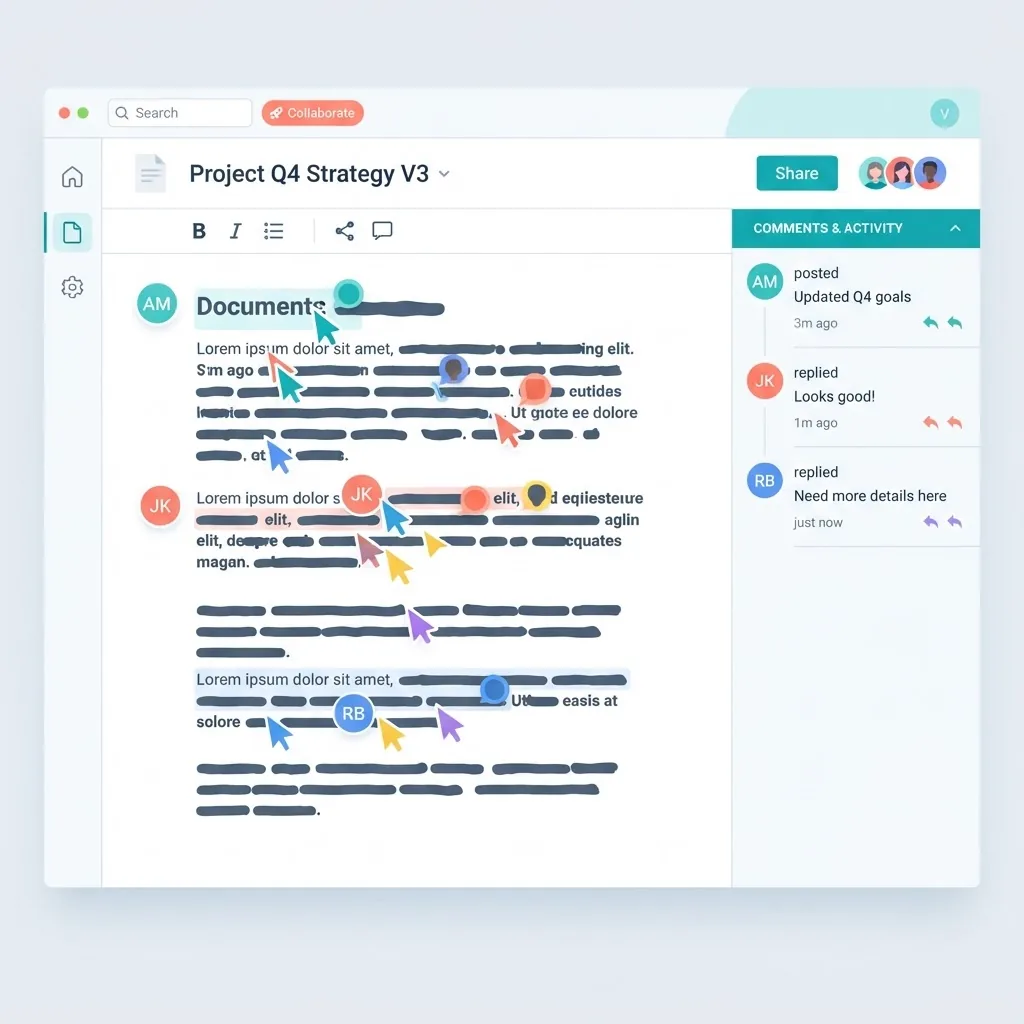
Real-time collaboration requires three things most apps skip: an operational transform or CRDT layer to merge concurrent edits, presence tracking so users see each other, and optimistic UI so actions feel instant before the server confirms. If you only need comments and shared access, skip real-time editing - it can double your build scope for a feature many teams rarely use.
SaaS Dashboard Web Apps
Dashboard apps are the most commonly commissioned type of web app, and the most commonly over-built.
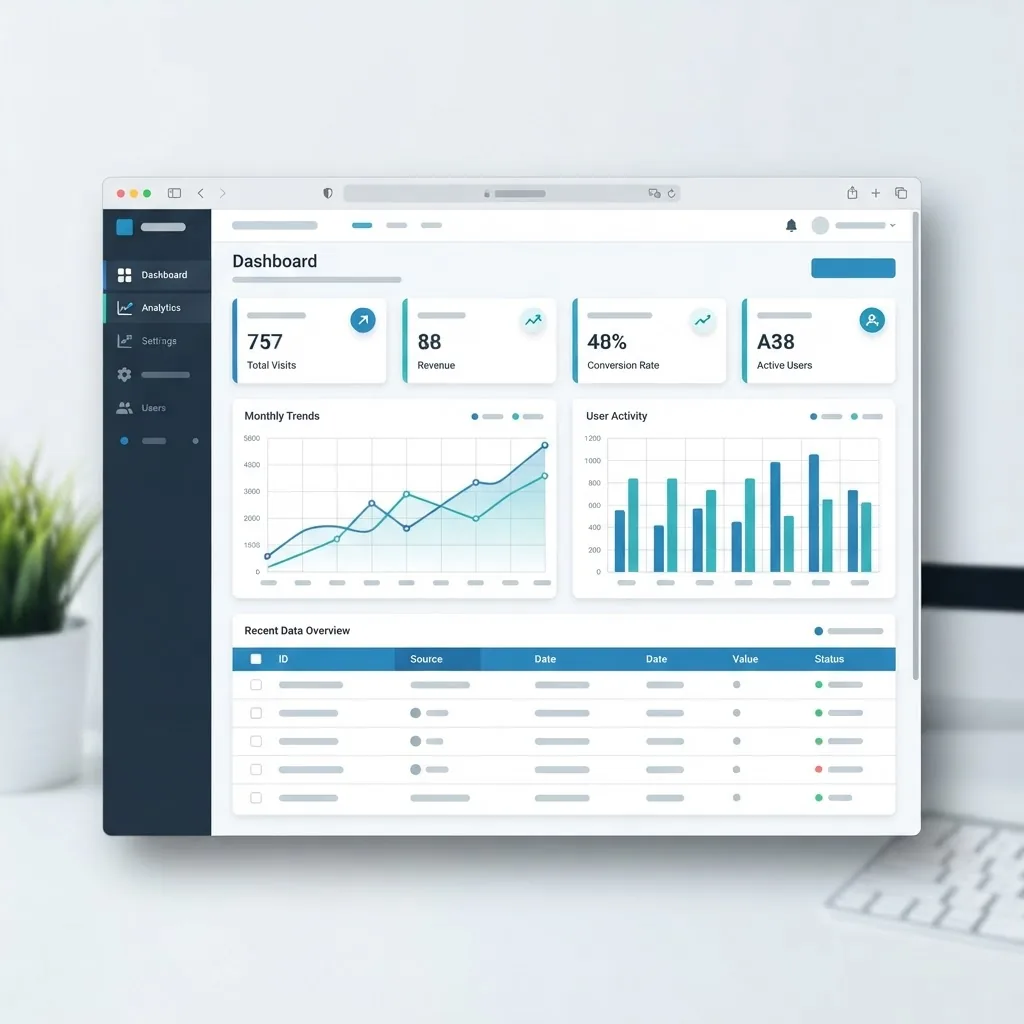
Strong examples include Stripe Dashboard (payments and disputes), Google Analytics (behavioural reporting), HubSpot (CRM pipelines), Mailchimp (campaign management), and Jira (issue tracking). What they share is a repeatable structure: authentication, a sidebar of modules, filterable tables, charts, and export.
The useful lesson from studying them is restraint. Stripe's dashboard surfaces one primary number per screen and pushes detail behind a click. Teams that instead cram twelve KPIs above the fold usually find users ignore all twelve.
A Realistic Feature Order for a Dashboard App
- Authentication and role permissions.
- One core data table with server-side filtering and pagination.
- Create and edit forms with real validation and clear error states.
- Two or three charts tied to the same data source.
- Export to CSV, then notifications, then integrations.
Building in that order means you have something usable after step three. Building charts first means you have something demo-able and useless.
Ecommerce Web Apps
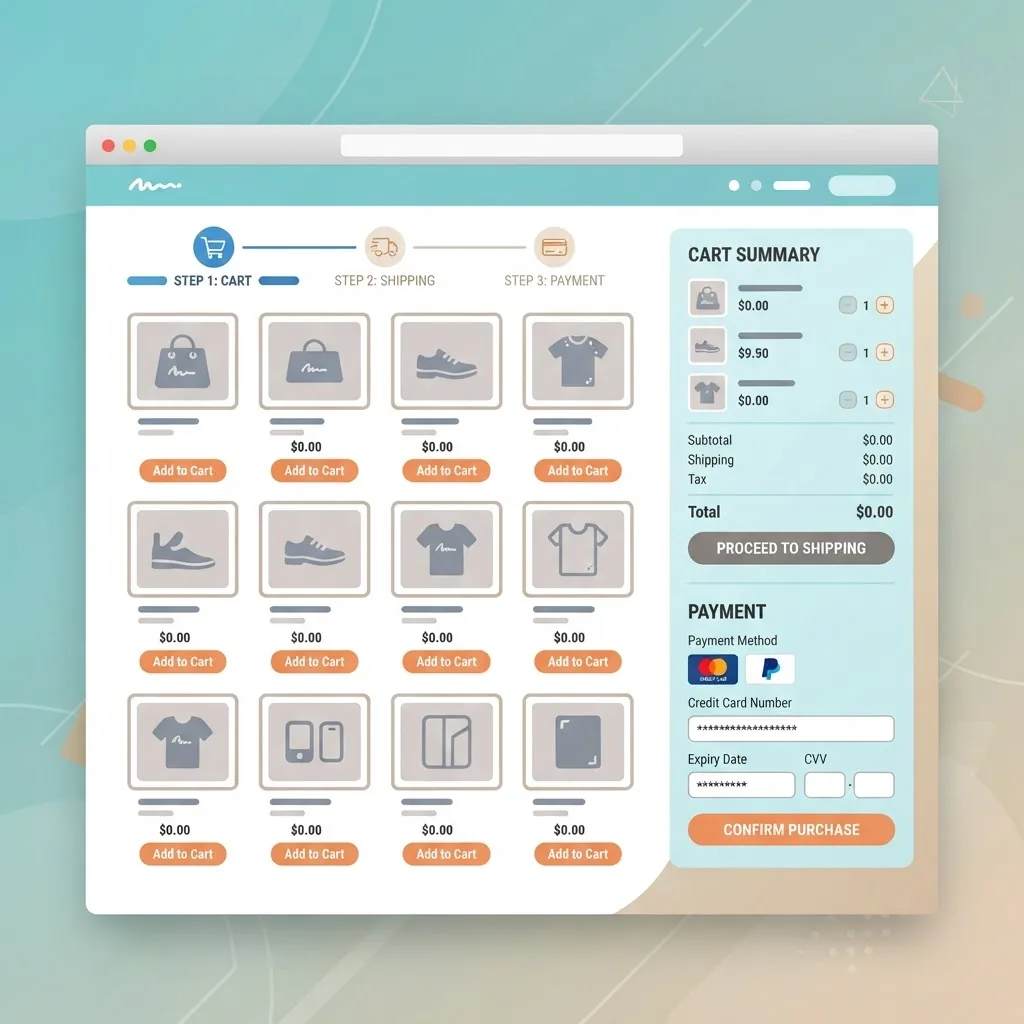
Ecommerce platforms are web apps on both sides of the transaction. The storefront is the customer-facing app; the admin panel is a full inventory and order management application.
Examples worth studying: Shopify admin, Amazon Seller Central, WooCommerce dashboard, BigCommerce, and Etsy Shop Manager. On the buyer side, the cart and checkout are the application layer - everything before that is closer to a catalogue.
Speed is not a nice-to-have here. Google's research found that as page load time goes from one second to three seconds, the probability of a mobile visitor bouncing increases 32%. In checkout, that bounce is lost revenue, which is why serious ecommerce teams treat performance budgets as a business metric.
Checkout Details That Actually Move Conversions
- Allow guest checkout; forced account creation is a leading abandonment cause.
- Validate card and address fields inline, not after submit.
- Show total cost including shipping before the payment step.
- Make the cart survive a page refresh and a device switch.
- Use idempotency keys on payment requests so a double-click cannot double-charge.
That last point is the one non-specialists miss most often, and it is the one that generates angry support tickets.
Progressive Web Apps (PWAs)
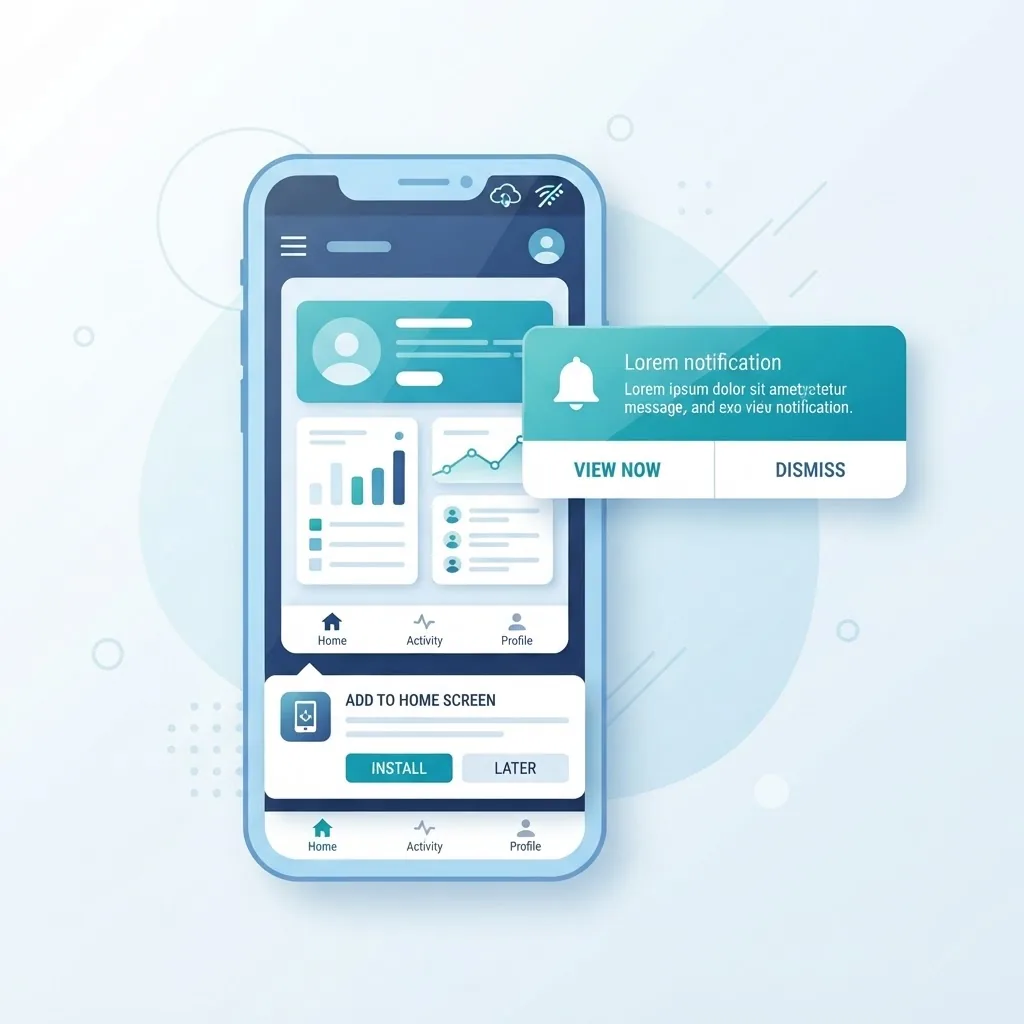
Definition: A progressive web app is a web app that uses a service worker and manifest file to be installable, work offline, and send push notifications - behaving like a native app without an app store.
Clear examples: Spotify Web Player, Starbucks PWA, Uber's mobile web app, X (Twitter) Lite, and Pinterest's mobile web experience. Twitter Lite is the canonical case study because it shipped at a fraction of the size of the native app while retaining core functionality on poor networks.
PWAs make the most sense when your audience is on mobile web, has unreliable connectivity, or when app store friction is costing you signups. They make the least sense when you need deep device hardware access.
AI-Powered Web Apps
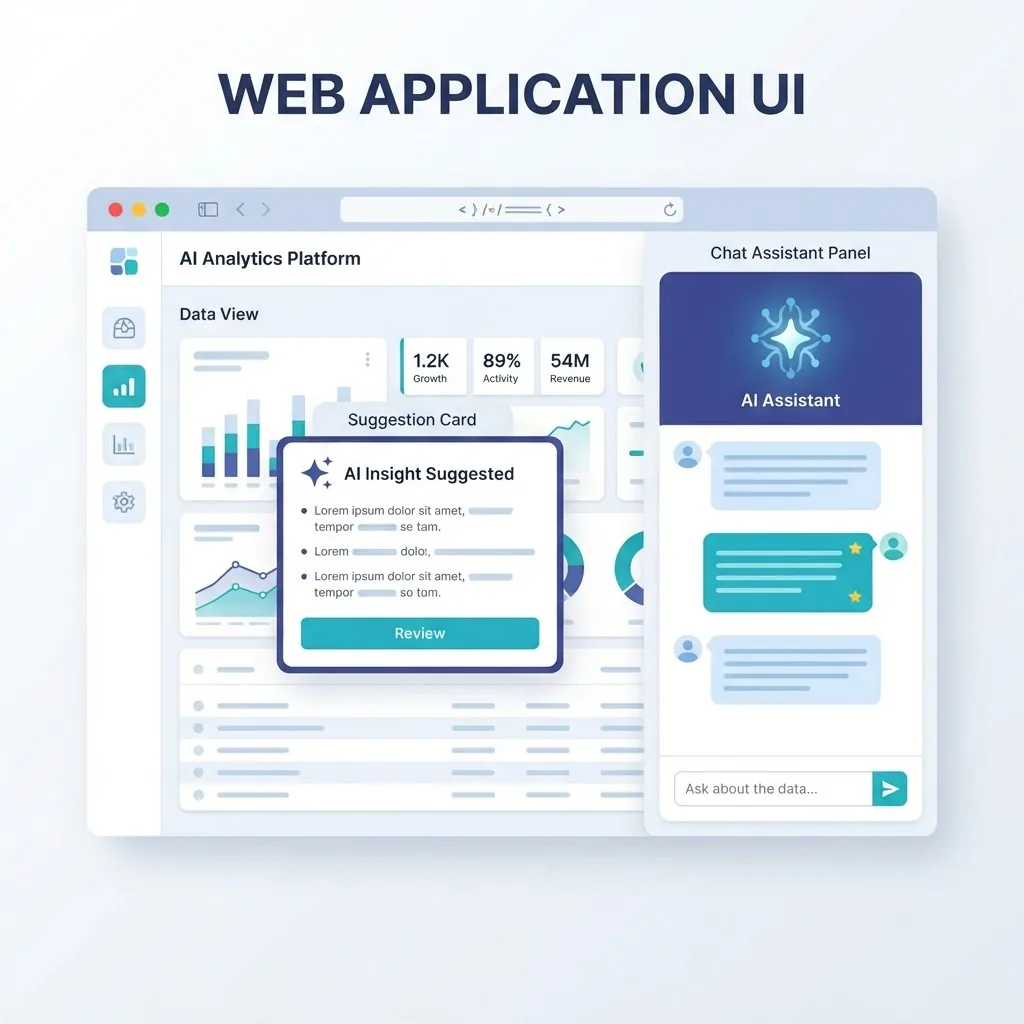
The newest category, and the fastest growing. Examples include ChatGPT, Perplexity, Grammarly, Jasper, Otter.ai, and Canva Magic Studio. Architecturally these are ordinary web apps with one addition: a streaming response layer that renders model output token by token instead of waiting for a complete reply.
That streaming detail is the whole user-experience difference. A three-second silent wait feels broken; three seconds of visible generation feels fast. Teams adding intelligent features to existing products usually get more value from narrow, embedded AI - summarise this ticket, draft this reply, tag this record - than from bolting on a general chatbot.
Web App vs Website: A Direct Comparison
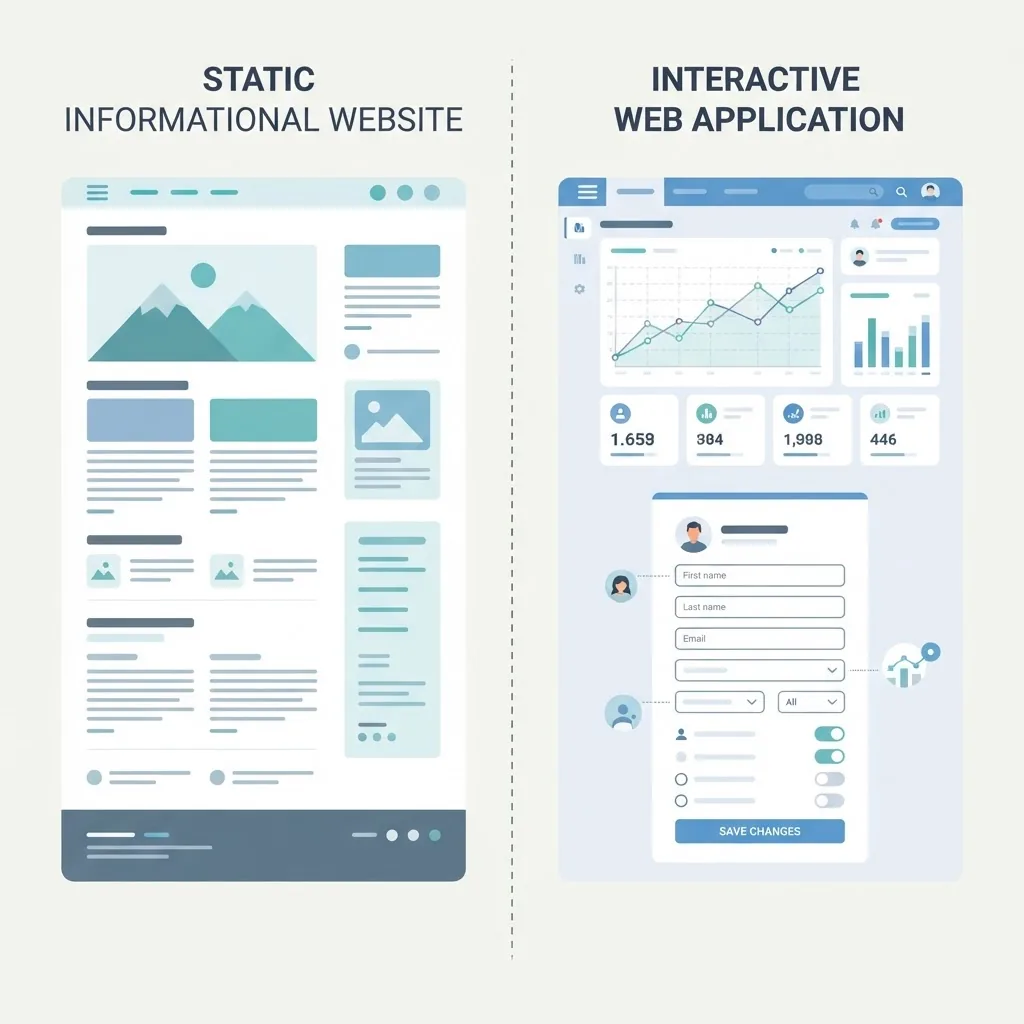
| Factor | Website | Web App |
|---|---|---|
| Primary purpose | Inform and persuade | Complete tasks and manage data |
| User interaction | Read, scroll, click links | Input, edit, save, delete |
| Login required | Rarely | Almost always |
| Data storage | Little or none per user | Per-user records in a database |
| Typical stack | CMS or static site | Frontend framework, API, database |
| Build complexity | Low to moderate | Moderate to high |
| Ongoing maintenance | Content updates | Security patches, backups, uptime |
| Example | A law firm brochure site | An online case management portal |
Many real products are both. A marketing site with a customer login area is a website in front of a web app, and the two halves usually deserve different technical decisions.
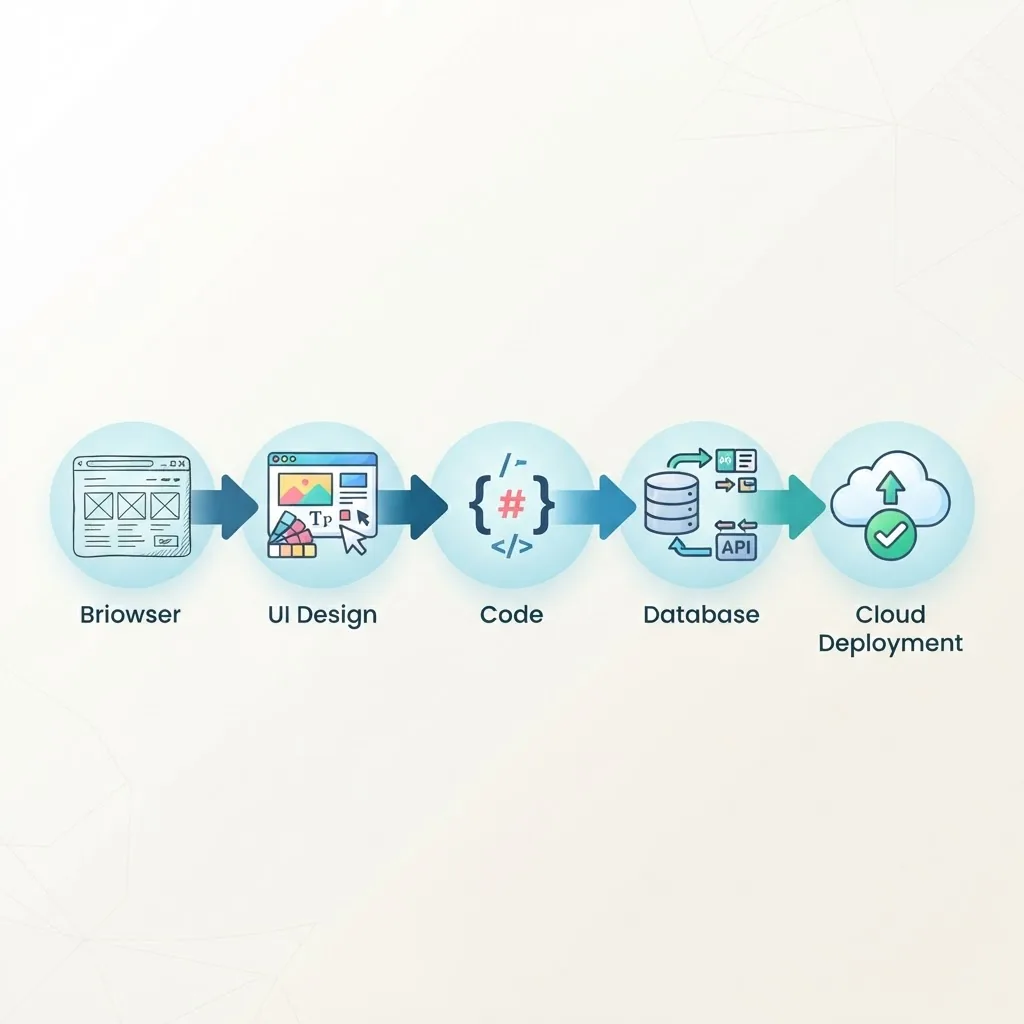
How These Examples Get Built
Every app above followed roughly the same path, regardless of category.
- Define the single core action. Trello's was moving a card. Name yours in one sentence.
- Map the data model. Entities, relationships, and who may see what. This is where permission bugs are prevented.
- Design the primary screens. The list view, the detail view, and the create or edit form cover most of a typical app.
- Build the API and database layer with input validation on the server, never only in the browser.
- Ship a narrow version to real users and expand based on what they actually struggle with.
The most common failure we see is skipping step two. Retrofitting a data model after launch means migrations, downtime, and rewritten queries. Teams that need help scoping this properly can compare approaches with ZoneTechify or WebPeak before committing to a build.
Key Takeaways
- A web app lets users perform tasks and stores their data; a website mainly delivers information.
- Familiar examples span five categories: collaboration (Google Docs, Figma), SaaS dashboards (Stripe, HubSpot), ecommerce (Shopify admin), PWAs (Spotify Web Player, Twitter Lite), and AI tools (ChatGPT, Grammarly).
- JavaScript runs on over 98% of websites, which is what makes browser-based applications viable everywhere.
- Google found mobile bounce probability rises 32% when load time goes from one to three seconds - a direct revenue issue in checkout flows.
- Define your data model before building screens; retrofitting it later is the most expensive mistake in web app development.
- Narrow, embedded AI features usually outperform general-purpose chatbots inside existing products.
Frequently Asked Questions (FAQ)
What are some examples of web apps I use every day?
Gmail, Google Docs, Google Sheets, Slack, Notion, Trello, Canva, YouTube, Netflix, Spotify Web Player, and online banking portals are all web apps. Each runs in a browser, requires a login, saves your data on a server, and responds to your actions instantly without installing software.
Is Gmail a web app or a website?
Gmail is a web app. It stores your messages server-side, syncs across devices, updates in real time without page reloads, and lets you compose, label, search, and delete. A website would simply display information about email; Gmail actively manages your data on your behalf.
What is the difference between a web app and a mobile app?
A web app runs in a browser and needs no installation, so one codebase serves every device. A mobile app is installed from an app store and can access hardware features like sensors and background location more deeply. Progressive web apps sit between the two options.
Are web apps cheaper to build than native apps?
Usually yes, because one web codebase covers desktop, Android, and iOS instead of separate native builds. You also skip app store review cycles and can deploy fixes immediately. Native still wins when you need heavy offline processing or deep hardware integration.
Can a web app work offline?
Yes, if it is built as a progressive web app. A service worker caches assets and data so core features keep working without a connection, then syncs changes once the network returns. Spotify Web Player and Starbucks both use this approach successfully.
What technology is used to build web apps?
Most modern web apps use a JavaScript or TypeScript frontend framework such as React, Next.js, or Vue, an API layer in Node.js, Python, or Go, and a database like PostgreSQL or MySQL. Hosting is typically cloud-based with automated deployments.