A practical breakdown of real examples of web applications, from SaaS dashboards to progressive web apps, plus how each type works and when to build one.
Examples of Web Applications
Most people use six or seven web applications before lunch without ever calling them that. Gmail, Google Sheets, a bank portal, Canva, Trello, Shopify's admin panel, Netflix's browser player — all of them are web applications, not websites. The difference matters because it changes how you budget, build, and maintain the software.
After a decade of building browser-based software for clients, the most common confusion we hear is: "I want a website that does things." That sentence describes a web application. This guide walks through concrete examples of web applications by category, explains the mechanics behind each one, and shows you how to identify which pattern fits your own idea.

Quick Answer: Examples of web applications include Gmail, Google Docs, Trello, Figma, Shopify admin, Netflix, Canva, Slack, Spotify Web Player, and online banking portals. A web application runs in the browser, accepts user input, processes data on a server, and returns personalized results — unlike a static website that only displays fixed content.
What Is a Web Application, Exactly?
Definition: A web application is software delivered through a web browser that lets users create, read, update, or delete data stored on a server. It requires no installation, updates centrally, and behaves like a desktop program while running on web technologies.
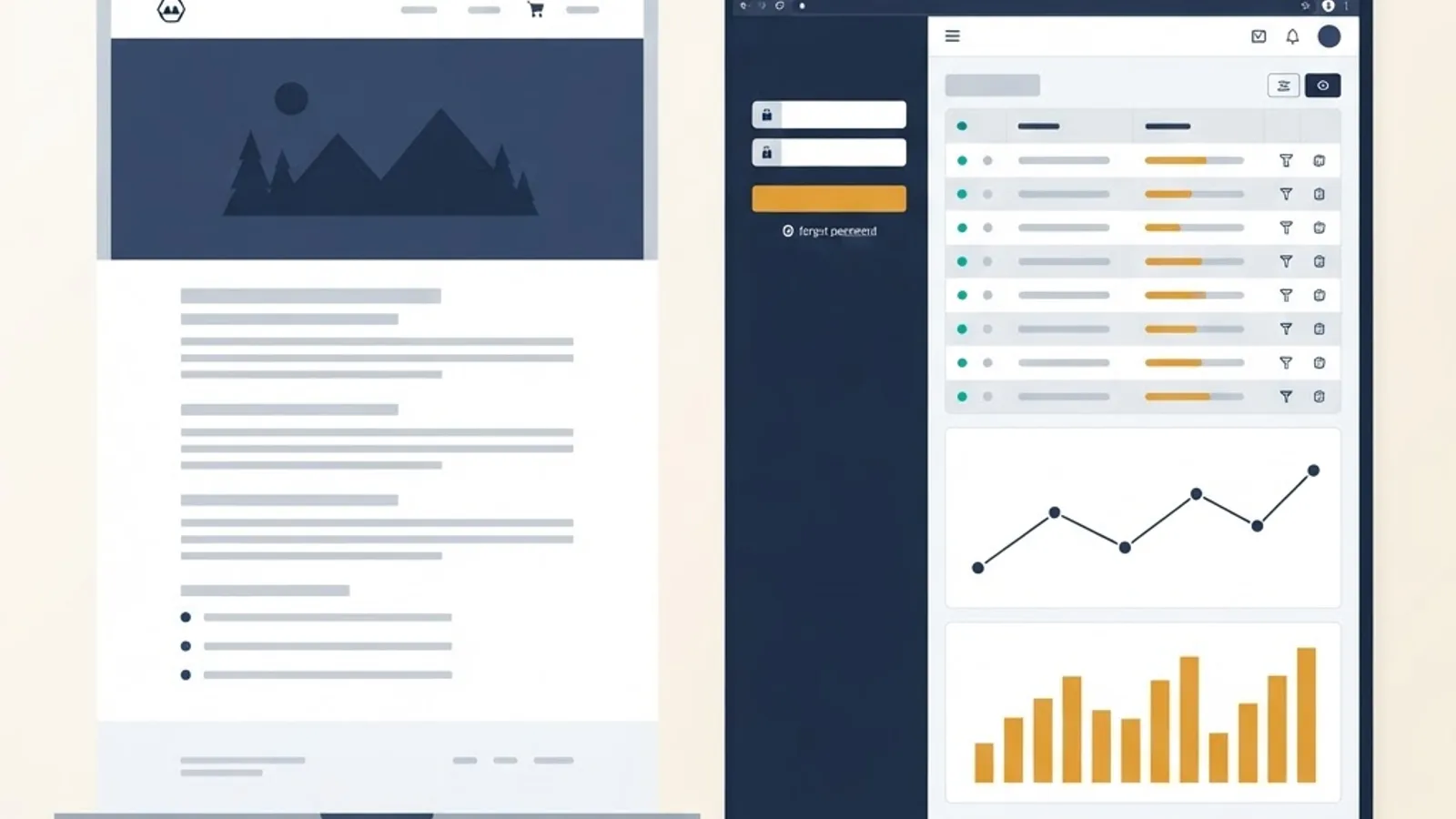
The test is simple. If the page changes based on who you are or what you typed, it is an application. If everyone sees the same content, it is a website. A restaurant's menu page is a website. The table-booking system beside it is a web application.
That distinction has real consequences. Web applications need authentication, a database, server logic, error handling, and security auditing. Static sites need none of those.
Website vs Web Application vs Native App
| Factor | Static Website | Web Application | Native Mobile App |
|---|---|---|---|
| Primary purpose | Inform | Perform tasks | Perform tasks on device |
| User accounts | Rarely | Almost always | Almost always |
| Data storage | Minimal | Database required | Local plus server |
| Installation | None | None | App store download |
| Update process | Redeploy files | Redeploy server | User must update |
| Works offline | Partially cached | Yes, if built as a PWA | Yes |
| Typical build cost | Lowest | Medium to high | Highest |
| Device hardware access | Very limited | Limited but improving | Full |
Category 1: SaaS and Analytics Dashboards
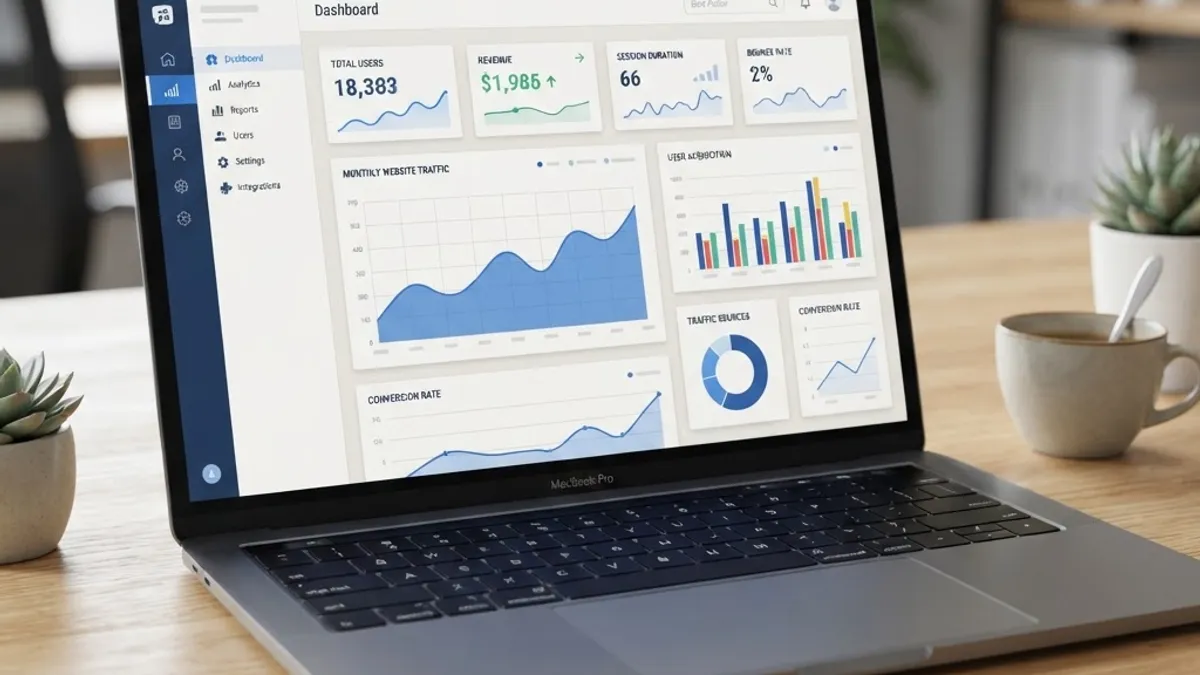
SaaS dashboards are the most common commercial example of web applications. They aggregate data, visualize it, and let teams act on it inside one browser tab.
Real examples include Google Analytics, HubSpot CRM, Stripe Dashboard, Notion, and Ahrefs. Each shares the same architecture: authenticated users, role-based permissions, a query layer over a large dataset, and charts rendered client-side.
What makes these hard is not the charts — it is the data pipeline. A dashboard that queries millions of rows on every page load will feel broken. In production builds we typically pre-aggregate metrics into summary tables on a schedule so the interface reads small, fast rows instead of recomputing totals live.
SaaS is also the dominant delivery model for business software. Gartner has repeatedly reported SaaS as the largest single segment of public cloud end-user spending, which is exactly why so many new products launch as browser-based applications rather than installable programs.
Signs You Need a Dashboard-Style Web App
- Your team maintains the same numbers across several spreadsheets.
- Different roles need to see different slices of the same data.
- Someone manually compiles a weekly report from multiple sources.
- Decisions are delayed because data is stale by the time it is presented.
Category 2: Ecommerce and Transaction Platforms
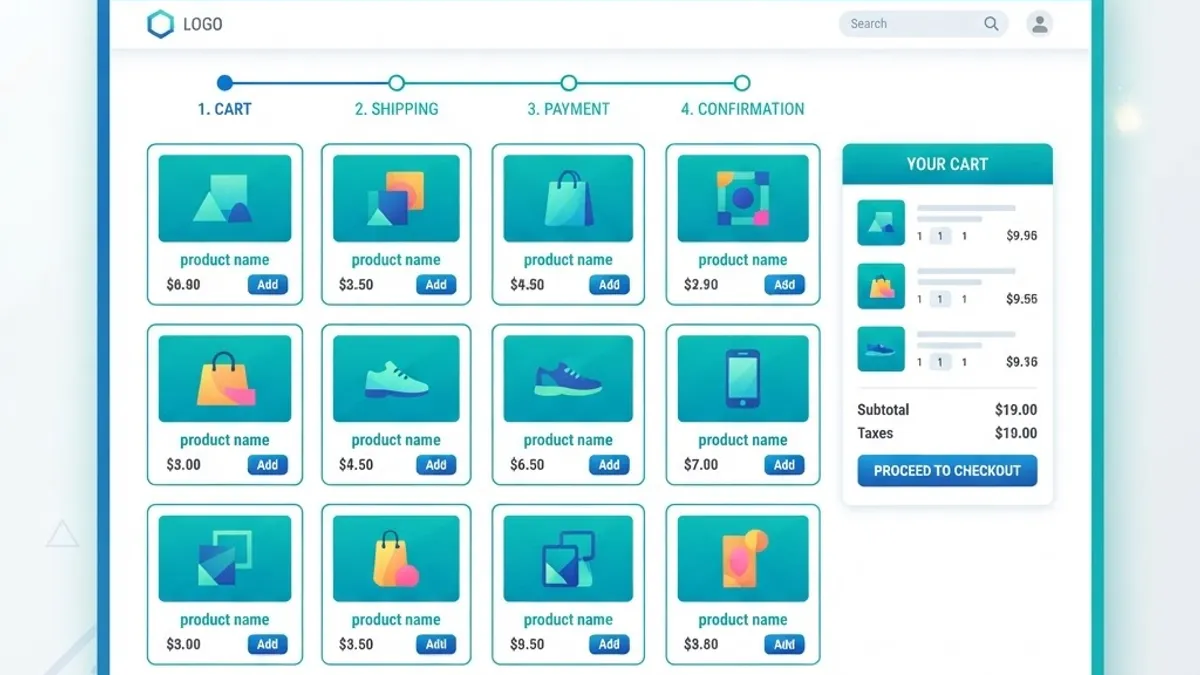
Ecommerce platforms are web applications with money attached, which raises the engineering bar significantly. Amazon, Shopify's storefront and admin, Etsy, and Airbnb all belong here.
The application layer handles inventory counts, cart state, tax and shipping calculation, payment authorization, and order fulfilment. The visible product grid is a small fraction of the actual system.
Speed is not optional in this category. Google's own research found that as page load time goes from one second to three seconds, the probability of a mobile visitor bouncing increases by 32%. On a checkout flow, that number translates directly into lost revenue, which is why serious ecommerce builds obsess over server response time and image weight.
One hard-won rule from client projects: never trust the browser with pricing. Always recalculate the order total server-side from your own database before charging a card, and use idempotency keys so a double-clicked button cannot create two charges. Teams that skip this discover the gap through chargebacks. If you are scoping this kind of build, ZoneTechify's web application development service is where this checkout and inventory logic gets designed properly from day one.
Category 3: Progressive Web Applications (PWAs)
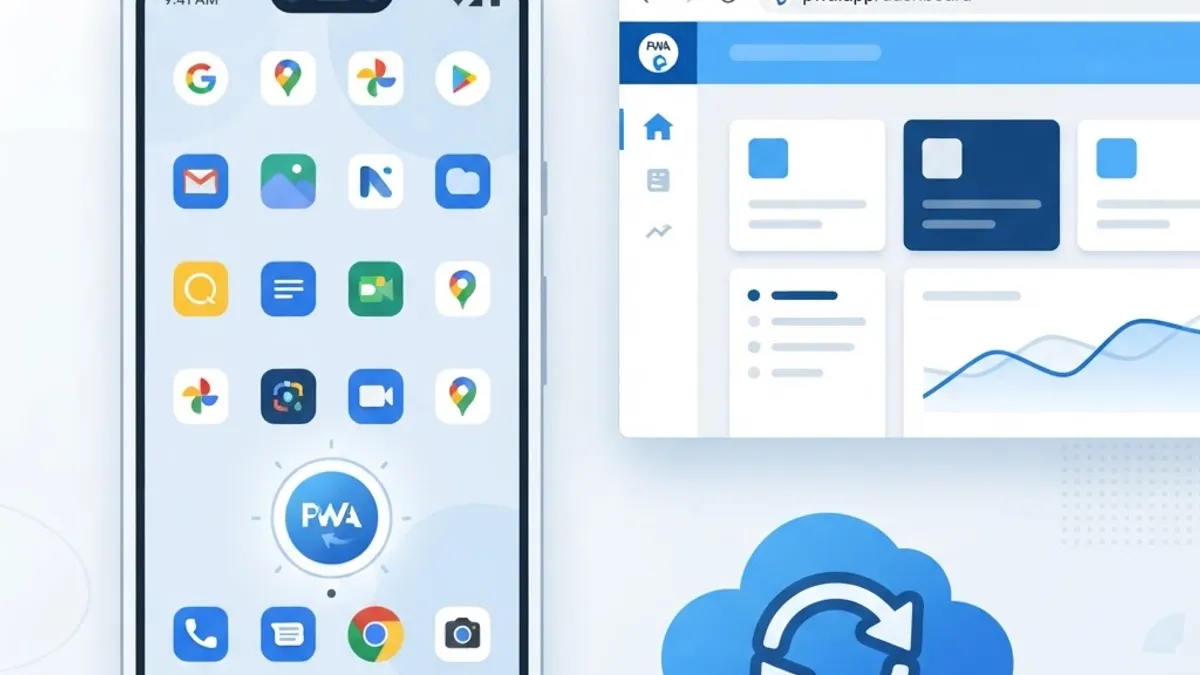
Definition: A progressive web application is a web app that uses service workers and a manifest file to install on a device, work offline, and send push notifications — behaving like a native app without an app store.
Well-known PWA examples include Twitter Lite, Starbucks, Uber, Pinterest, and Spotify Web Player. Starbucks built its ordering PWA so customers could browse the menu and build an order with no connection, syncing once signal returned.
PWAs make sense when your audience is on mobile, on unreliable networks, or unwilling to install anything. They are a poor fit when you need deep hardware access such as Bluetooth peripherals or background location tracking.
PWA Build Checklist
- Serve everything over HTTPS.
- Add a web app manifest with icons, name, and display mode.
- Register a service worker that caches the app shell.
- Define an explicit offline fallback page.
- Test on a real mid-range Android device, not just a desktop emulator.
Category 4: Real-Time Collaboration Tools
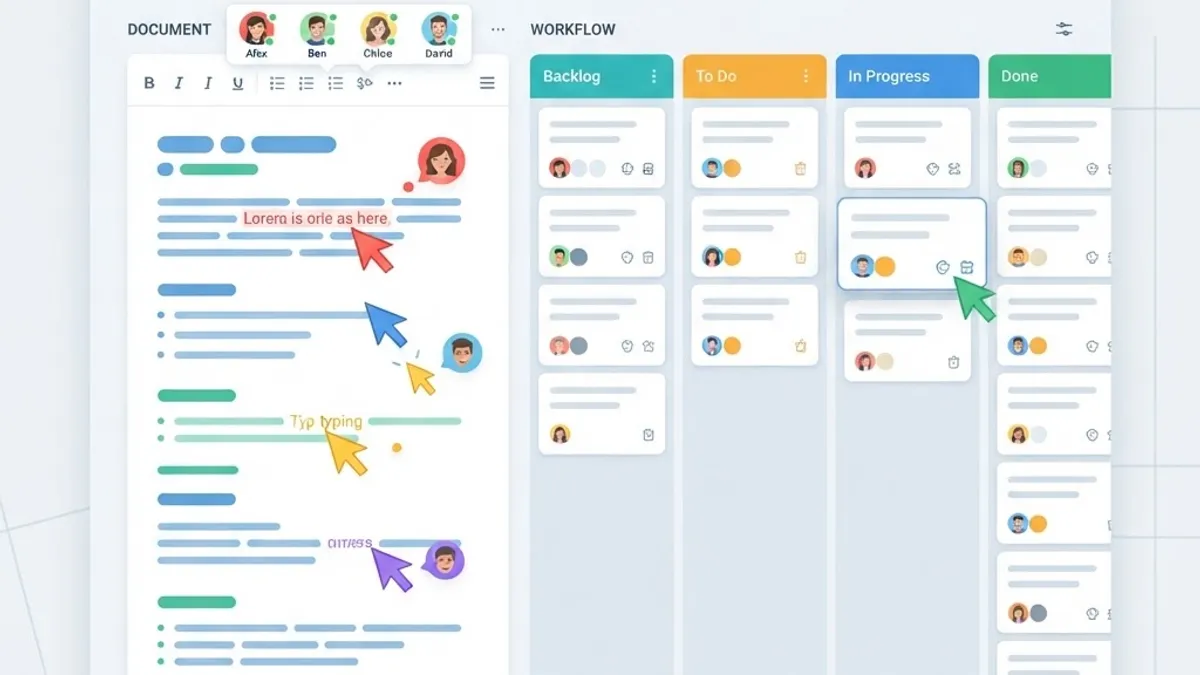
Collaboration apps are the most technically demanding examples of web applications because multiple people edit the same data at the same moment. Google Docs, Figma, Slack, Miro, and Linear all solve this problem.
The core challenge is conflict resolution. If two users type in the same paragraph simultaneously, the system must merge both edits without losing either. This is handled with operational transformation or CRDTs (conflict-free replicated data types), synchronized over WebSockets rather than standard request-response HTTP.
Our practical advice: do not build real-time editing from scratch unless it is your core differentiator. Use an established sync library. Teams that hand-roll this spend months on edge cases like reconnection after a laptop sleeps.
Category 5: Internal Business and Workflow Tools
These are the least glamorous and most valuable web applications. Examples include HR onboarding portals, inventory management systems, hospital patient record interfaces, school learning platforms, insurance claim processors, and logistics tracking panels.
Nobody markets them, but they replace the spreadsheet-and-email chaos that quietly drains hours from operations teams. A single approval workflow moved from email threads into a proper web app with statuses, timestamps, and an audit trail typically removes the "where is this stuck?" question entirely.
Internal tools also justify their cost more easily than public products, because the savings are measurable in staff hours rather than speculative conversion lift.
Category 6: Media, Streaming, and Creative Applications
Netflix, YouTube, Spotify, Canva, and Photopea prove how far browsers have come. Canva runs a full design editor with layers and export pipelines in a tab. Photopea handles PSD files client-side. Netflix streams adaptive-bitrate video with DRM directly through browser APIs.
These exist because of WebAssembly, WebGL, Canvas, and Media Source Extensions — browser capabilities that closed most of the historical gap with desktop software. If someone tells you a task is too heavy for the browser, that assumption is usually a decade out of date.
How Web Applications Are Actually Built
Every example above shares the same four layers, regardless of language or framework:
- Client (frontend): the interface users interact with, commonly built with React, Vue, or Svelte.
- API layer: validates requests, enforces permissions, and applies business rules.
- Database: stores persistent data, usually PostgreSQL, MySQL, or a managed equivalent.
- Hosting and infrastructure: deployment, scaling, monitoring, and backups.
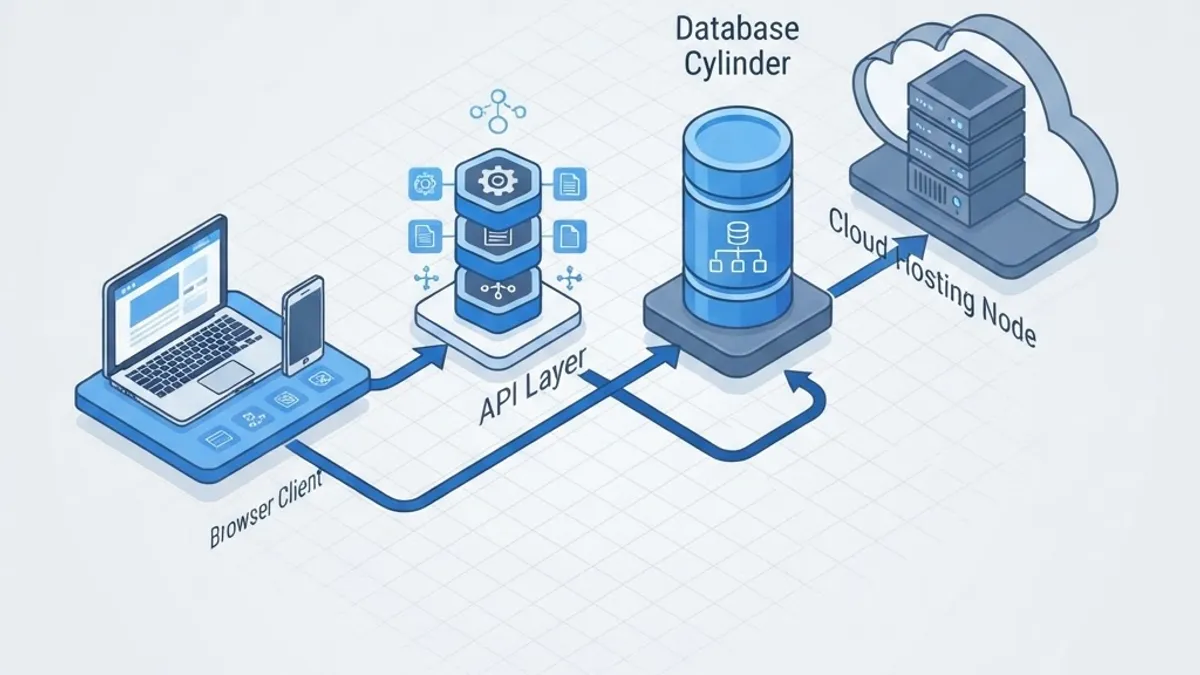
The layer teams most often underestimate is the second one. Validation and authorization belong on the server, always. Client-side checks improve user experience; they never provide security. Teams working on AI-driven features inside these layers can review WebPeak's artificial intelligence services for guidance on where automation genuinely helps.
How to Choose the Right Type for Your Idea
Start from the job, not the technology. Ask three questions in order:
- Does the output change per user? If no, you need a website, not an application.
- Do multiple people touch the same record? If yes, plan for permissions and conflict handling early.
- Will users need it without connectivity? If yes, build it as a PWA from the start rather than retrofitting later.
Then scope ruthlessly. The most successful launches we have shipped began with one workflow done well, not twelve done partially. You can read more about our approach at ZoneTechify and WebPeak.

Key Takeaways
- A web application processes user input and returns personalized results; a website displays fixed content to everyone.
- The six main categories are SaaS dashboards, ecommerce platforms, PWAs, real-time collaboration tools, internal business systems, and media applications.
- Google research shows bounce probability rises 32% when load time moves from one to three seconds, making performance a revenue issue.
- SaaS remains the largest segment of public cloud end-user spending, per Gartner, which is why most new business software launches in the browser.
- All web applications share four layers: client, API, database, and infrastructure.
- Pricing, permissions, and validation must be enforced server-side without exception.
- Do not build real-time sync from scratch unless it is your core product advantage.
Frequently Asked Questions (FAQ)
What are the most common examples of web applications?
The most widely used examples are Gmail, Google Docs, Google Sheets, Trello, Slack, Figma, Canva, Netflix, Spotify Web Player, Shopify admin, Amazon, and online banking portals. Each runs entirely in a browser, requires a login, stores your data on a server, and returns results personalized to your account.
Is Facebook a web application or a website?
Facebook is a web application. It authenticates users, stores profiles and posts in databases, generates a personalized feed for each account, and processes messages in real time. The public login page alone is closer to a website, but everything behind that login is application software running in your browser.
What is the difference between a web app and a mobile app?
A web app runs in a browser and needs no installation, so one build serves every device and updates instantly. A mobile app is installed from an app store, gets full access to device hardware like sensors and background location, works offline reliably, but must be built separately for iOS and Android.
Do web applications work without internet?
Most require a connection, but progressive web applications can work offline using service workers that cache the interface and queue user actions locally. Starbucks and Twitter Lite both use this approach. Once connectivity returns, the queued changes sync to the server automatically without the user losing any work.
How long does it take to build a custom web application?
A focused single-workflow application with authentication and a database typically takes six to twelve weeks. Multi-role platforms with payments, reporting, and integrations usually run three to six months. Timeline depends far more on how many workflows you include than on which framework or programming language your team chooses.
Which technologies are used to build web applications?
Frontends commonly use React, Next.js, Vue, or Svelte. Backends use Node.js, Python, PHP, Ruby, or Java. Databases are typically PostgreSQL or MySQL for structured data. Hosting runs on managed cloud platforms. The specific stack matters less than clean architecture and server-side validation of every request.