A practical, phase-by-phase breakdown of the web application development process, from discovery and architecture to testing, deployment, and long-term maintenance.
Web Application Development Process
Most failed web apps are not killed by bad code. They are killed by a bad process — vague requirements, no architecture decision record, testing squeezed into the final week, and a launch with no monitoring. After delivering dozens of production web applications, we have found that teams following a documented, phase-gated process ship roughly twice as predictably as teams that improvise, because every phase produces an artifact the next phase depends on.
This guide walks through the complete web application development process as it actually runs in professional teams: what happens in each phase, what deliverable proves the phase is finished, and the specific mistakes that cause rework. It is written for founders scoping their first product, product managers inheriting a build, and developers who want a defensible workflow.
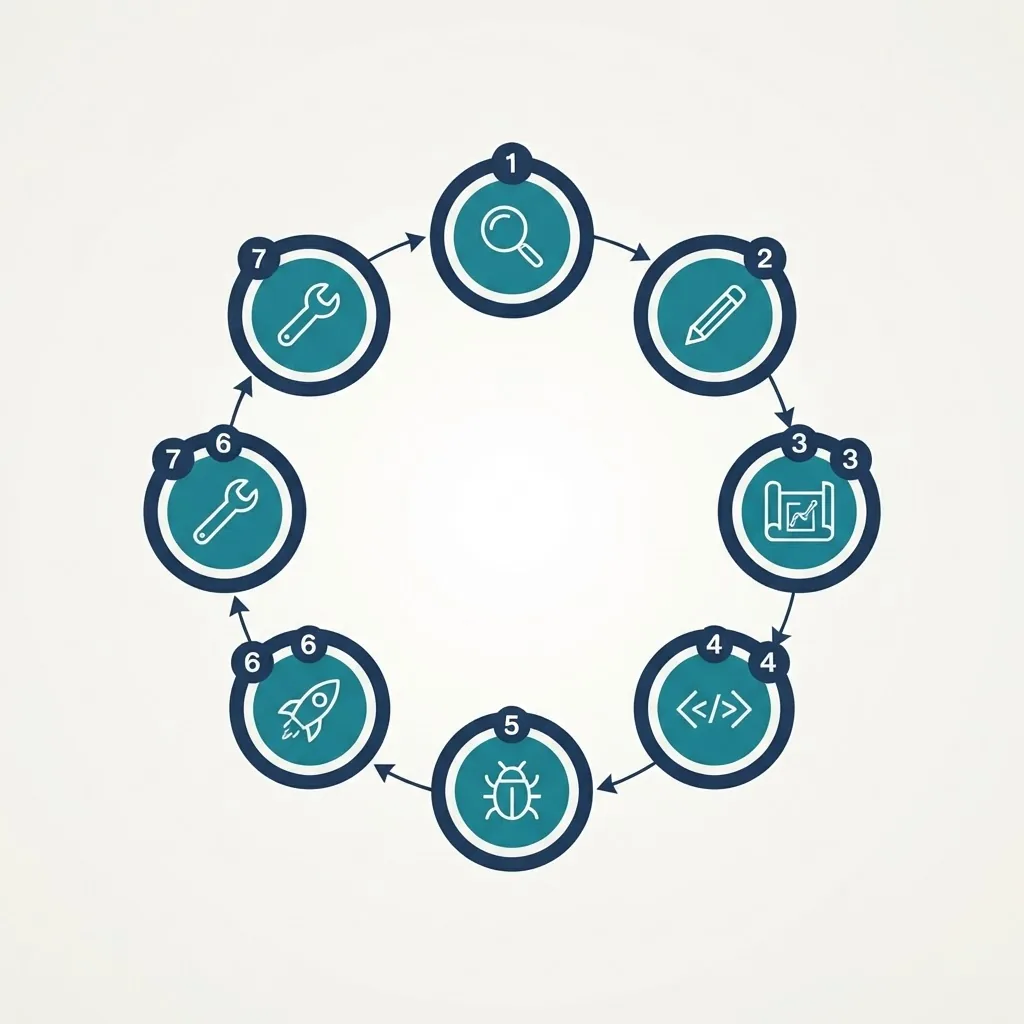
Quick Answer: The web application development process is a seven-phase cycle: discovery and requirements, planning and architecture, UI/UX design, development, testing and QA, deployment, and maintenance. Each phase ends with a concrete deliverable — a specification, wireframe, tested build, or monitored release — so risk is reduced before the next phase begins.
What Is a Web Application, and Why Process Matters
Definition: A web application is software that runs in a browser, stores state on a server or in the cloud, and responds to user input in real time — Gmail, Figma, Notion, and Shopify admin are all web applications. This distinguishes it from a website, which primarily presents static or lightly dynamic content.
That distinction drives the process. A website can be designed and built almost simultaneously. A web application has authentication, database state, permissions, business logic, and third-party integrations, so a change late in the build touches multiple layers. According to the Project Management Institute's Pulse of the Profession research, inaccurate requirements gathering is consistently cited among the leading causes of project failure — which is exactly why the first phase is the highest-leverage one.
Phase 1: Discovery and Requirements Gathering
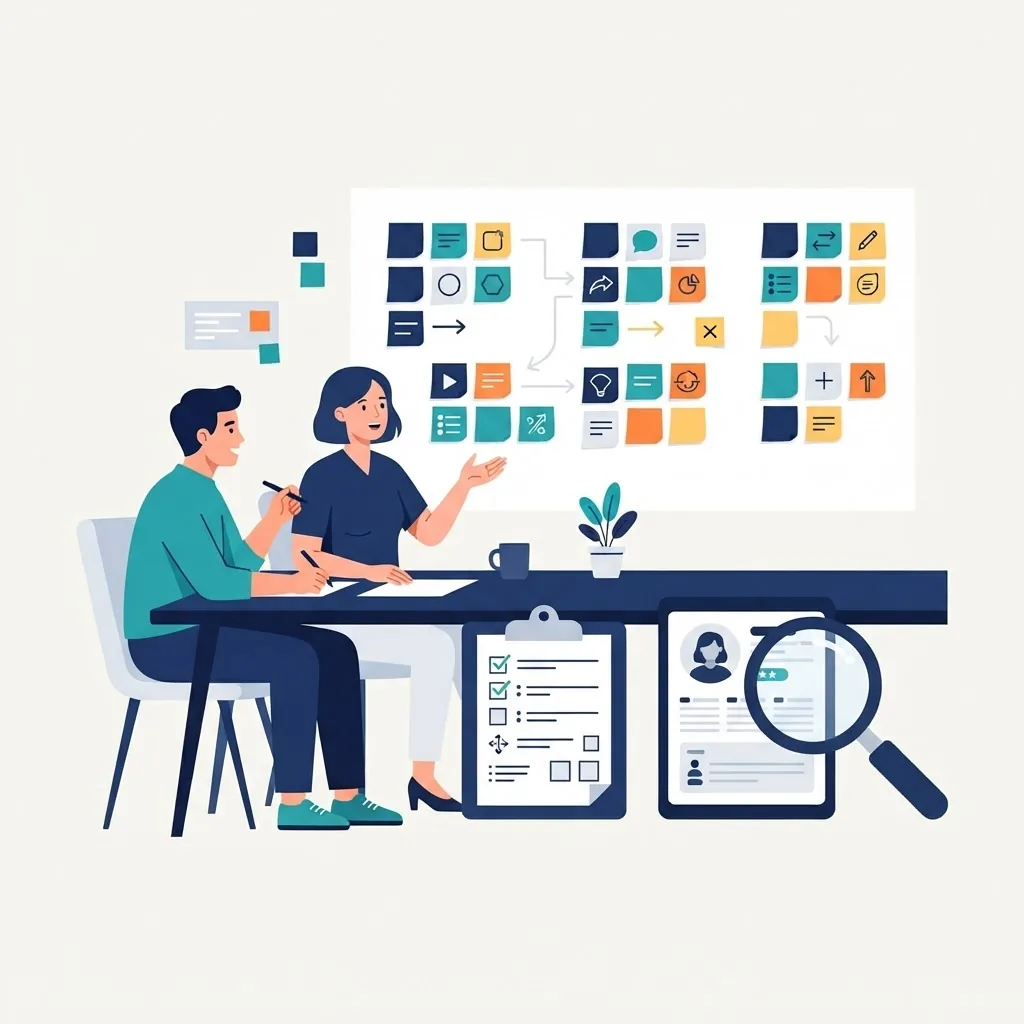
The goal of discovery is to convert opinions into written, testable requirements. This phase typically consumes 10–15 percent of total project time and prevents the most expensive category of rework.
Run these five activities:
- Stakeholder interviews. Ask each stakeholder what success looks like numerically — signups, hours saved, tickets reduced. Vague goals produce vague scope.
- User research. Interview 5–8 real users. Nielsen Norman Group research shows that testing with roughly five users surfaces the majority of usability problems, so small samples are genuinely useful.
- Competitive teardown. Sign up for three competitors and document their onboarding, pricing, and data model assumptions.
- Feature prioritization with MoSCoW. Sort every request into Must have, Should have, Could have, Won't have. The "Won't have" list is the most valuable artifact you will produce.
- Non-functional requirements. Write down expected concurrent users, uptime target, data-residency needs, and compliance obligations before anyone chooses a database.
Deliverable: a signed requirements document with user stories and acceptance criteria. If a story cannot be tested, it is not a requirement — it is a wish.
Phase 2: Planning, Architecture, and Tech Stack
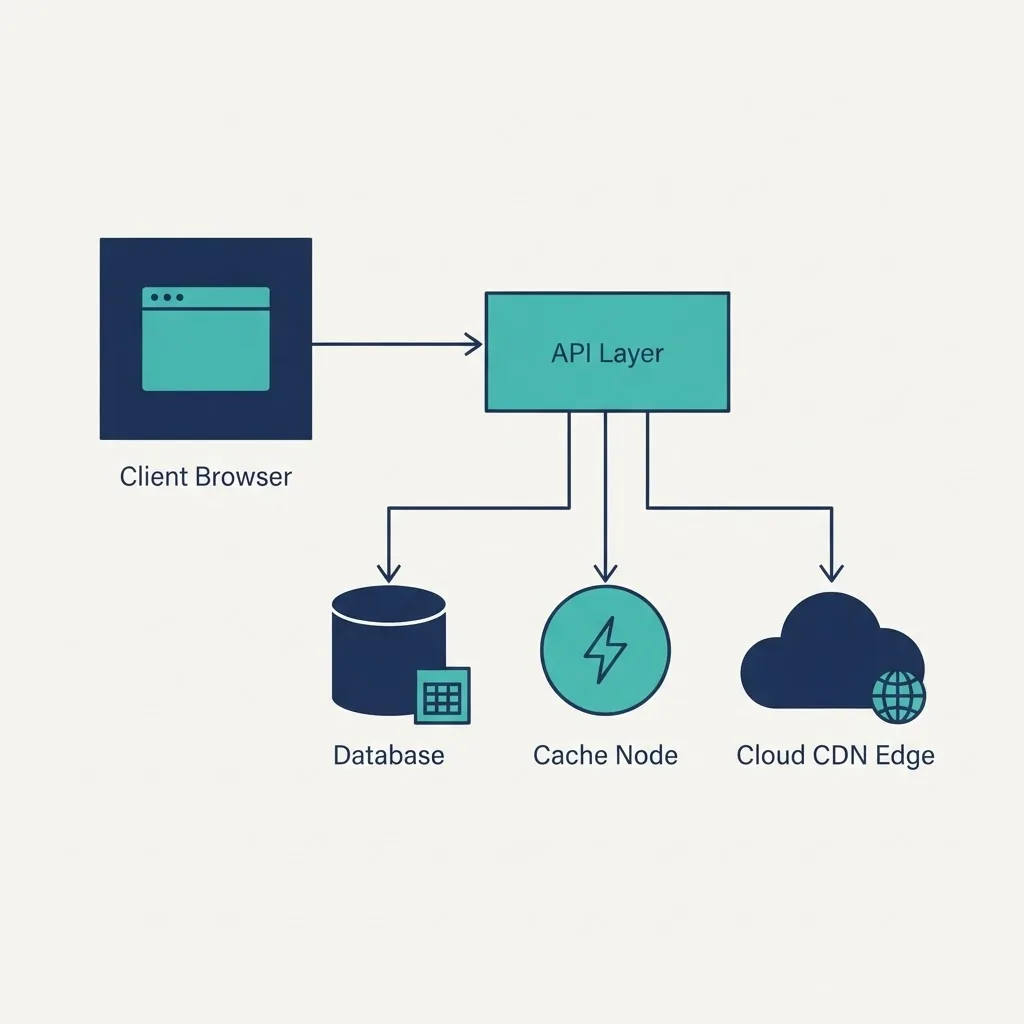
Architecture decisions are the ones you cannot cheaply reverse, so they deserve written justification. Create a short architecture decision record for each major choice: what you chose, what you rejected, and why.
Decide on:
- Rendering strategy. Server-side rendering for SEO-critical surfaces, client rendering for authenticated dashboards, static generation for marketing pages.
- Data model. Sketch tables and relationships before writing endpoints. Relational databases suit most business applications; reach for key-value stores for caching, sessions, and rate limiting rather than primary data.
- Authentication and authorization. Choose a proven provider and define roles and permissions in the schema, not in UI conditionals.
- Integrations. List every external API, its rate limits, and its failure mode.
- Environments. Local, preview, staging, production — with separate credentials for each.
Monolith or microservices? For teams under roughly ten engineers, a well-organized modular monolith almost always ships faster and costs less to operate. Split services only when a specific scaling or ownership boundary forces it. Teams that want this evaluated independently often bring in a specialist partner such as ZoneTechify's web application development team before committing to a stack.
Phase 3: UI/UX Design
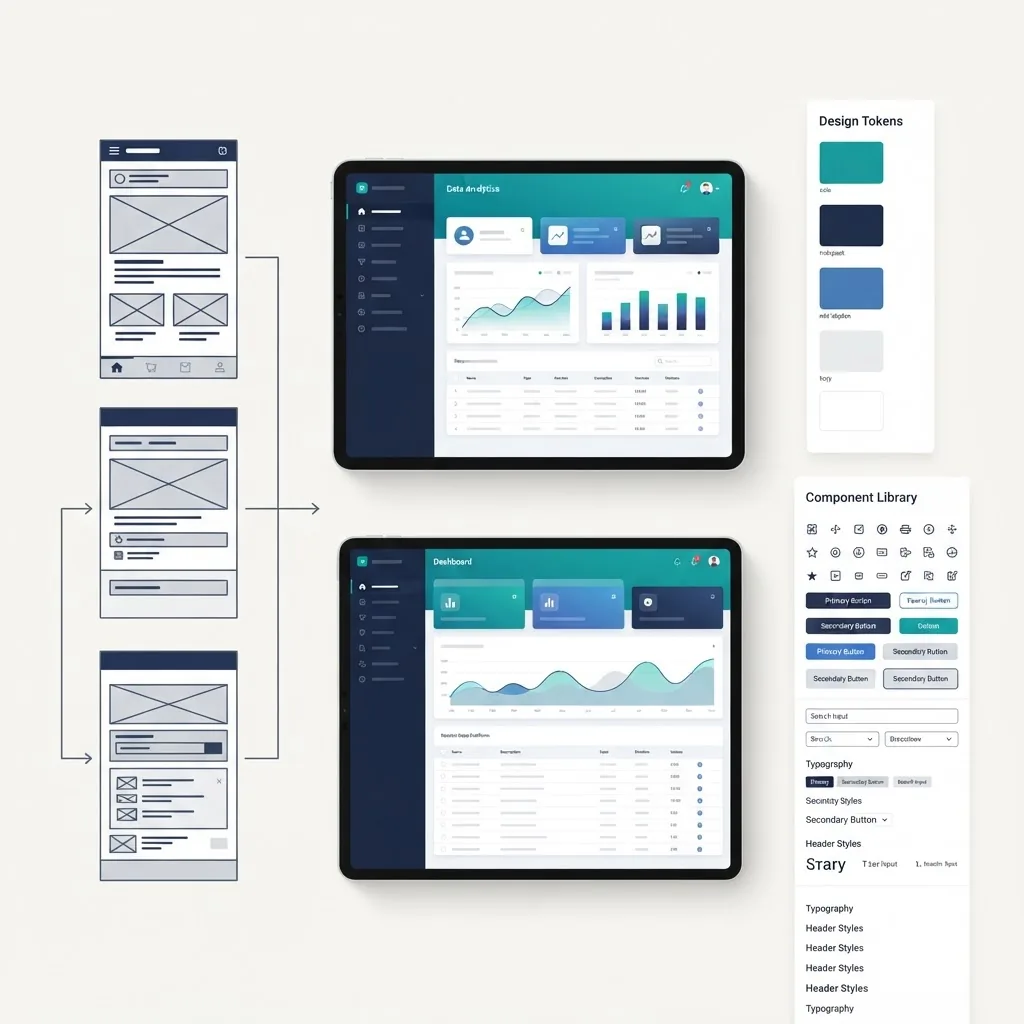
Design in increasing fidelity so expensive changes happen on cheap artifacts. Move through information architecture, then user flows, then low-fidelity wireframes, then a design system, then high-fidelity prototypes.
Three rules that consistently save time:
- Design the empty, loading, and error states. Roughly half of real screen time in an application is spent in a non-ideal state, yet these are the screens most often skipped.
- Build a component library, not pages. Buttons, inputs, tables, modals, and toasts defined once produce visual consistency and faster development.
- Design mobile first. Google has confirmed mobile-first indexing as the default for crawling and indexing, and mobile constraints force clearer hierarchy.
Deliverable: a clickable prototype tested with at least five users, plus documented design tokens for color, type scale, and spacing.
Phase 4: Development
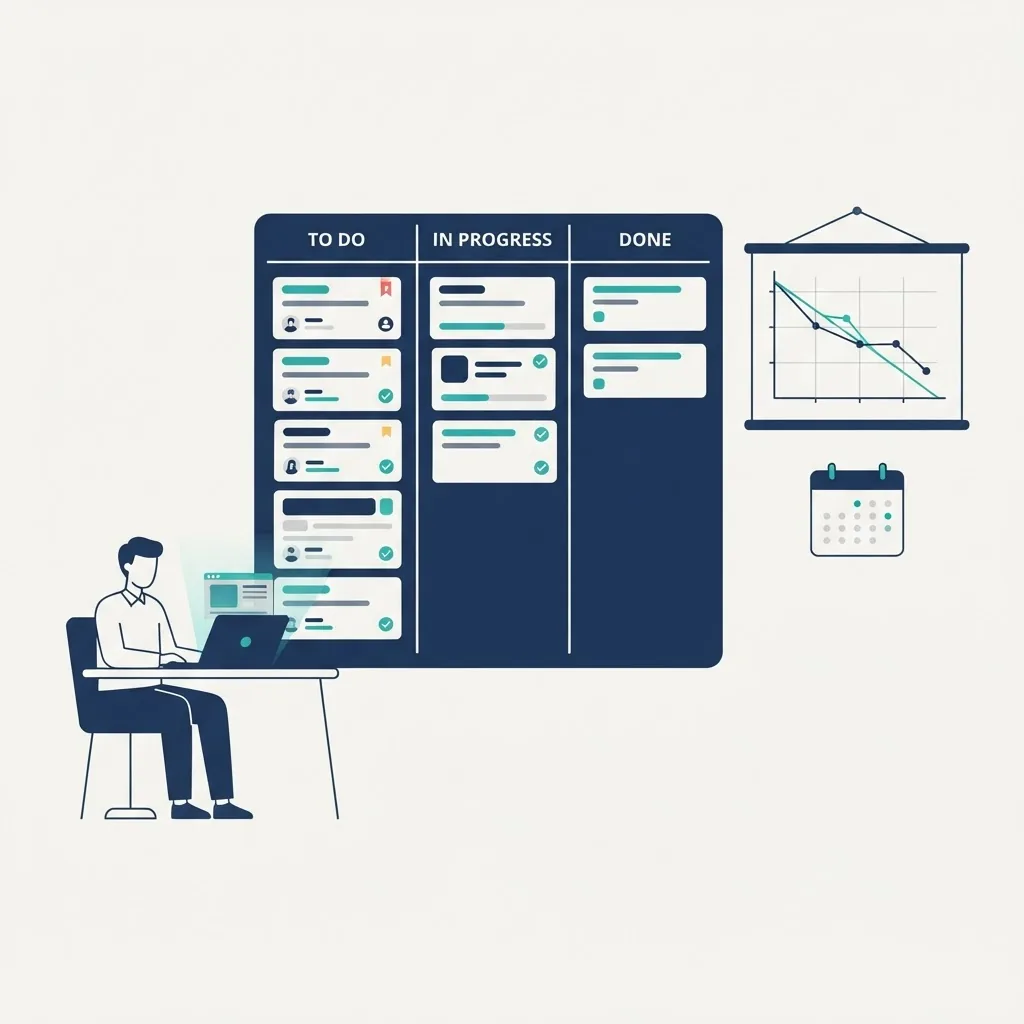
Development should run in short, demonstrable increments rather than one long build. Two-week sprints ending in a working demo keep stakeholders aligned and catch misunderstandings while they are still cheap.
A practical development workflow:
- Set up the repository, linting, formatting, and type checking on day one.
- Build the data layer and authentication first — every feature depends on them.
- Implement vertical slices: one complete feature across database, API, and UI, rather than a full backend followed by a full frontend.
- Require pull requests with at least one reviewer and a passing automated check.
- Deploy every branch to a preview URL so stakeholders review real software, not screenshots.
Security belongs here, not later. Validate and sanitize all input on the server, use parameterized queries, scope every database query to the authenticated user, enforce authorization server-side, and never trust a price or quantity that arrived from a browser.
Phase 5: Testing and Quality Assurance
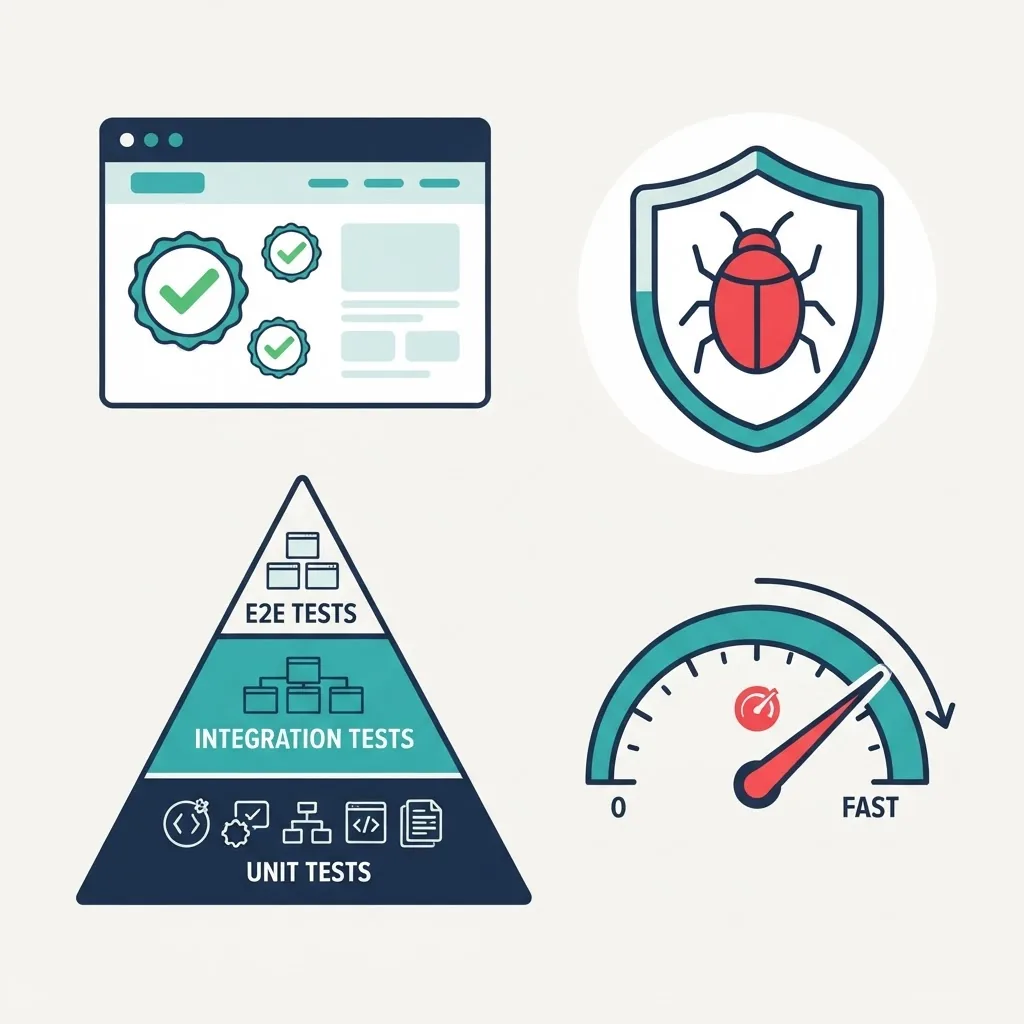
Automated tests exist so you can change code confidently, not to satisfy a coverage number. Follow the testing pyramid: many fast unit tests, fewer integration tests, a small set of end-to-end tests covering critical revenue paths such as signup, checkout, and data export.
Your QA checklist should cover:
- Functional testing against each acceptance criterion from Phase 1.
- Cross-browser and device testing on current Chrome, Safari, Firefox, and Edge, plus real iOS and Android devices.
- Accessibility testing against WCAG 2.2 AA — keyboard navigation, focus order, contrast ratios, and screen-reader labels.
- Performance testing against Core Web Vitals. Google reports that pages meeting Core Web Vitals thresholds are significantly less likely to be abandoned, and Google's own research found that as page load time grows from one to three seconds, the probability of bounce increases by 32 percent.
- Security testing — dependency scanning, authorization bypass attempts, and rate-limit verification.
- Load testing at two to three times expected peak traffic.
Phase 6: Deployment
Deployment should be a routine, reversible event. If releasing makes your team nervous, the pipeline is the problem.
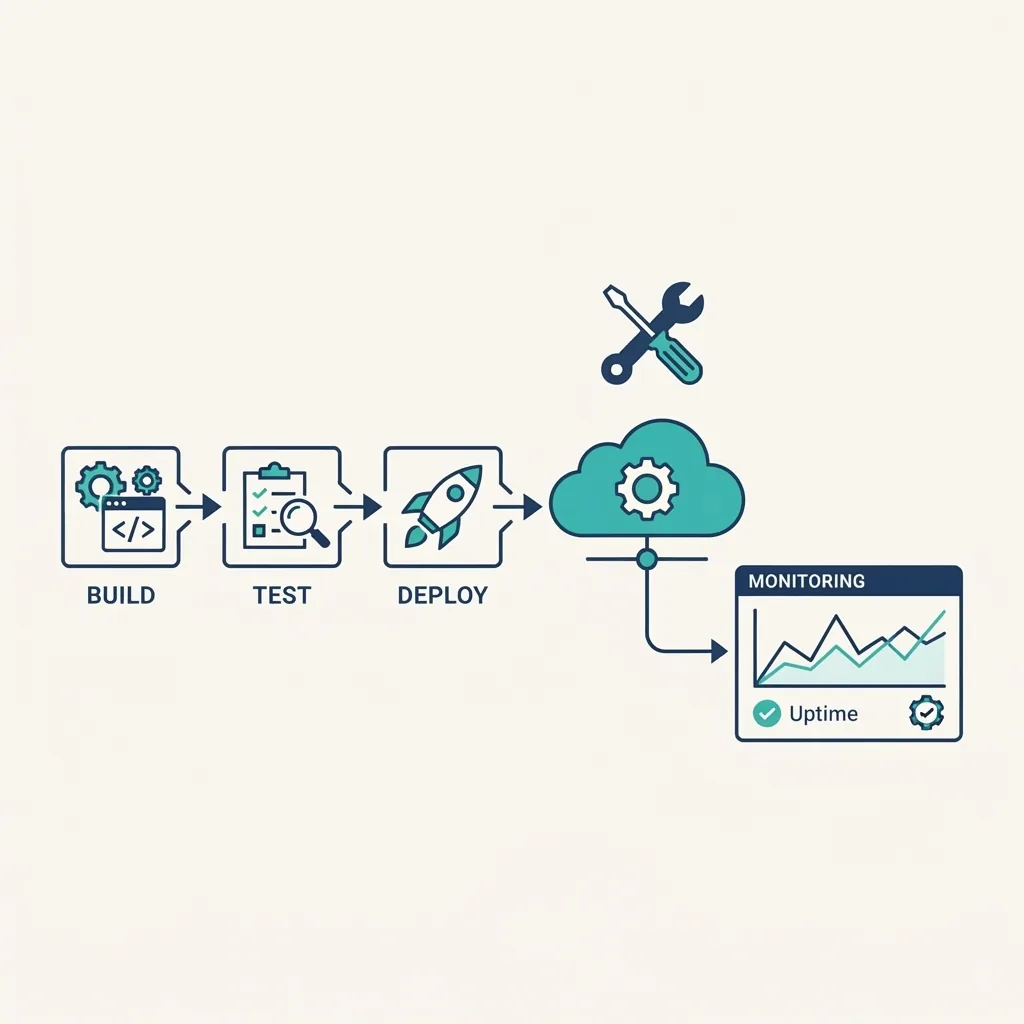
A production-ready release includes an automated CI/CD pipeline, database migrations run as versioned scripts, secrets stored in environment variables rather than the repository, security response headers configured, error tracking wired up before launch, and a documented rollback path. Prefer gradual rollout — internal users, then a small percentage of traffic, then everyone.
Phase 7: Maintenance and Iteration
Launch is the midpoint, not the finish line. Industry estimates consistently place the majority of total software cost after initial release, in maintenance and enhancement.
Ongoing work includes weekly dependency and security patching, uptime and error-rate monitoring with alerting, monthly analytics review against the numeric goals set in discovery, quarterly performance audits, and a prioritized backlog fed by real user feedback. Teams tracking search and technical performance often pair this with an ongoing audit workflow like the one at WebPeak to keep visibility and Core Web Vitals from quietly degrading.
Waterfall vs Agile vs Hybrid: Which Process Fits
| Factor | Waterfall | Agile | Hybrid (Recommended) |
|---|---|---|---|
| Requirements clarity needed upfront | Very high | Low | Moderate |
| Handles mid-project change | Poorly | Very well | Well |
| Budget predictability | High | Lower | Moderate to high |
| Stakeholder involvement | Start and end only | Continuous | Milestone based |
| Time to first working demo | Slow | Fast | Fast |
| Best fit | Fixed-scope compliance builds | Evolving products | Most commercial web apps |
| Documentation depth | Heavy | Light | Targeted |
Most commercial projects succeed with a hybrid: fix discovery, architecture, and design as gated phases, then run development, testing, and release iteratively.
Timeline and Cost Expectations
Realistic ranges for a competent team, assuming clear decision-making:
- Simple internal tool (CRUD, single role): 4–8 weeks
- Standard SaaS MVP (auth, billing, dashboard): 3–5 months
- Complex multi-tenant platform with integrations: 6–12 months
The strongest predictor of overrun is not technical difficulty — it is slow stakeholder decisions. Assign one accountable decision-maker before development starts.
Key Takeaways
- The web application development process has seven phases, each ending in a verifiable deliverable.
- Discovery consumes 10–15 percent of the timeline and prevents the most expensive rework.
- Testing with about five users reveals the majority of usability problems, per Nielsen Norman Group.
- Bounce probability rises 32 percent as load time moves from one to three seconds, per Google.
- A modular monolith outperforms microservices for teams under roughly ten engineers.
- Most total software cost occurs after launch, in maintenance and iteration.
- A hybrid Waterfall-Agile model suits most commercial web applications.
Frequently Asked Questions (FAQ)
How long does the web application development process take?
A simple internal tool takes 4–8 weeks. A standard SaaS MVP with authentication, billing, and a dashboard typically takes 3–5 months. Complex multi-tenant platforms run 6–12 months. Timelines depend more on decision speed and requirement clarity than on engineering difficulty.
What are the stages of web application development?
There are seven stages: discovery and requirements gathering, planning and architecture, UI/UX design, development, testing and quality assurance, deployment, and maintenance. Each stage produces a deliverable — a specification, prototype, tested build, or monitored release — that the following stage depends on.
Should I build an MVP or a full product first?
Build an MVP. Ship the smallest version that solves one problem end to end for real users, then expand based on measured behavior. Full builds launched without user validation frequently include features nobody uses, wasting budget that could fund learning and iteration.
How much does web application development cost?
Cost tracks scope and team seniority rather than a fixed rate. Budget for architecture, design, development, QA, and at least twelve months of maintenance. A common planning rule is reserving 15–20 percent of the initial build budget annually for hosting, security patching, and enhancements.
Do I need a technical co-founder to manage the process?
No, but you need one accountable technical decision-maker — a co-founder, fractional CTO, or an agency technical lead. Without clear technical ownership, architecture decisions drift, reviews stall, and scope expands. A written architecture decision record is the minimum safeguard.
What is the most common reason web app projects fail?
Unclear or shifting requirements. When acceptance criteria are not written and testable, teams build the wrong thing efficiently. Fixing this costs nothing technical: document user stories with measurable acceptance criteria and maintain an explicit list of features you are not building.