A practical guide to native mobile app development services: what they include, when native beats cross-platform, real cost drivers, timelines, and how to vet a vendor.
Native Mobile App Development Services
Native mobile app development services build separate applications for iOS and Android using each platform's official language, SDK, and design system rather than a shared abstraction layer. That single architectural decision affects your launch date, your budget, your crash rate, and how quickly you can ship features that depend on new operating system capabilities. This guide explains what native services actually include, when they are worth the extra investment, and how to evaluate a vendor before you sign anything.
Quick Answer: Native mobile app development services build platform-specific apps using Swift or Objective-C for iOS and Kotlin or Java for Android. You get maximum performance, full access to device hardware and new OS features, and platform-correct interfaces, in exchange for maintaining two codebases instead of one shared codebase.
What Native Mobile App Development Actually Means
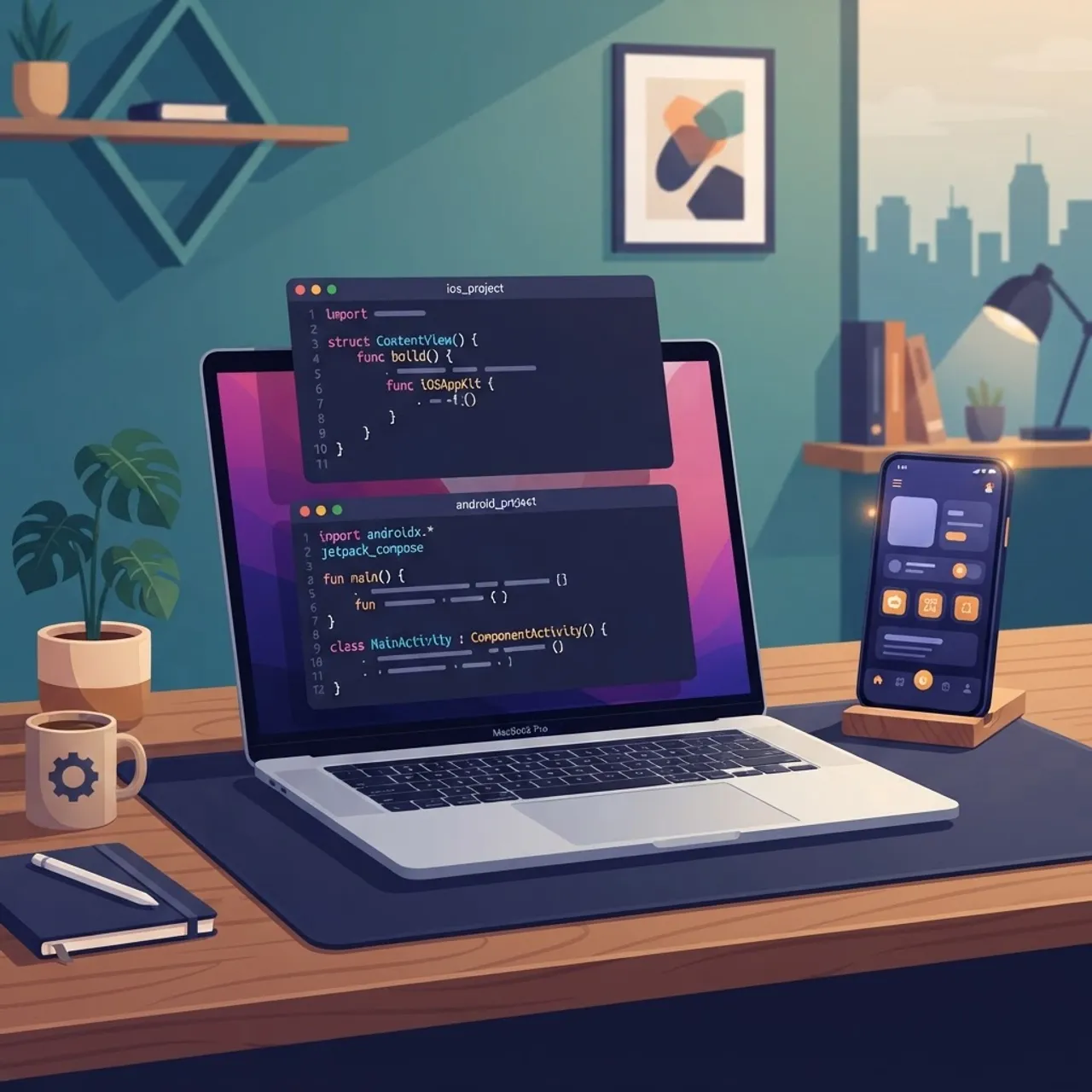
Native development means the app is compiled directly to machine code for the target platform and calls the operating system's own frameworks with no bridge or interpreter in between. On iOS that means Swift or Objective-C with UIKit or SwiftUI, built in Xcode. On Android that means Kotlin or Java with Jetpack Compose or the View system, built in Android Studio.
The practical consequence is direct access. When Apple ships a new camera API, a native iOS team can adopt it on day one of the beta cycle. Teams on cross-platform frameworks wait for a community plugin or write their own bridging module, which is native code anyway plus glue code on top.
Key Terms Defined
- Native app: Written in the platform's first-party language, compiled ahead of time, distributed through the App Store or Google Play.
- Cross-platform app: One shared codebase rendered through a runtime such as React Native or Flutter.
- Hybrid app: Web technology inside a native shell, typically a WebView container.
- Bridge: The serialization layer some cross-platform frameworks use to pass data between JavaScript and native modules.
What Is Included in a Native Development Engagement
A credible native engagement is far more than writing screens. Expect these deliverables in the statement of work:
- Discovery and technical scoping: User flows, platform feature matrix, and a decision log explaining why each capability lives on device or on the server.
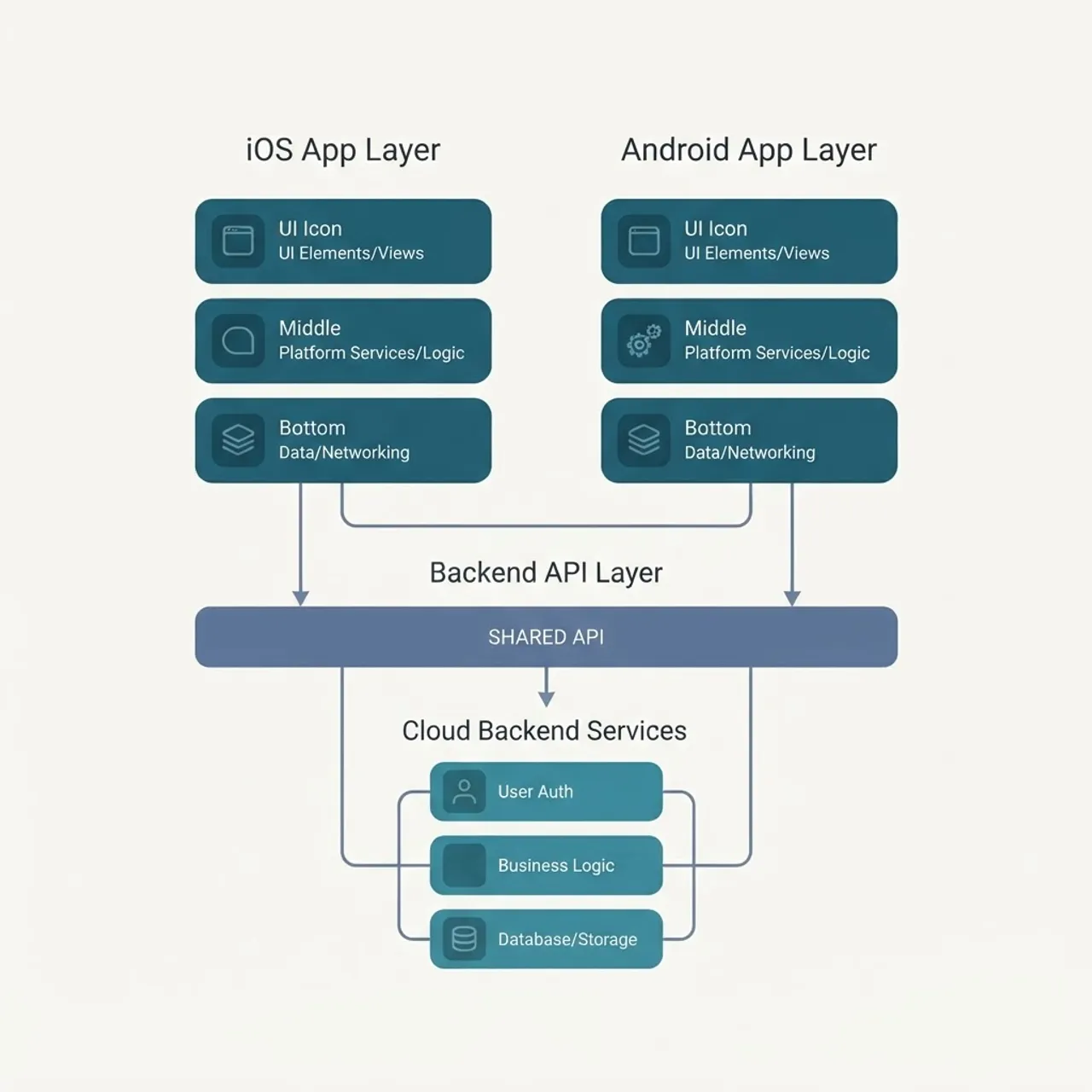
- Platform-specific UI implementation: Separate interface layers that follow Apple's Human Interface Guidelines and Google's Material Design, not one design forced onto both.
- Backend and API integration: Contract-first API work, offline caching strategy, and conflict resolution rules for data edited without a connection.
- Automated testing: Unit tests, UI tests through XCUITest and Espresso, and device-farm runs across the OS versions your analytics show real users on.
- CI/CD pipelines: Automated builds, code signing, TestFlight and Play Console internal track distribution.
- Store submission and review handling: Metadata, privacy manifests, data safety declarations, and rejection remediation.
- Post-launch maintenance: Crash triage, OS upgrade compatibility, and a quarterly dependency update cadence.
If a proposal omits testing, CI/CD, or a maintenance plan, the cost has not disappeared. It has been deferred onto your team.
Native vs Cross-Platform: An Honest Comparison
The correct answer depends on what your app does, not on which technology is fashionable. Cross-platform frameworks are genuinely excellent for content-driven and form-driven products. Native wins decisively when the app is hardware intensive or when interface fidelity is part of the product promise.
| Factor | Native (Swift / Kotlin) | Cross-Platform (React Native / Flutter) |
|---|---|---|
| Initial build effort | Higher, two codebases | Lower, mostly one codebase |
| Runtime performance | Best, compiled to platform binary | Very good for standard UI, weaker under heavy graphics or sensor load |
| New OS feature access | Immediate, day one of beta | Delayed, needs plugin or custom bridge |
| Hardware and sensor depth | Full access to camera, Bluetooth LE, ARKit, secure enclave | Partial, often requires native modules |
| Platform look and feel | Exact by default | Approximated, needs deliberate tuning |
| Long-term maintenance | Two pipelines, fewer third-party breakages | One pipeline, exposed to framework upgrade churn |
| Best suited to | Fintech, health, media, AR, IoT, high-frequency use apps | MVPs, internal tools, content and commerce apps |
Two Data Points Worth Knowing
- Google's own research on mobile web and app abandonment found that most users abandon an experience that takes longer than three seconds to become usable, which is why cold start time is a native advantage that shows up directly in retention numbers.
- Apple and Google both operate annual release cycles, with major OS versions shipping publicly each autumn and developer betas landing months earlier. Native teams can test against those betas immediately, which is why native apps are usually first to support new system features.

When Native Is the Right Investment
Choose native without much debate if any of the following describe your product:
- The app depends on the camera pipeline, augmented reality, live video, or continuous location tracking.
- You handle regulated data and need platform keystore, secure enclave, and biometric APIs used exactly as the vendor documents them.
- Battery consumption is a competitive factor, as in fitness tracking or navigation.
- Animation quality and gesture responsiveness are part of how users judge your brand.
- You expect the app to live for five or more years and want to avoid dependency on a third-party framework's roadmap.
Choose cross-platform when you are validating demand, when the app is largely lists, forms, and content, or when a single small team must cover both platforms with a fixed budget.
A Realistic Native Development Process
Strong agencies run a repeatable sequence rather than improvising. A typical engagement moves through six phases, and a mid-complexity native app with a working backend generally takes four to seven months to first production release.
- Discovery: Requirements, platform feature matrix, success metrics tied to activation and retention.
- Design: Platform-specific wireframes, then a component library per platform.
- Architecture: Module boundaries, dependency injection, state management, offline strategy, and analytics events defined before feature work begins.
- Iterative build: Two-week increments with a shippable internal build at the end of every cycle.
- Hardening: Device matrix testing, accessibility audit with VoiceOver and TalkBack, performance profiling for cold start and memory.
- Launch and iterate: Phased rollout, crash monitoring, and a fix-forward release cadence.
Teams that publish this process openly are easier to hold accountable. When ZoneTechify plans a mobile build, the platform feature matrix is agreed in discovery so nobody discovers a blocking hardware limitation in month four. You can see how a senior delivery model handles that on zonetechify.com.

Design Fidelity Is a Native Feature, Not a Nicety
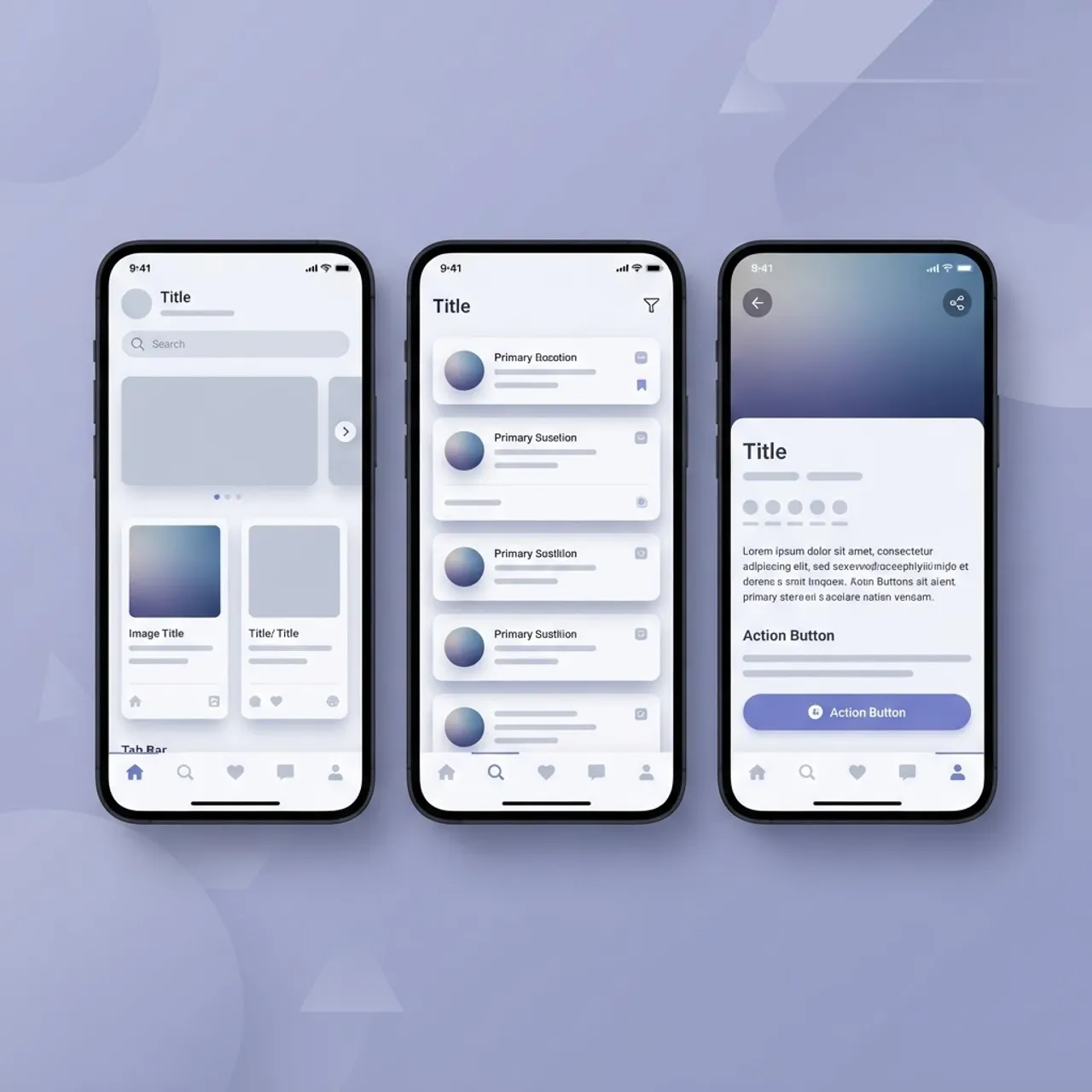
Users do not evaluate your app in isolation. They compare it to the system apps they use dozens of times a day. Native services give you the correct navigation transitions, the correct scroll physics, the correct keyboard behavior, and the correct accessibility tree without reimplementation.
Three concrete fidelity details that native handles for free:
- Back navigation: Android's predictive back gesture and iOS's edge swipe behave as the OS intends.
- Dynamic type and large text: System font scaling propagates through native components, which matters for accessibility compliance.
- Dark mode and high contrast: Semantic system colors adapt automatically instead of needing a parallel theme.
Security, Privacy, and Store Compliance
Native development gives you first-party security primitives. Use them deliberately rather than rolling your own.
- Store tokens in Keychain on iOS and the Android Keystore, never in shared preferences or plain files.
- Enforce TLS with certificate pinning for financial and health traffic.
- Gate sensitive screens behind Face ID, Touch ID, or BiometricPrompt with a passcode fallback.
- Complete Apple's privacy manifest and Google Play's Data Safety form accurately, since inconsistencies between declared and observed behavior are a common rejection cause.
- Obfuscate and minify release builds, and strip debug logging from production.
A team that treats compliance as a launch-week task will miss dates. Ask any vendor to show a previous privacy manifest and data safety submission. Agencies built around senior engineers tend to have those artifacts ready, which is one reason clients work with a senior-only dev team rather than a rotating bench.

What Drives Native App Cost
Cost is driven by scope depth, not by line count. The main multipliers:
- Number of platforms: Two native apps cost more than one, though shared backend and design work reduces the gap below double.
- Hardware integrations: Bluetooth LE, background location, and offline sync each add meaningful engineering and QA effort.
- Backend maturity: An existing documented API is a large saving; building one from scratch is a separate project.
- Compliance scope: HIPAA, PCI DSS, or GDPR obligations add architecture, documentation, and audit work.
- Support commitment: Two annual OS releases per year mean maintenance is a standing budget line, not an optional extra.
If you need both native mobile apps and a supporting web platform, choosing a partner that offers full stack development across mobile and backend avoids the integration finger-pointing that comes with splitting vendors.
How to Vet a Native Development Vendor
Ask these five questions and judge the specificity of the answers:
- Which OS versions do you support, and how do you decide the minimum?
- Show me a crash-free session rate from a shipped app and how you improved it.
- What is your cold start time target, and how do you measure it?
- Who handles store rejections, and what is your average turnaround?
- What happens to the codebase and signing credentials if we part ways?
Vague answers to question five are the biggest long-term risk. You should own the repository, the certificates, and the store accounts from day one.
Key Takeaways
- Native mobile app development means Swift or Objective-C on iOS and Kotlin or Java on Android, compiled directly for each platform.
- Native gives immediate access to new OS features, since teams can build against developer betas released months before public launch.
- Cross-platform frameworks are the better economic choice for content, commerce, and form-driven MVPs.
- Choose native for camera, AR, Bluetooth, background location, regulated data, and battery-sensitive products.
- A mid-complexity native app typically reaches first production release in four to seven months across six delivery phases.
- Maintenance is mandatory, because both Apple and Google ship a major OS version every year.
- Always retain ownership of your repository, signing certificates, and store accounts.
Frequently Asked Questions (FAQ)
What are native mobile app development services?
They are services that build separate iOS and Android applications using each platform's official languages and SDKs. Deliverables usually include discovery, platform-specific design, coding, automated testing, CI/CD setup, app store submission, and ongoing maintenance for annual operating system updates.
Is native app development still worth it in 2026?
Yes, for performance-critical and hardware-dependent apps. If your product relies on the camera, augmented reality, Bluetooth, continuous location, or regulated data handling, native remains the most reliable choice. For content and form-driven apps, cross-platform frameworks usually deliver better value per dollar.
How long does it take to build a native mobile app?
A mid-complexity native app with an existing backend typically reaches its first production release in four to seven months. Simple utility apps can ship in eight to twelve weeks. Complex products with hardware integrations, offline sync, or compliance requirements often run nine months or longer.
Do I need separate teams for iOS and Android?
You need platform expertise on both sides, but not two separate companies. One agency can staff iOS and Android engineers who share the same backend, design system, and release process. Splitting across vendors usually creates coordination overhead and inconsistent behavior between the two apps.
How much do native mobile app development services cost?
Cost depends on platform count, hardware integrations, backend maturity, and compliance scope rather than screen count. Budget separately for maintenance, since Apple and Google each ship a major OS version annually. Always confirm whether testing, CI/CD, and store submission are included in the quoted price.
Who owns the source code after the project ends?
You should. Insist that the repository, signing certificates, provisioning profiles, and App Store and Google Play accounts are registered in your organization's name from the first day. Confirm this in the contract before development starts, not during handover.