
A practical breakdown of what a developer actually does daily, from writing and reviewing code to debugging, testing, deploying, and shaping product decisions.
What Does Developer Do
Most people picture a developer as someone who types code all day. That picture is wrong by roughly half. In real engineering teams, writing new code is only one slice of the job, and often not the biggest one. A developer spends the rest of the time reading existing code, clarifying vague requirements, reviewing teammates' work, hunting bugs, tuning performance, and making sure yesterday's shipped feature does not break tomorrow's release.
This guide explains the actual work, not the job-ad version. If you are considering the career, hiring your first engineer, or trying to understand why a two-line change took three days, this breakdown will make the role concrete.

Quick Answer: A developer designs, writes, tests, and maintains software that solves a defined problem. Daily work includes translating requirements into technical plans, writing and reviewing code, debugging failures, writing tests, deploying releases, and monitoring live systems. Communication and problem definition consume as much time as typing code.
What a Developer Actually Does All Day
A developer's day is a loop, not a straight line. The loop repeats at different sizes: minutes for a bug fix, weeks for a feature.
- Understand the problem. Read the ticket, ask what success looks like, find the edge cases nobody wrote down.
- Explore the existing code. Locate the files that own the behavior and learn how they connect.
- Plan the change. Decide the smallest safe change that solves the whole problem.
- Write the code. Implement the change plus its tests.
- Verify it. Run tests locally, check the behavior in a browser or client, confirm nothing nearby broke.
- Open a review. Explain the reasoning so a teammate can catch what you missed.
- Deploy and watch. Ship it, monitor errors and performance, respond if something degrades.
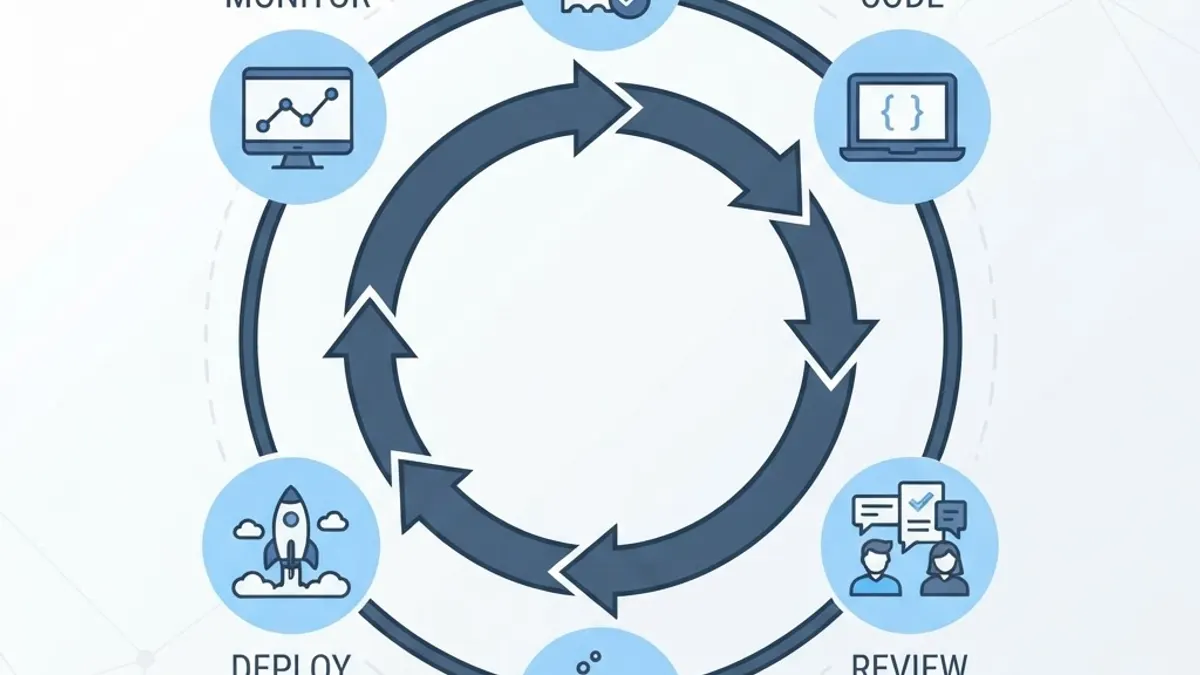
Steps 1 and 2 surprise newcomers most. Research consistently shows developers spend far more time reading code than writing it, with commonly cited estimates placing comprehension at well over half of total effort. That is why an unfamiliar codebase slows even senior engineers: the bottleneck is understanding, not typing.
The Part Nobody Warns You About: Ambiguity
Most tickets arrive incomplete. "Add a discount code field" does not say whether codes stack, expire, apply before or after tax, or work on already-discounted items. A developer who guesses ships a bug. A developer who asks first ships a feature. Turning fuzzy requests into precise rules is a core engineering skill, and it is why strong communicators outperform faster typists.
Writing Code: What It Really Involves
Writing code means expressing a business rule in a language a machine executes reliably, including when inputs are wrong. Production code is defined by everything it handles beyond the happy path.
A single form submission, written properly, includes:
- Validation of every field on the client for feedback and on the server for security
- Clear error states the user can recover from
- Protection against duplicate submissions so one click cannot create two records
- Correct handling of slow or failed network calls
- Accessibility so keyboard and screen reader users can complete it
- Logging so a failure is diagnosable later
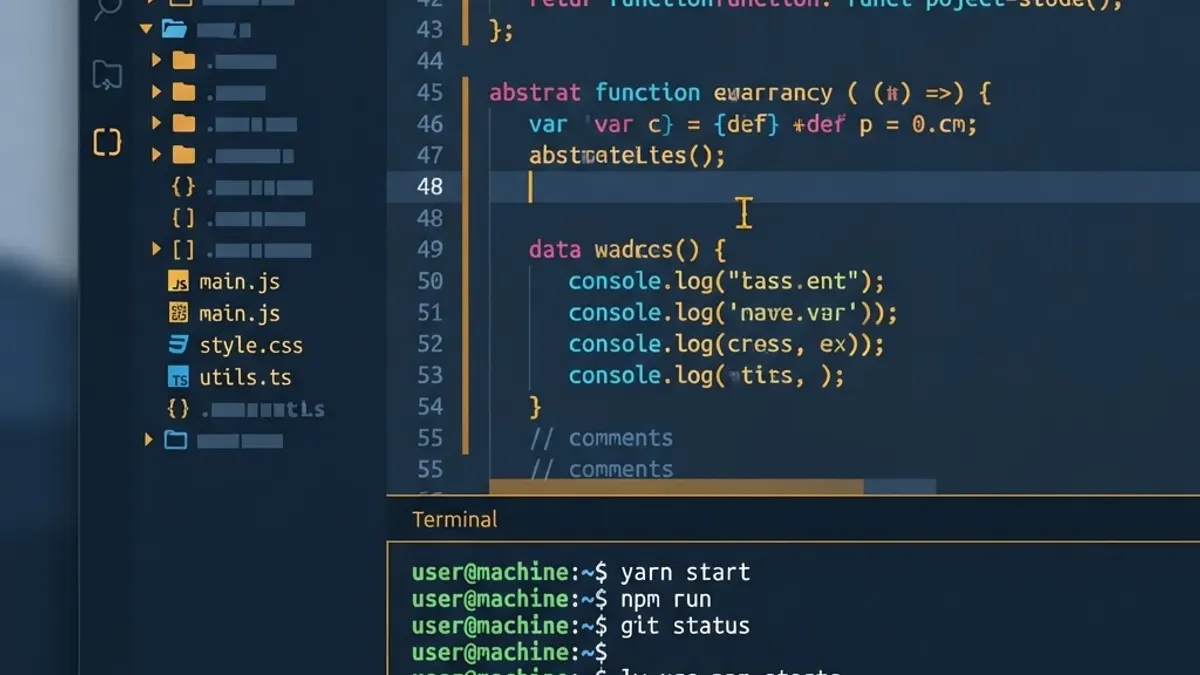
Definition: production code is software running for real users, where failure has real consequences. It differs from a tutorial example mainly in how much of it handles things going wrong.
This is also where experienced teams separate themselves. Agencies that ship maintainable systems, such as the senior engineers at ZoneTechify Team, treat error handling and observability as part of the feature rather than a follow-up ticket.
Types of Developers and How Their Days Differ
"Developer" is an umbrella. The daily work changes significantly by specialty.
| Role | Primary focus | Typical daily work | Main success metric |
|---|---|---|---|
| Frontend developer | User interface and interaction | Components, state, accessibility, responsive layout | Usability and load performance |
| Backend developer | Data, logic, APIs | Endpoints, database queries, auth, background jobs | Correctness and latency |
| Full stack developer | End-to-end features | Both layers plus the contract between them | Feature delivery speed |
| Mobile developer | iOS and Android apps | Platform UI, offline state, store releases | Crash rate and retention |
| DevOps or platform engineer | Delivery and infrastructure | Pipelines, containers, scaling, alerting | Uptime and deploy frequency |
| Data engineer | Data movement and shape | Pipelines, warehousing, transformations | Data freshness and accuracy |
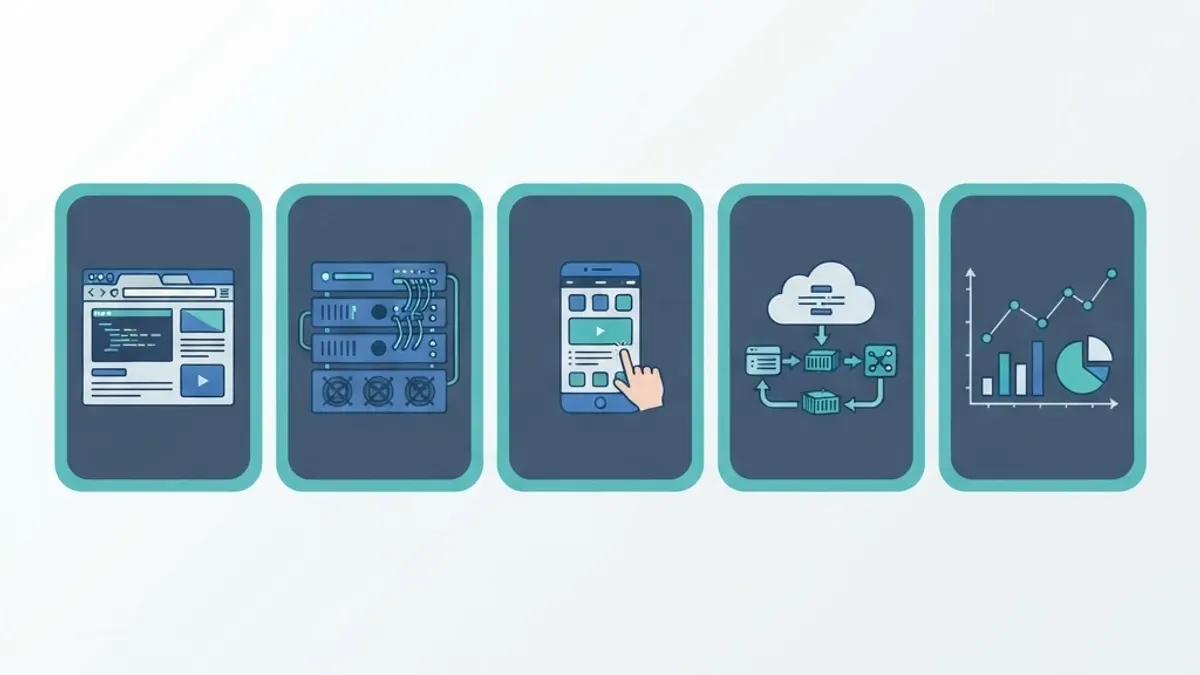
The practical takeaway for hiring: match the specialty to the bottleneck. A slow, confusing checkout is a frontend and performance problem. Orders silently disappearing is a backend and data-integrity problem. Hiring the wrong specialty delays the fix by months.
Debugging and Testing: The Real Time Sink
Debugging is structured investigation, not guessing. The disciplined sequence is:
- Reproduce it reliably. A bug you cannot trigger on demand cannot be confirmed fixed.
- Narrow the surface. Cut the failing scenario down to the smallest case that still fails.
- Form one hypothesis. State what you believe is wrong before changing anything.
- Test that hypothesis. Add a log, inspect state, or write a failing test.
- Fix the cause, not the symptom. A patch that hides the error returns as a worse bug.
- Lock it down with a test. The regression test is the deliverable that prevents a repeat.
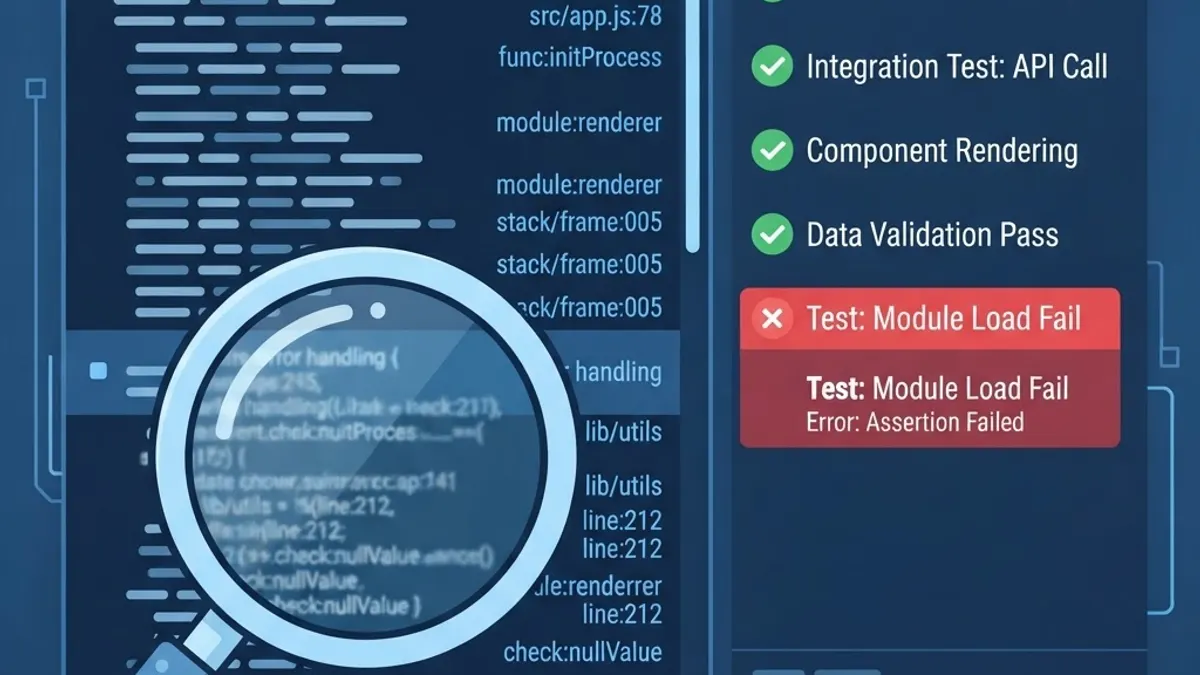
The economics justify the discipline. Industry research on software quality has long shown that defect cost rises sharply the later a bug is found, with production fixes costing many multiples of one caught during development. That single fact explains code review, automated tests, and staging environments better than any process document.
Why Estimates Slip
A two-line change can take three days because the two lines are the last step. The preceding work is reproducing an intermittent failure, tracing it through three services, confirming no other feature depends on the broken behavior, and writing a test that proves it. The visible output is small; the verified output is not.
Collaboration: The Non-Coding Half of the Job
Developers do not work alone, and the coordination work is real work.
- Code review. Reading a teammate's change for correctness, clarity, and risk. Reviews spread knowledge as much as they catch defects.
- Design and product conversations. Flagging that a proposed layout breaks on mobile or that a filter will be slow at scale, before either is built.
- Documentation. Recording why a decision was made so the next engineer does not undo it.
- Incident response. Diagnosing live failures under time pressure, then writing the postmortem.
- Estimation and planning. Breaking large goals into shippable increments with honest uncertainty.

Teams that value this half tend to produce more stable software. Consultancies built around senior practitioners, including full stack development specialists, usually staff engineers who can hold the product conversation and the technical one at once, which removes an entire translation layer from delivery.
The Tools a Developer Uses Daily
The toolchain is stable across most modern teams:
- Editor or IDE for writing and navigating code, with linting and type checking on save
- Version control, almost always Git, for branching, history, and safe collaboration
- Terminal for running builds, tests, migrations, and scripts
- Package manager for dependencies and reproducible installs
- Testing framework for unit, integration, and end-to-end coverage
- CI/CD pipeline that runs checks automatically and deploys on merge
- Monitoring and error tracking to detect problems before users report them
- AI coding assistants for scaffolding, refactoring hints, and explaining unfamiliar code
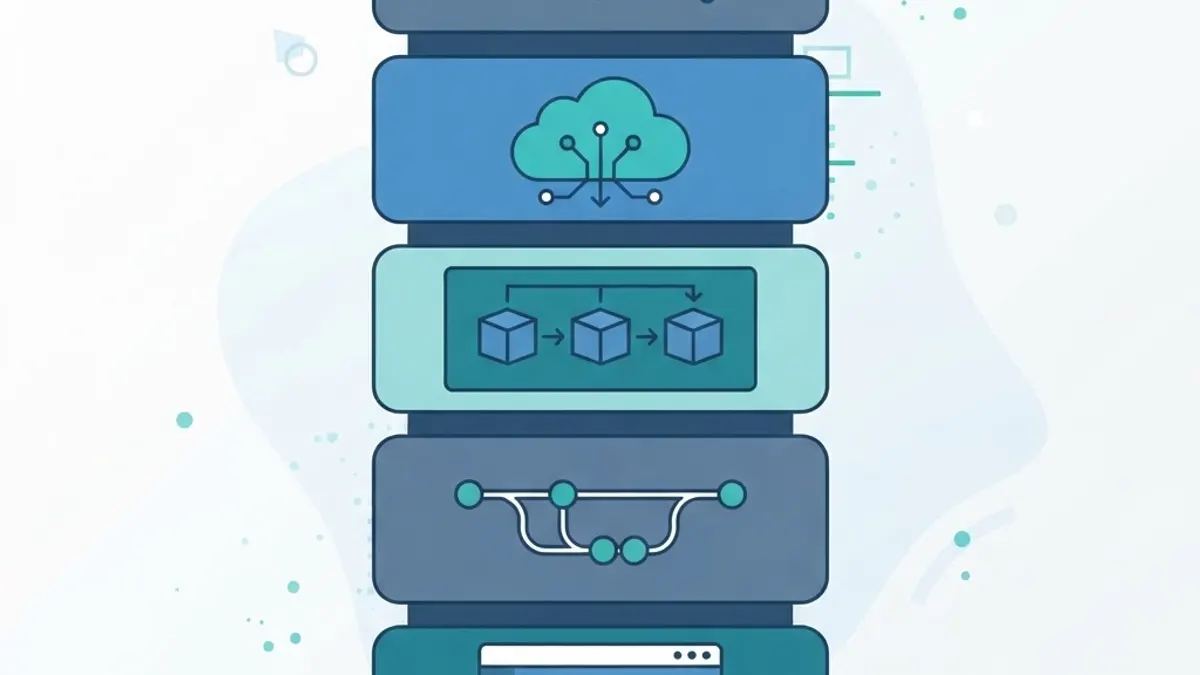
On AI tools, the honest assessment: they accelerate the parts a developer already understands and quietly create risk in the parts they do not. Generated code still needs review for security, correctness at edge cases, and fit with existing architecture. The judgment remains the job. Teams delivering scalable web solutions use AI to remove repetitive work, then apply human review where consequences live.
Skills and Career Path
Seniority is measured by the size of problem someone can own, not years served.
- Junior. Completes well-defined tickets with review. Learning the codebase and conventions.
- Mid-level. Owns features end to end, breaks down ambiguity, reviews others' code.
- Senior. Designs systems, weighs tradeoffs, prevents expensive mistakes before they are made, raises the team's output.
- Staff or lead. Sets technical direction across teams and aligns architecture with business goals.

The skills that move people up are less glamorous than expected: writing clearly, scoping work honestly, choosing boring reliable solutions, and leaving code easier to change than you found it.
Key Takeaways
- A developer's job is solving defined problems with software, not typing code volume.
- Reading and understanding existing code typically consumes more effort than writing new code.
- Production code is distinguished by its handling of validation, errors, edge cases, and observability.
- Defects grow dramatically more expensive the later they are caught, which is why testing and review exist.
- Specialties differ sharply in daily work, so hire against your actual bottleneck.
- Collaboration, review, and documentation are core engineering output, not overhead.
- AI assistants speed up known work but do not replace architectural and security judgment.
Frequently Asked Questions (FAQ)
What does a developer do every day?
A developer clarifies requirements, reads existing code, writes and tests changes, reviews teammates' work, fixes bugs, and deploys releases. Meetings and written communication also take real time. Actual typing of new code often occupies a minority of the day, with comprehension and verification taking the rest.
Is being a developer just writing code all day?
No. Writing code is one step in a longer cycle that includes understanding the problem, exploring the codebase, testing, reviewing, deploying, and monitoring. Many developers report spending more time reading and debugging existing code than authoring new code, especially on mature products.
What is the difference between a developer and a software engineer?
In practice the titles are used interchangeably. When companies distinguish them, engineer usually implies broader responsibility for system design, scalability, and tradeoffs, while developer emphasizes building features. Day-to-day work overlaps heavily, and the same person often does both.
Do developers need a computer science degree?
Not necessarily. A degree helps with fundamentals like algorithms, data structures, and systems, but many working developers come from bootcamps or self-study. Hiring teams generally weigh demonstrated ability, real projects, and problem-solving in interviews more heavily than the credential itself.
Will AI replace developers?
Unlikely in the near term. AI tools generate code quickly but cannot own requirements, architecture tradeoffs, security decisions, or accountability for production failures. They shift the work toward review, integration, and judgment, which raises the value of engineers who understand systems deeply.
How long does it take to become a working developer?
Most focused learners reach entry-level employability in roughly six to eighteen months of consistent practice, depending on hours invested and prior background. Building two or three real, deployed projects with tests and documentation usually matters more to employers than total study time.