A practical, expert guide to designing the AI2 logo and any modern AI brand mark, covering concept, color, typography, variations, and real-world application.
AI2 Logo: How to Design a Memorable AI Brand Mark
A logo is the single most reused asset any technology brand owns. For an artificial intelligence product like AI2, the logo has to do something harder than look nice: it must signal intelligence, trust, and forward motion in a market crowded with lookalike marks. After more than a decade designing brand identities for software companies, I have learned that a great AI logo is engineered, not stumbled upon. This guide breaks down exactly how to design the AI2 logo, the decisions that matter, and the mistakes that quietly kill otherwise good ideas.
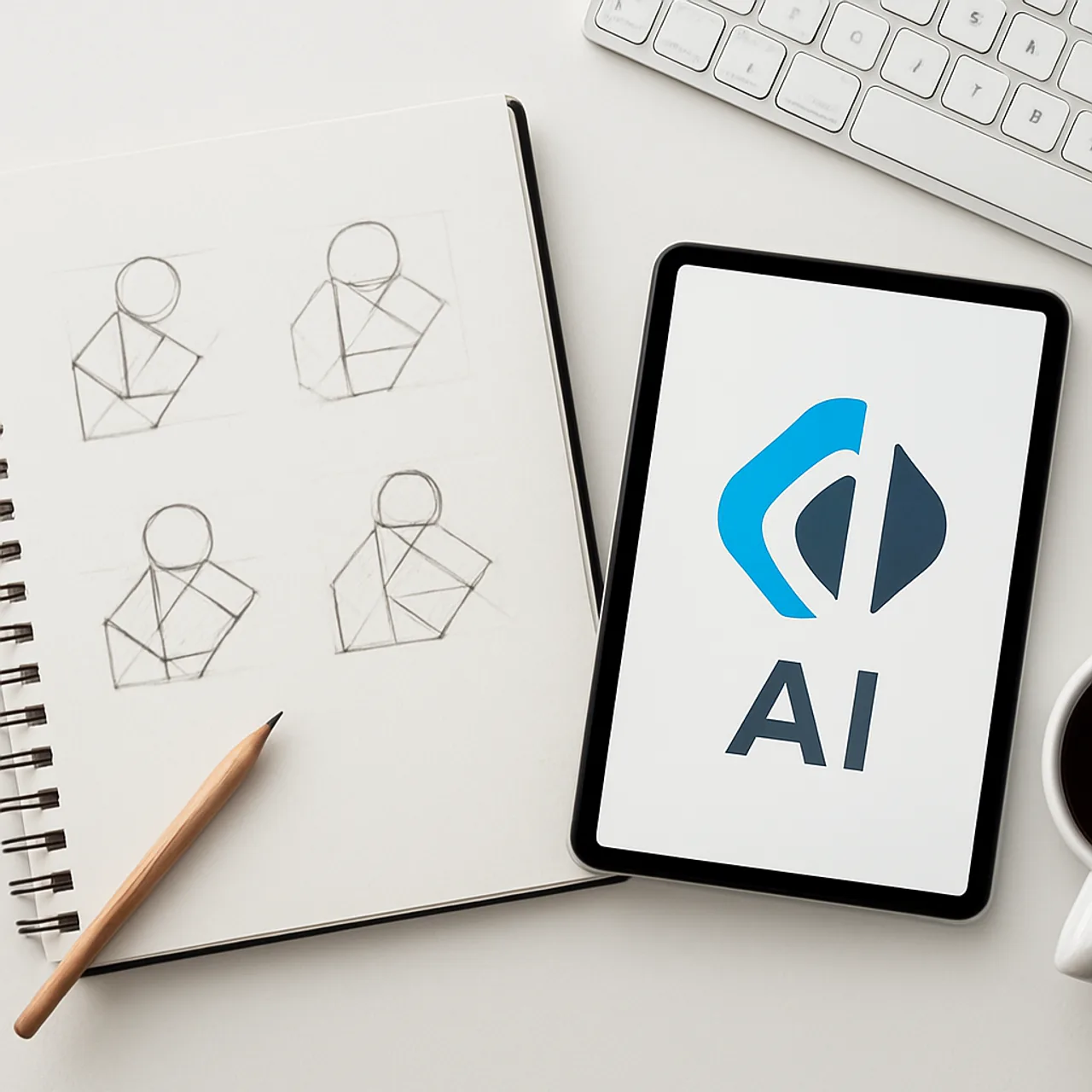
Quick Answer: The AI2 logo should be a simple, scalable mark that pairs a clean geometric symbol with a modern sans-serif wordmark. Prioritize legibility at small sizes, a focused color palette, and a versatile icon so the brand reads clearly across apps, favicons, and large displays.
What Makes an AI Logo Different
An AI logo carries expectations that a coffee shop or law firm logo does not. Users subconsciously expect it to feel precise, current, and a little intelligent. The challenge is conveying that without falling back on tired cliches like glowing brains, robotic faces, or circuit-board textures. Those visuals were fresh a decade ago and now signal the opposite of innovation.
The strongest AI brands solve this with restraint. They use abstract geometry, confident negative space, and a single sharp idea. Think of how the most recognizable software marks survive being shrunk to a 16px favicon and still read instantly. That survivability is the real test. If the AI2 logo only works as a large hero graphic, it has already failed, because most people will first meet it as a tiny app icon or browser tab.
At agencies like ZoneTechify and WebPeak, the rule we apply is simple: design the icon first at 32 pixels, then scale up. If the concept holds at thumbnail size, it will hold everywhere.
Step 1: Define the Brand Strategy Before You Sketch
Never open a design tool before you can answer three questions in one sentence each: who is AI2 for, what does it do, and how should it feel? A developer-focused AI platform should look different from a consumer chat assistant. Strategy is the brief that prevents endless revisions later.
For AI2, decide on a personality. Is it clinical and enterprise-grade, or approachable and creative? This single decision cascades into every later choice. According to Lucidpress research, consistent brand presentation across platforms can increase revenue by up to 23%, and that consistency starts with a clear strategic foundation, not a pretty sketch.
Write three adjectives the logo must communicate. Three is the sweet spot: enough to give direction, few enough to stay focused. For an AI brand, common winning combinations are precise, fast, and trustworthy, or intelligent, modern, and human.
Step 2: Build the Core Symbol
The symbol is the heart of the AI2 logo. The name itself gives you a gift: the characters A, I, and the numeral 2. Smart marks often hide a clever connection between letterforms or turn the 2 into a visual metaphor for iteration, the next generation, or a second brain.

Work in black and white first. Color hides weak structure, so a strong logo must work as a flat silhouette before any palette is applied. Explore at least 20 to 30 rough thumbnails, then narrow to three serious directions. Resist the urge to add detail. Every extra line is a future liability at small sizes.
Geometric construction also matters. Building the mark on a grid with consistent angles and shared curves makes it feel deliberate and engineered, which is precisely the impression an AI brand wants to give.
Step 3: Choose a Disciplined Color Palette
Color is where most AI logos go wrong, drowning in gradients and neon. A focused palette reads as confident and premium. Limit the core identity to one primary brand color, one accent, and a neutral range.
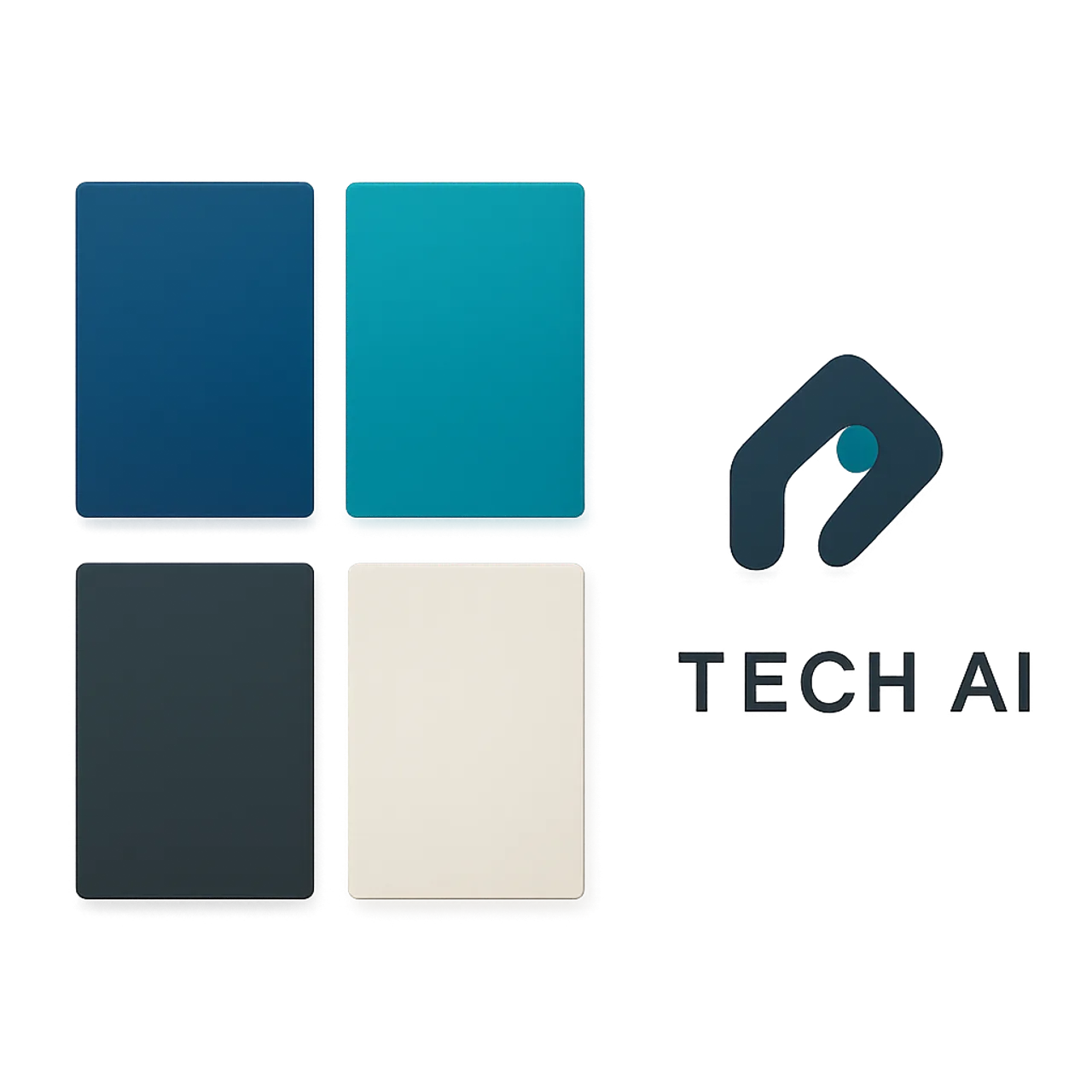
Blue remains the most trusted color in technology because it signals stability and competence, which is why so many software giants use it. For AI2, a deep blue primary with a single bright accent such as teal or electric cyan creates a modern feel without visual noise. Always design a one-color version too, because real-world uses like engravings, faxes of documents, and single-color print demand it.
Here is a quick comparison of palette strategies for an AI brand:
| Palette Approach | Readability | Brand Trust | Best Use Case |
|---|---|---|---|
| Single blue + neutral | High | High | Enterprise, B2B SaaS |
| Blue + bright accent | High | High | Consumer AI products |
| Heavy multi-gradient | Low | Medium | Avoid for core logo |
| Neon on dark only | Medium | Low | Limited campaign use |
Step 4: Pair the Right Typography
The wordmark sits beside the symbol and carries equal weight. For AI brands, a clean geometric sans-serif almost always wins because it reinforces precision and modernity. Avoid decorative or script fonts; they fight the technical message.
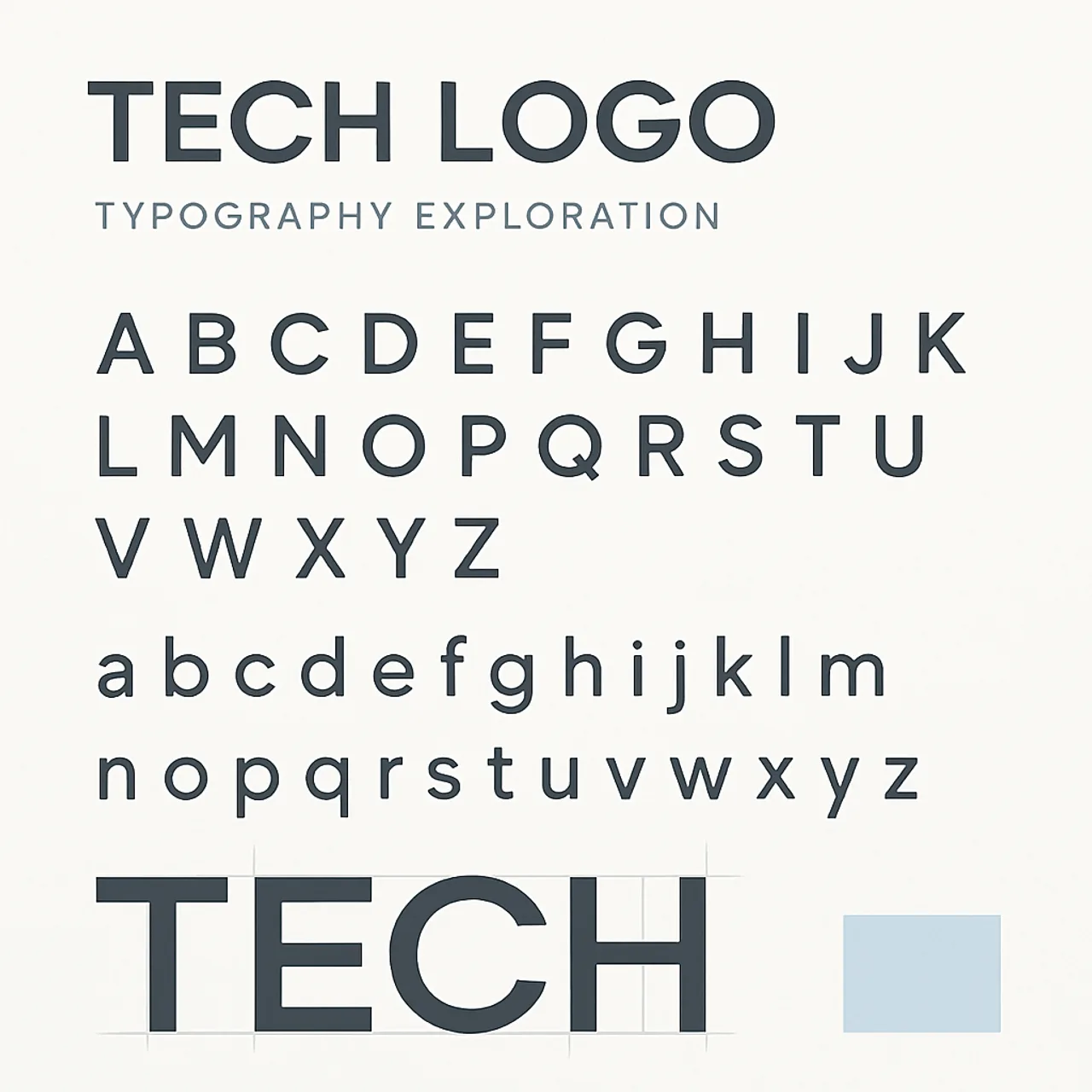
Customizing the lettering slightly, by adjusting spacing, trimming a terminal, or aligning the cap height with the symbol, makes the AI2 logo feel owned rather than rented from a font library. Keep tracking generous enough that the wordmark stays legible when reduced. A common failure is tight letter spacing that turns into mush on a phone screen.
If you need expert help producing a polished, production-ready identity, a dedicated graphic design service can deliver the full system rather than a single file.
Step 5: Create Logo Variations and Lockups
A single logo file is never enough. A professional AI2 identity needs a family of variations so the brand stays clear in every context.
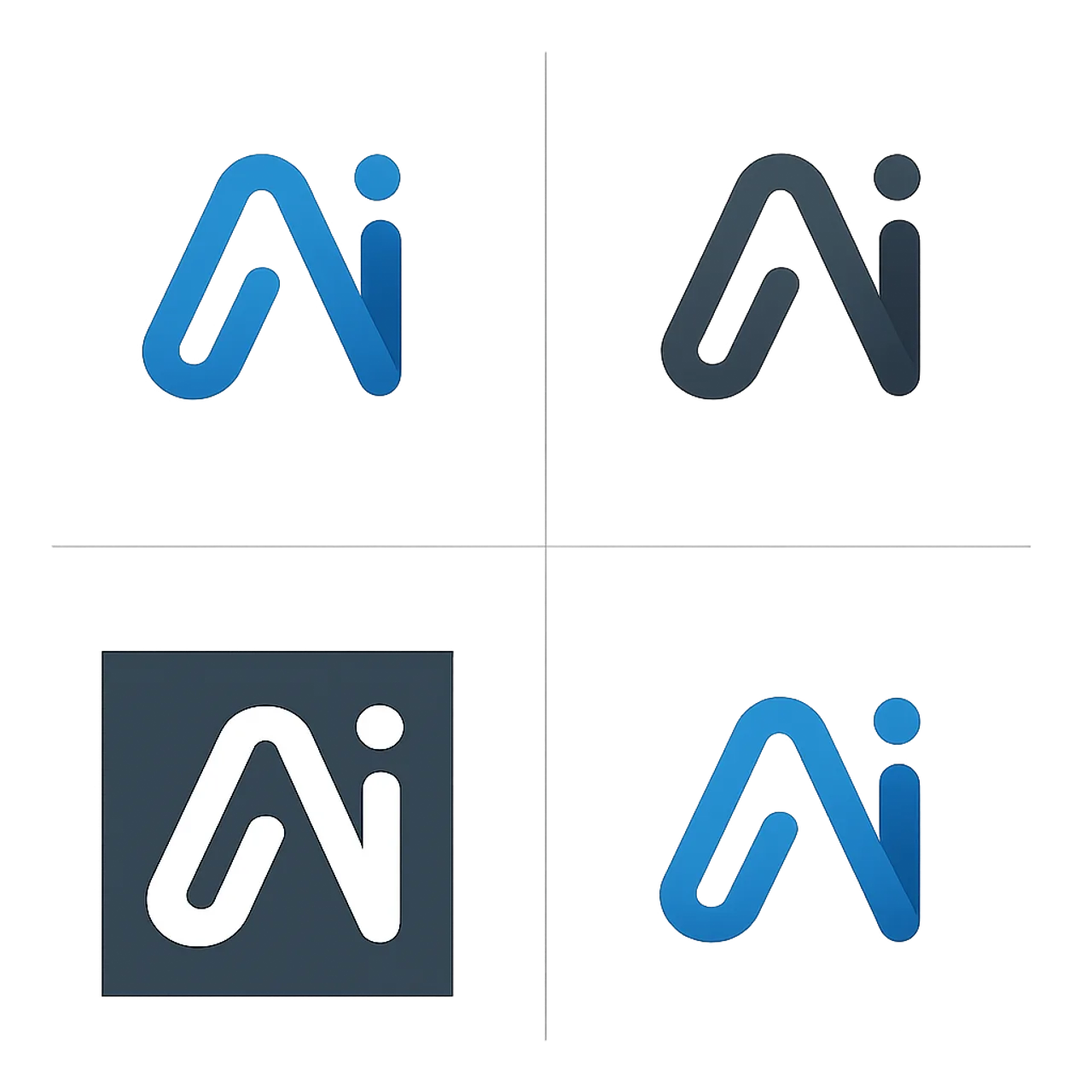
At minimum, produce these versions:
- Primary lockup with symbol and wordmark together.
- Stacked version for square spaces.
- Icon only for app icons and favicons.
- Monochrome in solid black and solid white.
- Reversed for use on dark backgrounds.
Each variation should be optically balanced, not just mechanically resized. The icon-only mark in particular must be tested at 16px, because that is the favicon size most users encounter daily.
Step 6: Document Usage in Brand Guidelines
A logo without rules gets misused within weeks. Brand guidelines protect the AI2 logo by defining clear space, minimum size, approved colors, and forbidden alterations such as stretching, recoloring, or adding effects.
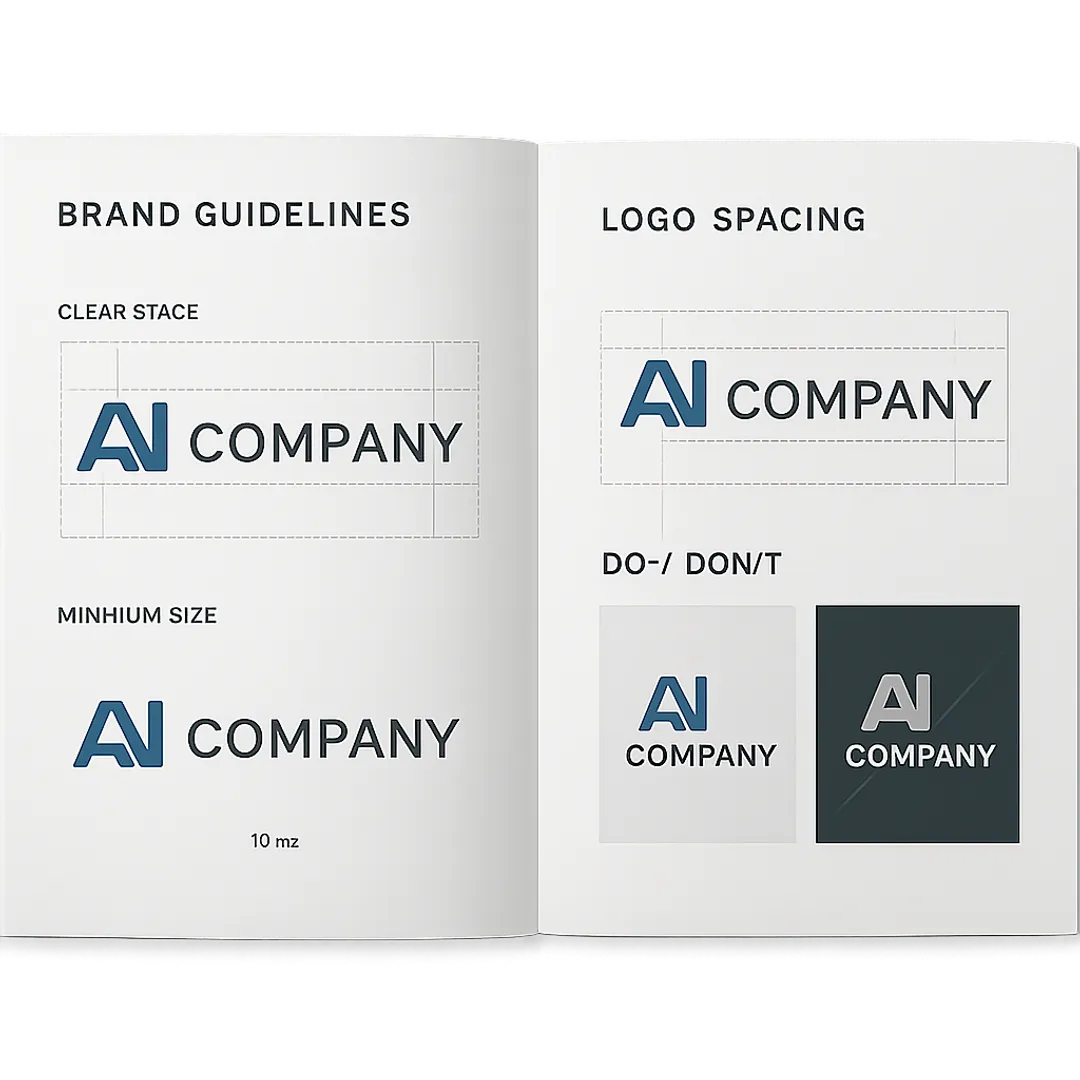
Good guidelines also specify the exact color values in HEX, RGB, and CMYK, plus the font names and weights. This documentation is what keeps the brand consistent when new team members, agencies, and developers all touch the logo. It turns a design into a durable system.
Step 7: Test the Logo in the Real World
The final and most overlooked step is testing the AI2 logo where it will actually live. A mark can look perfect in isolation and fall apart on a real interface.
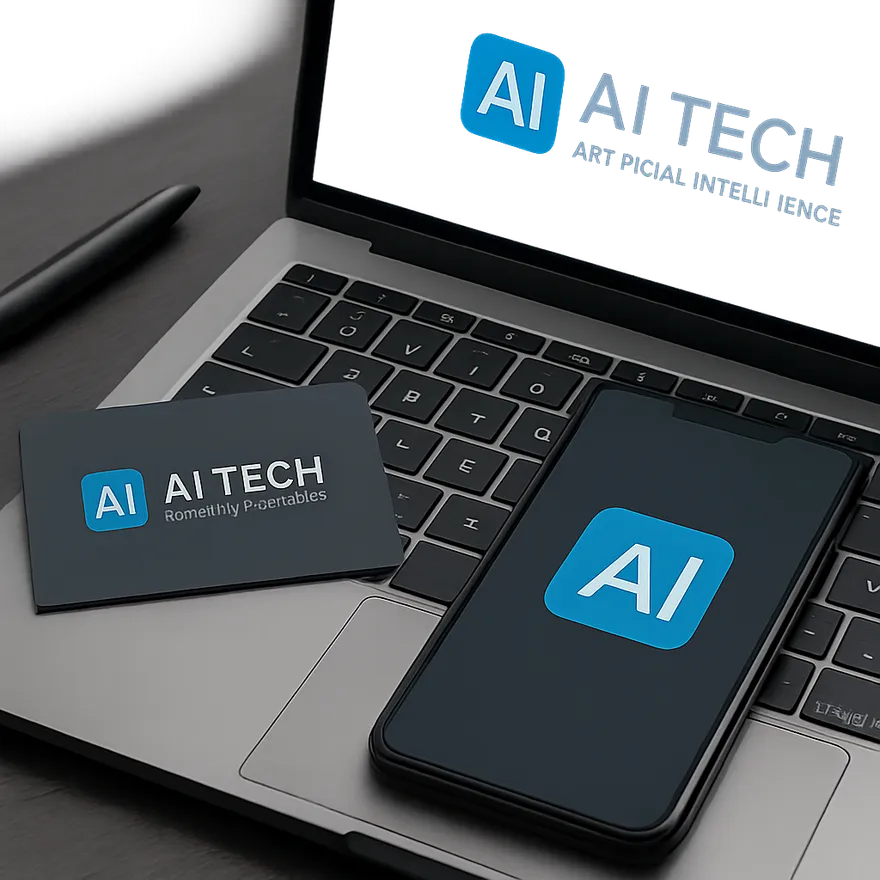
Mock the logo onto a website header, an app icon on a phone home screen, a business card, social media avatars, and a dark interface. According to Google, 53% of mobile visitors leave a page that takes longer than three seconds to load, which means your logo often loads as a tiny, fast asset under pressure. It must read instantly in that split second. If it survives these real applications, the design is ready to ship.
Key Takeaways
- Design the AI2 icon at small sizes first; if it works as a 16px favicon, it works everywhere.
- Limit the palette to one primary, one accent, and neutrals, and always create a one-color version.
- Use a clean geometric sans-serif wordmark and refine its spacing for legibility.
- Produce a full variation set: primary, stacked, icon-only, monochrome, and reversed.
- Consistent brand presentation can lift revenue by up to 23%, so document everything in brand guidelines.
- Test the logo on real surfaces before launch, not just on a clean artboard.
Frequently Asked Questions (FAQ)
What should the AI2 logo actually look like?
The AI2 logo should be a simple, geometric symbol paired with a modern sans-serif wordmark. It should feel precise and trustworthy without using cliches like robot faces or brains. Prioritize a clean icon that stays legible at favicon size and works in a single color.
What colors work best for an AI logo?
Blue is the safest and most trusted choice for AI and technology brands because it signals stability and competence. Pair a deep blue primary with one bright accent such as teal or cyan, plus neutral grays. Avoid heavy gradients and neon, which reduce legibility and look dated quickly.
How many logo variations do I need?
You need at least five: a primary lockup, a stacked version, an icon-only mark, a monochrome version, and a reversed version for dark backgrounds. Each should be optically balanced rather than simply resized, so the brand stays clear across apps, websites, print, and tiny favicons.
Can I design an AI logo myself or should I hire a pro?
You can sketch concepts yourself using free tools, but a professional ensures scalability, proper file formats, and brand guidelines. Designers catch issues like poor small-size legibility and weak structure that beginners miss. For a brand you plan to grow, professional design usually saves money over costly later rebrands.
Why does my logo look bad as a favicon?
Most logos look bad as favicons because they contain too much detail that disappears at 16 pixels. Fix this by designing a simplified icon-only version with bold shapes and strong negative space. Always test your mark at small sizes early, since favicons and app icons are how most users first see it.
How do I keep my AI logo looking modern over time?
Focus on timeless fundamentals: clean geometry, a focused palette, and strong typography rather than trendy effects. Trends like glows and 3D gradients age fast. A structurally simple, well-documented logo can stay relevant for years and only needs minor refinements instead of a full, expensive redesign.