
A field-tested guide to choosing construction dispatch software: the eight criteria that predict success, a category comparison table, real cost math, and a rollout plan crews actually adopt.
How to Select Best Dispatch Software for Construction Management
Choosing dispatch software is one of the few construction management decisions where one tool touches labor cost, equipment utilization, client communication, and payroll accuracy at once. Get it right and your dispatcher stops making forty phone calls before 7 a.m. Get it wrong and you have paid for a scheduling system nobody opens, while the real schedule still lives on a whiteboard.
The pattern we see repeatedly: the winning platform is rarely the one with the longest feature list. It is the one that matches how crews already work, syncs with accounting without manual re-entry, and loads on an old phone with one bar of signal.
Quick Answer: Select construction dispatch software by matching it to your workflow, not its feature list. Prioritize real-time crew and equipment scheduling, an offline-capable mobile app, GPS geofencing, and native accounting or payroll integration. Run a 30-day pilot with one real crew, verify total cost per user per month, then scale.
What Is Construction Dispatch Software?
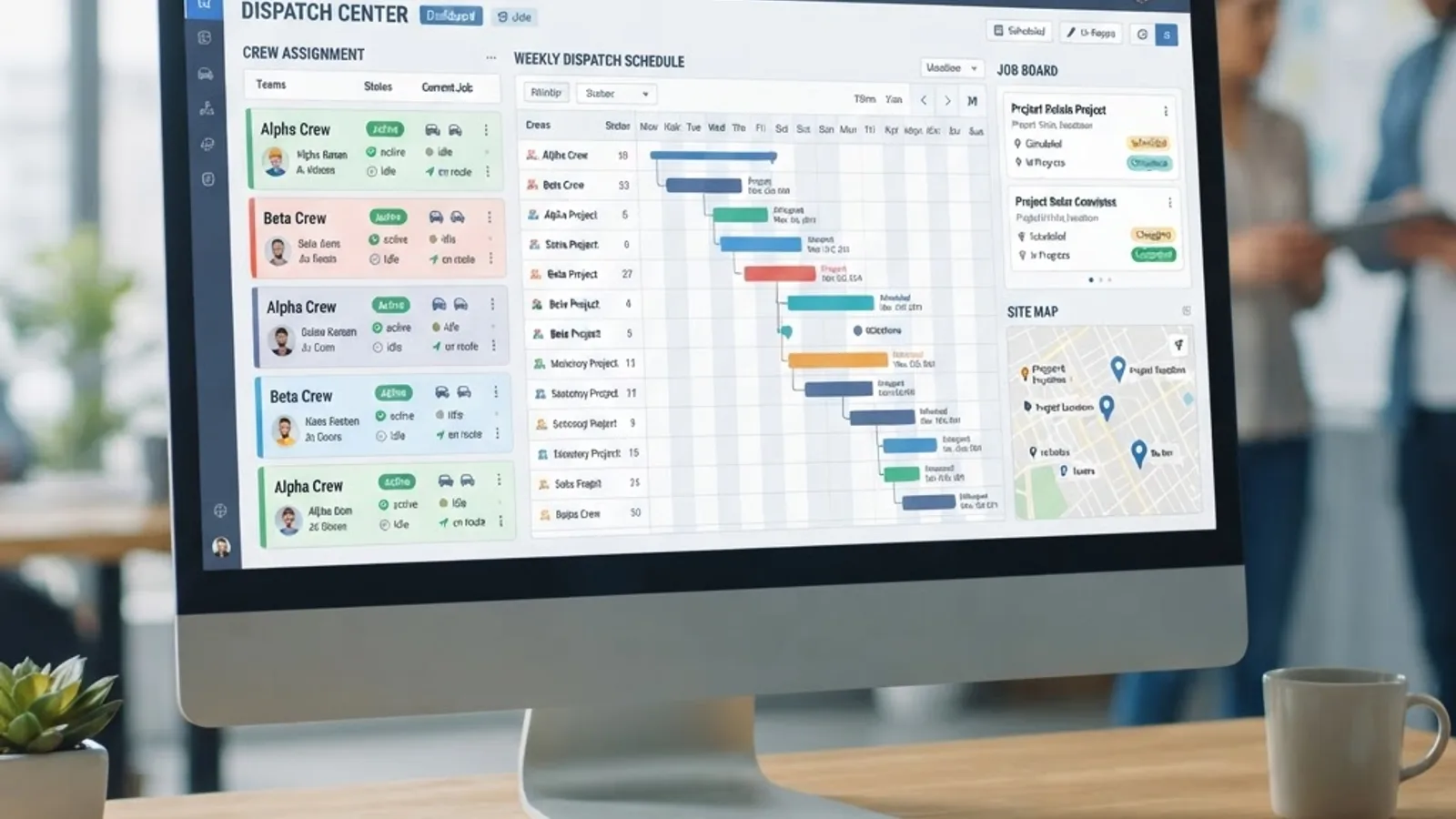
Construction dispatch software is a scheduling platform that assigns crews, subcontractors, vehicles, and equipment to jobsites in real time, pushes those assignments to field workers' mobile devices, and returns time, location, and job-status data to the office.
It differs from three tools people confuse it with:
- Project management software tracks the project lifecycle: RFIs, submittals, drawings, budgets. It plans months.
- Field service management software is built around service tickets and customer appointments, common in HVAC and plumbing service divisions.
- Dispatch software answers one question well: who and what is going where today, and did they arrive?
Many contractors need two of the three. The mistake is buying a project management suite and expecting it to handle same-day crew reshuffles at 6:40 a.m.
Why Dispatch Software Selection Fails
According to McKinsey Global Institute research, construction labor productivity has grown roughly 1 percent per year over the past two decades, far behind the 2.8 percent average across the total world economy. Coordination waste drives much of that gap, and software only closes it when the field uses the tool.
Gartner has reported that most large-scale software implementations miss their original objectives. In construction rollouts the cause is almost never capability. It is one of four things:
- The mobile app requires signal jobsites do not have.
- Clocking in takes more than three taps, so workers stop.
- Dispatch data does not reach payroll, so someone retypes hours every Friday.
- Nobody owned the rollout after the sales engineer left.
Evaluate for those four failure modes first. Feature comparison comes second.
The Eight Criteria That Predict Success
1. Real-Time Changes Without Rebuilding the Day
Test this in the demo: move a four-person crew from Job A to Job B at 2 p.m., count the clicks, and check whether both crews are notified automatically. Strong tools use drag-and-drop boards with push notifications. Weak ones force you to delete and recreate the assignment, destroying the record of who was originally scheduled.
2. Offline-First Mobile App
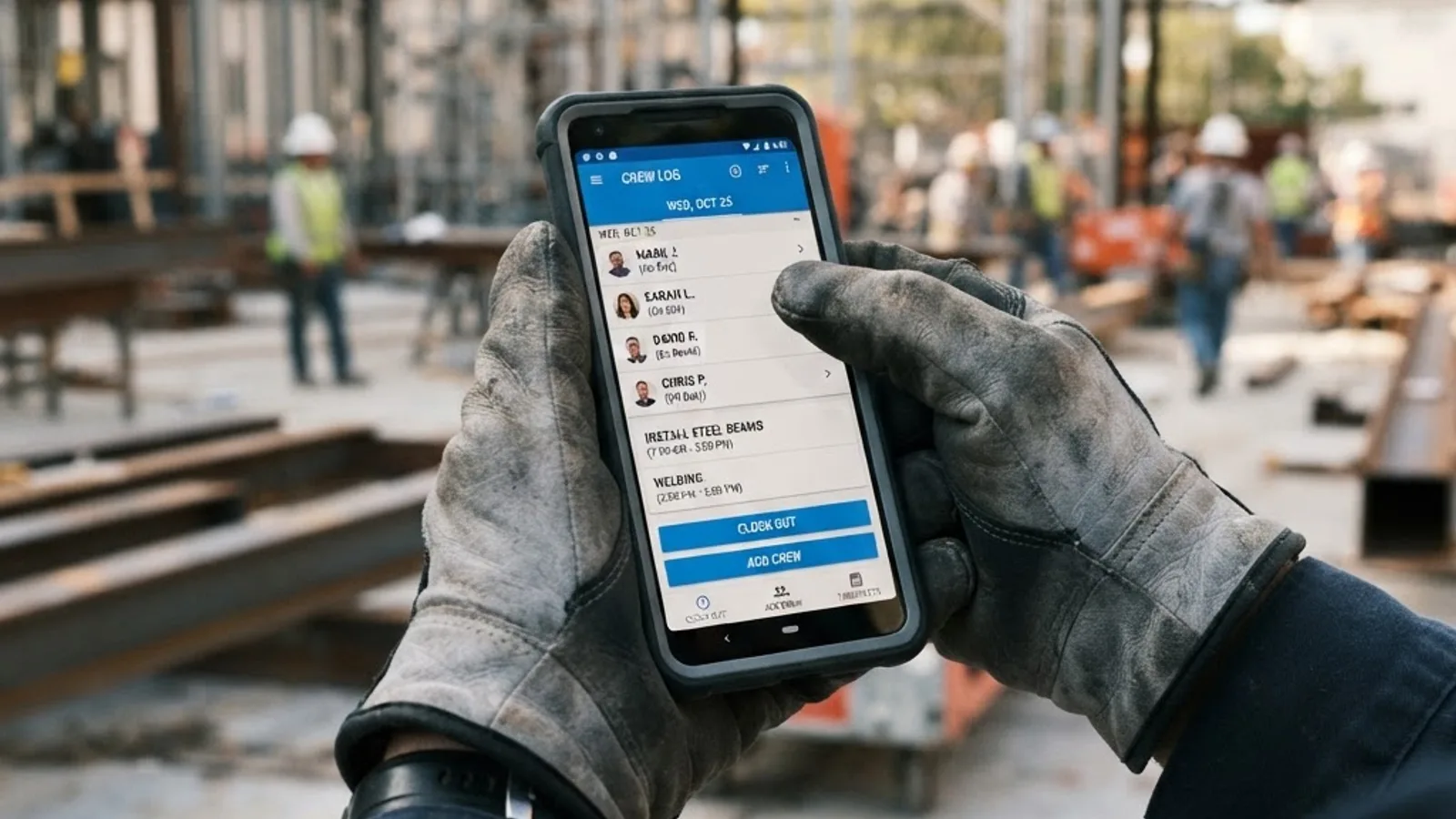
This is the most common deal-breaker. Ask whether the app queues clock-ins, photos, and notes locally and syncs when signal returns, then put the demo phone in airplane mode. If data is lost, the platform is disqualified regardless of price.
3. Crews, Equipment, and Subs in One View
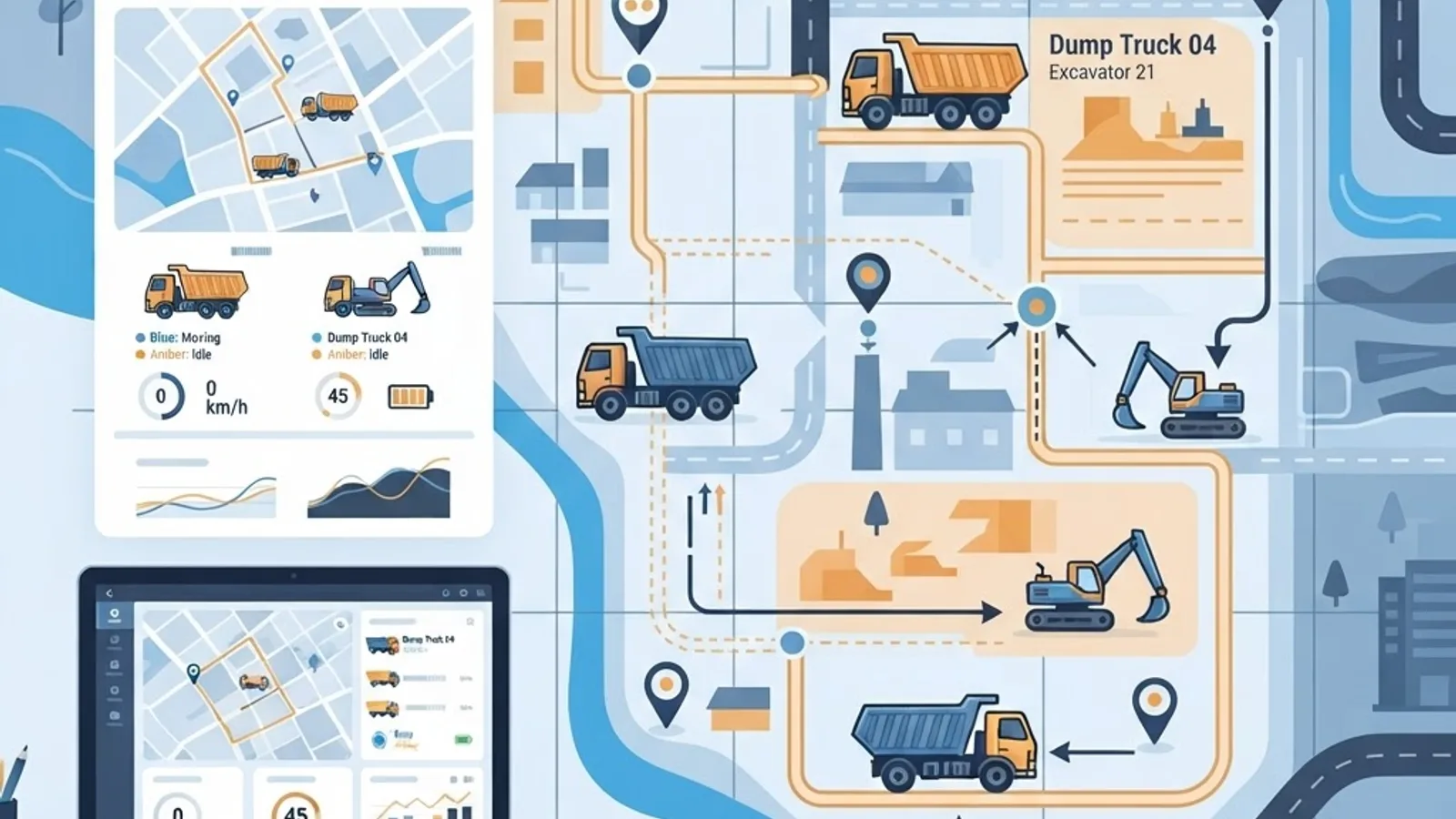
Dispatch is not just people. An excavator double-booked across two sites costs more than a misassigned laborer. Equipment should be a schedulable resource with conflict warnings, not a text note on a job.
4. GPS and Geofencing With a Clear Policy
Geofenced clock-in eliminates the most expensive payroll dispute category: rounded start times. Confirm the geofence radius is configurable per site and that tracking is limited to shift hours. Tracking workers off the clock creates legal and morale problems no efficiency gain offsets.
5. Native Accounting and Payroll Integration
List your systems before shopping: QuickBooks, Sage 100 Contractor, Foundation, Viewpoint Vista, ADP, Gusto. Ask whether the integration is native, via Zapier, via CSV, or nonexistent. Native two-way sync is worth paying more for, because manual re-entry is where hours-to-dollars accuracy dies.
6. Certification and Compliance Matching
If your work requires OSHA certifications, licenses, or equipment endorsements, the software should flag assignments when a worker lacks the credential. That turns compliance from a memory exercise into a system control.
7. Reporting a Non-Analyst Can Run
Three reports pay for the software: labor hours by cost code, equipment utilization rate, and travel time per crew. If they need a custom report-builder session, you will not run them monthly.
8. Implementation Support and Data Ownership
Ask who migrates your job and employee data, and how you export everything if you leave. A vendor that cannot produce a full export on request is a long-term risk.
Software Category Comparison
Narrow the category before shortlisting vendors.
| Capability | Dedicated Dispatch Tool | Field Service Platform | Project Management Suite | Spreadsheet Plus Group Chat |
|---|---|---|---|---|
| Same-day crew reassignment | Yes | Yes | Limited | Manual |
| Offline mobile time capture | Yes | Yes | Varies | No |
| Equipment as schedulable resource | Yes | Limited | Limited | No |
| Geofenced clock-in | Yes | Yes | Rare | No |
| Cost-code labor reporting | Yes | Limited | Yes | Manual |
| Drawings, RFIs, submittals | No | No | Yes | No |
| Cost per user per month | Moderate | Moderate | High | Low with high hidden cost |
| Best fit | Multi-crew contractors | Service divisions | Large general contractors | Under five workers |
The honest read: contractors running three to fifty crews get the highest return from a dedicated dispatch tool, and add a project management suite only when self-performing large commercial work.
A Seven-Step Selection Process
- Document the current day. Write down every step of your morning dispatch, phone calls included. This becomes your requirements list and demo script.
- Separate must-haves from nice-to-haves. Cap must-haves at eight. Longer lists produce no viable shortlist.
- Shortlist three vendors maximum. Beyond three, evaluation fatigue makes you default to the best salesperson.
- Run your own demo script. Refuse the guided tour. Make them execute your documented morning, including the 2 p.m. reassignment and the airplane-mode test.
- Interview a reference in your trade and size band. A remodeler's experience does not transfer to a utility contractor.
- Pilot with one real crew for 30 days. Pick a middle-performing crew. If the middle adopts it, the rest will.
- Calculate total cost, then decide. Include implementation, next year's headcount, integration add-ons, and admin hours.

Questions to Ask Every Vendor
- What happens to a clock-in submitted with no cell signal?
- Is the accounting integration native, two-way, and included in the quoted price?
- Can we schedule equipment with double-booking conflict alerts?
- Is per-user pricing counted by active users, invited users, or seats?
- Who performs the data migration, and how long does it take?
- Can we export all historical data ourselves at any time?
Integration Is the Real Decision
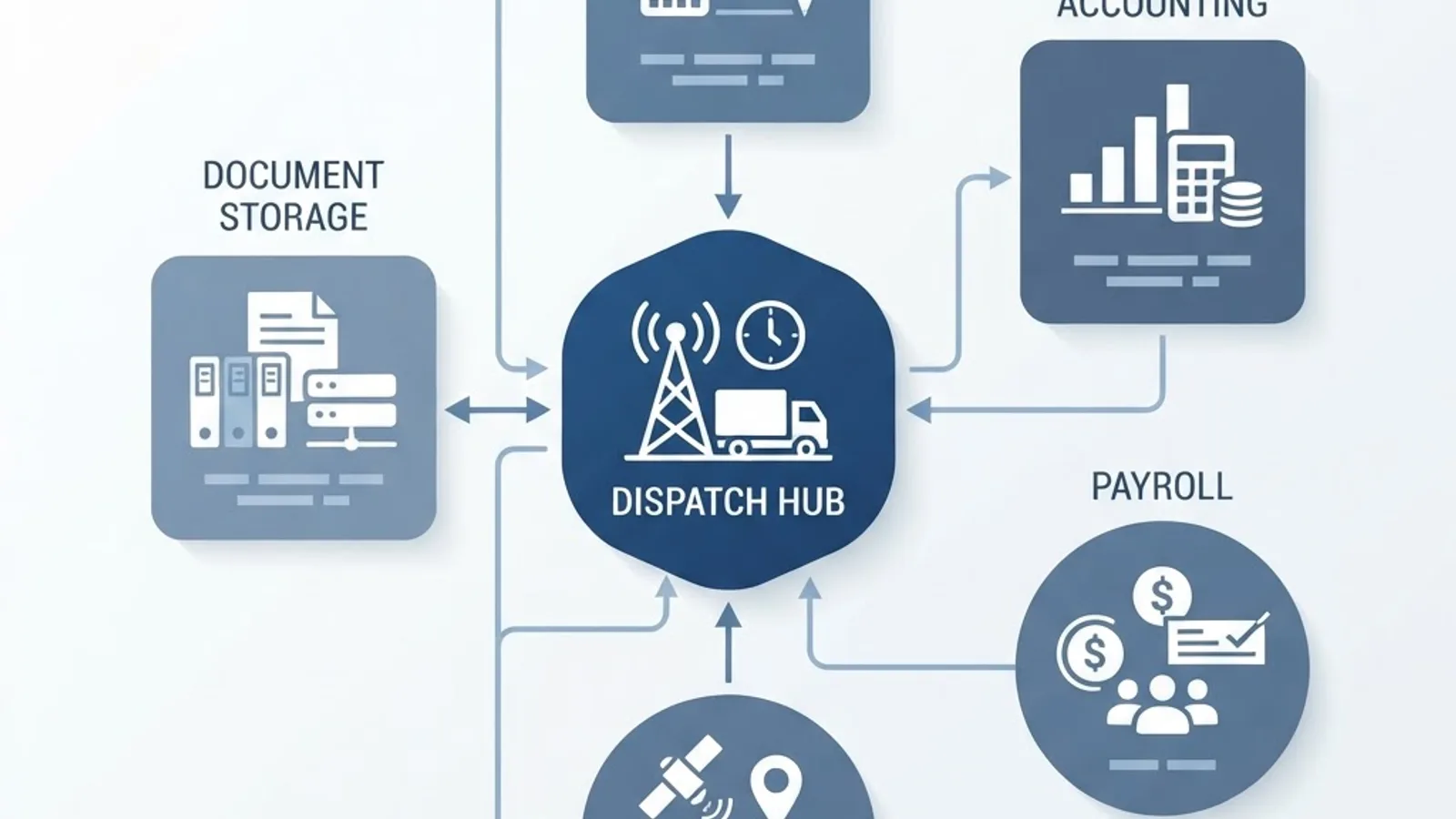
Your dispatch platform becomes the source of truth for hours worked, which means it feeds payroll, job costing, and client billing. Map that data path before signing.
A workable architecture: dispatch captures time against a cost code, that time reaches payroll without re-entry, and job costing pulls actuals against estimate automatically. Every manual handoff left in the chain is a recurring weekly cost and error source.
If your operation has requirements no off-the-shelf tool covers, such as union rules or multi-entity payroll, a custom connector is often cheaper over three years than forcing a mismatched platform. That is the kind of build we scope through ZoneTechify's web application development services, usually as a thin layer between dispatch and accounting.
Understanding the Real Cost
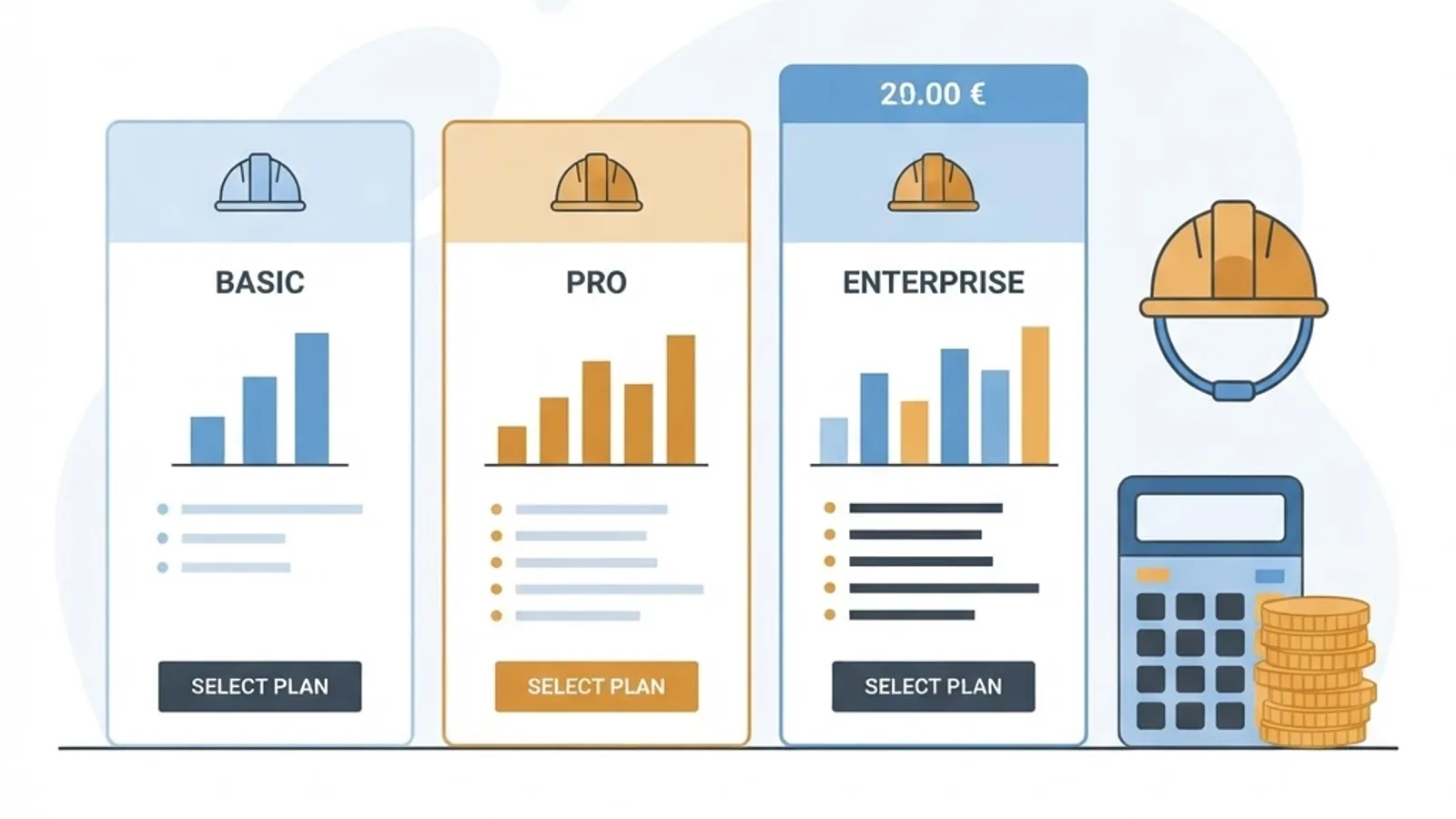
Subscription price is the smallest line item. Model five costs together:
- Per-user subscription at your headcount twelve months from now.
- Implementation and data migration fees, often one-time but substantial.
- Integration add-ons, frequently priced outside the base plan.
- Training time, at loaded labor rate for everyone attending.
- Parallel-running period, when you pay for old and new systems at once.
Then set one measurable payback target before purchase. The most reliable: reduce unbilled or misallocated labor hours by a defined percentage within ninety days. A specific target makes renewal an objective decision.
Rolling It Out So Crews Actually Use It
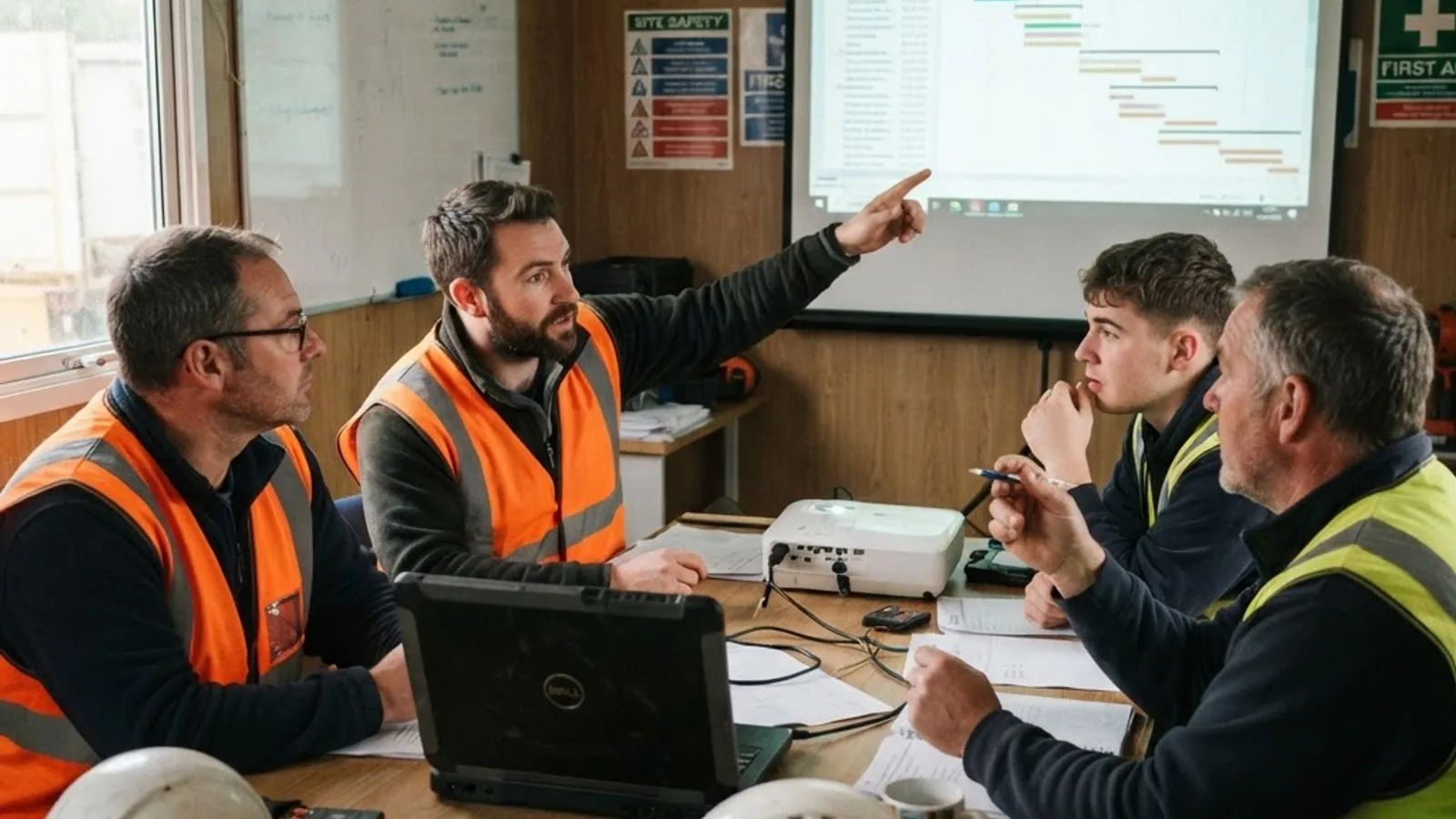
Adoption is won in the first two weeks. What works:
- Train foremen first and let them train crews. Peer instruction beats vendor webinars.
- Disable every optional module for month one. Clock in, view assignment, submit notes.
- Announce a hard cutover date for timesheets. Parallel systems run forever unless one is switched off.
- Publish one metric weekly, such as on-time crew arrival, so the field sees value.
- Fix field complaints within 48 hours during the pilot. Unresolved friction becomes permanent workarounds.
For teams that also need documentation and training material around a rollout, WebPeak handles that alongside implementation planning, and more construction technology guides are published at ZoneTechify.
Key Takeaways
- Dispatch software assigns crews and equipment in real time and returns time and location data. It does not replace project management software.
- McKinsey puts construction productivity growth near 1 percent annually versus 2.8 percent for the world economy, with coordination waste a major contributor.
- Offline mobile capability is the top technical requirement. Test it in airplane mode before buying.
- Native two-way payroll sync removes the manual re-entry step where cost accuracy is lost.
- Pilot with a middle-performing crew for 30 days for a realistic adoption signal.
- Model implementation, integrations, and training hours, not just the sticker price.
Frequently Asked Questions (FAQ)
What is the best dispatch software for a small construction company?
For companies under twenty field workers, the best fit is usually a dedicated dispatch tool with simple per-user pricing, offline mobile time tracking, and native QuickBooks sync. Skip enterprise project management suites at that size, because setup overhead outweighs the benefit for small crew counts.
How much does construction dispatch software cost per user?
Most platforms price per active field user per month, with separate office or dispatcher seats. Beyond the subscription, budget for one-time implementation and data migration fees, paid integration add-ons, and training hours. Always request a quote at your projected headcount twelve months out.
Do I need dispatch software if I already use project management software?
Usually yes, if you run multiple crews. Project management suites plan months and handle drawings and submittals well, but they rarely support fast same-day crew reassignment or offline mobile clock-in. The two tools solve different problems and often run side by side.
Can dispatch software work without internet on the jobsite?
Good platforms are offline-first: the app stores clock-ins, photos, and notes locally, then syncs when signal returns. Not all vendors support this properly. Verify it yourself by putting the demo phone in airplane mode, submitting data, and confirming nothing is lost after reconnecting.
How long does it take to implement construction dispatch software?
A focused rollout for a small or mid-sized contractor takes two to six weeks: one week of data setup, one week of foreman training, then a 30-day pilot with a single crew. Enterprise deployments with multi-entity payroll integrations take considerably longer.