Explore real web application examples across SaaS, ecommerce, PWAs and AI tools, plus the architecture, tech stacks and steps to build your own web app.
Web Application Examples
Every time you open Gmail, edit a Google Doc, reorder a Trello card, or watch Netflix in a browser tab, you are using a web application. Unlike a static website that mainly displays fixed information, a web application accepts input, processes it on a server, stores it in a database, and returns a personalized result without asking you to install anything. That difference is why so much modern software has moved into the browser. This guide walks through concrete web application examples by category, explains how each one is architected, and shows what separates the apps people love from the ones they abandon.
Quick Answer: Web application examples include Gmail, Google Docs, Trello, Figma, Canva, Notion, Slack, Netflix, the Spotify Web Player, Shopify admin, Salesforce and Uber's rider portal. Each runs inside a browser, stores data on a server, authenticates users, and updates content dynamically based on user input instead of serving fixed pages.
What Is a Web Application?
A web application is software that runs in a web browser, communicates with a server over HTTP, and changes its output based on user input and stored data. Three ingredients define it: a client interface (HTML, CSS, JavaScript), an application layer that contains business logic, and a persistent data store. Remove the data store and logic, and you are left with a website.
The practical test we use during discovery calls at ZoneTechify is simple: if two different users log in and see two different screens, it is a web application.
Web Application vs Website: The Real Difference
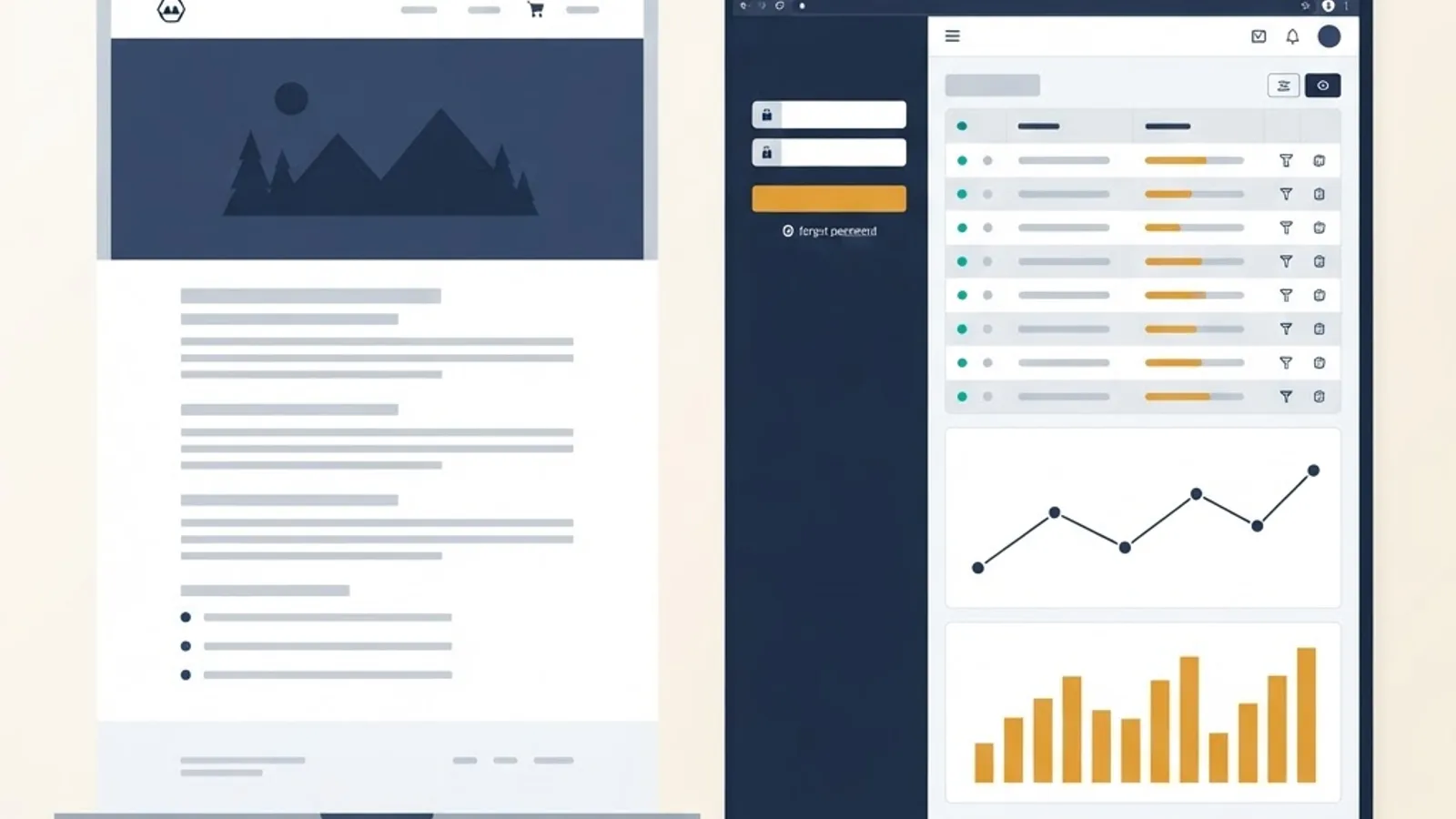
| Factor | Website | Web Application |
|---|---|---|
| Primary purpose | Inform | Perform a task |
| User input | Minimal (contact form) | Core to the experience |
| Authentication | Usually none | Almost always required |
| Database | Optional | Required |
| Example | A restaurant menu page | An online table booking system |
| Typical build time | Weeks | Months |
| Ongoing cost driver | Content updates | Hosting, security, feature releases |
A hybrid is common: a marketing site on the front door, a logged-in application behind it. Shopify is the textbook case, with public storefronts and a full merchant admin app.
1. SaaS Dashboards and Analytics Platforms
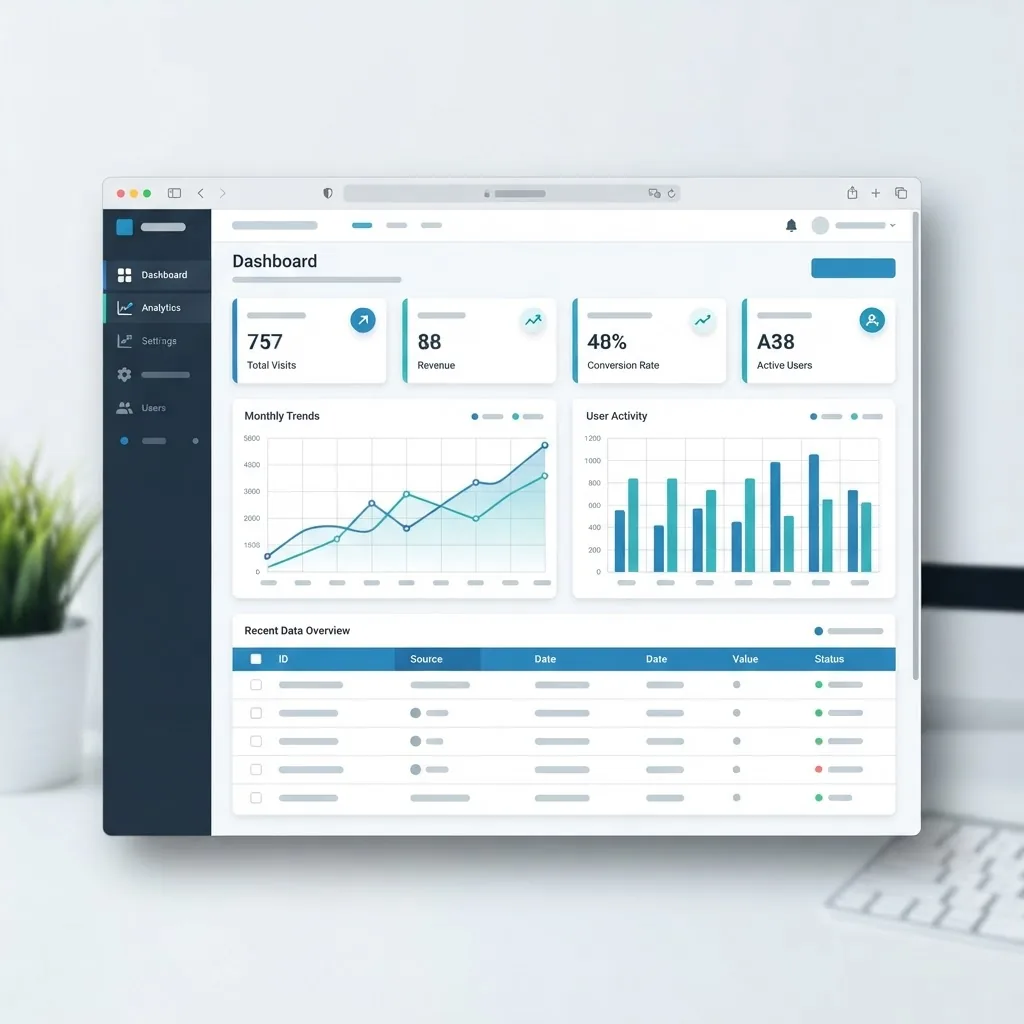
SaaS dashboards are the most common commercial web application examples. Google Analytics, Stripe Dashboard, HubSpot, Salesforce, Mailchimp and Ahrefs all fit the pattern: authenticated users, role-based permissions, heavy data aggregation, and charts rendered from API responses.
What makes them technically demanding is query performance, not visuals. In our experience, a dashboard that queries raw event tables directly will feel fast with 10,000 rows and unusable at 10 million. The fix is pre-aggregation: nightly rollup tables or materialized views that answer the ten questions users actually ask.
Defining trait: read-heavy, permission-gated, and valuable only if the numbers are trustworthy.
2. Ecommerce and Marketplace Applications
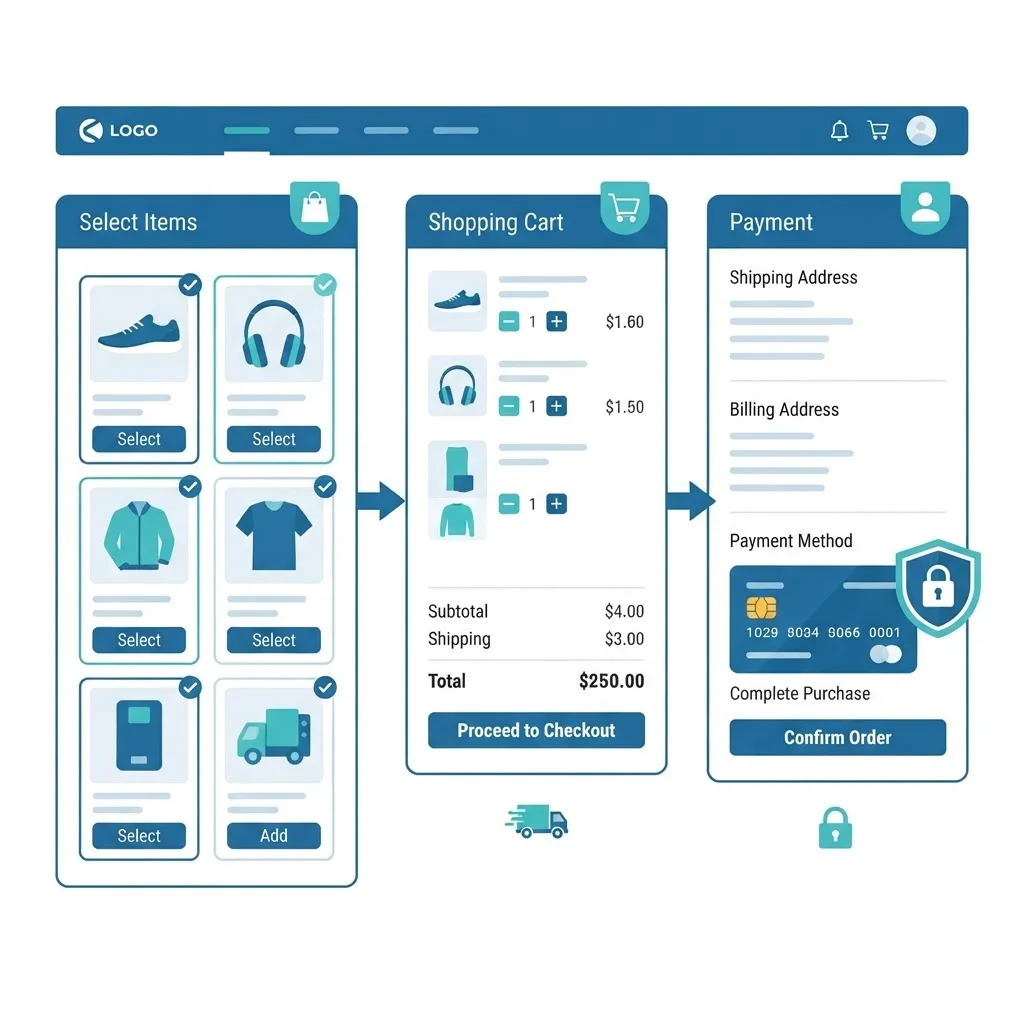
Amazon, Etsy, Shopify storefronts, Airbnb and Booking.com are transactional web applications where every millisecond has a price tag. According to Google research on mobile page speed, 53% of mobile visitors abandon a site that takes longer than three seconds to load, which is why ecommerce teams obsess over Core Web Vitals.
The hardest parts are rarely the product grid. They are inventory locking during concurrent checkouts, idempotent payment handling so a retry never double-charges, tax and shipping calculation, and refund flows. Teams that need this built properly usually bring in a specialist web application development partner rather than extending a template.
Defining trait: money moves, so correctness beats cleverness.
3. Collaboration and Productivity Applications
Google Docs, Figma, Notion, Slack, Miro, Asana and Trello are real-time collaborative web apps. They replaced desktop software because the browser solved the file-sharing problem that email attachments never could.
Their shared technical signature is conflict resolution. Figma and Google Docs use operational transformation or conflict-free replicated data types (CRDTs) so two people typing in the same paragraph do not overwrite each other. WebSockets or server-sent events push changes instantly instead of waiting for a page refresh.
A practical lesson from building collaborative editors: presence indicators (who is here, whose cursor is where) contribute more to perceived quality than any other feature, and they cost very little to implement.
Defining trait: multiple users editing the same state at the same time.
4. Progressive Web Applications (PWAs)
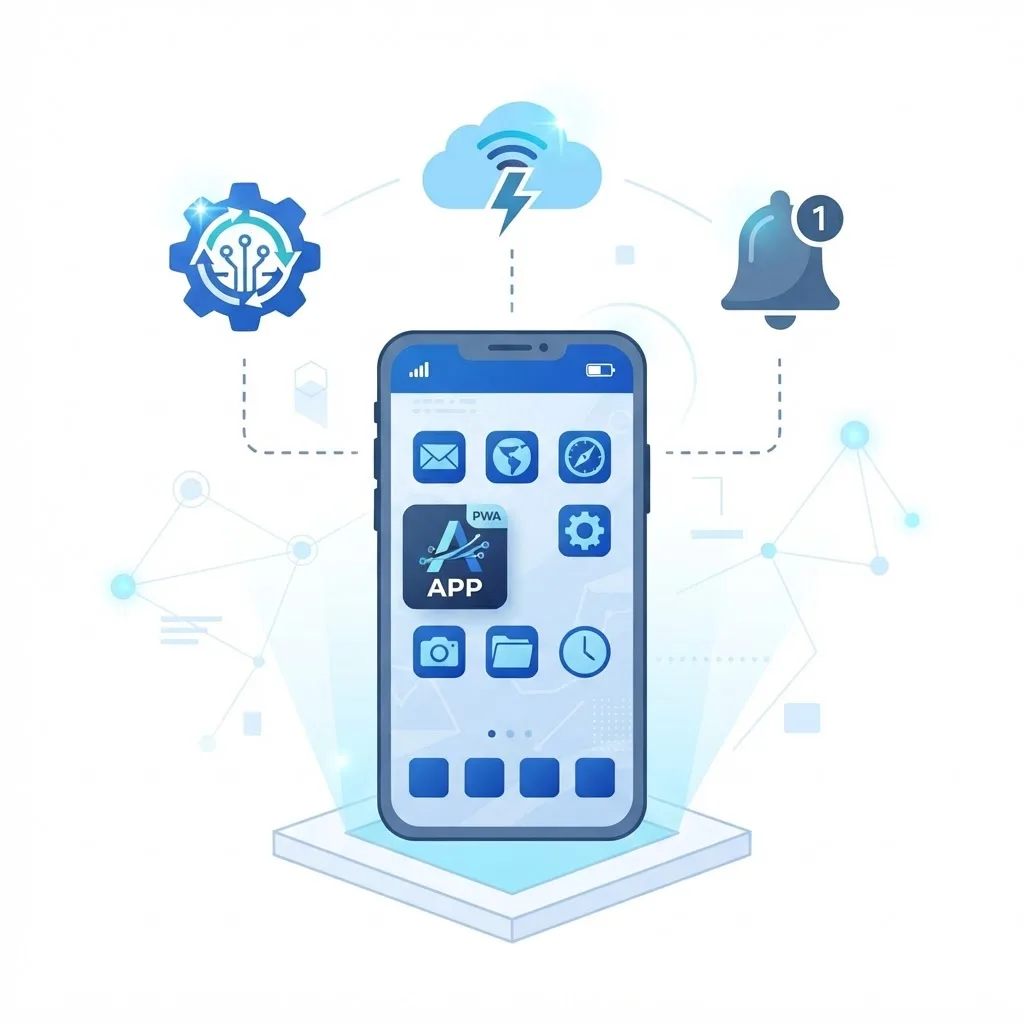
A progressive web application is a web app that uses a service worker and manifest file to work offline, be installed to a home screen, and receive push notifications. Well-documented examples include Twitter Lite, Starbucks, Pinterest, Uber and Spotify.
The published results are why PWAs matter commercially. Starbucks reported that its PWA doubled daily active users after launch, and Pinterest reported a 44% increase in user-generated ad revenue following its PWA rebuild. Twitter Lite shipped at roughly 3% of the size of its native Android app.
When a client asks whether to build native or a PWA, our rule is straightforward: if the app needs deep hardware access (Bluetooth peripherals, background GPS, advanced camera controls), go native. If it needs reach, instant updates and a single codebase, a PWA wins.
Defining trait: app-like behaviour without an app store.
5. Internal Business and Workflow Applications
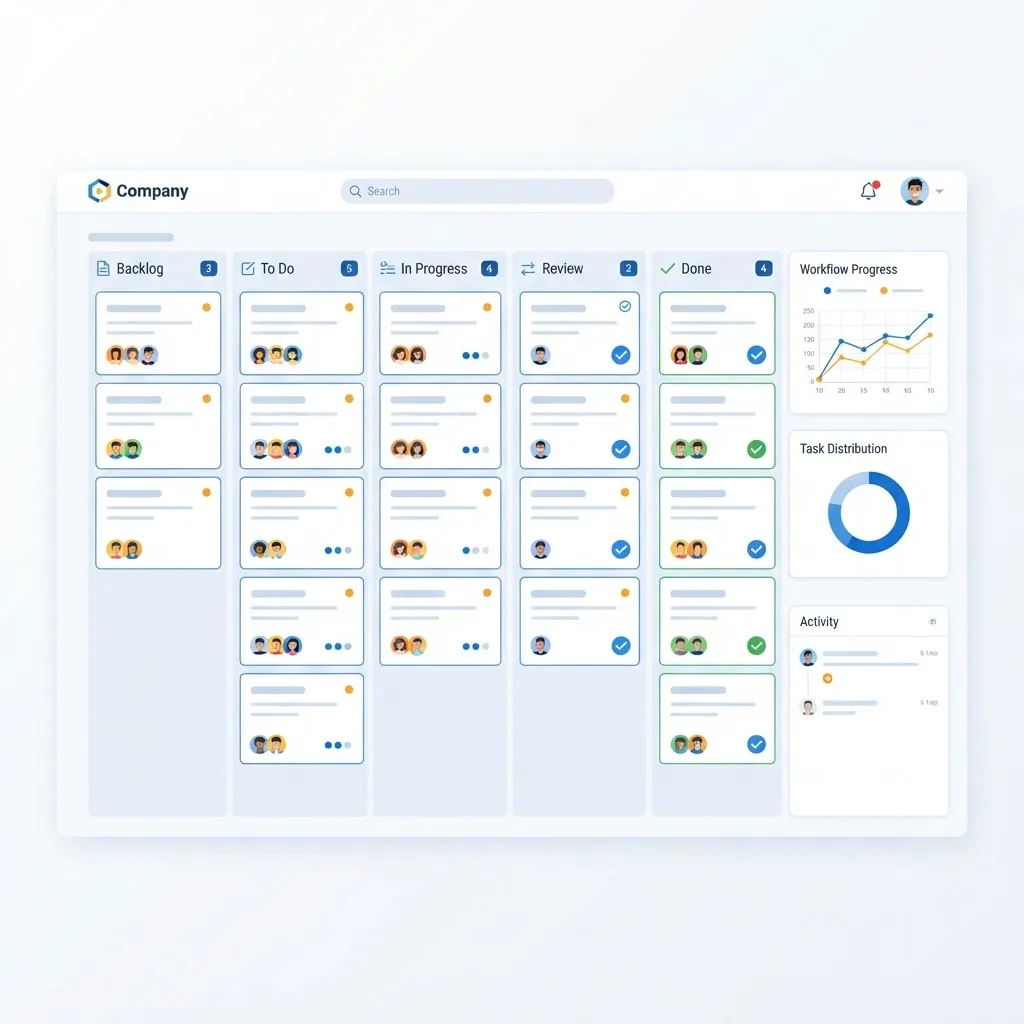
The web application examples nobody blogs about are the ones companies depend on daily: HR portals, claims processing tools, warehouse scanning interfaces, clinic scheduling systems, school gradebooks and custom CRMs.
These apps trade polish for throughput. A dispatcher who processes 400 orders a shift needs keyboard shortcuts, bulk actions, and dense tables, not generous white space. Two design decisions consistently pay off:
- Optimise the top three actions. Usage logs almost always show three actions covering the bulk of daily clicks.
- Make every record auditable. Store who changed what and when. Internal disputes are resolved with audit logs, not memory.
Defining trait: narrow audience, high usage frequency, measurable time savings.
6. Media, Streaming and Content Applications
Netflix, YouTube, Spotify Web Player, Twitch and Kindle Cloud Reader stream media through the browser using adaptive bitrate delivery and HTML5 Media Source Extensions. The application logic sits in recommendations, watch history, DRM licensing and continuous playback across devices.
The insight here is that the interface is a thin layer over a very large data problem. Netflix's value is its ranking system, not its grid of thumbnails. Any content app competing on discovery needs a real personalization strategy before it needs a redesign.
Defining trait: heavy media delivery plus personalization at scale.
7. AI-Powered Web Applications
ChatGPT, Perplexity, Canva Magic Studio, Grammarly and Jasper are web applications whose core feature is a model inference call. Architecturally they resemble any other app with one addition: a streaming response layer, because users tolerate a slow answer that appears word by word far better than a fast answer that appears after a blank ten-second wait.
Three engineering realities apply to every AI web app we have shipped: responses must stream, prompts and outputs must be logged for debugging, and there must be a fallback when the model provider returns an error. Teams adding these features often start with dedicated artificial intelligence services to get the retrieval and evaluation layers right.
Defining trait: non-deterministic output that must still feel reliable.
Web Application Types by Architecture
| Type | How It Works | Best Example | Best For |
|---|---|---|---|
| Single-page app (SPA) | One HTML shell, JavaScript renders views | Gmail | Highly interactive tools |
| Multi-page app (MPA) | Server returns a new page per route | Amazon | SEO-critical catalogues |
| Server-side rendered | HTML built per request, hydrated client-side | Airbnb | Speed plus SEO |
| Static plus API | Prebuilt pages calling APIs | Documentation portals | Content with light interactivity |
| Progressive web app | Service worker adds offline and install | Starbucks | Mobile-first reach |
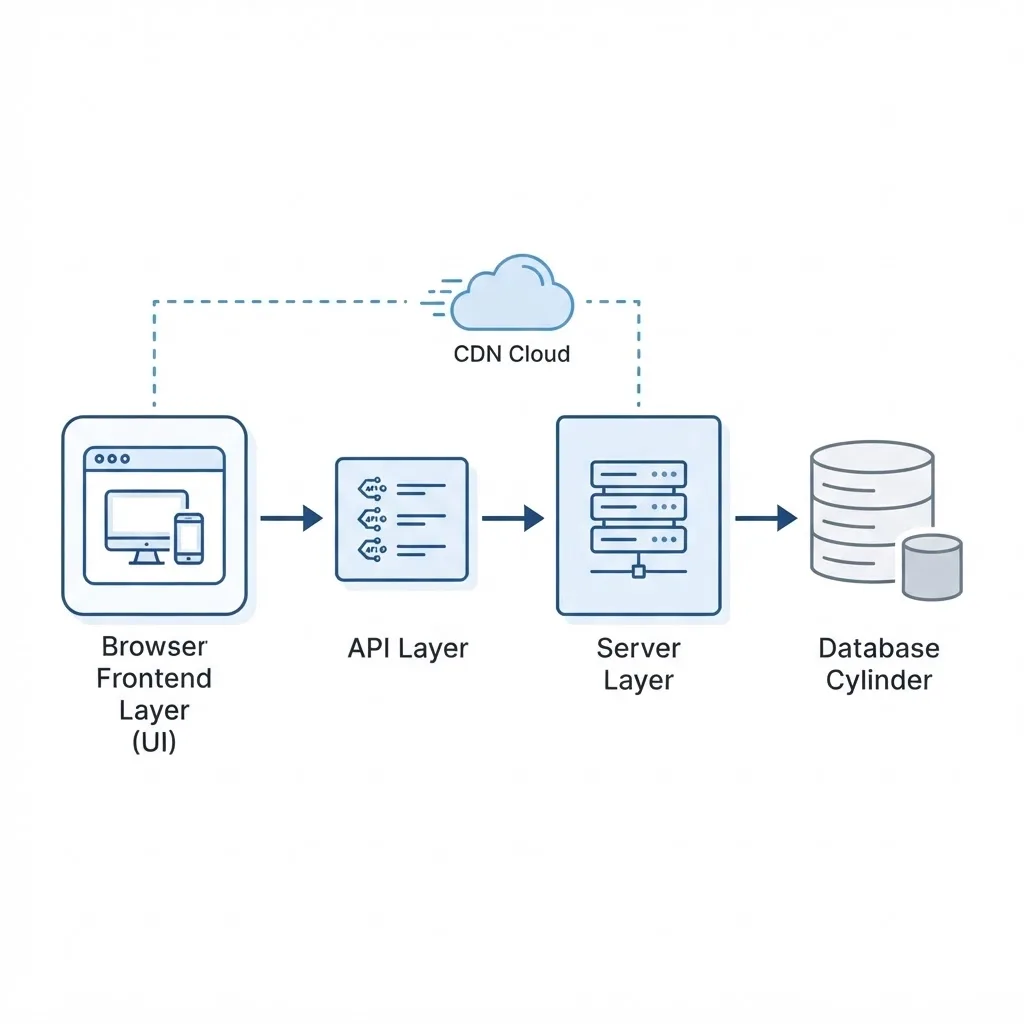
A typical 2026 stack looks like React or Next.js on the frontend, Node.js or Python on the server, PostgreSQL for relational data, Redis for caching and rate limiting, and object storage for files.
What the Best Web Application Examples Share
- Sub-second perceived response. Optimistic UI updates make an action feel instant before the server confirms it.
- One obvious primary action per screen. Slack has a message box; Figma has a canvas.
- Graceful failure. Offline banners and retry queues instead of silent data loss.
- Accessibility built in. Keyboard navigation, focus states and ARIA labels expand the usable audience.
- Security by default. Server-side validation, parameterized queries and per-user data scoping on every query.
How to Build Your Own Web Application
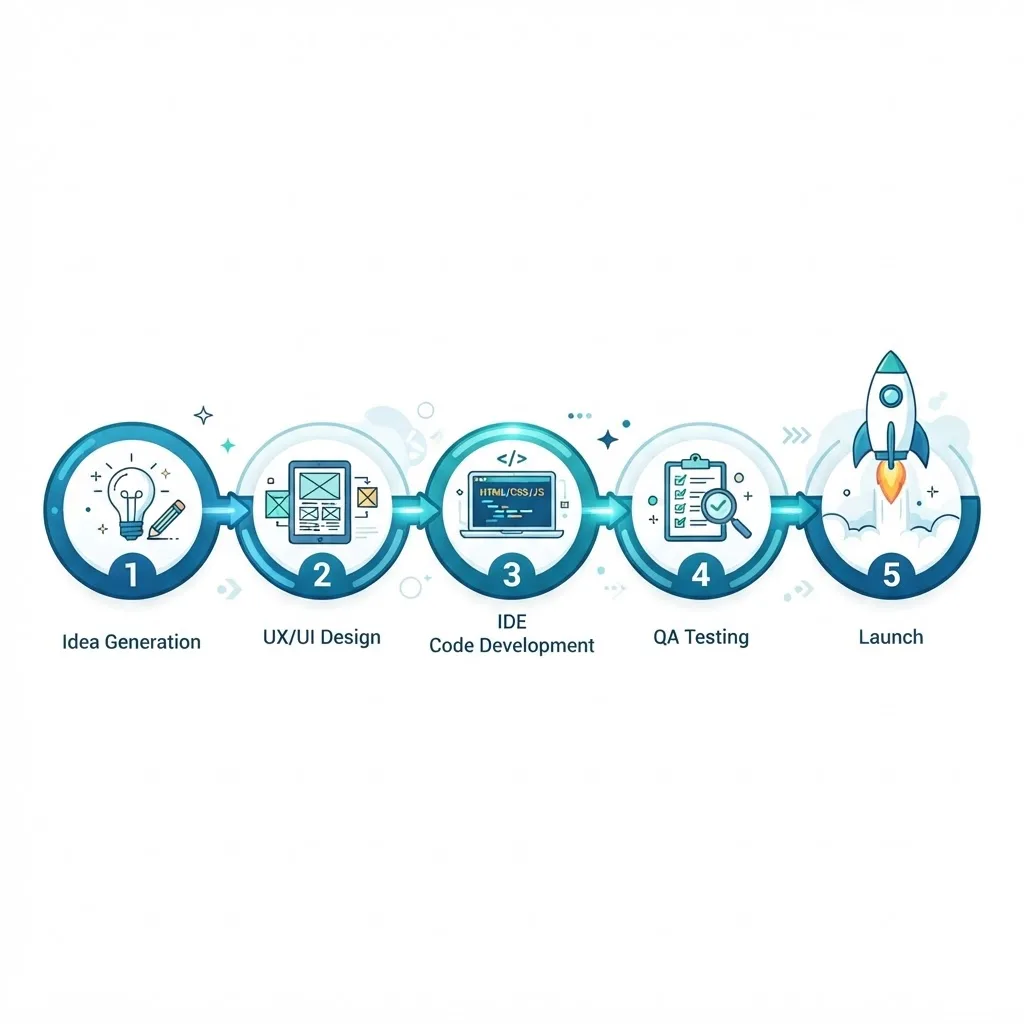
- Write the job the app does in one sentence. If it takes two sentences, the scope is too broad for version one.
- Map the data model first. Entities and relationships constrain everything downstream.
- Choose a boring, well-documented stack. Hiring and debugging are easier.
- Build the single most valuable workflow end to end, including authentication and error states.
- Instrument before you scale. Add logging and analytics on day one so decisions come from data.
- Ship to ten real users. Their confusion tells you more than any internal review.
Key Takeaways
- A web application processes input and stores data; a website mainly displays it.
- Google research shows 53% of mobile users abandon pages that take over three seconds to load.
- Starbucks doubled daily active users with a PWA, and Pinterest reported a 44% ad revenue increase.
- SPAs suit interactive tools, server-side rendering suits SEO-sensitive apps, and PWAs suit mobile reach.
- Internal business apps deliver the fastest measurable ROI because usage frequency is high.
Frequently Asked Questions (FAQ)
What are the most common web application examples?
The most widely used examples are Gmail, Google Docs, YouTube, Netflix, Trello, Slack, Notion, Figma, Canva, Shopify admin and Amazon. Each requires a browser, authenticates users, stores information on a server, and generates different screens for different people based on their own data and permissions.
Is Facebook a web application or a website?
Facebook is a web application. It authenticates users, stores profiles and posts in databases, personalizes every feed, and processes constant input such as comments, reactions and messages. The public pages you can view without logging in behave like a website, but the logged-in experience is fully application-driven.
What is the difference between a web app and a mobile app?
A web app runs in a browser and updates instantly for everyone without downloads. A mobile app is installed from an app store and can access device hardware more deeply. Progressive web apps blur the line by offering installation, offline support and push notifications from the browser itself.
How long does it take to build a web application?
A focused minimum viable product with authentication, one core workflow and a database typically takes eight to sixteen weeks with a small team. Multi-role platforms with payments, integrations and reporting usually take four to nine months. Data modelling and third-party integrations consume more time than interface work.
Which technologies are used to build web applications?
Most modern web applications use React or Next.js for the interface, Node.js or Python for server logic, PostgreSQL or MySQL for structured data, Redis for caching, and cloud platforms for hosting. The specific choice matters far less than consistency, documentation and your team's existing expertise.
Can a small business afford a custom web application?
Yes, when the app replaces measurable manual work. A booking system or internal workflow tool that saves a team ten hours weekly usually pays for itself within a year. Start with one workflow, prove the savings, then expand rather than commissioning an all-in-one platform upfront.
Final Thoughts
The strongest web application examples are not the flashiest ones. They are the apps that do one job so reliably that users stop noticing the software. Study Gmail's keyboard shortcuts, Figma's presence indicators, and Stripe's error messages, then apply the same discipline to your own product: one clear job, fast feedback, honest failure states, and data you can trust.