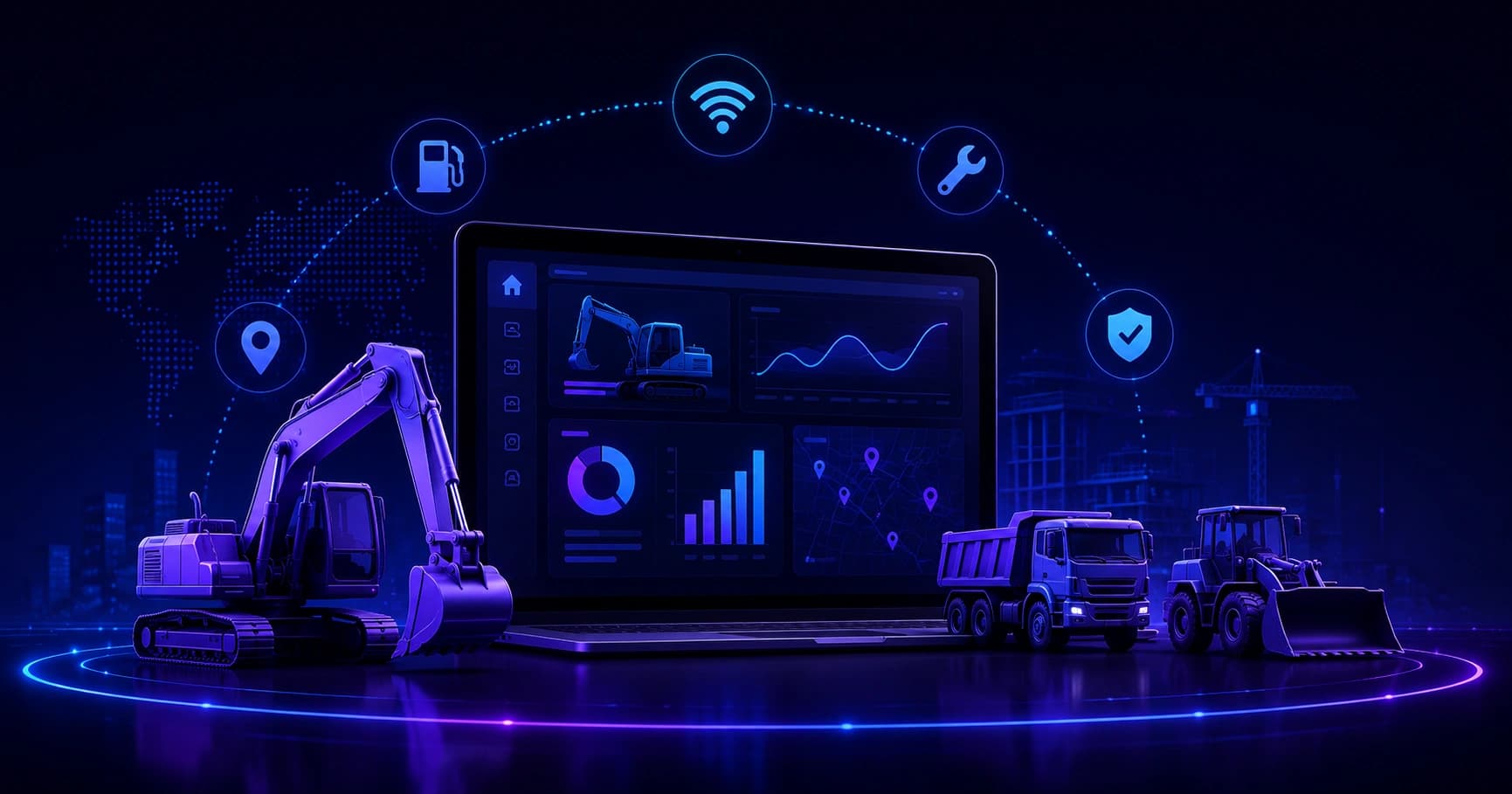
A practical guide to construction equipment fleet management software: what it does, the core features that matter, real cost savings, and how to choose and roll out the right platform.
What Is Construction Equipment Fleet Management Software
Every contractor eventually hits the same wall. The yard has forty machines, three superintendents are fighting over the same skid steer, a $180,000 excavator has been idling on a finished site for two weeks, and nobody can say when the last hydraulic service happened. Spreadsheets stop working somewhere around asset number fifteen. That gap is exactly what construction equipment fleet management software exists to close.
This guide explains what the software actually is, which features earn their keep, what it costs, and how to implement it without derailing active jobs. It is written from the perspective of people who have watched these rollouts succeed and fail.
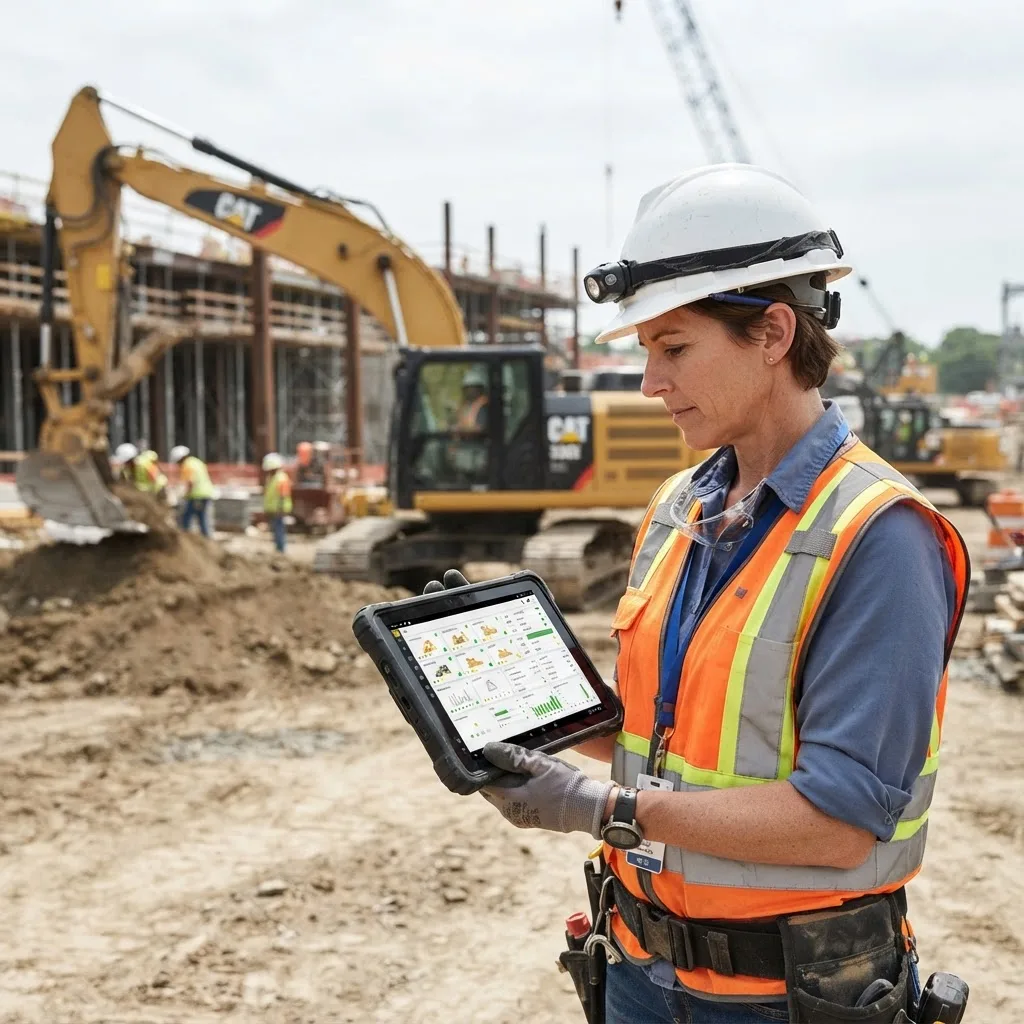
Quick Answer: Construction equipment fleet management software is a centralized platform that tracks the location, hours, condition, cost, and availability of heavy machinery and tools. It combines GPS telematics, preventive maintenance scheduling, utilization analytics, and dispatch planning so contractors reduce downtime, control ownership costs, and assign the right machine to the right jobsite.
Defining Construction Equipment Fleet Management Software
Definition: Construction equipment fleet management software is a digital system of record for every owned, rented, and leased asset a contractor controls, from cranes and excavators down to plate compactors and generators. It ingests data from telematics devices, fuel cards, work orders, and operator inputs, then turns that data into decisions about maintenance, deployment, and capital spending.
The distinction from generic vehicle fleet software matters. Over-the-road fleets are measured in miles. Construction fleets are measured in engine hours, idle ratios, attachment usage, and job cost allocation. A dozer does not accumulate mileage, but it does burn fuel while idling and it does need a 500-hour service. Software built for trucking rarely handles that correctly.
Three things separate purpose-built construction platforms from adapted alternatives:
- Hour-based maintenance intervals rather than odometer triggers.
- Job and cost-code allocation, so equipment expense flows into the right project P&L.
- Mixed-asset support, covering unpowered assets like trench boxes and light towers that have no engine to report from.
Why Contractors Adopt It: The Numbers Behind the Decision
The business case is not abstract. According to the U.S. Bureau of Labor Statistics, construction labor productivity has remained essentially flat for decades while other industries have compounded gains, and poor equipment coordination is a recognized contributor. Meanwhile, McKinsey research on construction digitization found that large projects typically run about 20 percent over schedule and up to 80 percent over budget, with idle and mismanaged resources among the repeat offenders.
On the equipment side specifically, the ownership math is brutal. A machine sitting idle still accrues depreciation, insurance, financing, and storage cost. Industry telematics benchmarks consistently show idle time running between 30 and 40 percent of total engine hours on unmanaged fleets. Cutting that idle ratio by even ten percentage points on a mid-size fleet routinely saves five figures per year in fuel alone, before counting extended component life.
Equipment theft compounds the risk. The National Equipment Register and NICB have long reported roughly 11,000 to 12,000 pieces of heavy equipment stolen annually in the United States, with recovery rates historically near 20 percent. GPS-enabled fleet software materially changes that recovery number and often lowers insurance premiums.
Core Features That Actually Matter
1. GPS Tracking and Telematics Integration
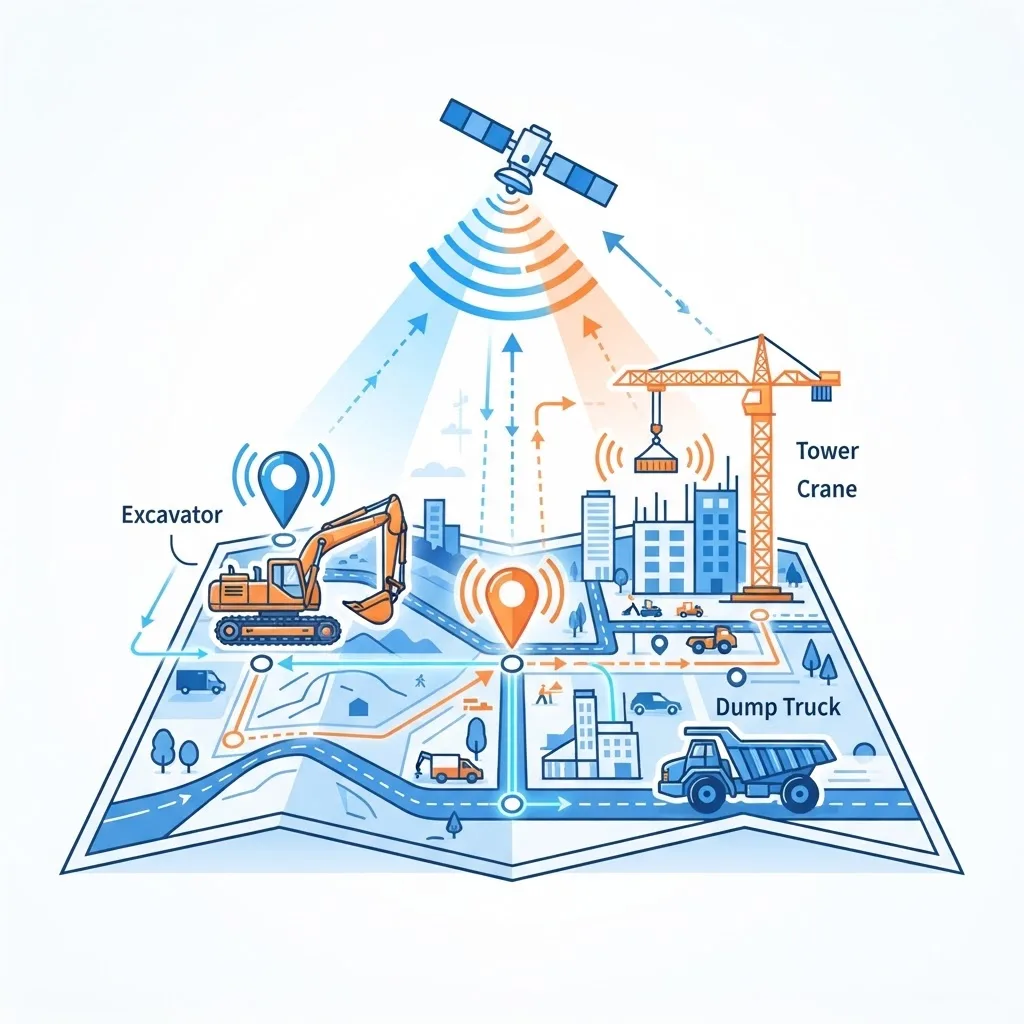
Location is table stakes, but the useful layer is telematics data: engine hours, fuel burn, fault codes, DEF levels, and idle events streamed from the machine's onboard ECU. Mature platforms pull this through the AEMP/ISO 15143-3 telematics standard, which lets a single dashboard read Caterpillar, Komatsu, John Deere, and Volvo machines without separate logins. If a vendor cannot support that standard, expect to keep juggling manufacturer portals.
2. Preventive Maintenance Scheduling
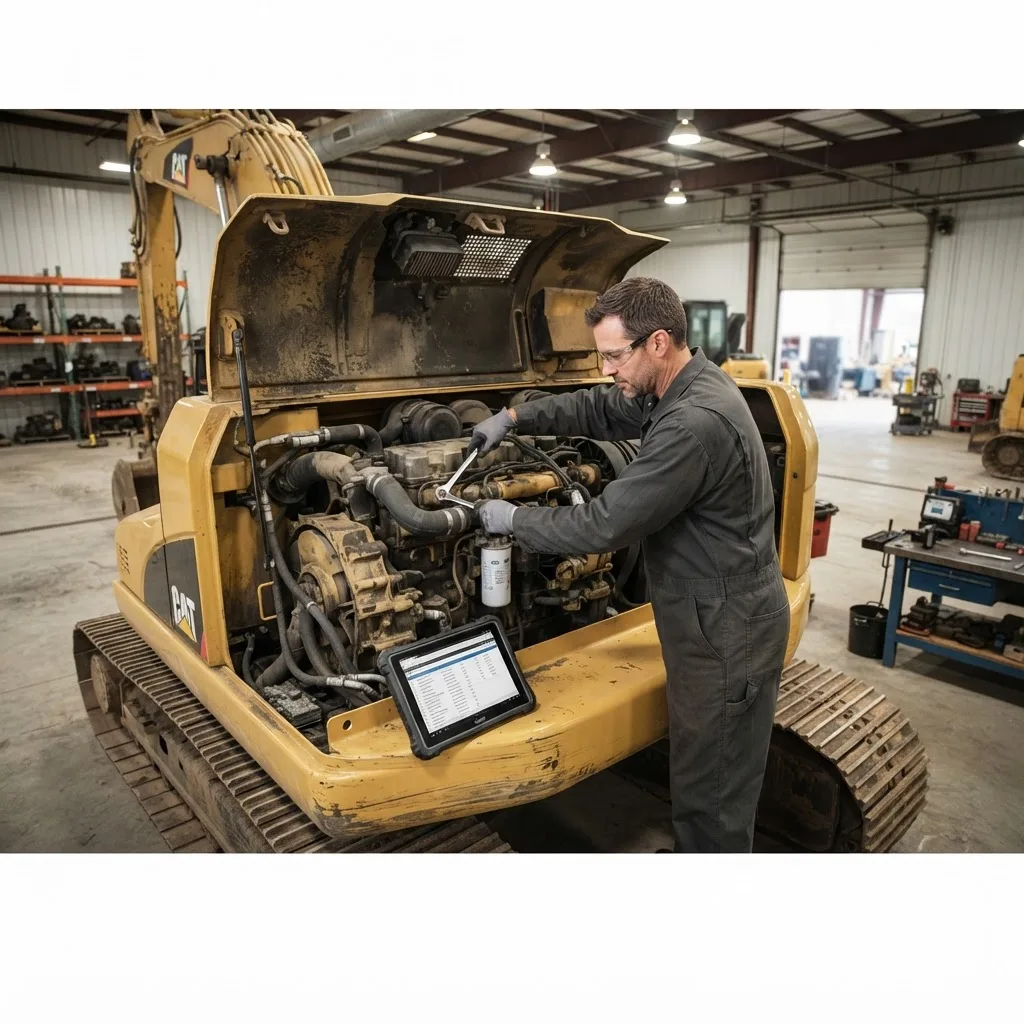
The software should trigger work orders automatically from meter readings, not calendar guesses. A well-configured system opens a service order at 240 hours for a 250-hour interval, assigns it to a mechanic, attaches the parts list, and blocks the machine from dispatch if the service goes overdue past a defined threshold.
3. Utilization and Idle Analytics
Utilization reporting answers the question that drives capital decisions: do we actually need to buy another loader, or do we need to stop letting two sit unused? Look for reports that compare working hours to available hours per asset class, per region, and per project.
4. Dispatch, Scheduling, and Reservations
A shared calendar for machines prevents the double-booking that costs a crew a morning. Superintendents request assets, the equipment manager approves, and transport is scheduled against the same record.
5. Inspections and Compliance
Mobile pre-shift inspection forms with photo capture create a defensible safety record. When an incident occurs, a timestamped digital inspection trail is far stronger evidence than a clipboard nobody can find.
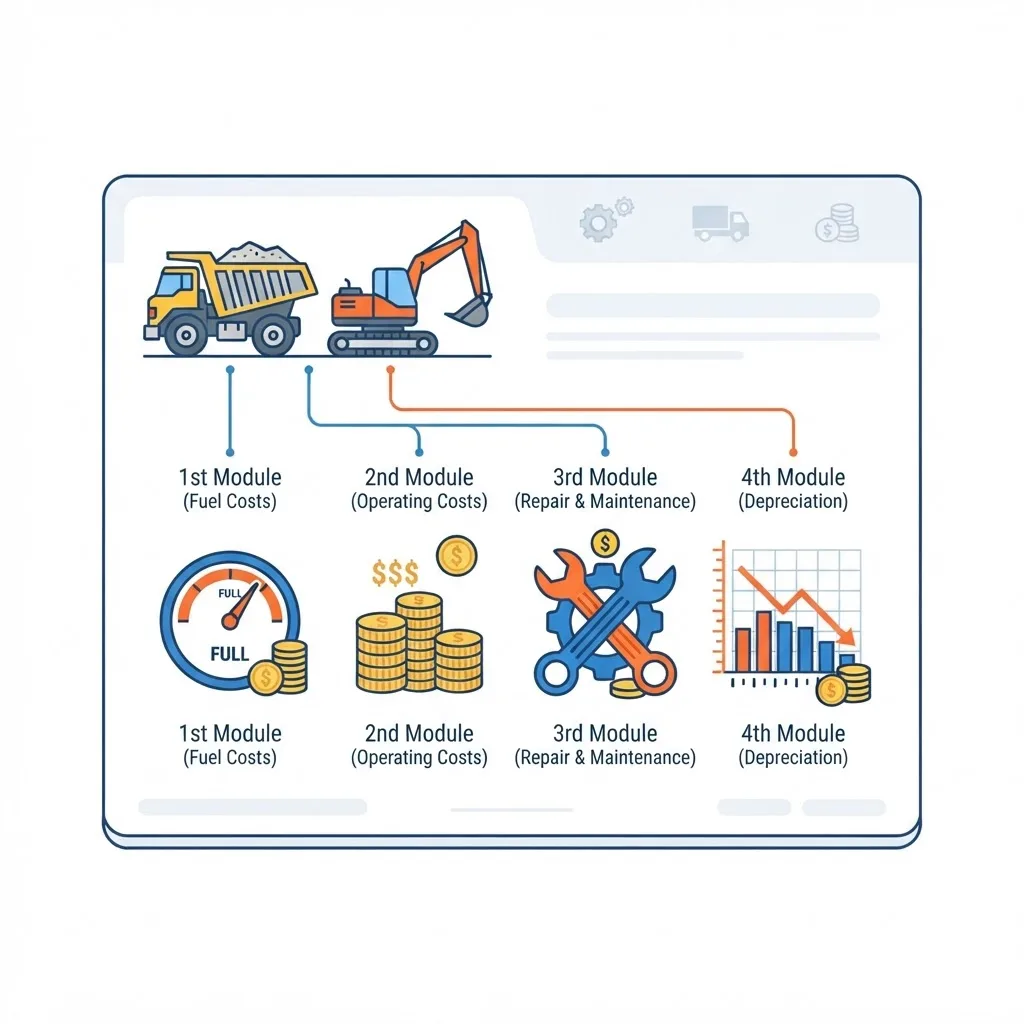
6. Cost Tracking and Job Costing
Every fuel purchase, part, labor hour, and rental invoice should attach to both the asset and the job. That is how you learn a specific machine costs $94 per hour to run rather than the $61 you bid.
7. Rental and Owned Fleet Blending
Many contractors run 20 to 40 percent rented iron. Software that tracks rental start dates, return deadlines, and off-rent confirmations prevents the classic mistake of paying three extra weeks on a machine that has been parked since the pour finished.
Spreadsheets vs. Basic Telematics vs. Full Fleet Management Software
| Capability | Spreadsheets | OEM Telematics Portal | Full Fleet Management Software |
|---|---|---|---|
| Real-time machine location | No | Yes, single brand | Yes, all brands |
| Mixed-brand single dashboard | No | No | Yes |
| Automated PM work orders | No | Limited alerts | Yes |
| Unpowered asset and tool tracking | Manual | No | Yes |
| Job cost allocation | Manual | No | Yes |
| Rental lifecycle tracking | Manual | No | Yes |
| Inspection records with photos | No | No | Yes |
| Utilization benchmarking by class | Manual | Basic | Yes |
| Typical cost | Near zero | Often bundled free | $12 to $40 per asset monthly |
What It Costs and How the ROI Shows Up
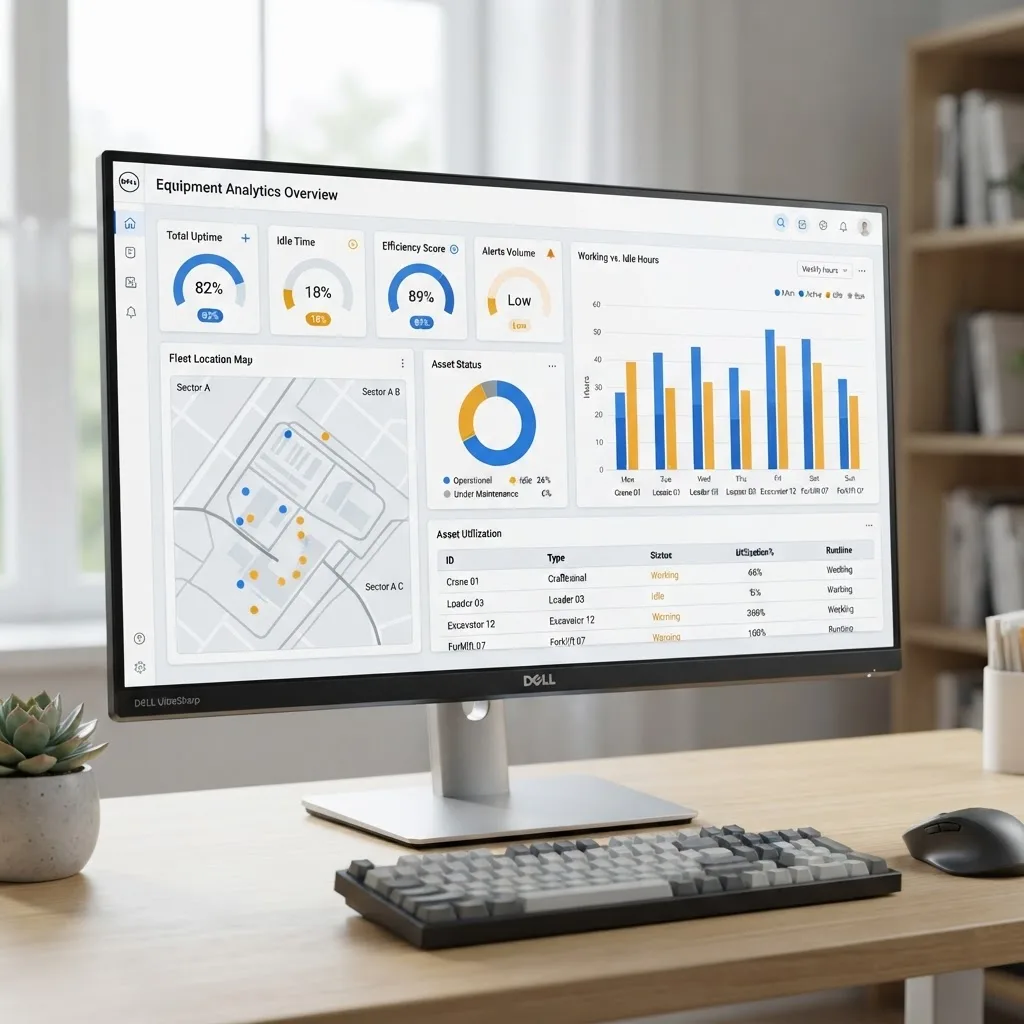
Most platforms price per asset per month, commonly $12 to $40 depending on whether hardware and cellular data are included. Aftermarket GPS units for machines without factory telematics run roughly $150 to $400 per device installed. A 50-asset fleet therefore lands somewhere between $9,000 and $28,000 annually plus one-time hardware.
Return typically arrives from four sources, in this order of reliability:
- Reduced idle fuel burn. The fastest measurable win, often visible within 60 days.
- Avoided emergency repairs. Consistent PM compliance is the single largest lever on unplanned downtime.
- Deferred capital purchases. Utilization data frequently reveals that a fleet needs redistribution, not expansion.
- Recovered rental spend. Off-rent discipline alone has paid for entire subscriptions on fleets that lean heavily on rentals.
How to Choose the Right Platform
Evaluate vendors against your actual operating reality, not a feature checklist. Ask these questions directly:
- Does it read our specific machine brands through the AEMP standard, or will we need separate portals?
- Does it integrate with our accounting or ERP system so equipment cost reaches the job ledger without double entry?
- Can a foreman complete an inspection on a phone with no signal and have it sync later? Rural jobsites make offline mode non-negotiable.
- How does it handle attachments and small tools that have no telematics device?
- What does data export look like if we leave? Your fleet history is your asset.
Contractors that need reporting, dashboards, or field workflows their vendor cannot deliver often build a thin custom layer on top of the fleet database. That is a common path, and teams building those internal tools frequently work with a web application development partner to connect telematics APIs to their existing project systems. For broader digital strategy and technical guidance, ZoneTechify and WebPeak both publish practical implementation resources.
A Realistic Implementation Sequence
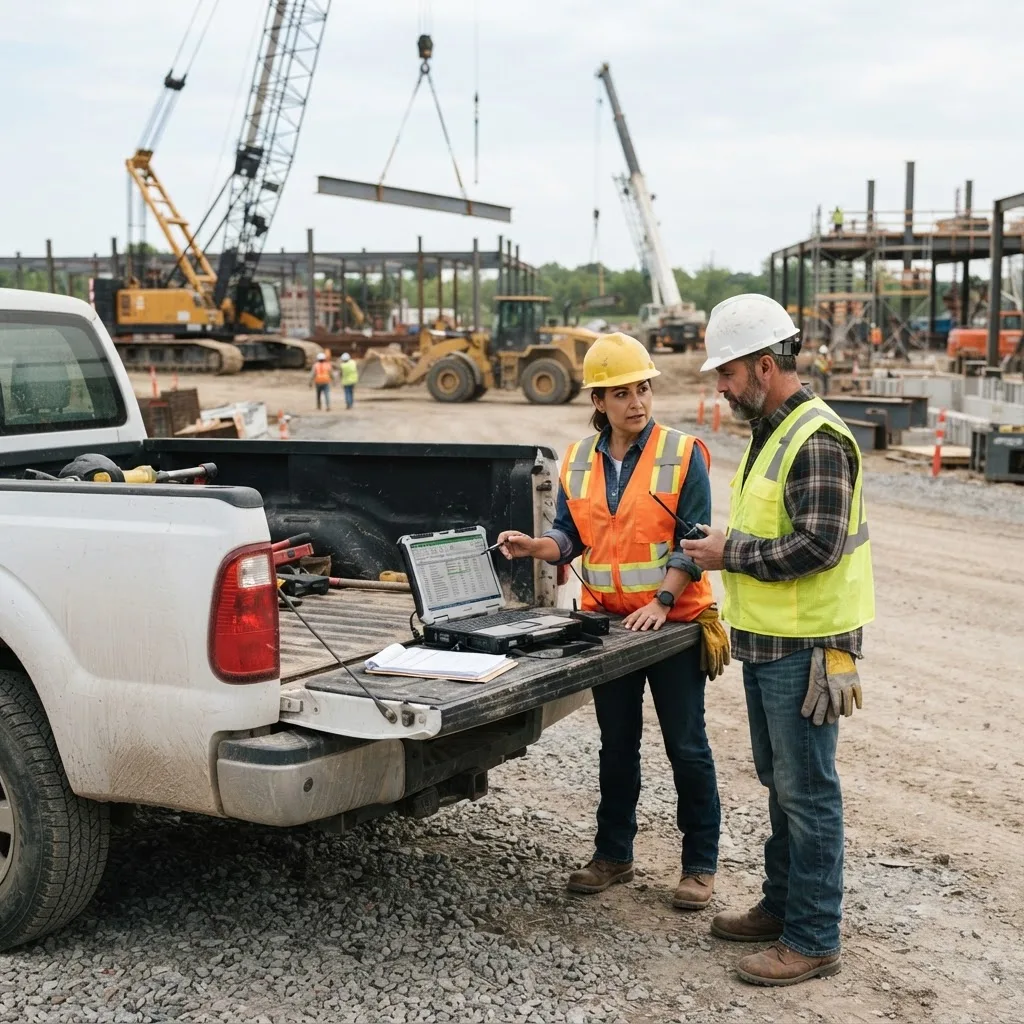
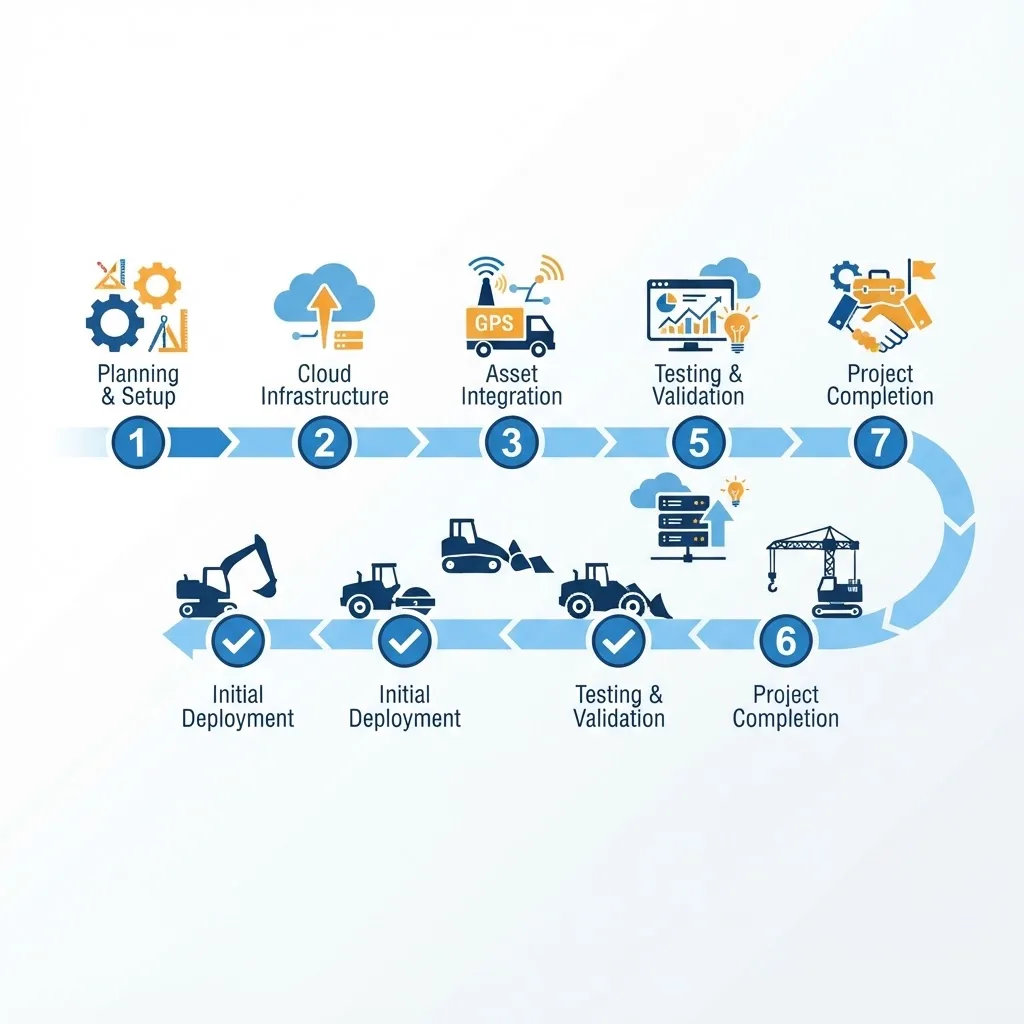
Rollouts fail when companies try to digitize everything at once. This sequence works:
- Build a clean asset register first. Serial numbers, year, make, model, current meter reading, ownership status. Bad data here poisons every report later.
- Install hardware on high-value assets only. Start with the top 20 percent of the fleet by value or revenue contribution.
- Configure PM intervals from OEM manuals, not from memory or habit.
- Train mechanics before superintendents. If work orders are not closed properly, the whole system loses credibility within a month.
- Pick three metrics and review them weekly. Idle percentage, PM compliance rate, and utilization by class are enough for the first quarter.
- Expand to tools and rentals only after those three metrics are trusted.
Expect 60 to 90 days before reporting is reliable. The most common failure point is not the software. It is unclosed work orders and inaccurate meter readings during the first two months.
Key Takeaways
- Construction equipment fleet management software centralizes location, hours, maintenance, cost, and availability data for owned, rented, and leased assets.
- Unmanaged fleets commonly show 30 to 40 percent idle engine hours, making idle reduction the fastest measurable ROI.
- Roughly 11,000 to 12,000 pieces of heavy equipment are stolen annually in the U.S. with historically low recovery rates, which GPS tracking directly improves.
- Support for the AEMP/ISO 15143-3 telematics standard is the key technical requirement for mixed-brand fleets.
- Typical pricing runs $12 to $40 per asset per month, plus $150 to $400 per aftermarket GPS device.
- Maintenance must trigger on engine hours, not calendar dates, to reflect how construction assets actually wear.
- Data quality during the first 90 days determines whether the system produces trustworthy reports.
Frequently Asked Questions (FAQ)
What does construction equipment fleet management software do?
It tracks where every machine is, how many hours it has run, what it costs to operate, when it needs service, and which job it is assigned to. The platform pulls telematics data automatically, generates maintenance work orders, flags idle waste, and allocates equipment expense to the correct project budget.
How much does construction fleet management software cost?
Most vendors charge $12 to $40 per asset per month, so a 50-machine fleet typically runs $9,000 to $28,000 per year. Add roughly $150 to $400 per aftermarket GPS device for machines without factory telematics. Pricing usually drops per unit as fleet size increases.
Is fleet management software worth it for a small contractor?
Yes, once you pass roughly ten to fifteen assets or start renting regularly. Below that, spreadsheets can hold. Above it, the cost of one missed service, one stolen machine, or three weeks of forgotten rental fees usually exceeds an entire year of subscription cost.
What is the difference between telematics and fleet management software?
Telematics is the raw data feed from a machine, including location, engine hours, fuel, and fault codes. Fleet management software is the layer that interprets that data across every brand you own, then triggers work orders, dispatch decisions, cost allocation, and utilization reporting from it.
Can it track attachments and small tools without engines?
Yes. Platforms support unpowered assets through Bluetooth tags, passive QR or barcode labels, or battery-powered asset trackers. You lose engine data but keep location, assignment history, and check-in and check-out records, which is usually the main reason small tools disappear.
How long does implementation take?
Plan on 60 to 90 days before reports are dependable. Hardware installation is quick. The real work is building an accurate asset register, configuring correct maintenance intervals from OEM manuals, and training mechanics to close work orders consistently so the data stays clean.