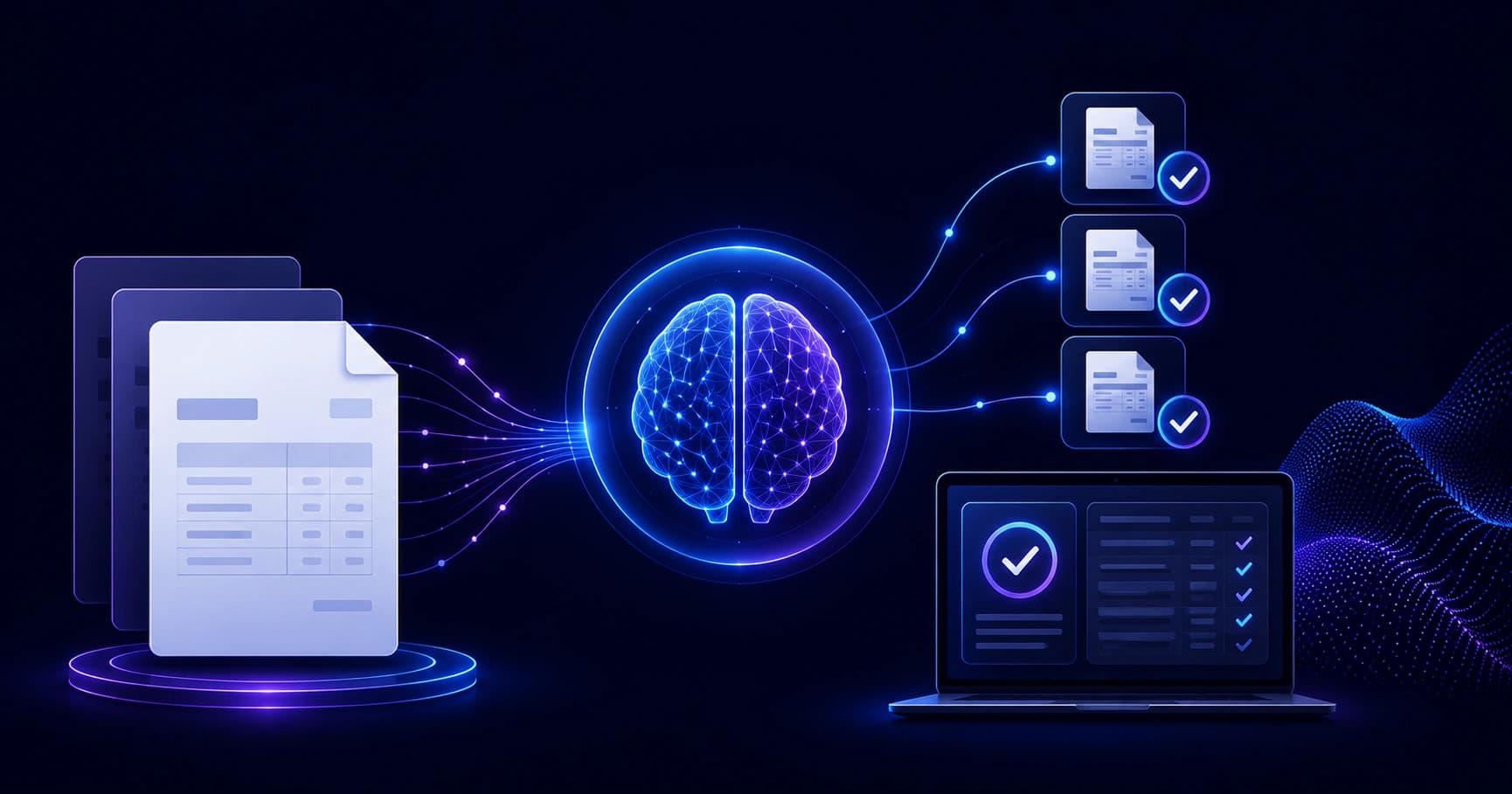
Discover how artificial intelligence invoice reconciliation software automates matching, slashes errors, and frees finance teams from manual data entry.
Artificial Intelligence Invoice Reconciliation Software
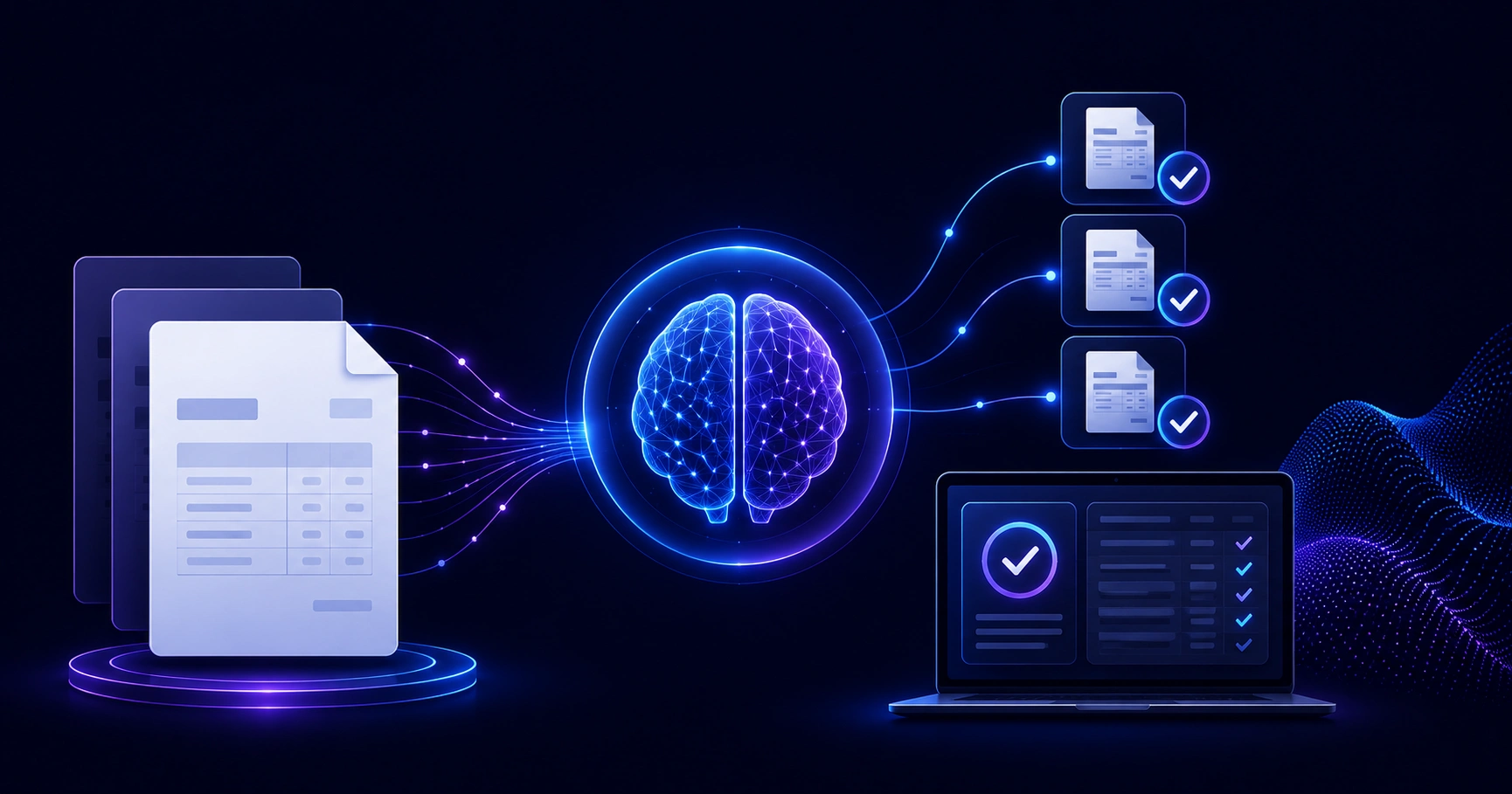
Finance teams lose thousands of hours every year matching invoices to purchase orders and bank statements by hand. Artificial intelligence invoice reconciliation software changes that equation. Instead of staring at spreadsheets, your team supervises an engine that reads documents, matches transactions, and flags only the items that genuinely need a human decision. Having helped finance and operations teams deploy automation tools, I have seen reconciliation cycles shrink from days to hours. This guide explains exactly how the technology works, what it costs, and how to choose the right platform.
Quick Answer: Artificial intelligence invoice reconciliation software uses machine learning and OCR to automatically extract invoice data, match it against purchase orders and payments, and flag discrepancies. It reduces manual effort, cuts errors by up to 90%, and accelerates month-end close from days to hours.
What Is AI Invoice Reconciliation Software?
AI invoice reconciliation software is a financial automation tool that compares invoices against related records, such as purchase orders, goods-receipt notes, and bank statements, then confirms matches or surfaces mismatches without manual line-by-line review. Traditional rule-based tools only catch exact matches. AI systems learn from historical data, so they recognize that "Acme Corp." and "ACME Corporation Ltd." are the same vendor, or that a $0.50 rounding gap is acceptable.
The term reconciliation here means the process of verifying that two sets of financial records agree. When they do not, the software isolates the difference so an accountant can investigate. Companies like ZoneTechify build these workflows around real accounting logic rather than generic templates, which is why context matters so much.
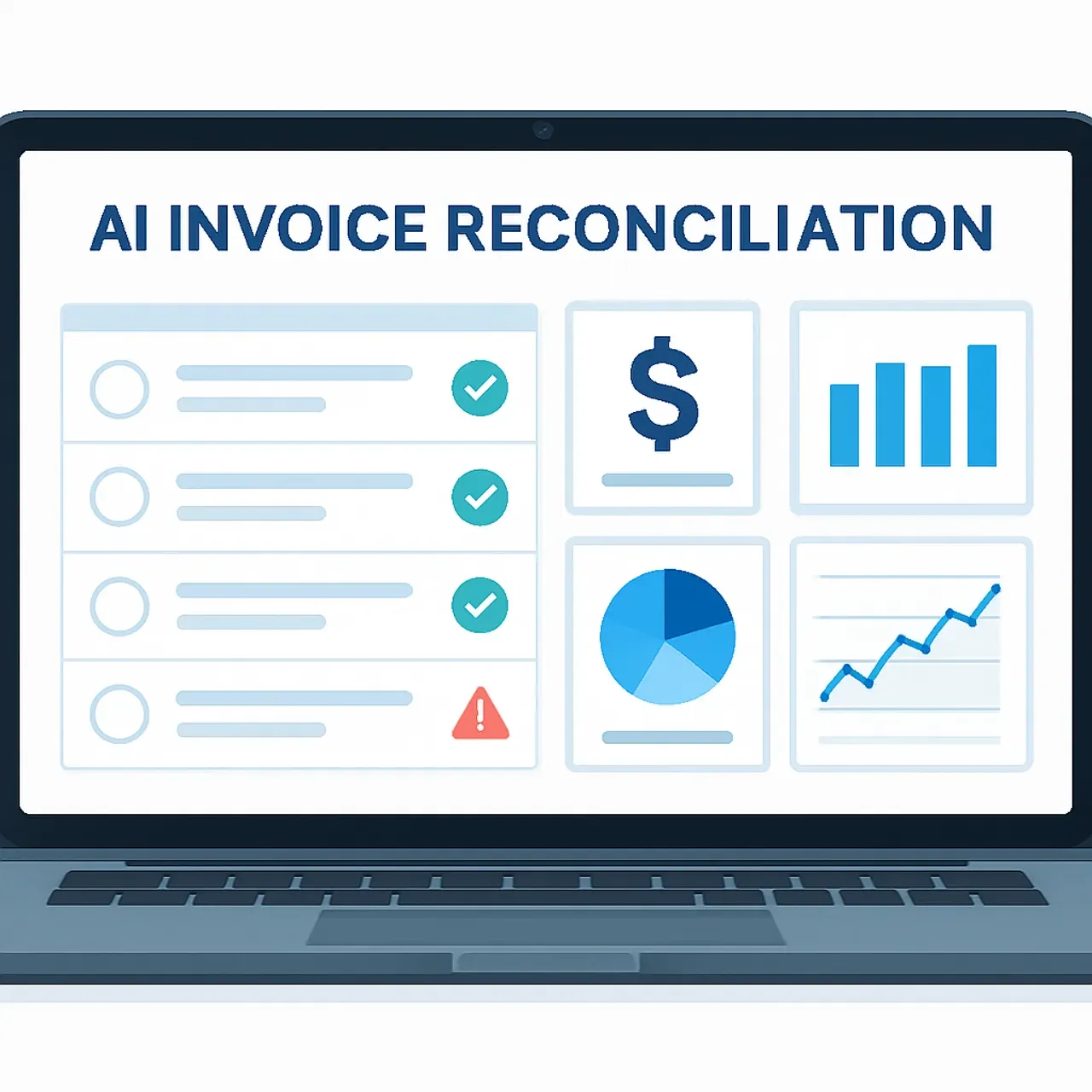
How Does AI Invoice Reconciliation Actually Work?
The process runs in clear, repeatable stages. Understanding each step helps you evaluate vendors and set realistic expectations.
1. Data Capture and Extraction
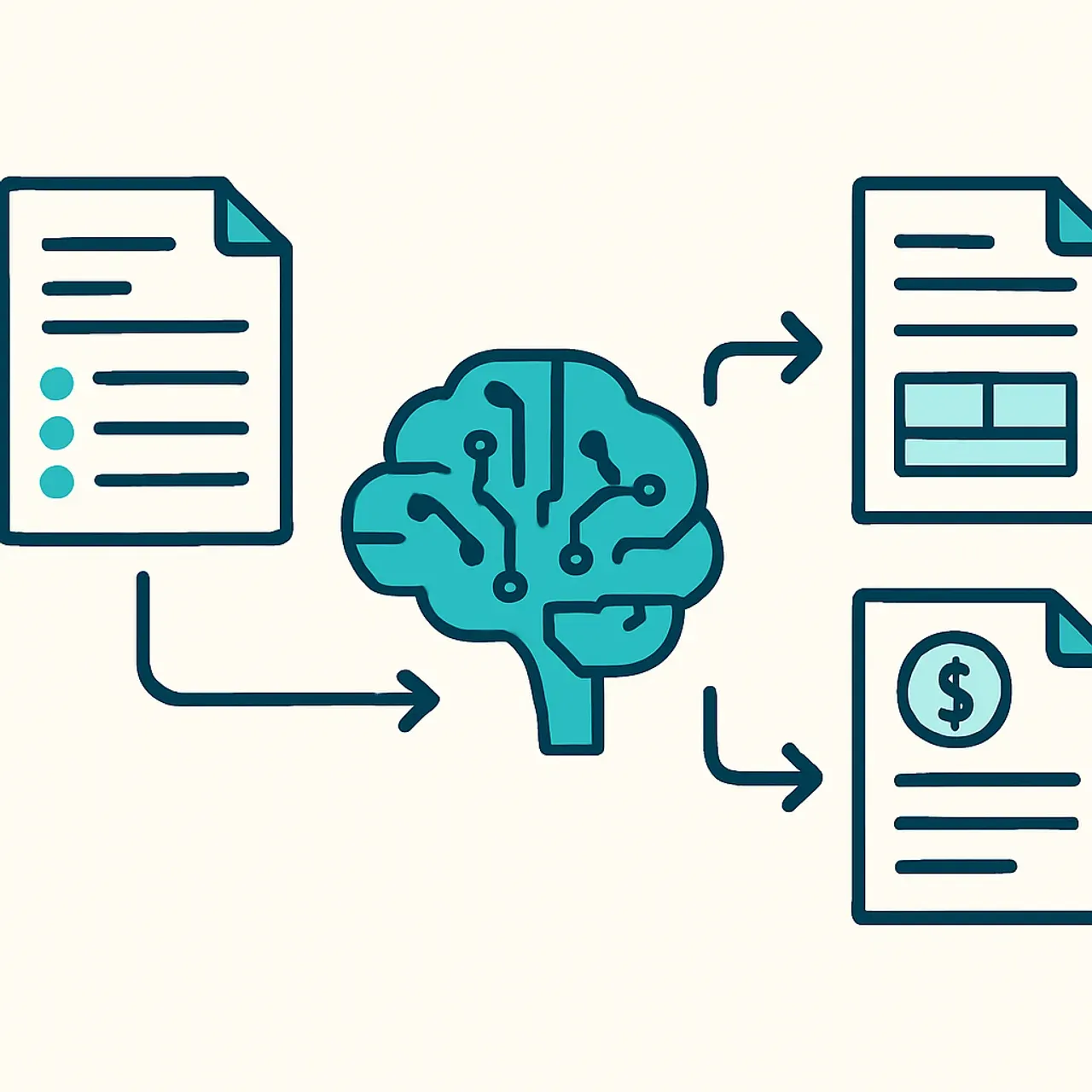
The software ingests invoices from email, PDFs, scanned paper, or supplier portals. Optical character recognition (OCR) combined with machine learning extracts key fields: vendor name, invoice number, line items, tax, and totals. Modern engines reach over 95% field-level accuracy on standard layouts, even with messy scans.
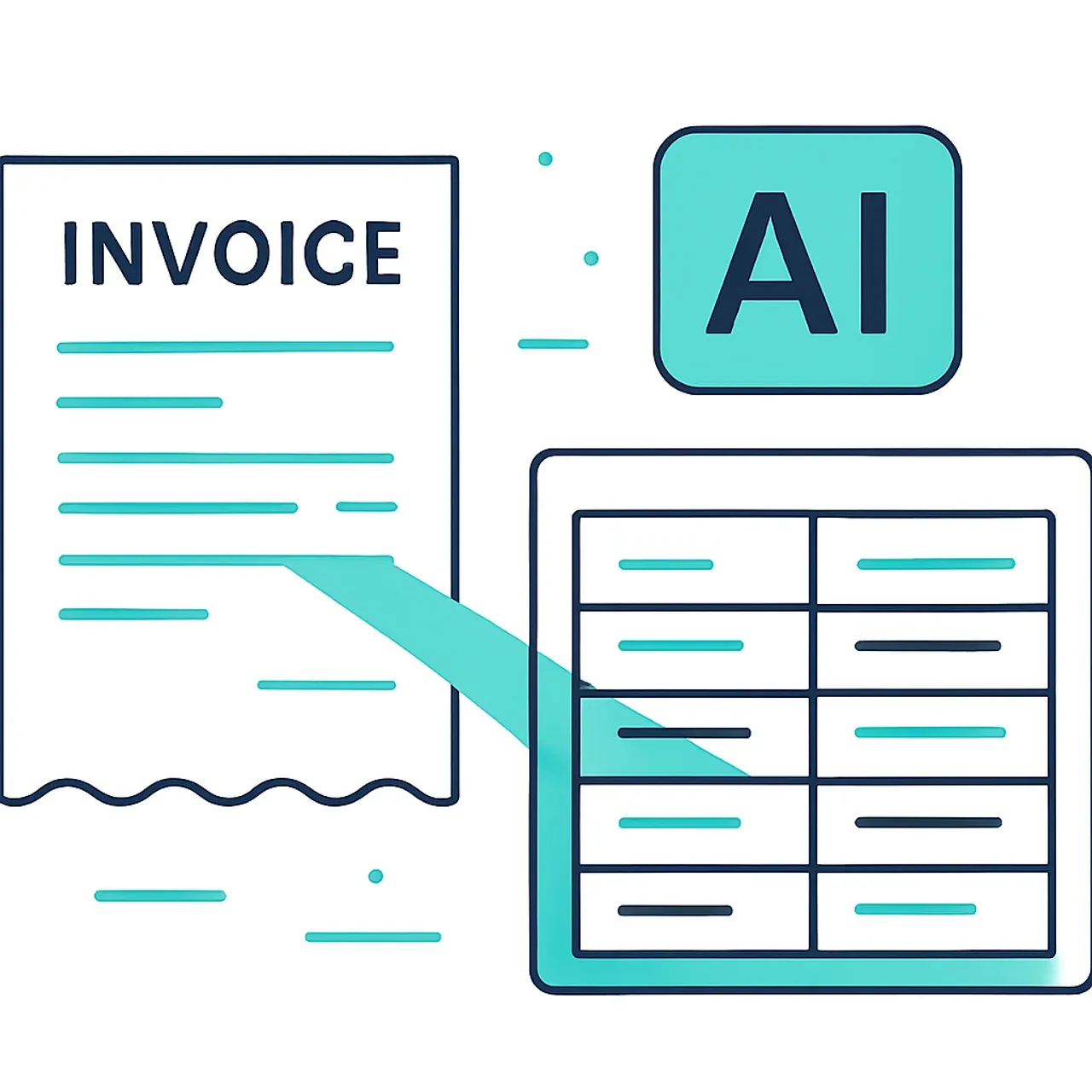
2. Intelligent Matching
Next, the engine performs two-way or three-way matching. It compares the invoice to the purchase order and, where relevant, the receiving document. Instead of demanding identical values, AI applies fuzzy logic and tolerance thresholds you define, so minor formatting differences do not trigger false alarms.
3. Exception Handling
When records disagree, the system routes the exception to the right person with context attached: the specific field, the expected value, and the suspected cause. This is where AI earns its keep. Your team stops reviewing everything and focuses only on genuine discrepancies, typically 5% to 15% of total volume.
4. Continuous Learning
Every time a human resolves an exception, the model records the decision. Over weeks, it learns your vendors, tolerances, and edge cases, so the match rate climbs and manual touches fall.
Why Manual Reconciliation Costs More Than You Think
Manual reconciliation is slow, error-prone, and expensive. According to research cited by the Association of Certified Fraud Examiners, organizations lose an estimated 5% of annual revenue to fraud, and weak reconciliation controls are a common entry point. Separately, industry studies show manual invoice processing can cost $10 to $15 per invoice, while automated processing drops that to $2 to $3.
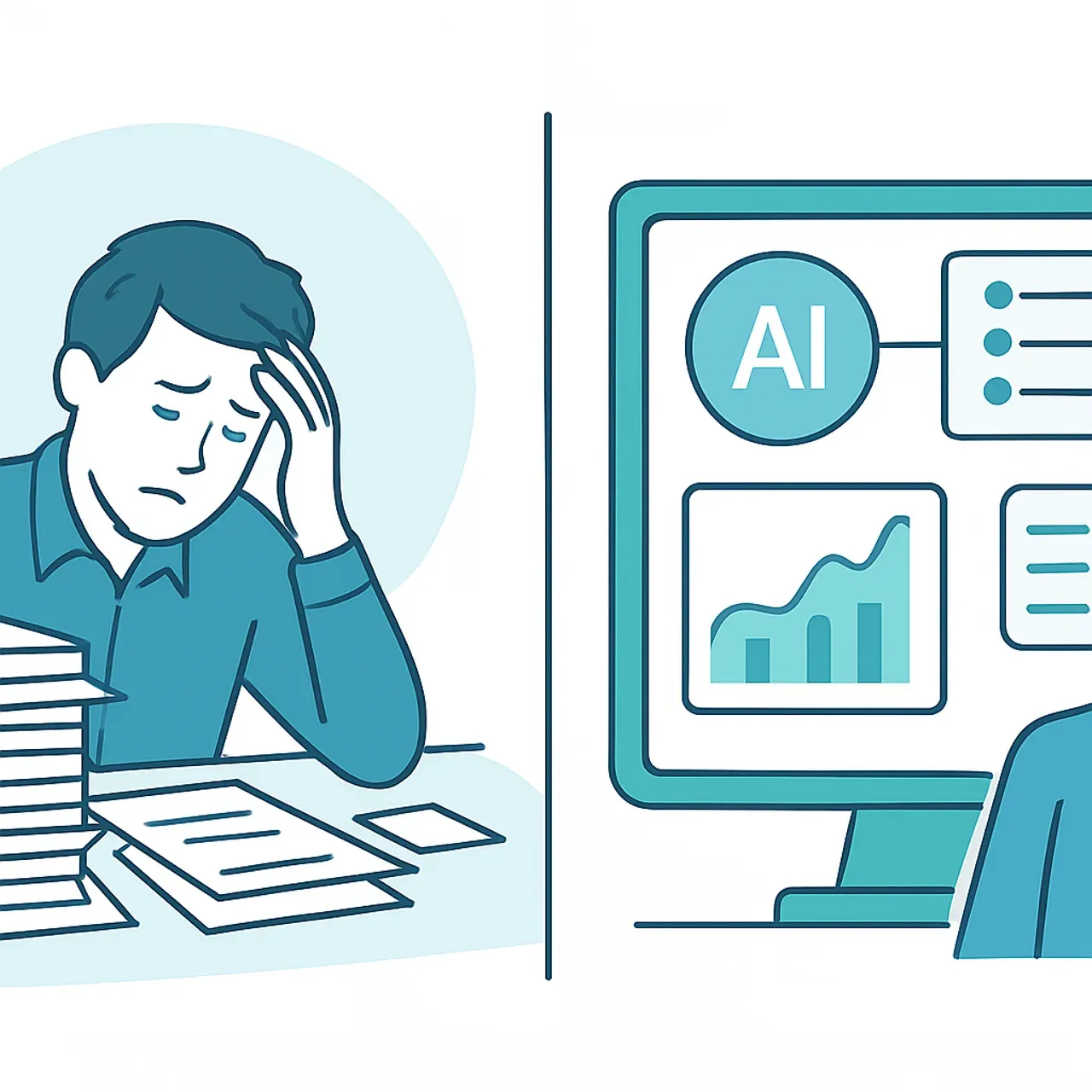
Beyond cost, manual work introduces fatigue errors. A tired accountant transposing digits at 6 PM during month-end close creates downstream problems that take hours to trace. AI does not get tired, and it timestamps every action for a clean audit trail. If you want a partner to design that automation around your stack, the ZoneTechify artificial intelligence services team specializes in exactly this kind of finance workflow.
AI vs Manual Invoice Reconciliation: A Direct Comparison
The table below summarizes the practical differences finance leaders care about most.
| Factor | Manual Reconciliation | AI Reconciliation Software |
|---|---|---|
| Speed per 1,000 invoices | Days | Minutes to hours |
| Error rate | High (human fatigue) | Very low (under 1%) |
| Cost per invoice | $10 to $15 | $2 to $3 |
| Audit trail | Often incomplete | Automatic and timestamped |
| Scalability | Needs more staff | Scales instantly |
| Exception focus | Reviews everything | Reviews only flagged items |
| Learning over time | No | Yes |
The pattern is clear: manual work scales linearly with headcount, while AI scales with compute. As volume grows, the gap widens dramatically in favor of automation.
Key Features to Look For in 2026
Not all platforms are equal. Based on real deployments, prioritize these capabilities when comparing vendors.
- Three-way matching: Confirms invoice, purchase order, and receipt agree before payment.
- Multi-format ingestion: Handles PDF, email, EDI, and scanned paper without custom setup.
- Configurable tolerances: Lets you set acceptable variance per vendor or category.
- ERP integration: Connects natively to QuickBooks, NetSuite, SAP, or Xero so data flows both ways.
- Explainable AI: Shows why a match or flag occurred, which auditors and regulators increasingly require.
- Role-based access and audit logs: Protects sensitive financial data and supports compliance.
A platform missing explainability or ERP integration will create friction that erases your time savings. Insist on a live demo using your own sample invoices before signing.
How to Implement AI Reconciliation Without Disruption
A smooth rollout follows a deliberate sequence rather than a big-bang switch. Here is the approach I recommend to teams.
- Map your current process. Document every step, exception type, and approval rule before automating, so you do not encode bad habits.
- Start with one vendor segment. Pilot on high-volume, low-complexity suppliers to build confidence and a training dataset.
- Run in parallel. For four to six weeks, let AI and manual processes run side by side and compare results to validate accuracy.
- Tune tolerances and rules. Adjust thresholds based on real exceptions before scaling up.
- Expand and monitor. Roll out to remaining vendors, then track match rate and exception volume as health metrics.
This staged method protects cash flow and gives your team time to trust the system. For deeper analysis of automation strategy, WebPeak publishes practical guidance on deploying AI in business operations.

Measuring Return on Investment
ROI from reconciliation software shows up in three measurable areas: labor hours saved, error and penalty reduction, and faster close cycles. A team processing 5,000 invoices monthly that moves from $12 to $3 per invoice saves $45,000 per month in processing costs alone, before counting recovered duplicate payments or avoided late fees.
Track these metrics from day one: average processing time per invoice, exception rate, percentage of touchless invoices, and days to close. If touchless processing climbs above 80% within three months, your implementation is healthy. If it stalls below 50%, revisit your data quality and matching rules rather than blaming the model.
The Future of AI in Accounting
Reconciliation is the entry point, not the destination. The next wave includes predictive cash-flow forecasting, autonomous payment scheduling, and real-time fraud detection that learns from network-wide patterns. As large language models mature, expect software that drafts vendor dispute emails, explains variances in plain English, and answers a CFO's questions conversationally.
Finance roles will shift from data entry toward analysis, strategy, and exception judgment. The professionals who thrive will be those who treat AI as a tireless junior analyst they supervise, not a black box they fear.
Key Takeaways
- AI invoice reconciliation software uses OCR and machine learning to extract, match, and flag invoice data automatically.
- Manual invoice processing costs $10 to $15 per invoice; automation drops this to $2 to $3.
- AI typically reduces reconciliation errors to under 1% and cuts close cycles from days to hours.
- The strongest platforms offer three-way matching, ERP integration, configurable tolerances, and explainable AI.
- A staged rollout, piloting on one vendor segment and running in parallel, minimizes disruption.
- Target 80% touchless processing within three months as a sign of a healthy deployment.
Frequently Asked Questions (FAQ)
What is AI invoice reconciliation software?
It is a tool that uses machine learning and OCR to automatically read invoices, match them against purchase orders and payments, and flag discrepancies. It removes most manual data entry, letting accountants focus only on genuine exceptions rather than reviewing every single transaction by hand.
How accurate is AI invoice matching?
Modern AI reconciliation tools reach over 95% field-extraction accuracy and keep matching errors under 1% once trained on your data. Accuracy improves over time because the model learns from every human-resolved exception, recognizing your vendors, tolerances, and recurring edge cases automatically.
Is AI reconciliation software safe for sensitive financial data?
Yes, when the platform offers role-based access, encryption, and complete audit logs. Reputable vendors comply with standards like SOC 2 and provide timestamped trails of every action. Always confirm data residency and security certifications before connecting the software to your accounting system.
How long does it take to implement?
Most teams see a working pilot within two to four weeks and full deployment within two to three months. Running AI and manual processes in parallel for four to six weeks validates accuracy before you fully rely on automation, which protects cash flow during the transition.
Will AI replace accountants?
No. AI handles repetitive matching and data entry, but humans still judge complex exceptions, set policy, and analyze results. The role shifts toward strategy and oversight. Accountants who learn to supervise automation become more valuable, not less, as routine tasks disappear from their workload.
Which businesses benefit most from this software?
Any organization processing high invoice volumes benefits, especially in retail, manufacturing, logistics, and professional services. If your team handles more than a few hundred invoices monthly or struggles with slow month-end close, AI reconciliation delivers fast, measurable returns in time and cost savings.